


Server Motherboards - Showing 505 - 528 of 1936 Products


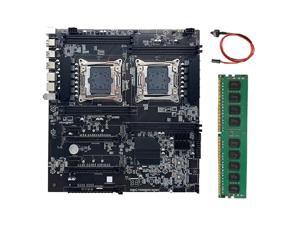
X99 Dual-Socket Motherboard LGA2011-3 Dual CPU Support RECC DDR4 Memory with DDR4 ...
- CPU Type: Intel Atom
- Model #: ff-rr-256
- Item #: 9SIVSYTKUS5194
- Return Policy: SuZhouLiYuanLiXinBaiHuo Return Policy
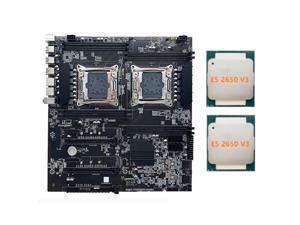
X99 Dual-Socket Motherboard LGA2011-3 Dual CPU Support RECC DDR4 Memory Computer ...
- CPU Type: Intel Atom
- Model #: ff-rr-286
- Item #: 9SIVSYTKUS4960
- Return Policy: SuZhouLiYuanLiXinBaiHuo Return Policy
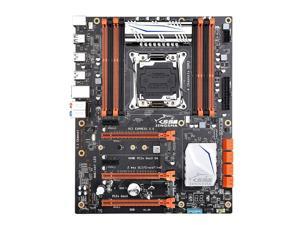
X99 Motherboard Set with E5 2678 V3 DDR3 32GB(4*8GB) Supports USB3.0 NVME M.2 SSD Up ...
- CPU Type: Dual Intel Xeon
- Model #: B2B-U-A039
- Item #: 9SIVSYTKUS4967
- Return Policy: SuZhouLiYuanLiXinBaiHuo Return Policy
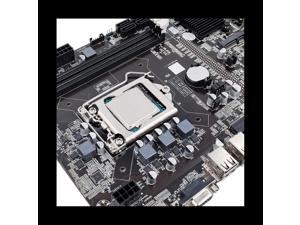
B75 12GPU BTC Mining Motherboard+G1630 CPU+DDR3 4GB 1600Mhz RAM+128G SSD ...
- CPU Type: Intel Atom
- Model #: ff-rr-208
- Item #: 9SIVSYTKUS5209
- Return Policy: SuZhouLiYuanLiXinBaiHuo Return Policy
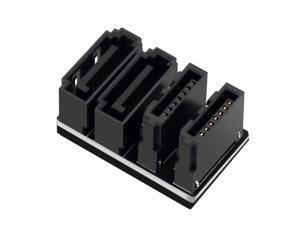
PH572_180 motherboard with dual-side SATA 7PIN dual interfaces and 180-90 degree ...
- Model #: WC5K8-0304-3
- Item #: 9SIVSM8KT75627
- Return Policy: Guohuashangmao Return Policy
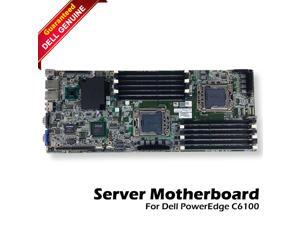

Dell PowerEdge C6100 Intel Dual LGA1366 Socket Motherboard 971VF 6NR86
- CPU Type: Intel 5520
- Model #: 6NR86
- Item #: 9SIVG1JK6X4985
- Return Policy: Fastparts Return Policy
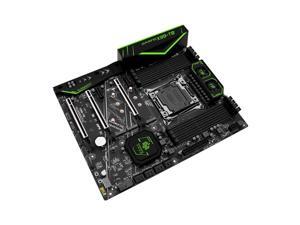
X99-T8 Motherboard LGA 2011-3 USB3.0 NVME M.2 SSD Support DDR3 REG ECC Memory and ...
- CPU Type: Intel Atom
- Model #: ff-rr-532
- Item #: 9SIVSYTKUS4978
- Return Policy: SuZhouLiYuanLiXinBaiHuo Return Policy
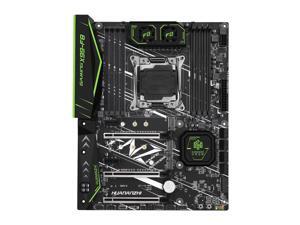
F8 X99 Motherboard Set with Intel XEON E5 2666 V3 2x8GB DDR4 2400 REG ECC Memory ...
- CPU Type: Intel Atom
- Model #: ff-rr-544
- Item #: 9SIVSYTKUS4946
- Return Policy: SuZhouLiYuanLiXinBaiHuo Return Policy
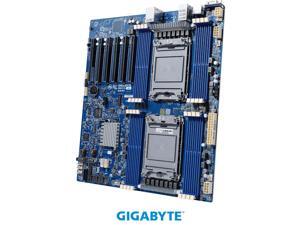

GIGABYTE MD72-HB3 Extended ATX Server Motherboard Dual Socket P+ Intel C621A
- Brand: GIGABYTE
- CPU Socket Type: Dual Socket P+
- CPU Type: Supports 3rd Generation Intel Xeon Scalable Processors
- North Bridge: Intel C621A
- Number of DDR4 Slots: 16 x 288-pin
- DDR4 Standard: DDR4 3200
- Maximum Memory Supported: 256GB
- PCI Express 4.0 x16: Slot_6: 1 x PCIe x16 (Gen4 x16 bus) slot, from CPU_0 Slot_5: 1 x PCIe x16 (Gen4 x16 bus) slot, from CPU_1 Slot_4: 1 x PCIe x16 (Gen4 x16 bus) slot, from CPU_1 Slot_3: 1 x PCIe x16 (Gen4 x16 bus) slot, from CPU_0 Slot_2: 1 x PCIe x16 (Gen4 x16 bus) slot, from CPU_0 Slot_1: 1 x PCIe x16 (Gen4 x16 bus) slot, from CPU_1
- Model #: MD72-HB3
- Item #: 9SIVR6NKUV2910
- Return Policy: Tulibao-US Return Policy
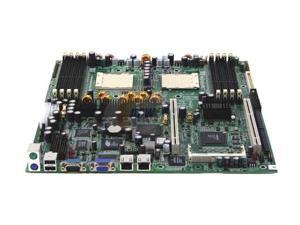
Refurbished: Tyan S2881UG2NR Thunder K8SR Socket-940 AMD-8131 16Gb Ultra 320 SCSI ...
- Model #: S2881UG2NR
- Item #: 9SIVSYTKUS5180
- Return Policy: SuZhouLiYuanLiXinBaiHuo Return Policy

Refurbished: Supermicro X6DHE-G2 IE7520 Dual XEON Socket604 SATA Video LAN E-ATX ...
- Model #: X6DHE-G2
- Item #: 9SIV2GE9XZ5744
- Return Policy: TechSavers Return Policy

Refurbished: Asus TX97-XE Intel 430TX Chipset 4 PCI 233Mhz Motherboard without ...
- Model #: TX97-XE
- Item #: 9SIV2GECBA5282
- Return Policy: TechSavers Return Policy
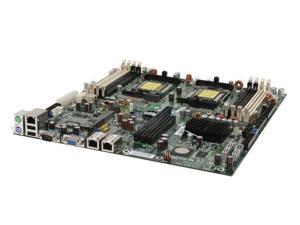
Refurbished: Tyan Thunder S2912WG2NR n3600R NVidia NForCE Professional 3600 AN ...
- Model #: S2912WG2NR
- Item #: 9SIVSYTKUS4944
- Return Policy: SuZhouLiYuanLiXinBaiHuo Return Policy
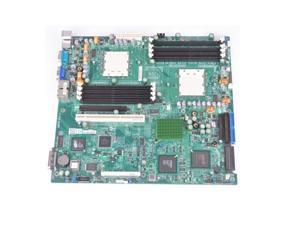
Refurbished: Supermicro H8DAR-8 AMD 8131/AMD 8111 Dual Socket-940 SCSI Video LAN ...
- Model #: H8DAR-8
- Item #: 9SIV2GE9XZ5314
- Return Policy: TechSavers Return Policy
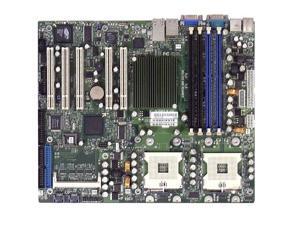
Refurbished: Supermicro X5DPA-TGM+ Intel-E7501 Socket-mPGA604 DDR-266MHz ATX ...
- Model #: X5DPA-TGM+
- Item #: 9SIV2GEAMB5289
- Return Policy: TechSavers Return Policy
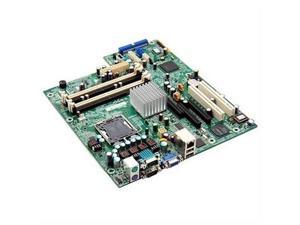

Refurbished: Acer V58XA Socket 478 w/AMD-K6 266MHz Server Motherboard
- Model #: V58XA
- Item #: 9SIV2GEAMB5351
- Return Policy: TechSavers Return Policy
Refurbished: Supermicro PDSME IE7230 LGA775-Socket Serial ATA-300 1066Mhz ATX ...
- Model #: PDSME .
- Item #: 9SIV2GECBM5255
- Return Policy: TechSavers Return Policy
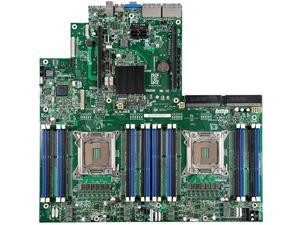

Refurbished: Intel S2600GZ4 Xeon E5-2600 Series Socket-Dual LGA2011 768Gb ...
- Model #: S2600GZ4
- Item #: 9SIV2GEAMB5226
- Return Policy: TechSavers Return Policy
Refurbished: Intel DBS2600CW2R Xeon E5-2600 V3 LGA2011-V3 DDR4 SDRAM SSI EEB ...
- CPU Type: Intel Core i7
- Model #: DBS2600CW2R
- Item #: 9SIV2GEJRP9069
- Return Policy: TechSavers Return Policy
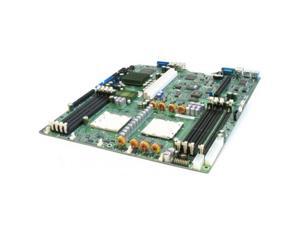
Refurbished: Supermicro H8DAR-T AMD-8111 / AMD-8132 Dual Socket-PGA940 SATA 32Gb ...
- Brand: SUPERMICRO
- CPU Socket Type: Socket P
- CPU Type: Opteron
- North Bridge: AMD 8132
- DDR3 Standard: DDR SDRAM
- Maximum Memory Supported: 32GB
- SCSI: Floppy Controller Serial ATA/150 Ultra ATA/133 (ATA-7)
- Onboard Video Chipset: AMD
- Model #: H8DAR-T
- Item #: 9SIV2GE9895087
- Return Policy: TechSavers Return Policy
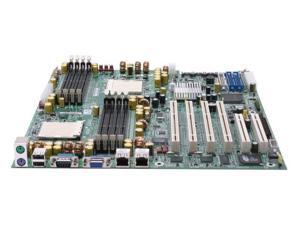
Refurbished: Iwill DK8S2-SATA Chipset-AMD 8131 SKT-Dual940 DDR-400 PC-3200 SATA ...
- Model #: DK8S2-SATA
- Item #: 9SIV2GE93N7259
- Return Policy: TechSavers Return Policy
Refurbished: IWILL QK8S-HT Quad AMD Socket-940 Server Motherboard - No Accessories
- Model #: QK8S-HT
- Item #: 9SIVSYTKUS5451
- Return Policy: SuZhouLiYuanLiXinBaiHuo Return Policy
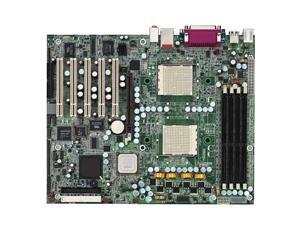
Refurbished: Tyan S2875ANRF Tiger K8W AMD-8151 Socket 940 Serial ATA-150 ATX ...
- CPU Type: Dual AMD Opteron
- South Bridge: AMD 8111
- Other Chipset: Winbond W83627HF Super I/O ASIC
- Number of DDR Slots: 4 x 184Pin
- DDR Standard: DDR 400 (PC 3200)
- Maximum Memory Supported: 8GB
- ECC Supported: Yes
- Registered: Yes
- Model #: S2875ANRF
- Item #: 9SIV2GEBKY3641
- Return Policy: TechSavers Return Policy
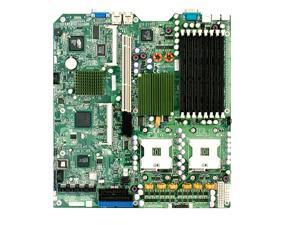
Refurbished: Supermicro X6DHR-TG Intel E7520 chipset Dual-Xeon 2 sockets S604 DDR333 ...
- Model #: X6DHR-TG
- Item #: 9SIV2GE9894958
- Return Policy: TechSavers Return Policy
Tips for Buying a Server Motherboard
What is a server motherboard?
A server motherboard is an integral component that interconnects the processor, memory, storage drives, network interface cards, and other hardware. Compared to a desktop motherboard, a server motherboard is designed for long periods of continuous use with high levels of efficiency. It needs to be able to process many simultaneous requests from network computers. Because of those two requirements, server motherboards and the components they support must maintain high levels of reliability while under heavy workload.
General Server Motherboard Tips
Form factor
Server motherboards can be found in a variety of different form factors. While the standard (Advanced Technology eXtended) ATX form factor is common for both desktop and servers, there a few server-specific motherboard form factors. When matching a server motherboard with a case, be sure to check for form factor compatibility.
Processor Support
Some server motherboards support multiple processors, which allow a server to handle a greater workload. Server processors have slight differences from their desktop counterparts. A server processor will typically have more error correction features for increased reliability and are designed to run for longer periods of time at higher workloads than a desktop processor.
Memory
Servers use a special type of memory that supports a feature called error correction code (ECC), sometimes referred to as ECC memory. ECC detects and corrects many common types of errors in the memory. It is ideal for servers because data corruption for a server can lead to problems for many client computers.
Some server motherboards are compatible only with ECC memory while others can use non-ECC memory as well. However, if your server will be handling the needs of many client computers, you will want to use ECC memory.
Hard Drives
Unlike a desktop computer, servers rarely have just one data storage drive. Most have multiple drives configured in a redundant array of independent disks (RAID) setup. A RAID setup can duplicate data across multiple drives to decrease chances of data loss or corruption. It can also fragment data across multiple drives for increased read/write performance. A server motherboard typically features RAID hardware onboard, but some IT professionals prefer to use RAID add-on cards to manage a RAID configuration.
Cooling
The components in a server can potentially generate great amounts of heat, especially the processor. If the motherboard and other components are not properly cooled, they will eventually overheat. The consequences of overheating can range from lowered efficiency to catastrophic failure, depending how long the server has been overheating. In addition to ensuring that the system has adequate internal cooling, the server is in should be kept relatively cool environment. In a room with multiple servers in a densely packed configuration, you will want to carefully monitor and control the temperature.
Expansion Slots
Also sometimes referred to as add-on slots, they can be used to add a host of extra features to a server. When selecting a motherboard, you should anticipate future growth and select a server motherboard that has a more than adequate amount of expansion slots.

