


Server Motherboards - Showing 553 - 576 of 753 Products


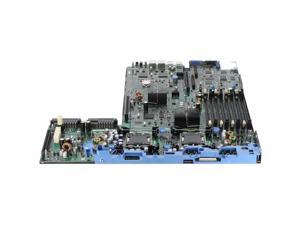

Refurbished: Dell PE R210V1 Motherboard (5KX61)
- Brand: DELL
- CPU Type: Rack
- Model #: 011110318237
- Item #: 9SIV1MCK9A1967
- Return Policy: xByte Technologies Return Policy
Refurbished: Dell 8HT8T Server Motherboard for EMC PowerEdge R640 - 2x Intel Xeon ...
- Model #: 8HT8T
- Item #: 9SIV1JDKC69016
- Return Policy: Avanti Data Products Return Policy
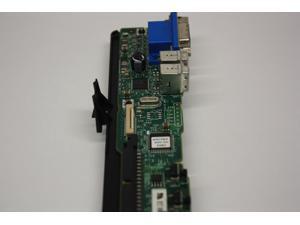
Refurbished: DELL 0JH878 I/O CONTROL PANEL POWEREDGE 2950 2900 1900
- Model #: 0JH878
- Item #: 9SIV1JD7AM8500
- Return Policy: Avanti Data Products Return Policy
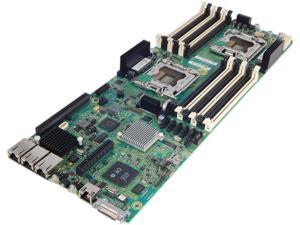

Refurbished: HP Assembly Node SL140S Gen8 Motherboard 687246-001 AS# 647054-001
- Parts: 90 day warranty
- Model #: 687246-001
- Item #: 9SIVSYTKUS4708
- Return Policy: SuZhouLiYuanLiXinBaiHuo Return Policy
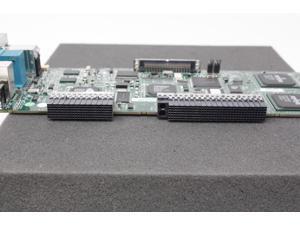
Refurbished: DELL J3082 POWEREDGE 6650 6600 I/O BOARD
- Model #: 0J3082
- Item #: 9SIV1JD7AM9051
- Return Policy: Avanti Data Products Return Policy
Refurbished: DELL NK189 POWEREDGE M600 VIDEO RISER BOARD CN-0NK189
- Model #: NK189
- Item #: 9SIV1JD7AM9421
- Return Policy: Avanti Data Products Return Policy
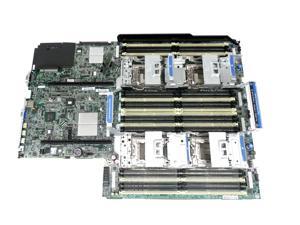
Refurbished: 801949-001 HP Proliant DL560 Gen8 G8 V2 System Board
- Model #: 801949-001
- Item #: 9SIVSYTKUS4691
- Return Policy: SuZhouLiYuanLiXinBaiHuo Return Policy
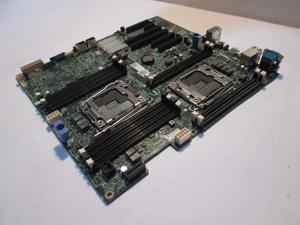
Refurbished: XNNCJ Dell PowerEdge T430 Dual LGA 2011 v3 System Board / 2 Year Warranty
- Model #: XNNCJ
- Item #: 9SIV1JDKC76181
- Return Policy: Avanti Data Products Return Policy
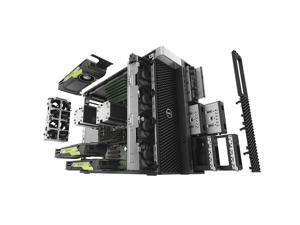
Refurbished: RN4PJ / Dell Precision T7920 Main Logic Board RN4PJ
- Brand: DELL
- CPU Type: PRECISION
- System Bus: RN4PJ / Dell Precision T7920 Main Logic Board RN4PJ
- Model #: RN4PJ
- Item #: 9SIV1JDKC63738
- Return Policy: Avanti Data Products Return Policy
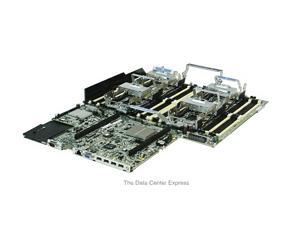
Refurbished: HP DL560 Gen8 System Board 696237-001
- CPU Type: Dual Intel Xeon
- Model #: 696237-001
- Item #: 9SIV1JD9BR3270
- Return Policy: Avanti Data Products Return Policy
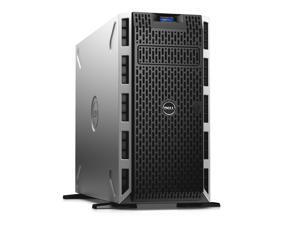
Refurbished: ASSEMBLY, PRINTED WIRING ASSY, PLANAR (MOTHERBOARD ONLY) ...
- Brand: DELL
- CPU Type: Dell 975F3 System Board PowerEdge V2
- Model #: 975F3
- Item #: 9SIVSYTKUS4719
- Return Policy: SuZhouLiYuanLiXinBaiHuo Return Policy
Refurbished: Hp ProLiant BL460 G7 System Board (612648-002)
- CPU Type: Intel Atom
- Model #: 612648-002
- Item #: 9SIV1JD7936349
- Return Policy: Avanti Data Products Return Policy
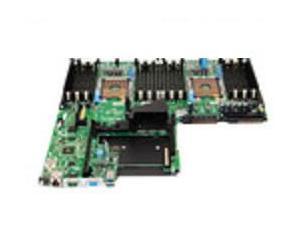
Refurbished: DELL W23H8 Motherboard For DELL Emc Poweredge R640.
- Model #: W23H8
- Item #: 9SIV1JDKC69021
- Return Policy: Avanti Data Products Return Policy
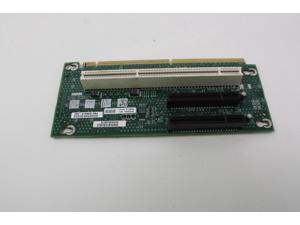

Refurbished: INTEL PBA-D25527-301 INTEL PCI EXPRESS RISER CARD CIRCUIT BOARD PBA ...
- Model #: PBA-D25527-301
- Item #: 9SIV1JD7AM8644
- Return Policy: Avanti Data Products Return Policy
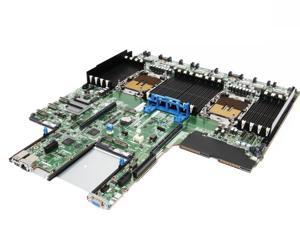
Refurbished: HPE P53214-001 Proliant Dl360 G11 / Dl380 G11 System Board Two Fclga4677 ...
- Model #: P53214-001
- Item #: 9SIV1JDKC68724
- Return Policy: Avanti Data Products Return Policy
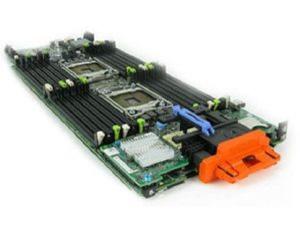
Refurbished: 4VJW2 DELL POWEREDGE M620 SYSTEM BOARD LGA-2011-0 SOCKET
- Model #: 4VJW2
- Item #: 9SIV1JDKC65484
- Return Policy: Avanti Data Products Return Policy
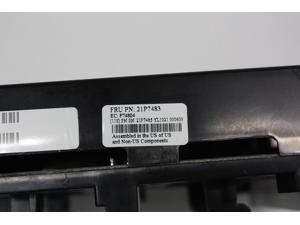
Refurbished: IBM 21P7485 21P7483 POWER DISTRIBUTION BOARD BACKPLANE
- Model #: 21P7485
- Item #: 9SIV1JD7AM8599
- Return Policy: Avanti Data Products Return Policy
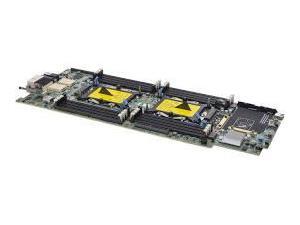
Refurbished: DELL 5YC4P Poweredge Fc640/m640 System Board.
- Model #: 5YC4P
- Item #: 9SIV1JDKC69111
- Return Policy: Avanti Data Products Return Policy
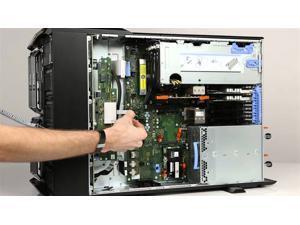
Refurbished: Dell VRTX PowerEdge Main System Board GD3RW / 1 YEAR WARRANTY
- Brand: DELL
- CPU Type: Dell VRTX PowerEdge Main System Board GD3RW
- Model #: GD3RW
- Item #: 9SIV1JDKC64415
- Return Policy: Avanti Data Products Return Policy
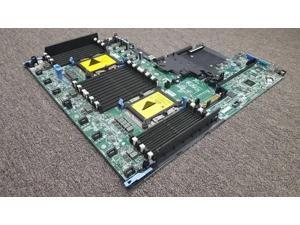
Refurbished: Dell PHRMC Motherboard For EMC R640 Server
- Model #: PHRMC
- Item #: 9SIV1JDKC63938
- Return Policy: Avanti Data Products Return Policy
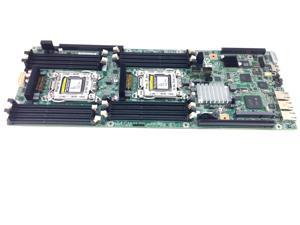
Refurbished: HP SL230S GEN8 IVB ENHANCED SYSTEM BOARD
- Model #: 801946-001
- Item #: 9SIV1JD9BR1490
- Return Policy: Avanti Data Products Return Policy

Refurbished: HPE P19926-001 System Board For Proliant Dl360 G10 Server.
- Model #: P19926-001
- Item #: 9SIV1JDKC68757
- Return Policy: Avanti Data Products Return Policy
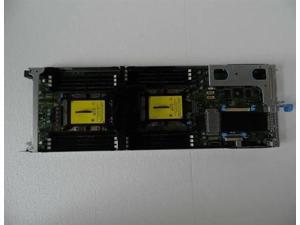
Refurbished: Dell XG00K Motherboard For EMC C6420
- Model #: XG00K
- Item #: 9SIV1JDKC63258
- Return Policy: Avanti Data Products Return Policy
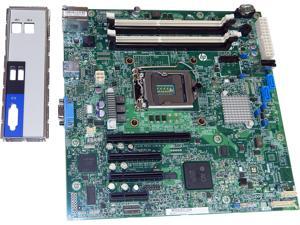
Refurbished: HP Proliant ML10v2 System Motherboard 810842-001 810249-001
- Parts: 90 day warranty
- Model #: 810842-001
- Item #: 9SIVSYTKUS4725
- Return Policy: SuZhouLiYuanLiXinBaiHuo Return Policy
Tips for Buying a Server Motherboard
What is a server motherboard?
A server motherboard is an integral component that interconnects the processor, memory, storage drives, network interface cards, and other hardware. Compared to a desktop motherboard, a server motherboard is designed for long periods of continuous use with high levels of efficiency. It needs to be able to process many simultaneous requests from network computers. Because of those two requirements, server motherboards and the components they support must maintain high levels of reliability while under heavy workload.
General Server Motherboard Tips
Form factor
Server motherboards can be found in a variety of different form factors. While the standard (Advanced Technology eXtended) ATX form factor is common for both desktop and servers, there a few server-specific motherboard form factors. When matching a server motherboard with a case, be sure to check for form factor compatibility.
Processor Support
Some server motherboards support multiple processors, which allow a server to handle a greater workload. Server processors have slight differences from their desktop counterparts. A server processor will typically have more error correction features for increased reliability and are designed to run for longer periods of time at higher workloads than a desktop processor.
Memory
Servers use a special type of memory that supports a feature called error correction code (ECC), sometimes referred to as ECC memory. ECC detects and corrects many common types of errors in the memory. It is ideal for servers because data corruption for a server can lead to problems for many client computers.
Some server motherboards are compatible only with ECC memory while others can use non-ECC memory as well. However, if your server will be handling the needs of many client computers, you will want to use ECC memory.
Hard Drives
Unlike a desktop computer, servers rarely have just one data storage drive. Most have multiple drives configured in a redundant array of independent disks (RAID) setup. A RAID setup can duplicate data across multiple drives to decrease chances of data loss or corruption. It can also fragment data across multiple drives for increased read/write performance. A server motherboard typically features RAID hardware onboard, but some IT professionals prefer to use RAID add-on cards to manage a RAID configuration.
Cooling
The components in a server can potentially generate great amounts of heat, especially the processor. If the motherboard and other components are not properly cooled, they will eventually overheat. The consequences of overheating can range from lowered efficiency to catastrophic failure, depending how long the server has been overheating. In addition to ensuring that the system has adequate internal cooling, the server is in should be kept relatively cool environment. In a room with multiple servers in a densely packed configuration, you will want to carefully monitor and control the temperature.
Expansion Slots
Also sometimes referred to as add-on slots, they can be used to add a host of extra features to a server. When selecting a motherboard, you should anticipate future growth and select a server motherboard that has a more than adequate amount of expansion slots.

