


Server Motherboards - Showing 145 - 168 of 753 Products


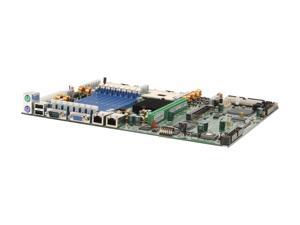
TYAN S5350-D-1UR-RS SSI CEB Server Motherboard Dual mPGA604 Intel E7320
- CPU Type: Dual Intel Xeon
- System Bus: 800 MHz
- South Bridge: Intel 6300ESB
- Number of DDR Slots: 8 x 184Pin
- DDR Standard: DDR 333 (PC 2700)
- Maximum Memory Supported: 16GB
- Channel Supported: Dual Channel
- ECC Supported: Yes
- Model #: S5350-D-1UR-RS
- Item #: 9SIV2GEAMB5274
- Return Policy: TechSavers Return Policy

Supermicro X5SSE-G GS-SL Socket-604 533FSB 4DDR Motherboard
- Model #: X5SSE-G
- Item #: 9SIV2GE9XZ5102
- Return Policy: TechSavers Return Policy
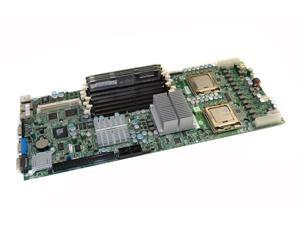
Supermicro X7DWT-INF Xeon S-771 LGA771 1600 MHz 64 Gb DDR2 Motherboard
- Model #: X7DWT-INF
- Item #: 9SIV2GE9XZ6890
- Return Policy: TechSavers Return Policy

Intel S2600WP Xeon E5-2600 Chipset-C600-A Socket-LGA2011 500Gb DDR3-1333MHz ...
- Model #: S2600WP .
- Item #: 9SIV2GEK452957
- Return Policy: TechSavers Return Policy
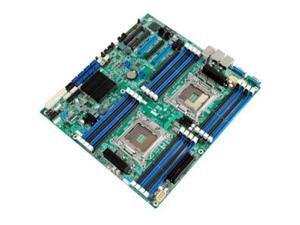
Intel S2600CP4 Server Motherboard - Intel C600-A Chipset - Socket R LGA-2011 - 1 Pack
- Model #: DBS2600CP4
- Item #: 9SIV2GEFRH9731
- Return Policy: TechSavers Return Policy
Intel S2600JFF Custom Server Motherboard
- Brand: Intel
- CPU Socket Type: Dual LGA 2011
- CPU Type: Dual Intel Xeon E5-2600 series (Max TDP=135W)
- Other Chipset: Intel C602 Chipset
- Number of DDR3 Slots: 8 x 240pin
- DDR3 Standard: DDR3 1600/1333
- Maximum Memory Supported: 250GB
- ECC Supported: Yes
- Model #: S2600JFF
- Item #: 9SIV2GEB094197
- Return Policy: TechSavers Return Policy


Dell Inspiron 15 3580 3583 3780 i3-8145U Motherboard TWYDT 0TWYDT LA-G712P
- Brand: DELL
- Part Number: TWYDT
- CPU Type: AMD Ryzen
- Model #: TWYDT
- Item #: 9SIV02WKAR3321
- Return Policy: Tech For Less Return Policy
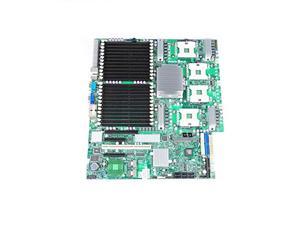
Supermicro X7QC3 Intel 7300 Xeon Socket-604 6-Core FSB-1066MHZ SAS/SATA2 bare ...
- Model #: X7QC3
- Item #: 9SIV2GEAMB5127
- Return Policy: TechSavers Return Policy
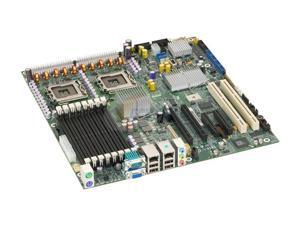
Intel S5000PSLROMBR Server Motherboard Intel 5000P
- CPU Type: Dual Intel Xeon
- System Bus: 1333/1066 MHz
- Number of DDR2 Slots: 8 x 240Pin
- Maximum Memory Supported: 32GB
- ECC Supported: Yes
- Registered: FBDIMM
- PCI Express x8: 2 x PCI Express x8
- PCI Express x4: 2 x PCI Express x4 (x8 Connectors)
- Model #: S5000PSLROMBR
- Item #: 9SIV2GE93N7109
- Return Policy: TechSavers Return Policy
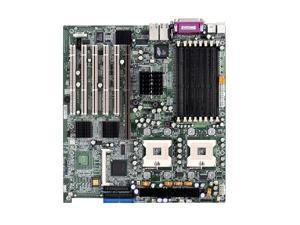
SuperMicro X5DPE-G2 Socket 604 Intel E7501 DDR SDRAM Motherboard
- Model #: X5DPE-G2
- Item #: 9SIV2GE9XZ5642
- Return Policy: TechSavers Return Policy
Intel SAI2 PGA-370 Pentium III DDR SDRAM ATX Server Motherboard
- CPU Type: Intel Atom
- Model #: SAI2
- Item #: 9SIV2GEJU45881
- Return Policy: TechSavers Return Policy
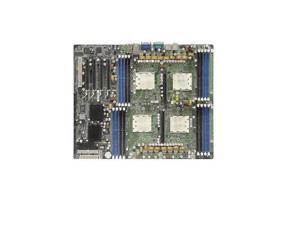
Tyan Thunder (S4885) Server Motherboard - NVIDIA nForce Professional 2200 Chipset - ...
- CPU Type: Opteron
- Maximum Memory Supported: 64GB
- PCI Express x16: 4
- SCSI: Floppy Controller Serial ATA/300 Ultra ATA/100 (ATA-6)
- Onboard Video Chipset: NVIDIA
- Model #: S4885G3NR
- Item #: 9SIV2GEDJT2624
- Return Policy: TechSavers Return Policy
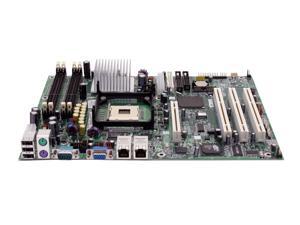
Intel SE7210TP1-E ATX Server Motherboard 478 Intel E7210
- Brand: Intel
- CPU Socket Type: 478
- CPU Type: Intel Pentium 4
- Supported CPU Technologies: Hyper-Threading Technology
- North Bridge: Intel E7210
- Number of DDR Slots: 4 x 184Pin
- DDR Standard: DDR 400 (PC 3200)
- Maximum Memory Supported: 4GB
- Model #: SE7210TP1-E
- Item #: 9SIV2GE9895000
- Return Policy: TechSavers Return Policy
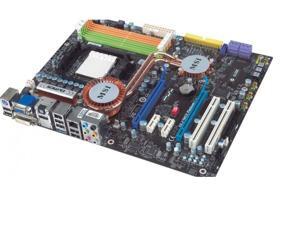

MSI DKA790GX AMD 790GX Socket AM2+ Serial ATA-300 DDR2 SDRAM 2600Mhz ATX ...
- Model #: DKA790GX .
- Item #: 9SIV2GEDPK8379
- Return Policy: TechSavers Return Policy
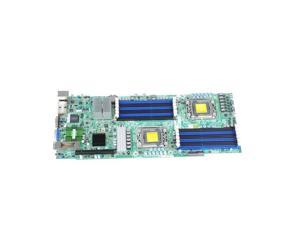
Supermicro MBD-X8DTT-HIBQF+-B LGA-1366 5520 Chipset DDR3 SDRAM Server ...
- Model #: MBD-X8DTT-HIBQF+-B .
- Item #: 9SIV2GEHD71023
- Return Policy: TechSavers Return Policy
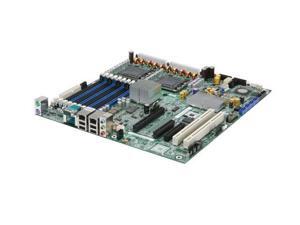
Intel S5000XVNSASR Chipset-5000X Socket LGA-771 32Gb DDR2 SSI EEB 3.6 Workstation ...
- Model #: S5000XVNSASR .
- Item #: 9SIV2GEDPN2970
- Return Policy: TechSavers Return Policy
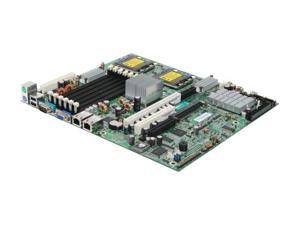
TYAN S5372G2NR-LH Tempest i5000VS Dual LGA 771 Intel 5000V SSI CEB Dual Intel Xeon ...
- Brand: TYAN
- CPU Socket Type: Dual LGA 771
- CPU Type: Dual Intel Xeon
- North Bridge: Intel 5000V
- Other Chipset: SMSC SCH5017 Super I/O chip
- Number of DDR2 Slots: 6 x 240Pin
- DDR2 Standard: DDR2 667
- Channel Supported: Dual Channel
- Model #: S5372G2NR-LH
- Item #: 9SIV2GE93N7325
- Return Policy: TechSavers Return Policy
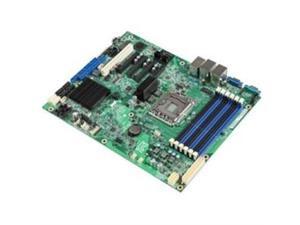
Intel DBS1400FP4 SSI ATX Server Motherboard LGA 1356 Intel C602 DDR3 1600/1333
- Brand: Intel
- CPU Socket Type: LGA 1356
- CPU Type: Intel Xeon
- North Bridge: Intel C602
- Number of DDR3 Slots: 6 x 240pin
- DDR3 Standard: DDR3 1600
- Maximum Memory Supported: 96GB
- ECC Supported: Yes
- Model #: DBS1400FP4
- Item #: 9SIV2GE93N6937
- Return Policy: TechSavers Return Policy
Supermicro X6DVA-4G Server Motherboard - Intel Chipset - Socket PGA-604
- CPU Type: Xeon
- Maximum Memory Supported: 24GB
- PCI Express x4: 1
- SCSI: Floppy Controller Ultra320 SCSI Serial ATA/150 Ultra ATA/100 (ATA-6)
- Onboard Video Chipset: Intel
- Model #: X6DVA-4G
- Item #: 9SIV2GE93N7264
- Return Policy: TechSavers Return Policy
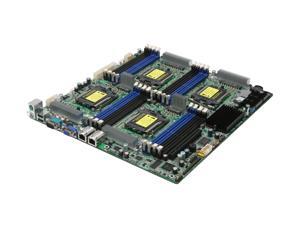
TYAN S4980G2NR Thunder n3600QE Quad 1207(F) NVIDIA nForce Professional 3600 ...
- Brand: TYAN
- CPU Socket Type: Quad 1207(F)
- CPU Type: Four AMD Opteron (Rev.F) 8000 series
- North Bridge: NVIDIA nForce Professional 3600
- Other Chipset: SMSC SCH5017
- Number of DDR2 Slots: 16 x 240Pin
- DDR2 Standard: DDR2 667
- Maximum Memory Supported: 64GB
- Model #: S4980G2NR
- Item #: 9SIV2GE9895418
- Return Policy: TechSavers Return Policy
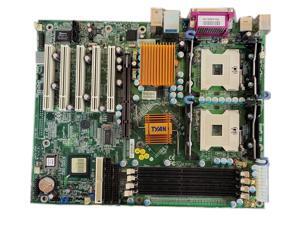
Tyan S2668AN i7505 Intel E7505 Socket 604 Dual Xeon Server ATX Motherboard-No ...
- Model #: S2668AN ..
- Item #: 9SIVSYTKUS5655
- Return Policy: SuZhouLiYuanLiXinBaiHuo Return Policy
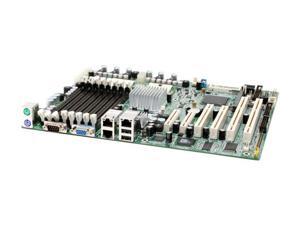
TYAN S5365G3NR ATX Server Motherboard Dual 479 Intel E7520 DDR2 400
- Brand: TYAN
- CPU Socket Type: Dual 479
- CPU Type: Dual Intel Xeon(Dual Core support)
- North Bridge: Intel E7520
- South Bridge: Intel 6300ESB
- Number of DDR2 Slots: 8 x 240Pin
- DDR2 Standard: DDR2 400
- Maximum Memory Supported: 16GB
- Model #: S5365G3NR
- Item #: 9SIV2GE9XZ7152
- Return Policy: TechSavers Return Policy
TYAN S2933G2NR ATX Server Motherboard
- CPU Type: Dual AMD Opteron
- Maximum Memory Supported: 32GB
- SATA: 4 x SATA 3.0Gb/s
- Onboard Video Chipset: XGI Volari Z7
- Max LAN Speed: 2 x 1Gbps
- Parts: 3 years limited
- Labor: 3 years limited
- Model #: S2933G2NR
- Item #: 9SIV2GE9XZ5709
- Return Policy: TechSavers Return Policy
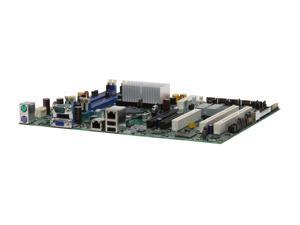
Intel S3210SHLX ATX Server Motherboard LGA 775 Intel 3210 with PXH-V DDR2 800
- CPU Type: Intel Xeon / Core 2
- System Bus: 1333/1066 MHz
- Number of DDR2 Slots: 4 x 240Pin
- Maximum Memory Supported: 8GB
- Channel Supported: Dual Channel
- ECC Supported: Yes
- PCI Express x8: 2 x PCI Express x8
- PCI-X Slots (64-bit 133MHz): 2
- Model #: S3210SHLX
- Item #: 9SIV2GE93N7269
- Return Policy: TechSavers Return Policy
Tips for Buying a Server Motherboard
What is a server motherboard?
A server motherboard is an integral component that interconnects the processor, memory, storage drives, network interface cards, and other hardware. Compared to a desktop motherboard, a server motherboard is designed for long periods of continuous use with high levels of efficiency. It needs to be able to process many simultaneous requests from network computers. Because of those two requirements, server motherboards and the components they support must maintain high levels of reliability while under heavy workload.
General Server Motherboard Tips
Form factor
Server motherboards can be found in a variety of different form factors. While the standard (Advanced Technology eXtended) ATX form factor is common for both desktop and servers, there a few server-specific motherboard form factors. When matching a server motherboard with a case, be sure to check for form factor compatibility.
Processor Support
Some server motherboards support multiple processors, which allow a server to handle a greater workload. Server processors have slight differences from their desktop counterparts. A server processor will typically have more error correction features for increased reliability and are designed to run for longer periods of time at higher workloads than a desktop processor.
Memory
Servers use a special type of memory that supports a feature called error correction code (ECC), sometimes referred to as ECC memory. ECC detects and corrects many common types of errors in the memory. It is ideal for servers because data corruption for a server can lead to problems for many client computers.
Some server motherboards are compatible only with ECC memory while others can use non-ECC memory as well. However, if your server will be handling the needs of many client computers, you will want to use ECC memory.
Hard Drives
Unlike a desktop computer, servers rarely have just one data storage drive. Most have multiple drives configured in a redundant array of independent disks (RAID) setup. A RAID setup can duplicate data across multiple drives to decrease chances of data loss or corruption. It can also fragment data across multiple drives for increased read/write performance. A server motherboard typically features RAID hardware onboard, but some IT professionals prefer to use RAID add-on cards to manage a RAID configuration.
Cooling
The components in a server can potentially generate great amounts of heat, especially the processor. If the motherboard and other components are not properly cooled, they will eventually overheat. The consequences of overheating can range from lowered efficiency to catastrophic failure, depending how long the server has been overheating. In addition to ensuring that the system has adequate internal cooling, the server is in should be kept relatively cool environment. In a room with multiple servers in a densely packed configuration, you will want to carefully monitor and control the temperature.
Expansion Slots
Also sometimes referred to as add-on slots, they can be used to add a host of extra features to a server. When selecting a motherboard, you should anticipate future growth and select a server motherboard that has a more than adequate amount of expansion slots.

