


Webcam - Showing 769 - 792 of 3750 Products
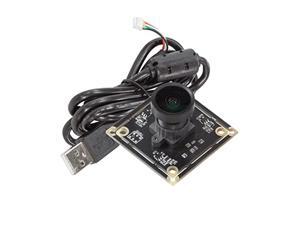
Arducam 5MP Wide Angle USB Camera for Computer, 1/4" CMOS OV5648 Mini UVC USB2.0 ...
- Model #: 990160759439
- Item #: 9SIVTDYKWC8156
- Return Policy: Voltrix Return Policy
2 in 1 Air Purifier Ashtray Multifunctional Smokeless with Filter,Ashtrays for Cigarettes for ...
- Model #: 744655939009
- Item #: 9SIVT2FKWX6873
- Return Policy: YouZiXingBaiHuo Return Policy
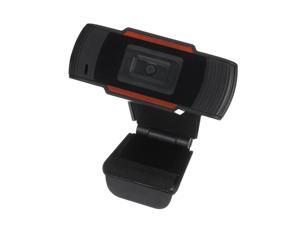
1080P HD Webcam Video Recording USB Web Camera w/Microphone Fr PC Laptop Desktop
- Model #: F90718
- Item #: 9SIVSDPKWA8661
- Return Policy: DigitalDepot Return Policy
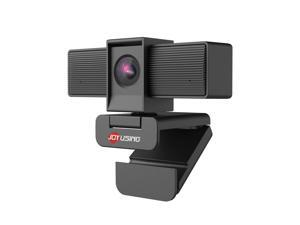
Flip600S 4K Webcam for PC, Ultra HD Webcam with tripod, PDAF Autofocus, Noise-Cancelling ...
- Brand: JOYUSING
- Name: Flip600S
- Interface: USB
- Image Sensor: 8 megapixels
- Max. Image Resolution: 4K
- Video Capture Resolution: 4K
- Focus Settings: Auto Focus
- Lens: Wide Angle
- Model #: 989020272506
- Item #: 9SIVSS6KWM6140
- Return Policy: TongXiangDianZiShangWu Return Policy
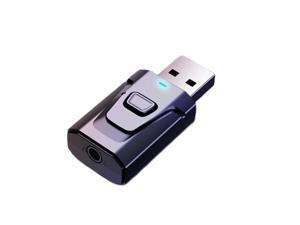
USB Bluetooth Transmitter for TV with Clear Sound Quality Plug and Play Stable, 5.0 Bluetooth ...
- Model #: 594971594588
- Item #: 9SIVT2FKWU9284
- Return Policy: YouZiXingBaiHuo Return Policy
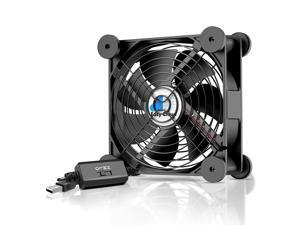
USB Computer Fan, 120mm USB Fan with 3 Speeds Controller Small PC USB Fans for Cooling ...
- Model #: 376288723730
- Item #: 9SIVT2CKWV9452
- Return Policy: NingJingDeXiaTian Return Policy
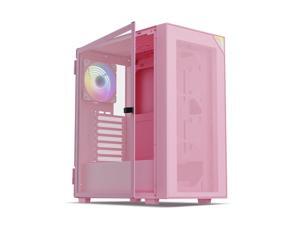
Vetroo AL800 Mid Tower ATX PC Computer Case - Door Opening Design Tempered Glass, ...
- Model #: 922034537694
- Item #: 9SIVSC0KX20626
- Return Policy: DuoDuoShangHang Return Policy
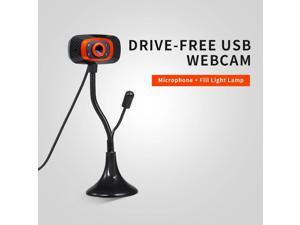
USB Webcam Web Camera with Microphone Light web cam PC camera for PC Computer Plug ...
- Model #: 1-Web-Camera1826
- Item #: 9SIVPXNKM04269
- Return Policy: yinyueshengdianzishangwuyouxiangongsi Return Policy
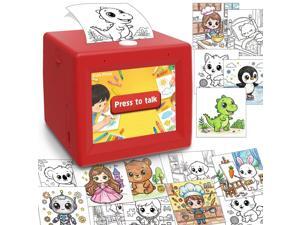
AI Mini Sticker Printer Toy for Kids - Interactive Voice Controlled Portable Thermal Inkless ...
- Model #: 899389939886
- Item #: 9SIVSC0KWY2702
- Return Policy: DuoDuoShangHang Return Policy
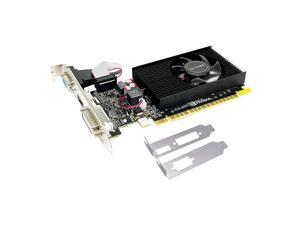
GT 210 Graphic Card,1024 MB,DDR3,64 Bits,HDMI,DVI,VGA,589 MHz Core Frequency ...
- Model #: 534076090772
- Item #: 9SIVT4VKXP5686
- Return Policy: halongzhiUKshop Return Policy
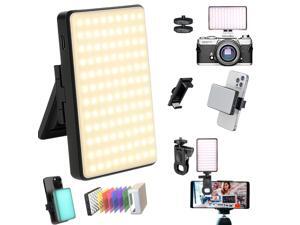
Clip-on Selfie Phone Light Video Recording 120 Rechargeable CCT LEDs with 6 Color Filters, ...
- Model #: 773201666153
- Item #: 9SIVT2FKWU7582
- Return Policy: YouZiXingBaiHuo Return Policy
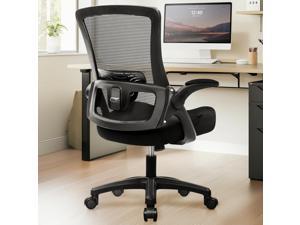
Office Desk Chair Computer High Back Mesh Gaming Seat with Ergonomic Adjustable Comfy ...
- Model #: 479318389207
- Item #: 9SIVSC0KWM3996
- Return Policy: DuoDuoShangHang Return Policy
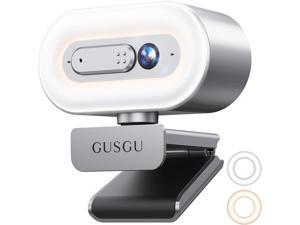
GUSGU G920 2K Quad HD Webcam for PC, Auto Focus, with Microphone & Light & Privacy Cover, ...
- Model #: Lan178342456387268
- Item #: 9SIVNUDKKR4185
- Return Policy: DigitalFlash Return Policy
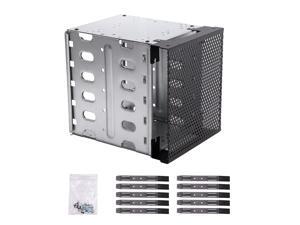
Steel Hard Drive Cage, 5.25" to 5x 3.5" SAS SATA HDD Cage for Computer, Hard Driver Tray ...
- Model #: 650995269530
- Item #: 9SIVSC0KX19398
- Return Policy: DuoDuoShangHang Return Policy
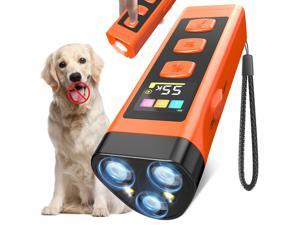
Dog Bark Deterrent Device, Color Display 2000 mAh Rechargeable Ultrasonic Anti-Barking ...
- Model #: 857774762517
- Item #: 9SIVT2FKWU5979
- Return Policy: YouZiXingBaiHuo Return Policy
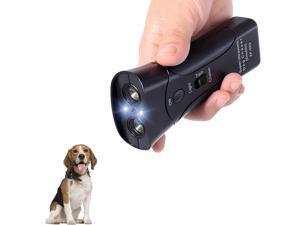
Ultrasonic Dog Bark Deterrent Devices,Anti Barking Device for Dogs,Portable No Barking ...
- Model #: 718634631216
- Item #: 9SIVT2FKWX4560
- Return Policy: YouZiXingBaiHuo Return Policy
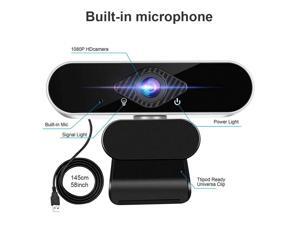
SA Full HD 1080p Webcam, Webcam with Microphone Streaming Computer Web Cam for PC ...
- Brand: Tropro
- Name: Full HD 1080p Webcam, Webcam with Microphone Streaming Computer Web Cam for Pc Laptop Desktop Rotation Computer Camera Highly Compatible with Win10/8/8.1/7/XP Linux Mac
- Interface: USB
- Max. Image Resolution: 1920 x 1080
- Video Capture Resolution: 1920 x 1080
- Frame Rate: 30 fps
- Focus Settings: Auto Focus
- Operating Systems Supported: Windows XP/7/8/8.1, Win 10 and higher, Android V5.0, OS, Vista, MAC OS10.6 or higher. It widely connects with PC, Desktop, Laptop, Mac, Mac Book, Smart TV, and LCD Monitors. supports mass social media and game Apps, like SKY GO, Netflix, OBS, Xbox, YouTube, Facebook, Face Time and more.
- Model #: GD43-X
- Item #: 9SIVGEGKSZ4402
- Return Policy: ZerKorr Power Return Policy
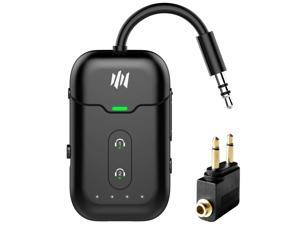
Premium Airplane Bluetooth 5.4 Transmitter Adapter,Supports 2 AirPods/Headphones ...
- Model #: 508325920634
- Item #: 9SIVT2FKWU8629
- Return Policy: YouZiXingBaiHuo Return Policy
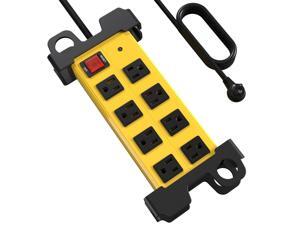
8 Outlet Heavy Duty Power Strip, 2700J Surge Protector with 6FT Extension Cord, Industrial ...
- Model #: 549372893265
- Item #: 9SIVT2CKWX1093
- Return Policy: NingJingDeXiaTian Return Policy
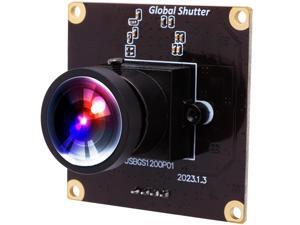
Wecamera_usb High Speed Wide Angle Global Shutter USB Camera Module for Computer ...
- Model #: 9435761201679
- Item #: 9SIVTDYKWD6603
- Return Policy: Voltrix Return Policy
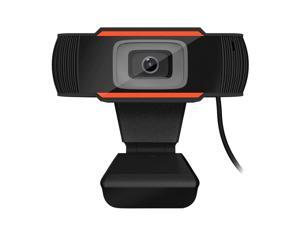
Web Camera 1080P HD Computer Camera Webcams with Microphone Computer Camera ...
- Model #: 1-Web-Camera2823
- Item #: 9SIV9F7KE27501
- Return Policy: Fashion Technology Return Policy
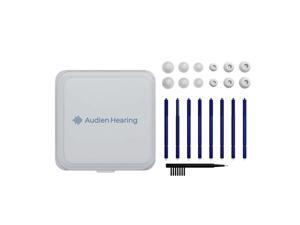
Aid Wax Guard Kit Compatible with Audien Atom One Hearing Aids - Includes Protective Case, ...
- Model #: 591870360210
- Item #: 9SIVT2FKWX6087
- Return Policy: YouZiXingBaiHuo Return Policy
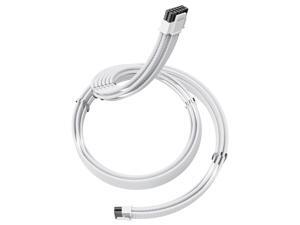
12V-2×6 PCIE 5.1 GPU Cable, 16 Pin 12VHPWR PSU Cable for ATX 3.1/3.0 Power Supply,600W ...
- Model #: 360931898915
- Item #: 9SIVSC0KWM8710
- Return Policy: DuoDuoShangHang Return Policy
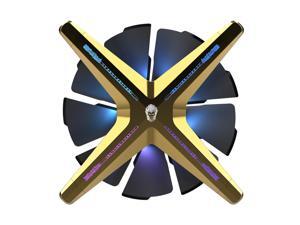
ALSEYE X12 Case Fan ARGB PWM Computer Air Cooling Fan - High Performance Silent ...
- Model #: 697276888233
- Item #: 9SIVSC0KX23709
- Return Policy: DuoDuoShangHang Return Policy
How to Choose the Right Webcam
Introduction
Adding a webcam to your conference calls and online conversations can enhance the experience for both you and the other party. In addition, it is a more economical and environmentally-friendly alternative to paying for a plane ticket and flying in for a face-to-face meeting in another city. Before purchasing a webcam however, you should consider how it will be used and what features you.
Video Resolution
Similar to a monitor or a HDTV, a webcam’s video resolution is represented as the number of horizontal pixels by vertical pixels. A few of the more common resolutions include 640 × 480, 1280 × 720 (720p), and 1920 × 1080 (1080p). A higher resolution means that the video you capture will be sharper and more detailed. For HD video recording, you will need a webcam that is capable of at least 720p video capture.
Image Resolution
Aside from recording and sending live video, a web cam can also be used to take still images. Some webcams have their video and image resolutions listed separately, with the latter rated in megapixels. If you plan to use the webcam to take still photos, you should try to find one that has a high megapixel rating.
Frame Rate
Along with resolution, frame rate is another important factor for capturing video. A higher frame rate will result in a smoother video with less stuttering. Some webcams are capable of 30 frames per second video recording, though more budget-oriented models may have frame rates that are slightly lower than that.
Microphone
For recording audio, you can either utilize a webcam’s built-in microphone or connect a dedicated microphone. A built-in microphone is usually adequate for most tasks that do not require professional-grade sound recording. If you plan to record or live stream studio-quality audio however, you will want to utilize a dedicated microphone.
Mounting
There are several different mounting methods and designs for webcams. Some need to be clipped on, others require a flat horizontal surface, and a few even support tripods. Clip-on webcams are excellent for use with thin LCD monitors and laptops but not for thicker objects such as desktop towers or CRT monitors. A freestanding webcam is beneficial if you have a large flat surface such as the top of a tower or perhaps a conference table.

