


Webcam - Showing 817 - 840 of 4418 Products
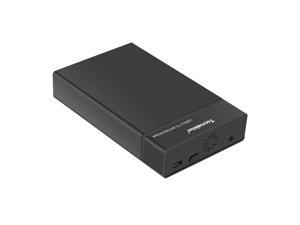
USB 3.0 External Hard Drive Enclosure for 2.5 3.5 Inch SATA I/II/III HDD SSD Up to 20TB, 3.5'' ...
- Model #: 318630489925
- Item #: 9SIVT2CKWW2187
- Return Policy: NingJingDeXiaTian Return Policy
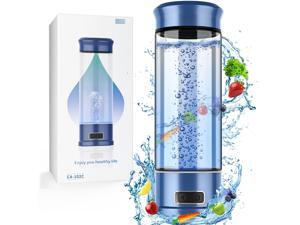
Hydrogen Water Bottle, Hydrogen Water Bottle Generator, 5-Min Electrolysis 1500 PPB Smart ...
- Model #: 829187568367
- Item #: 9SIVT2FKWU7132
- Return Policy: YouZiXingBaiHuo Return Policy
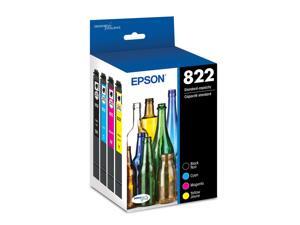
822 DURABrite Ultra Ink Standard Capacity Black & Color Cartridge Combo Pack ...
- Model #: 625240162341
- Item #: 9SIVSC0KWS7433
- Return Policy: DuoDuoShangHang Return Policy
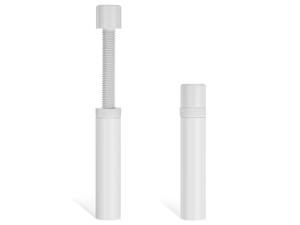
Graphics Card GPU Support Bracket, Adjustable Aluminum Alloy Anti Sag GPU Bracket, with ...
- Model #: 967659234000
- Item #: 9SIVT2CKWF0087
- Return Policy: NingJingDeXiaTian Return Policy
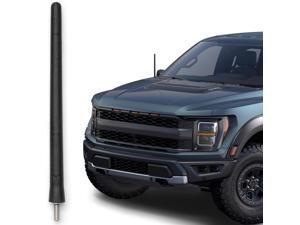
Short Rubber Antenna for Ford F-150 (2009-2026) - Bronco (21-26) USA Stainless Threading, ...
- Model #: 471812182339
- Item #: 9SIVT4VKXX0932
- Return Policy: halongzhiUKshop Return Policy

5.8 inch Ebook Reader, HD Touch Screen Carta E-Ink Technology, 32GB ROM(TF Card ...
- Model #: 567810724472
- Item #: 9SIVTJ4KYW8682
- Return Policy: HR Selects Return Policy
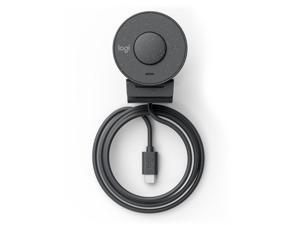

Brio 305 Webcam 2 Mp 1920 X
- Model #: 960-001469
- Item #: 9SIVTERKX78838
- Return Policy: Zyngear Return Policy
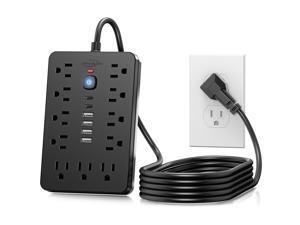
6 FT Flat Plug Surge Protector Power Strip,11 Multiple AC Outlets with 6 USB Ports (2 USB C), 6 ...
- Model #: 241449923490
- Item #: 9SIVT2CKWX1112
- Return Policy: NingJingDeXiaTian Return Policy
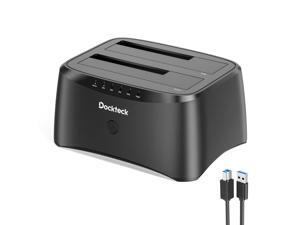
Hard Drive Docking Station, dockteck USB 3.0 to SATA Dual Bay External Hard Drive Enclosure ...
- Model #: 402983622455
- Item #: 9SIVT2CKWW2519
- Return Policy: NingJingDeXiaTian Return Policy
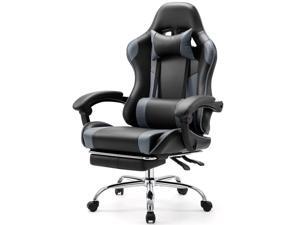
Computer Gaming Chair with Footrest, Ergonomic High Back PU Leather Video Racing Chair ...
- Model #: 764167992879
- Item #: 9SIVT2CKWW5645
- Return Policy: NingJingDeXiaTian Return Policy
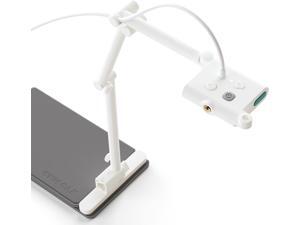
OKIOCAM S-4K 8MP Document Camera and Webcam 2-in-1 with OKIOPoint Smart Visual ...
- Model #: Lan95342456386438
- Item #: 9SIVNUDKKR3702
- Return Policy: DigitalFlash Return Policy
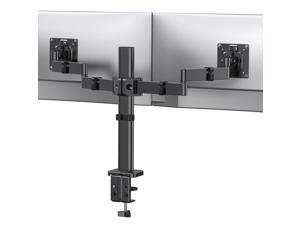
Dual Monitor Stand for 17-32 inch, Dual Monitor Mount with Adjustable Tilt, Swivel, Rotation, ...
- Model #: 726404218029
- Item #: 9SIVTAJKYE6202
- Return Policy: "Deal Mall" Return Policy
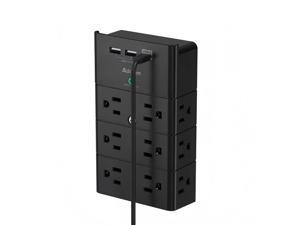
Multi Plug Wall Outlet, Surge Protector Wall Mount with 12 Outlet Extender 4 Sides and 3 USB ...
- Model #: 229064575559
- Item #: 9SIVTAJKXX5585
- Return Policy: "Deal Mall" Return Policy
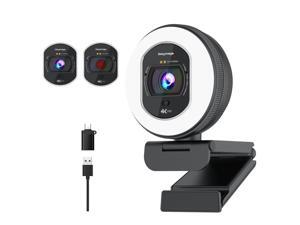
4K Webcam with Ring Light Web Cam 4K Autofocus with TOF Computer Camera 1080P 60FPS ...
- Brand: Galyimage
- Name: 866MAX
- Interface: USB
- Image Sensor: 8 megapixels
- Max. Image Resolution: 4K
- Effective Pixels: 8 megapixels
- Video Capture Resolution: 4K
- Focus Settings: Auto Focus
- Model #: 419599377370
- Item #: 9SIVTN0KYH6869
- Return Policy: Cuicuiqintoy Return Policy
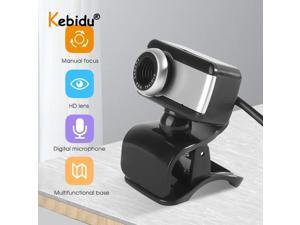
50MP HD Webcam Web Cam Camera With Mic for Computer Web Cam Camera for PC Laptop ...
- Model #: 1-Web-Camera0318
- Item #: 9SIVTKAKYE6473
- Return Policy: Fenlliker Return Policy
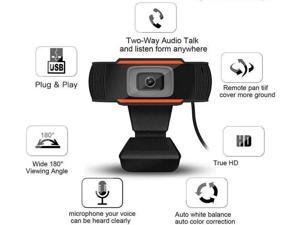
30 Degrees Rotatable USB 2.0 PC Camera 1080P Video Record HD Webcam 12.0M Pixels Web ...
- Model #: WB3EW-1217-43
- Item #: 9SIVTKAKYE3630
- Return Policy: Fenlliker Return Policy
4 8GB Micro SD/Micro SDHC/TF Flash Memory Card 8 GB G 8G
- Model #: 332048848191
- Item #: 9SIVT2CKWW0913
- Return Policy: NingJingDeXiaTian Return Policy
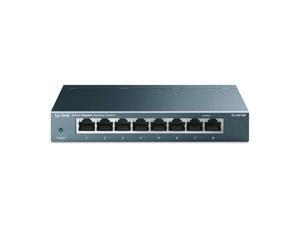
8 Port Gigabit Ethernet Network Switch - Ethernet Splitter | Plug & Play | Fanless | Sturdy Metal w/ ...
- Model #: 905315727565
- Item #: 9SIVT4VKXP2830
- Return Policy: halongzhiUKshop Return Policy
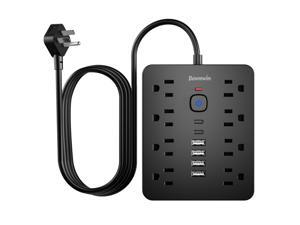
Surge Protector Power Strip, 8 Outlets(1850W/15A/14AWG), 6 USB Charging Ports(2 USB C), ...
- Model #: 243925494242
- Item #: 9SIVTAJKXX6173
- Return Policy: "Deal Mall" Return Policy
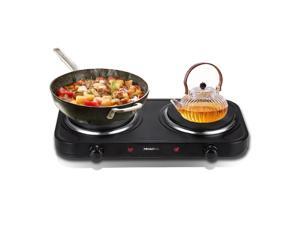
Countertop Double Cast Iron Burner 1800 Watts Electric Hot Plate with Adjustable ...
- Model #: 588035884195
- Item #: 9SIVT2FKWU7414
- Return Policy: YouZiXingBaiHuo Return Policy
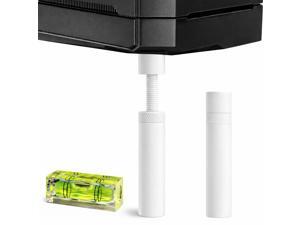
Graphics Card GPU Support Bracket: GPU Sag Bracket Video Card Stand GPU Holder Graphics ...
- Model #: 774010803942
- Item #: 9SIVT2CKWE3773
- Return Policy: NingJingDeXiaTian Return Policy

Carousel Night Light for Kids, 15 Music+15 Films+315 Colors Star Projector for Kids Night Light ...
- Model #: 678800400684
- Item #: 9SIVT2FKWX2502
- Return Policy: YouZiXingBaiHuo Return Policy
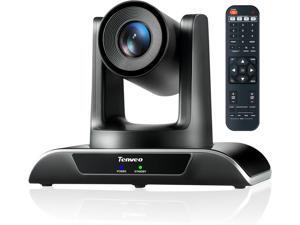
20X Optical Zoom PTZ Conference Room Camera, USB3.0/HDMI FHD 1080P 60FPS, for Video ...
- Model #: WUQ323GF57890
- Item #: 9SIVFTRKCD7046
- Return Policy: SWYFLY Return Policy
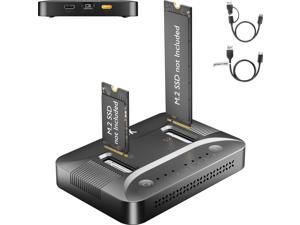
Dual-Bay M.2 SSD Cloner Docking Station for PC Storage Upgrade Tool-Free Offline ...
- Model #: 269021754999
- Item #: 9SIVTAJKYA9605
- Return Policy: "Deal Mall" Return Policy
How to Choose the Right Webcam
Introduction
Adding a webcam to your conference calls and online conversations can enhance the experience for both you and the other party. In addition, it is a more economical and environmentally-friendly alternative to paying for a plane ticket and flying in for a face-to-face meeting in another city. Before purchasing a webcam however, you should consider how it will be used and what features you.
Video Resolution
Similar to a monitor or a HDTV, a webcam’s video resolution is represented as the number of horizontal pixels by vertical pixels. A few of the more common resolutions include 640 × 480, 1280 × 720 (720p), and 1920 × 1080 (1080p). A higher resolution means that the video you capture will be sharper and more detailed. For HD video recording, you will need a webcam that is capable of at least 720p video capture.
Image Resolution
Aside from recording and sending live video, a web cam can also be used to take still images. Some webcams have their video and image resolutions listed separately, with the latter rated in megapixels. If you plan to use the webcam to take still photos, you should try to find one that has a high megapixel rating.
Frame Rate
Along with resolution, frame rate is another important factor for capturing video. A higher frame rate will result in a smoother video with less stuttering. Some webcams are capable of 30 frames per second video recording, though more budget-oriented models may have frame rates that are slightly lower than that.
Microphone
For recording audio, you can either utilize a webcam’s built-in microphone or connect a dedicated microphone. A built-in microphone is usually adequate for most tasks that do not require professional-grade sound recording. If you plan to record or live stream studio-quality audio however, you will want to utilize a dedicated microphone.
Mounting
There are several different mounting methods and designs for webcams. Some need to be clipped on, others require a flat horizontal surface, and a few even support tripods. Clip-on webcams are excellent for use with thin LCD monitors and laptops but not for thicker objects such as desktop towers or CRT monitors. A freestanding webcam is beneficial if you have a large flat surface such as the top of a tower or perhaps a conference table.

