


Webcam - Showing 841 - 864 of 3971 Products
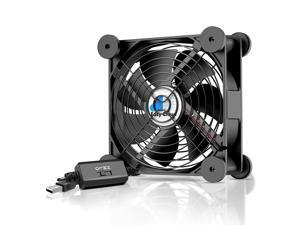
USB Computer Fan, 120mm USB Fan with 3 Speeds Controller Small PC USB Fans for Cooling ...
- Model #: 376288723730
- Item #: 9SIVT2CKWV9452
- Return Policy: NingJingDeXiaTian Return Policy
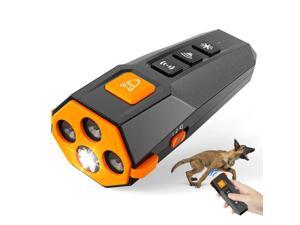
Marjina Dog Bark Deterrent Device Most Powerful Anti Barking Device for Dogs, Indoor Bark ...
- Model #: 549876519573
- Item #: 9SIVT2FKWU5947
- Return Policy: YouZiXingBaiHuo Return Policy
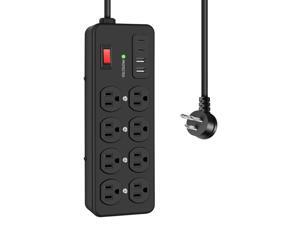
Heavy Duty Power Strip with USB,8 Outlet Workshop Metal Power Strip,PD20W USB C 15A 1200 ...
- Model #: 685098244934
- Item #: 9SIVTAJKXX5649
- Return Policy: "Deal Mall" Return Policy
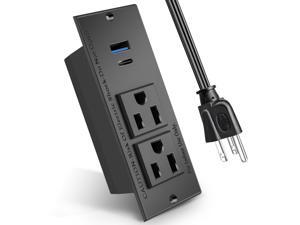
20W PD Conference Recessed Power Strip with Fast USB C, Furniture Recessed Outlet, ...
- Model #: 604191805912
- Item #: 9SIVT2CKWV8890
- Return Policy: NingJingDeXiaTian Return Policy
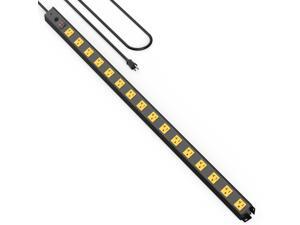
16 Outlet Long Power Strip, 4FT Heavy Duty Power Strip with 4800J Surge Protection, 20a ...
- Model #: 870522991431
- Item #: 9SIVT2CKWW2489
- Return Policy: NingJingDeXiaTian Return Policy
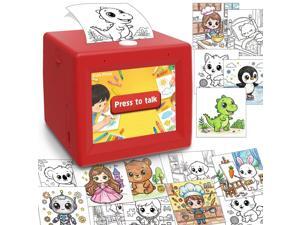
AI Mini Sticker Printer Toy for Kids - Interactive Voice Controlled Portable Thermal Inkless ...
- Model #: 899389939886
- Item #: 9SIVSC0KWY2702
- Return Policy: DuoDuoShangHang Return Policy
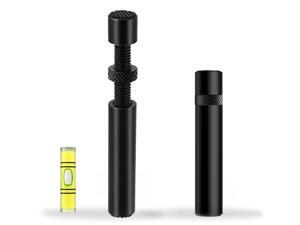
GPU Support Bracket Graphics Card Brace Anti-Sag Holder Height Adjustable Video Card ...
- Model #: 983512796133
- Item #: 9SIVT2CKWE6079
- Return Policy: NingJingDeXiaTian Return Policy
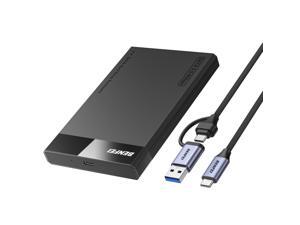
2.5 Inch SATA to USB Tool Free External Hard Drive Enclosure (6Gbps, Optimized for SSD, ...
- Model #: 389262962612
- Item #: 9SIVT2CKWW2209
- Return Policy: NingJingDeXiaTian Return Policy
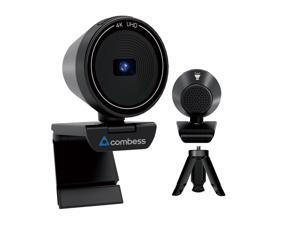
4K USB Webcam for PC with Speaker & Microphone, 85° Wide Angle Web Camera, Auto Focus, ...
- Brand: Combess
- Name: CUP 4K
- Interface: USB
- Image Sensor: 1 megapixels
- Max. Image Resolution: 4K
- Effective Pixels: 8 megapixels
- Video Capture Resolution: 4K
- Focus Settings: Auto Focus
- Model #: 986918307746
- Item #: 9SIVSKTKXA9765
- Return Policy: xiuhuishangmao Return Policy
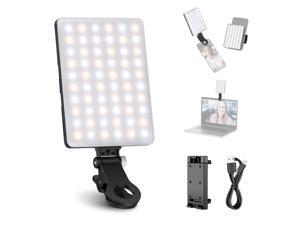
Basics NL-60AI Selfie Light for Phone with Front & Back Clip, 60 LED 2000mAh Rechargeable ...
- Model #: 336448889839
- Item #: 9SIVT2FKWU7570
- Return Policy: YouZiXingBaiHuo Return Policy
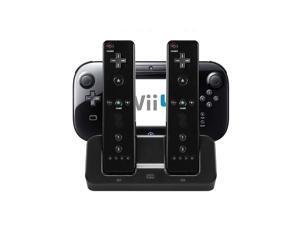
3 in 1 Charger Dock Charging Station Base for Wii U Gamepad Charger Stand wii u Gamepad ...
- Model #: 365214593112
- Item #: 9SIVT2CKWW4524
- Return Policy: NingJingDeXiaTian Return Policy
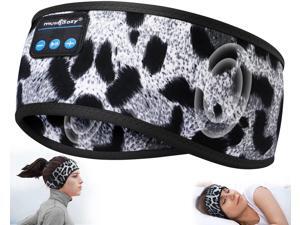
Sleep Headphones Bluetooth 5.4 Headband, Wireless Music Sleeping Eye Mask Earbuds ...
- Model #: 796574511548
- Item #: 9SIVT2FKWU7657
- Return Policy: YouZiXingBaiHuo Return Policy
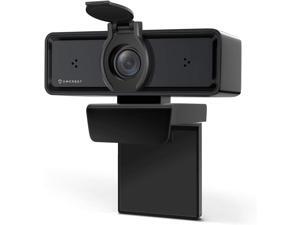
Amcrest 1080P Webcam with Microphone & Privacy Cover, 2 Noise-Cancelling Mics, USB ...
- Model #: Lan45342456386018
- Item #: 9SIVNUDKKR3540
- Return Policy: DigitalFlash Return Policy
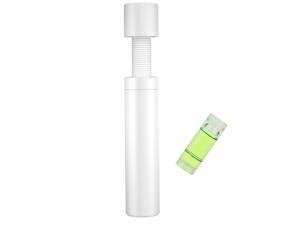
GPU Support Bracket White, GPU Sag Bracket, Adjustable Graphics Card Brace Anti-Sag ...
- Model #: 386181642050
- Item #: 9SIVT2CKWF0081
- Return Policy: NingJingDeXiaTian Return Policy
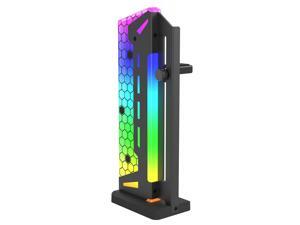
ARGB GPU Support Bracket, GPU Brace Support, 5V 3Pin addressable GPU Holder, 5v 3pin RGB ...
- Model #: 196387418689
- Item #: 9SIVT2CKWF1701
- Return Policy: NingJingDeXiaTian Return Policy
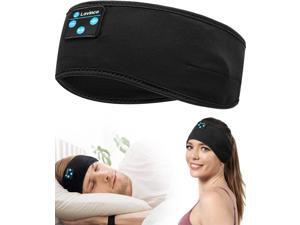
Sleep Headphones - Bluetooth Headband for Side Sleepers, Elastic Music Sleeping Band ...
- Model #: 826792796175
- Item #: 9SIVT2FKWX4470
- Return Policy: YouZiXingBaiHuo Return Policy
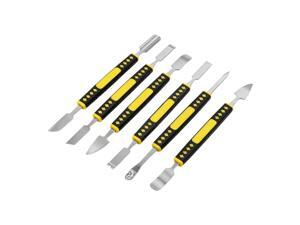
6 PCS Dual Ends Metal Spudger Set, Professional Prying Opening Repair Tool Kit Suitable for ...
- Model #: 989674868770
- Item #: 9SIVT2FKWT5864
- Return Policy: YouZiXingBaiHuo Return Policy
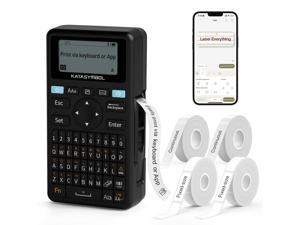
E11 Bluetooth Label Maker Machine with 4 Tapes, Support Keyboard & App with 30+ Fonts and ...
- Model #: 648546632641
- Item #: 9SIVSC0KWS7428
- Return Policy: DuoDuoShangHang Return Policy
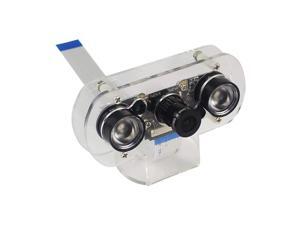
DEVMO Raspberry Pi 4B Night Vision Camera Module 5MP OV5647 Adjustable-Focus Webcam ...
- Model #: 542962155935
- Item #: 9SIVTDYKWD3615
- Return Policy: Voltrix Return Policy
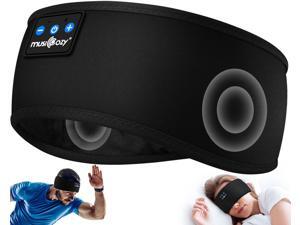
MUSICOZY Thin HD Stereo Speaker for Workout Running Cool Gadgets Unique Gifts
- Model #: 948490052840
- Item #: 9SIVT2FKWU7665
- Return Policy: YouZiXingBaiHuo Return Policy
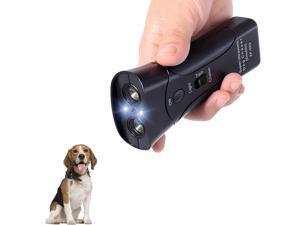
Ultrasonic Dog Bark Deterrent Devices,Anti Barking Device for Dogs,Portable No Barking ...
- Model #: 718634631216
- Item #: 9SIVT2FKWX4560
- Return Policy: YouZiXingBaiHuo Return Policy
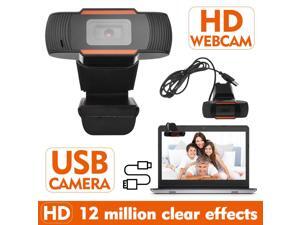
HD Webcam USB camera Webcam USB Camera Video Recording Web Camera with ...
- Model #: 1-Web-Camera2705
- Item #: 9SIVM7DKHY1670
- Return Policy: EnYZME Return Policy
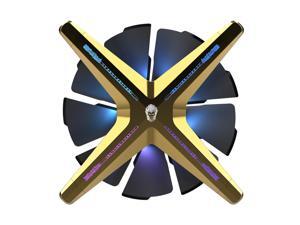
ALSEYE X12 Case Fan ARGB PWM Computer Air Cooling Fan - High Performance Silent ...
- Model #: 697276888233
- Item #: 9SIVSC0KX23709
- Return Policy: DuoDuoShangHang Return Policy
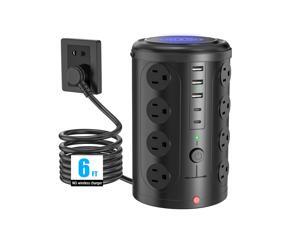
Tower Power Strip Surge Protector with 16 Outlets and 5 USB Ports (2 USB-C), 6FT Extension ...
- Model #: 925599857086
- Item #: 9SIVTAJKY07517
- Return Policy: "Deal Mall" Return Policy
How to Choose the Right Webcam
Introduction
Adding a webcam to your conference calls and online conversations can enhance the experience for both you and the other party. In addition, it is a more economical and environmentally-friendly alternative to paying for a plane ticket and flying in for a face-to-face meeting in another city. Before purchasing a webcam however, you should consider how it will be used and what features you.
Video Resolution
Similar to a monitor or a HDTV, a webcam’s video resolution is represented as the number of horizontal pixels by vertical pixels. A few of the more common resolutions include 640 × 480, 1280 × 720 (720p), and 1920 × 1080 (1080p). A higher resolution means that the video you capture will be sharper and more detailed. For HD video recording, you will need a webcam that is capable of at least 720p video capture.
Image Resolution
Aside from recording and sending live video, a web cam can also be used to take still images. Some webcams have their video and image resolutions listed separately, with the latter rated in megapixels. If you plan to use the webcam to take still photos, you should try to find one that has a high megapixel rating.
Frame Rate
Along with resolution, frame rate is another important factor for capturing video. A higher frame rate will result in a smoother video with less stuttering. Some webcams are capable of 30 frames per second video recording, though more budget-oriented models may have frame rates that are slightly lower than that.
Microphone
For recording audio, you can either utilize a webcam’s built-in microphone or connect a dedicated microphone. A built-in microphone is usually adequate for most tasks that do not require professional-grade sound recording. If you plan to record or live stream studio-quality audio however, you will want to utilize a dedicated microphone.
Mounting
There are several different mounting methods and designs for webcams. Some need to be clipped on, others require a flat horizontal surface, and a few even support tripods. Clip-on webcams are excellent for use with thin LCD monitors and laptops but not for thicker objects such as desktop towers or CRT monitors. A freestanding webcam is beneficial if you have a large flat surface such as the top of a tower or perhaps a conference table.

