


Webcam - Showing 889 - 912 of 3411 Products
Antique Vintage Classic Cinema Theater Auditorium Speech Live Vocal 25mm Big Diaphragm ...
- Model #: PCMART468672997767
- Item #: 9SIVDVYM3A2255
- Return Policy: PCPLUS Return Policy
1080p Webcam with Dual Stereo Microphones & Privacy Cover, Full HD USB Desktop Web ...
- Model #: PCMART468672995602
- Item #: 9SIVDVYM3A1747
- Return Policy: PCPLUS Return Policy
VIKICON Manscape Trimmer for Men, No Nicks Electric Body/Ball/Pubic Shaver | for Hair ...
- Model #: PCMART468672001570
- Item #: 9SIVDVYM3A3376
- Return Policy: PCPLUS Return Policy
ELP 4K HDMI USB Camera Wide Angle PC Camera for Computer Monitor Simultaneously ...
- Model #: 887095447374niu15
- Item #: 9SIVTFFKXZ3540
- Return Policy: Zienroylein Return Policy
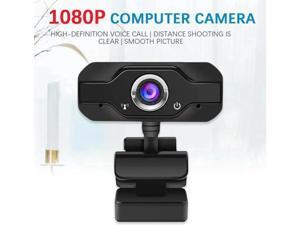
USB Camera 1080P HD Webcam PC Camera Rotatable Conference Video Record Live Web ...
- Model #: Kepler-C72J-1470
- Item #: 9SIVTKAM0E4611
- Return Policy: Fenlliker Return Policy
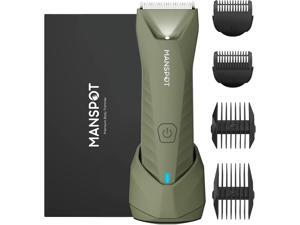
MANSPOT Manscape Trimmer for Men Ball/Pubic/Groin, Electric Shaver for Men | Body Hair ...
- Model #: PCMART468672001617
- Item #: 9SIVDVYM3A3383
- Return Policy: PCPLUS Return Policy
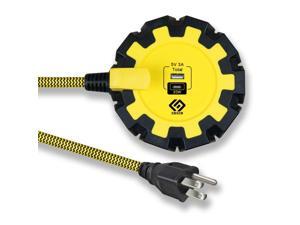
PD20W USB-C Charger, Two Ports (USB-A and C), Workshop 8-Outlet Power Strip with 6FT 14/3 ...
- Model #: 242262969383
- Item #: 9SIVTAJKXX5574
- Return Policy: "Deal Mall" Return Policy
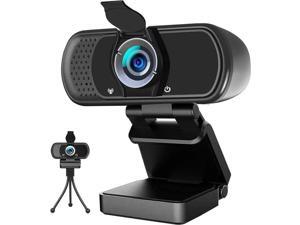
WISDUM Webcam 1080p, Webcam with Microphone, USB Web Camera 110°Wide View, Plug ...
- Model #: WJM-0712-159
- Item #: 9SIVSWGM178797
- Return Policy: JiEYongShangDIAN Return Policy
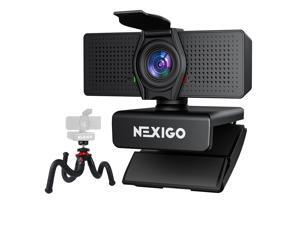
NexiGo 4K Business Webcam Kit, N60 Pro UHD Web Cam with Autofocus, 1080p 60 fps, ...
- Model #: WL+C40E+260715+0427
- Item #: 9SIVRH8M1E8001
- Return Policy: qianhaimaoyi Return Policy
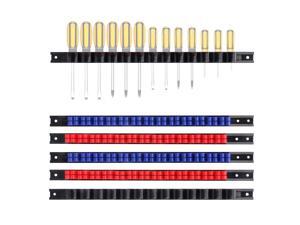
6 Piece Screwdriver Organizer and Wrench Organizer, Hand Tool Holder, Plastic Rail Wrench ...
- Model #: 979237355212
- Item #: 9SIVTAJKYW0903
- Return Policy: "Deal Mall" Return Policy
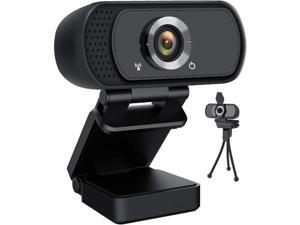
KEHIPI HD Webcam 1080P,USB Webcam Plug and Play Web Cam for Live Streaming,Web ...
- Model #: WSP-00284
- Item #: 9SIVDTEK659319
- Return Policy: Wispa Technologies Return Policy

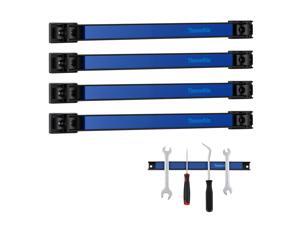
12" Magnetic Tool Holder Strip, 4 Pieces Blue Metal Tool Organizer Rack with Stainless Steel ...
- Model #: 434682301922
- Item #: 9SIVTAJKYV9353
- Return Policy: "Deal Mall" Return Policy
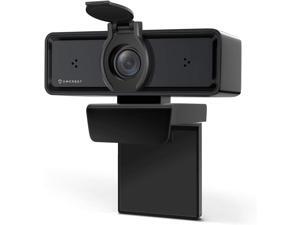
Amcrest 1080P Webcam with Microphone & Privacy Cover, 2 Noise-Cancelling Mics, USB ...
- Model #: Lan45342456386018
- Item #: 9SIVNUDKKR3540
- Return Policy: DigitalFlash Return Policy
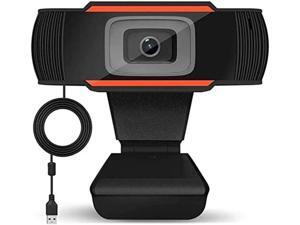
1080p webcam com microfone usb câmera web para streaming de classe em linha ...
- Model #: C2AG-025-C43
- Item #: 9SIVRKBKYR1143
- Return Policy: sunpengshop Return Policy
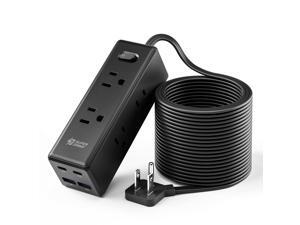
15 Ft Extension Cord with Multiple Outlets, Long Extension with 6 Outlets 4 USB Ports(2 USB C), ...
- Model #: 235459029215
- Item #: 9SIVTHDM2H6365
- Return Policy: Bisi Global Purchase Return Policy
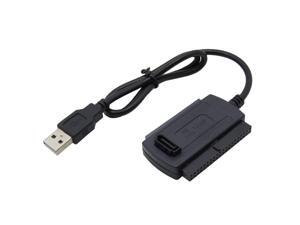
USB 2.0 to SATA + IDE (2.5 / 3.5 / 5.25") Cable Adapter,Black
- Model #: 289282102345
- Item #: 9SIVTHDM2K7808
- Return Policy: Bisi Global Purchase Return Policy

SUPERJARE Bakers Rack with Power Outlet, 35.4 Inches Coffee Bar with Basket | Kitchen ...
- Model #: PCMART468672000184
- Item #: 9SIVDVYM3A2997
- Return Policy: PCPLUS Return Policy
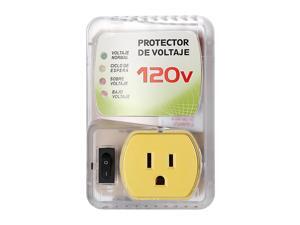
Surge Protector for Home Appliance,120V 20A 1440W Voltage Protector with Outlet Plug,Multi ...
- Model #: 721009106065
- Item #: 9SIVTHDKYT2892
- Return Policy: Bisi Global Purchase Return Policy

8.5qt Pasta Pot with Strainer Lid, Cast Aluminum Stockpot Multipot, Nonstick Ceramic Coating ...
- Model #: PCMART468672000511
- Item #: 9SIVDVYM3A3108
- Return Policy: PCPLUS Return Policy
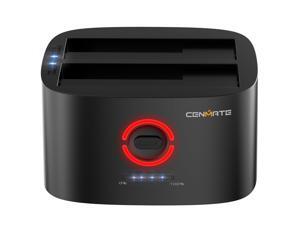
Dual Bay Hard Drive Docking Station with Offline Clone, USB A/C 3.0 to SATA, Hard Drive Reader ...
- Model #: 008123699897
- Item #: 9SIVTAJKXW0378
- Return Policy: "Deal Mall" Return Policy
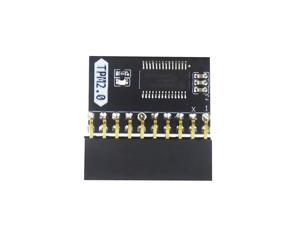
TPM2.0 Encryption Security Module, GA 20-1 LPC 20Pin for ASUS for Gigabyte Motherboard ...
- Model #: 532110043758
- Item #: 9SIVTHDM2H4421
- Return Policy: Bisi Global Purchase Return Policy
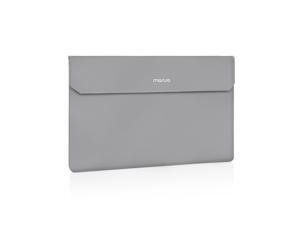
Portable Monitor Case Sleeve 16.1 inch, Carrying Case for Most 15.6-16.1 inch Portable Travel ...
- Model #: 182907754153
- Item #: 9SIVTAJKXS6627
- Return Policy: "Deal Mall" Return Policy
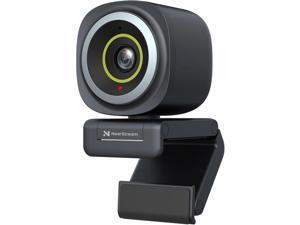
4K Webcam for PC, HDR 1080P 60FPS Streaming Webcam with Noise Canceling Mic, Software ...
- Model #: Lan91342456386407
- Item #: 9SIVNUDKKR3736
- Return Policy: DigitalFlash Return Policy
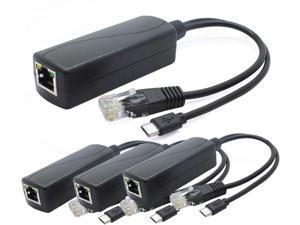
ANVISION 4-Pack 5V PoE Splitter, 48V to 5V 2.4A Adapter with Micro USB Plug, IEEE 802.3af ...
- Model #: PCMART468672996098
- Item #: 9SIVDVYM3A1841
- Return Policy: PCPLUS Return Policy
How to Choose the Right Webcam
Introduction
Adding a webcam to your conference calls and online conversations can enhance the experience for both you and the other party. In addition, it is a more economical and environmentally-friendly alternative to paying for a plane ticket and flying in for a face-to-face meeting in another city. Before purchasing a webcam however, you should consider how it will be used and what features you.
Video Resolution
Similar to a monitor or a HDTV, a webcam’s video resolution is represented as the number of horizontal pixels by vertical pixels. A few of the more common resolutions include 640 × 480, 1280 × 720 (720p), and 1920 × 1080 (1080p). A higher resolution means that the video you capture will be sharper and more detailed. For HD video recording, you will need a webcam that is capable of at least 720p video capture.
Image Resolution
Aside from recording and sending live video, a web cam can also be used to take still images. Some webcams have their video and image resolutions listed separately, with the latter rated in megapixels. If you plan to use the webcam to take still photos, you should try to find one that has a high megapixel rating.
Frame Rate
Along with resolution, frame rate is another important factor for capturing video. A higher frame rate will result in a smoother video with less stuttering. Some webcams are capable of 30 frames per second video recording, though more budget-oriented models may have frame rates that are slightly lower than that.
Microphone
For recording audio, you can either utilize a webcam’s built-in microphone or connect a dedicated microphone. A built-in microphone is usually adequate for most tasks that do not require professional-grade sound recording. If you plan to record or live stream studio-quality audio however, you will want to utilize a dedicated microphone.
Mounting
There are several different mounting methods and designs for webcams. Some need to be clipped on, others require a flat horizontal surface, and a few even support tripods. Clip-on webcams are excellent for use with thin LCD monitors and laptops but not for thicker objects such as desktop towers or CRT monitors. A freestanding webcam is beneficial if you have a large flat surface such as the top of a tower or perhaps a conference table.

