


Webcam - Showing 913 - 936 of 4014 Products
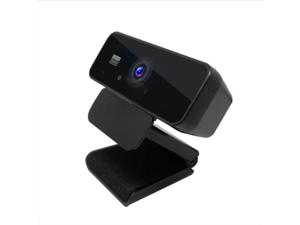
SA 1080P computer camera HD video webcast conference microphone free drive USB camera
- Brand: Sakose
- Color: Black
- Model #: SXT-13
- Item #: 9SIVGEGKSZ5115
- Return Policy: ZerKorr Power Return Policy
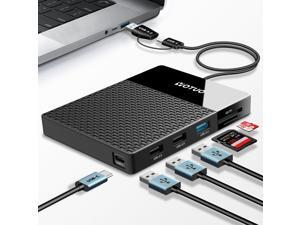
1TB External Hard Drive, USB C Multiport Hub HDD 7-in-1, USB 3.0, SD/TF Card Reader, ...
- Model #: 867805739774
- Item #: 9SIVT2CKWW2545
- Return Policy: NingJingDeXiaTian Return Policy
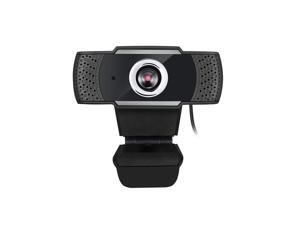
Adesso CyberTrack H4-TAA 1080P HD USB Webcam with Built-in Microphone TAA Compliant, ...
- Model #: 9435761103652
- Item #: 9SIVMWDKM78533
- Return Policy: LMSshop Return Policy
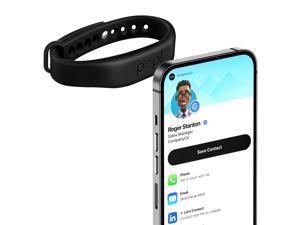
Authentic Patented Popl Bracelet (Avoid Fake Knockoffs) - Smart NFC Networking Card - ...
- Model #: 003541050751
- Item #: 9SIVT4VKXR9772
- Return Policy: halongzhiUKshop Return Policy
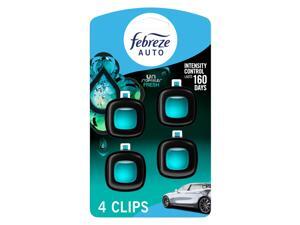
Car Air Freshener, Odor-Fighting Automotive Vent Clip, Scented Car Accessories, Long ...
- Model #: 633027646684
- Item #: 9SIVT4VKXX0334
- Return Policy: halongzhiUKshop Return Policy
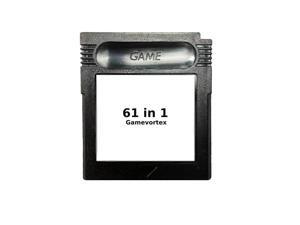
Super Cartridge 61 in 1 Game Boy Color GBC 16bits Video Game Cartridge Card For Handheld ...
- Model #: 059177643081
- Item #: 9SIVT2FKWU7367
- Return Policy: YouZiXingBaiHuo Return Policy
50cmx80cm Car Audio Stereo Sound Acoustic Noise Absorbing Dampening Foam Sound ...
- Model #: 928168193867
- Item #: 9SIVT4VKXX0275
- Return Policy: halongzhiUKshop Return Policy
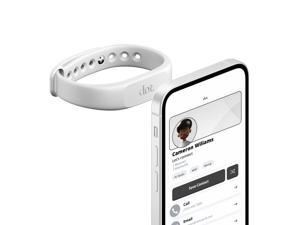
Digital Business Card Wristband - Tap Compatible with iPhone & Android (White)
- Model #: 362184847039
- Item #: 9SIVSC0KWR4442
- Return Policy: DuoDuoShangHang Return Policy
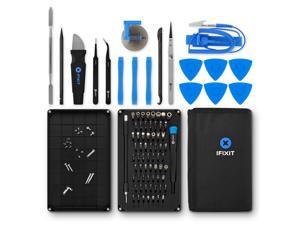
Pro Tech Toolkit - Electronics, Smartphone, Computer & Tablet Repair Kit
- Model #: 399695335716
- Item #: 9SIVT2FKWY0287
- Return Policy: YouZiXingBaiHuo Return Policy
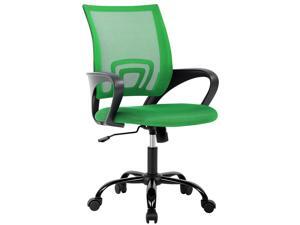
ErgoChair Cheap Desk Chair Mesh Executive Computer Chair Lumbar Support for ...
- Model #: 359497782126
- Item #: 9SIVSC0KWM4004
- Return Policy: DuoDuoShangHang Return Policy
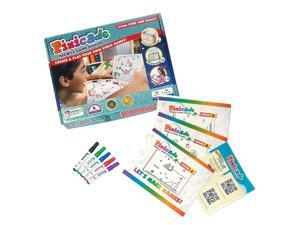
Pixicade Video Game Maker | STEM Kit to Create & Play Your Own Video Games | Educational ...
- Model #: 803999816882
- Item #: 9SIVT2FKWU7369
- Return Policy: YouZiXingBaiHuo Return Policy
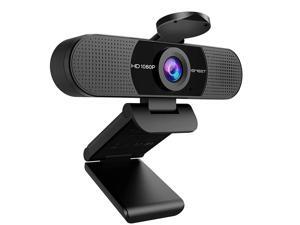
1080P Webcam with Microphone, C960 Web Camera, 2 Mics Streaming Webcam, 90°FOV ...
- Brand: EMEET
- Name: C960
- Interface: USB
- Image Sensor: 1080 megapixels
- Max. Image Resolution: 1080p
- Effective Pixels: 2 megapixels
- Video Capture Resolution: 1080p
- Focus Settings: Fixed Focus
- Model #: 171687480914
- Item #: 9SIVSKTKXA9807
- Return Policy: xiuhuishangmao Return Policy
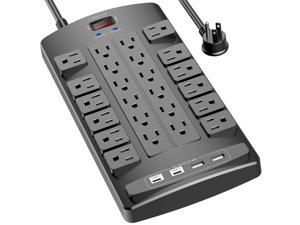
Surge Protector Power Strip - 6Ft Flat Plug Heavy Duty Extension Cord with 24 Outlets and 4 USB ...
- Model #: 380552490504
- Item #: 9SIVTAJKXX6339
- Return Policy: "Deal Mall" Return Policy
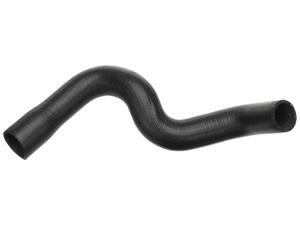
Gold 24052L Molded Lower Radiator Hose
- Model #: 788782829413
- Item #: 9SIVT2FKWV9057
- Return Policy: YouZiXingBaiHuo Return Policy
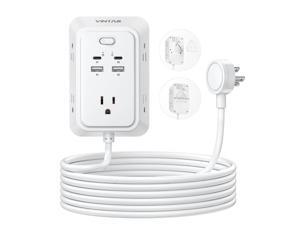
10ft Flat Plug Extension Cord, VINTAR Multi Outlet Extender with 5 Outlets and 4 USB Ports (2 ...
- Model #: 198534359875
- Item #: 9SIVTAJKXS9896
- Return Policy: "Deal Mall" Return Policy

Wireless Gamecube Controller for Nintendo Switch,Wireless Switch Pro Controller for ...
- Model #: 256163766508
- Item #: 9SIVSC0KWZ8706
- Return Policy: DuoDuoShangHang Return Policy
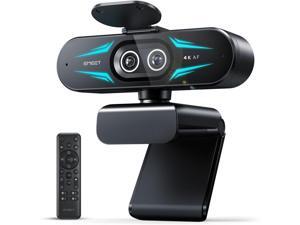
C60E Dual-Camera 4K Webcam for Streaming, Wide-Angle and Telephoto Cameras, Max ...
- Brand: ClearOne
- Name: C60E Dual
- Interface: USB 3.0
- Image Sensor: CCD
- Max. Image Resolution: 1920 x 1080
- Focus Settings: PDAF Auto Focus
- Lens: Wide Angle
- Power Source: USB, false
- Model #: 442960587830
- Item #: 9SIVTG8KXN8100
- Return Policy: Marniker Return Policy
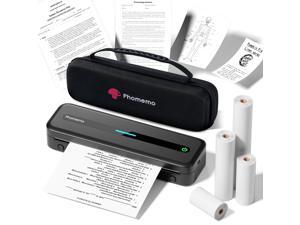
Portable Printers Wireless for Travel, M832 Inkless Thermal Printer Support 8.5" X 11" & Multi ...
- Model #: 545026049363
- Item #: 9SIVSC0KX16584
- Return Policy: DuoDuoShangHang Return Policy
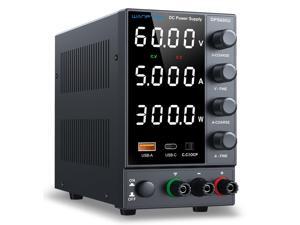
DC Power Supply 0-60V 0-5A, Bench Power Supply with Encoder Knob, Adjustable Regulated ...
- Model #: 176293196198
- Item #: 9SIVT4VKXS0219
- Return Policy: halongzhiUKshop Return Policy
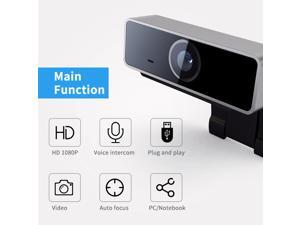
1080P FHD USB PC Webcam Auto Focus for Desktop & Laptop Web Camera w/ Microphone
- Model #: E225444239105
- Item #: 9SIVRZWKRH4292
- Return Policy: connect7 Return Policy
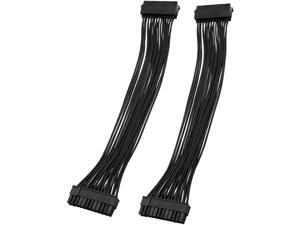
ATX Extension Cable 2PCS 12.6 inches / 32 cm ATX Motherboard 24 Pin Male to 24 Pin Female ...
- Model #: 534173774704
- Item #: 9SIVSC0KWM9523
- Return Policy: DuoDuoShangHang Return Policy
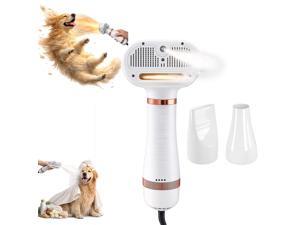
All-in-One Steam Pet Grooming Brush for Dogs & Cats, Soft Brushing with Drying & ...
- Model #: 016246530481
- Item #: 9SIVT2FKWU5926
- Return Policy: YouZiXingBaiHuo Return Policy
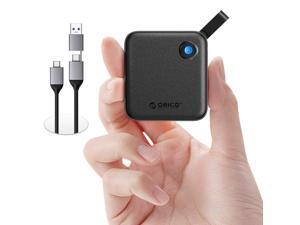
Portable SSD 256 GB with 2 in 1 USB C Cable, External Solid State Drives, Up to 460MB/s, Status ...
- Model #: 222442455061
- Item #: 9SIVT2CKWW2578
- Return Policy: NingJingDeXiaTian Return Policy
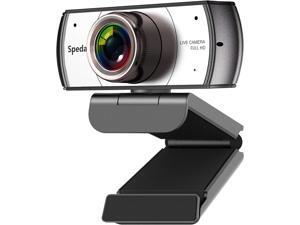
Wide Angle Webcam,120 Degree Large View Spedal 920 Pro Video Conference Camera, Full ...
- Model #: Lan46342456386025
- Item #: 9SIVNUDKKR3543
- Return Policy: DigitalFlash Return Policy
How to Choose the Right Webcam
Introduction
Adding a webcam to your conference calls and online conversations can enhance the experience for both you and the other party. In addition, it is a more economical and environmentally-friendly alternative to paying for a plane ticket and flying in for a face-to-face meeting in another city. Before purchasing a webcam however, you should consider how it will be used and what features you.
Video Resolution
Similar to a monitor or a HDTV, a webcam’s video resolution is represented as the number of horizontal pixels by vertical pixels. A few of the more common resolutions include 640 × 480, 1280 × 720 (720p), and 1920 × 1080 (1080p). A higher resolution means that the video you capture will be sharper and more detailed. For HD video recording, you will need a webcam that is capable of at least 720p video capture.
Image Resolution
Aside from recording and sending live video, a web cam can also be used to take still images. Some webcams have their video and image resolutions listed separately, with the latter rated in megapixels. If you plan to use the webcam to take still photos, you should try to find one that has a high megapixel rating.
Frame Rate
Along with resolution, frame rate is another important factor for capturing video. A higher frame rate will result in a smoother video with less stuttering. Some webcams are capable of 30 frames per second video recording, though more budget-oriented models may have frame rates that are slightly lower than that.
Microphone
For recording audio, you can either utilize a webcam’s built-in microphone or connect a dedicated microphone. A built-in microphone is usually adequate for most tasks that do not require professional-grade sound recording. If you plan to record or live stream studio-quality audio however, you will want to utilize a dedicated microphone.
Mounting
There are several different mounting methods and designs for webcams. Some need to be clipped on, others require a flat horizontal surface, and a few even support tripods. Clip-on webcams are excellent for use with thin LCD monitors and laptops but not for thicker objects such as desktop towers or CRT monitors. A freestanding webcam is beneficial if you have a large flat surface such as the top of a tower or perhaps a conference table.

