


Webcam - Showing 937 - 960 of 3950 Products
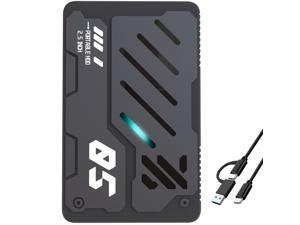
Ultra Slim Portable External Hard Drive USB 3.1 Type C HDD Storage for PC, Laptop, Mac, Xbox ...
- Model #: 570563024148
- Item #: 9SIVT2FKWV3564
- Return Policy: YouZiXingBaiHuo Return Policy
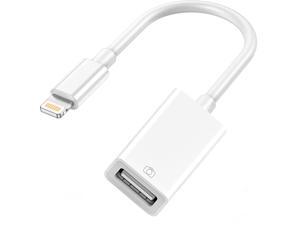
Lightning to USB Camera Adapter, USB 3.0 OTG Cable Adapter for iPhone 14 13 12 11 XS XR X SE ...
- Model #: 118725717261
- Item #: 9SIVTAJKYH6101
- Return Policy: "Deal Mall" Return Policy
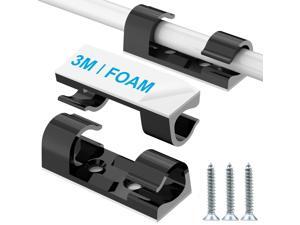
Wire Clips Black (Large, 26PCS), Heavy Duty Extension Cord Clips for Wall, Adhesive Cable ...
- Model #: 524381241295
- Item #: 9SIVTCTKZR5567
- Return Policy: The Official Store Return Policy
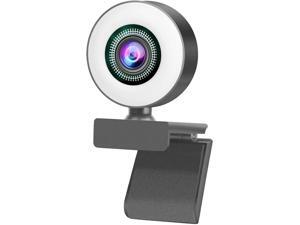
Aibesy 1080P Full HD Webcam AF Web Camera Built in Adjustable Ring Light Auto Focus ...
- Model #: RB09BVBQKGD
- Item #: 9SIVM7DKHY2559
- Return Policy: EnYZME Return Policy
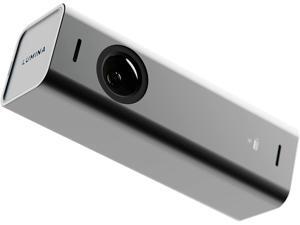
4K Webcam: Studio-Quality Webcam Powered by AI. Look Great on Every Video Call. ...
- Model #: ERI0309R32R
- Item #: 9SIVFTRKRT3914
- Return Policy: SWYFLY Return Policy

22 inch 144Hz 100Hz Monitor, Full HD (1920 x 1080p) Computer Monitor, 105% sRGB, 3000:1 ...
- Model #: 599034312958
- Item #: 9SIVTJ4KZ60013
- Return Policy: HR Selects Return Policy
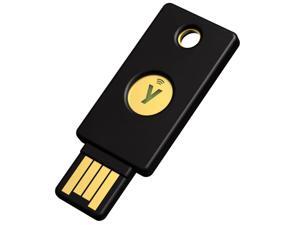
- YubiKey 5 NFC - Multi-Factor authentication (MFA) Security Key and passkey, Connect via ...
- Model #: 094684637861
- Item #: 9SIVT2CKWW2941
- Return Policy: NingJingDeXiaTian Return Policy
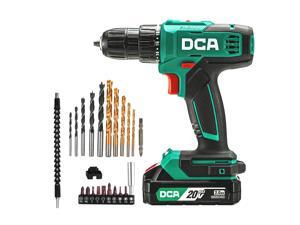
Cordless Drill Set, 354 in-lbs Torque, 3/8" Keyless Chuck, Electric Power Drill with 2.0Ah Battery ...
- Model #: 671281504544
- Item #: 9SIVT2FKWU7443
- Return Policy: YouZiXingBaiHuo Return Policy
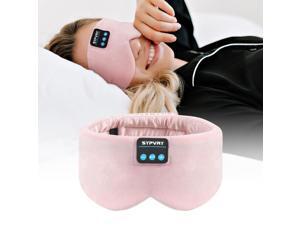
Sleep Mask Bluetooth 5.4 Headphones Soft Wireless Headband Eye Mask Blackout with ...
- Model #: 564187376418
- Item #: 9SIVRTNKX59539
- Return Policy: Jiamayanonly Return Policy
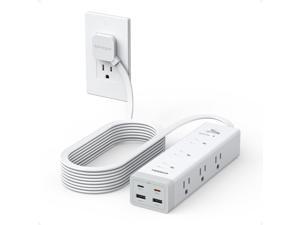
Surge Protector Power Strip PD 20W, Ultra Thin Flat Plug 15 FT Extension Cord, 9 Outlets 4 USB(2 ...
- Model #: 507108968997
- Item #: 9SIVTAJKXX5337
- Return Policy: "Deal Mall" Return Policy
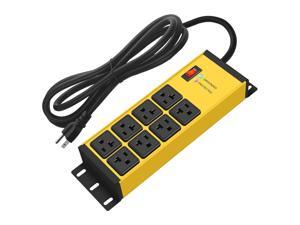
Magnetic Heavy Duty Power Strip Surge Protector 20Amp, 12 Gauge High Amp Extension ...
- Model #: 563427191525
- Item #: 9SIVT2CKWW2513
- Return Policy: NingJingDeXiaTian Return Policy
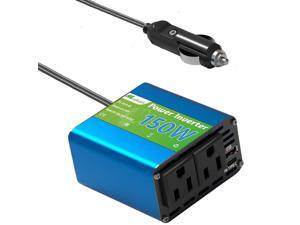
150W Power Inverter - Converter Vehicle Adapter Plug Outlet 12v to 110v, Car Plug Adapter ...
- Model #: 123369571361
- Item #: 9SIVT2CKWF2654
- Return Policy: NingJingDeXiaTian Return Policy
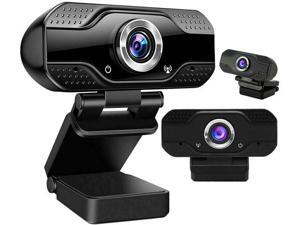
SOEWIOU Webcam with Microphone for Desktop, 1080P HD USB Computer Cameras with ...
- Brand: SOEWIOU
- Interface: USB
- Max. Image Resolution: 1920 x 1080
- Video Capture Resolution: 1920 x 1080
- Frame Rate: 30 fps
- Color: Black
- Model #: wetg32564s
- Item #: 9SIVSAHKSP6653
- Return Policy: XINBINMAOYIKEJI Return Policy
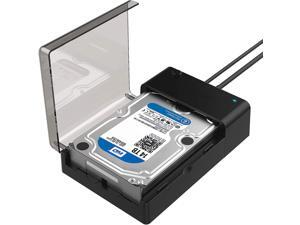
USB 3.0 to SATA External Hard Drive Lay-Flat Docking Station for 2.5 or 3.5in HDD, SSD [Support ...
- Model #: 017274006408
- Item #: 9SIVTJ4KZD5536
- Return Policy: HR Selects Return Policy
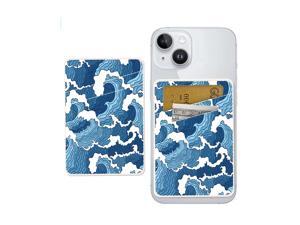
Dual Pocket Leather Phone Wallet Adhesive Stick On, Cute Card Holder for Most Phone Cases - ...
- Model #: 698518468959
- Item #: 9SIVTHDKYY6054
- Return Policy: Bisi Global Purchase Return Policy
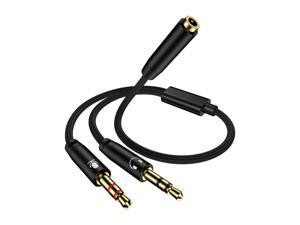
Headphone Mic Splitter for PC, Braided 3.5mm Female to 2 Dual Male Audio Adapter 2-in-1 Y ...
- Model #: 099514558782
- Item #: 9SIVTCTM030650
- Return Policy: The Official Store Return Policy
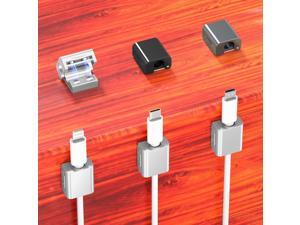
4 Pack Magnetic Cord Organizer Clips, 10mm Ultra-Thin Aluminum Cable Management ...
- Model #: 695189727747
- Item #: 9SIVTCTKZR7331
- Return Policy: The Official Store Return Policy
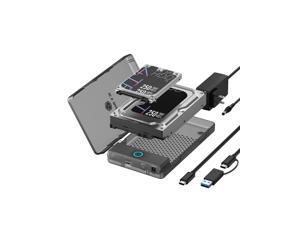
External Hard Drive Enclosure for 2.5''/3.5'' SATA HDD SSD, ICY BOX USB 3.0 to SATA SSD ...
- Model #: 654199081872
- Item #: 9SIVTHDKYE3030
- Return Policy: Bisi Global Purchase Return Policy
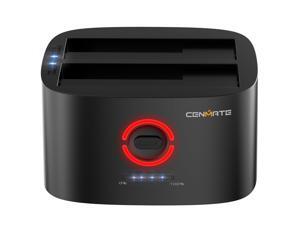
Dual Bay Hard Drive Docking Station with Offline Clone, USB A/C 3.0 to SATA, Hard Drive Reader ...
- Model #: 075037164622
- Item #: 9SIVT2CKWW2179
- Return Policy: NingJingDeXiaTian Return Policy
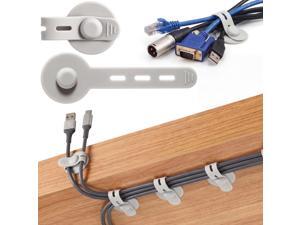
20 Pcs Silicone Cable Straps Wire Organizer Adhesive Wire Clips Under Desk Cable ...
- Model #: 380805290968
- Item #: 9SIVTCTKZR5493
- Return Policy: The Official Store Return Policy
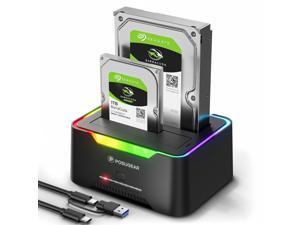
External Hard Drive Docking Station, RGB Hard Drive Dock for 2.5/3.5 inch SATA HDD SSD, HDD ...
- Model #: 301383228469
- Item #: 9SIVT2CKWW4651
- Return Policy: NingJingDeXiaTian Return Policy
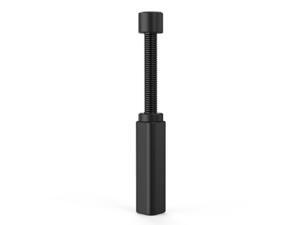
Graphics Card GPU Brace Support, Video Card Sag Holder Bracket, GPU Stand (L, 74-120mm)
- Model #: 616046046492
- Item #: 9SIVT2CKWE6205
- Return Policy: NingJingDeXiaTian Return Policy

Hearing Aids Clip Holder Portable Hang Rope Anti Lost Hearing Amplifier Lanyard Clips3 ...
- Model #: 134258587138
- Item #: 9SIVT2FKWX8942
- Return Policy: YouZiXingBaiHuo Return Policy
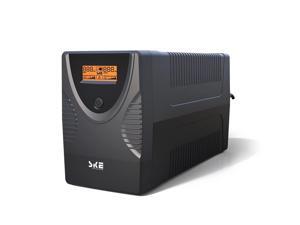
SKE SK425 425VA/240W UPS Battery Backup & Surge Protector - Uninterruptible Power Supply ...
- Model #: 502824502557
- Item #: 9SIVT2CKWW4947
- Return Policy: NingJingDeXiaTian Return Policy
How to Choose the Right Webcam
Introduction
Adding a webcam to your conference calls and online conversations can enhance the experience for both you and the other party. In addition, it is a more economical and environmentally-friendly alternative to paying for a plane ticket and flying in for a face-to-face meeting in another city. Before purchasing a webcam however, you should consider how it will be used and what features you.
Video Resolution
Similar to a monitor or a HDTV, a webcam’s video resolution is represented as the number of horizontal pixels by vertical pixels. A few of the more common resolutions include 640 × 480, 1280 × 720 (720p), and 1920 × 1080 (1080p). A higher resolution means that the video you capture will be sharper and more detailed. For HD video recording, you will need a webcam that is capable of at least 720p video capture.
Image Resolution
Aside from recording and sending live video, a web cam can also be used to take still images. Some webcams have their video and image resolutions listed separately, with the latter rated in megapixels. If you plan to use the webcam to take still photos, you should try to find one that has a high megapixel rating.
Frame Rate
Along with resolution, frame rate is another important factor for capturing video. A higher frame rate will result in a smoother video with less stuttering. Some webcams are capable of 30 frames per second video recording, though more budget-oriented models may have frame rates that are slightly lower than that.
Microphone
For recording audio, you can either utilize a webcam’s built-in microphone or connect a dedicated microphone. A built-in microphone is usually adequate for most tasks that do not require professional-grade sound recording. If you plan to record or live stream studio-quality audio however, you will want to utilize a dedicated microphone.
Mounting
There are several different mounting methods and designs for webcams. Some need to be clipped on, others require a flat horizontal surface, and a few even support tripods. Clip-on webcams are excellent for use with thin LCD monitors and laptops but not for thicker objects such as desktop towers or CRT monitors. A freestanding webcam is beneficial if you have a large flat surface such as the top of a tower or perhaps a conference table.

