


Webcam - Showing 985 - 1008 of 3815 Products
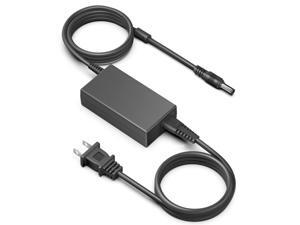
24V AC Adapter Charger for Logitech Racing Wheel G920 G25 G27 G29 G923 ...
- Model #: 096268793057
- Item #: 9SIVSC0KWZ8618
- Return Policy: DuoDuoShangHang Return Policy
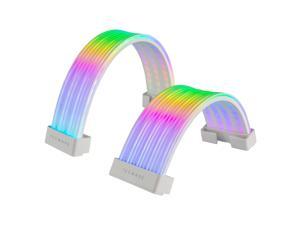
Flex RGB Cable Cover Kit | Compatible with 24-Pin Motherboard and 8-Pin/16-Pin GPU | ARGB ...
- Model #: 679437617094
- Item #: 9SIVSC0KWM9483
- Return Policy: DuoDuoShangHang Return Policy
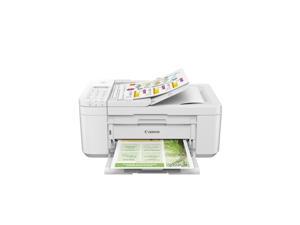
PIXMA TR4720 All-in-One Wireless Printer Home use, with Auto Document Feeder, Mobile ...
- Model #: 581364754101
- Item #: 9SIVSC0KX18448
- Return Policy: DuoDuoShangHang Return Policy
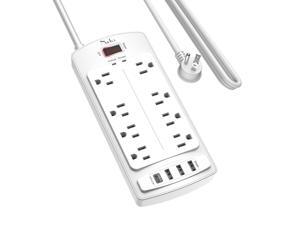
Surge Protector Power Strip - Nuetsa Flat Plug Extension Cord with 8 Outlets and 4 USB Ports, 10 ...
- Model #: 307203298387
- Item #: 9SIVT2CKWV8939
- Return Policy: NingJingDeXiaTian Return Policy
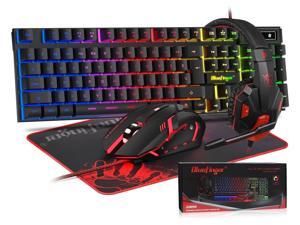
BlueFinger RGB Gaming Keyboard and Backlit Mouse and Headset Combo, USB Wired Backlit ...
- Model #: 327207627366
- Item #: 9SIVSC0KWP9715
- Return Policy: DuoDuoShangHang Return Policy
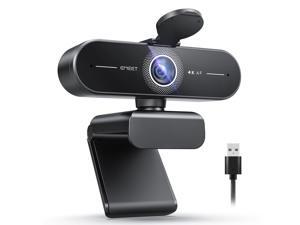
C60E 4K Webcam for Streaming & Gaming PDAF Autofocus, Dual Mics, Live Streaming Camera ...
- Brand: ClearOne
- Name: C60E 4K
- Interface: USB 3.0
- Image Sensor: CCD
- Max. Image Resolution: 1920 x 1080
- Focus Settings: PDAF Auto Focus
- Lens: Prime
- Power Source: USB, false
- Model #: 940379786107
- Item #: 9SIVT2CKWW3373
- Return Policy: NingJingDeXiaTian Return Policy
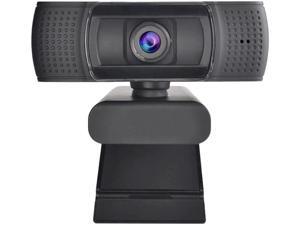
USB Webcam 1080p 60fps Focus Web Camera with Noise-Cancelling Microphone ...
- Model #: B3EW-1204-22
- Item #: 9SIVSSHKU25462
- Return Policy: tomorroW3 Return Policy
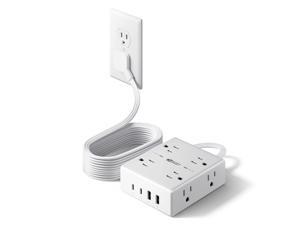
10Ft Extension Cord with Multiple Outlets, Flat Plug Surge Protector Power Strip 10 Ft Long Cord, ...
- Model #: 231129324034
- Item #: 9SIVT2CKWV9005
- Return Policy: NingJingDeXiaTian Return Policy
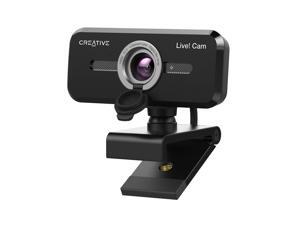
Cam Sync 1080p V2 Full HD Wide-Angle USB Webcam with Auto Mute and Noise Cancellation ...
- Brand: Creative
- Name: VF0880
- Interface: USB
- Image Sensor: 1 megapixels
- Max. Image Resolution: 1080p
- Effective Pixels: 2 megapixels
- Video Capture Resolution: 1080p
- Focus Settings: Auto Focus
- Model #: 829256919959
- Item #: 9SIVSS4KWT5792
- Return Policy: YiManYunDongZhuangBeiSHOP Return Policy
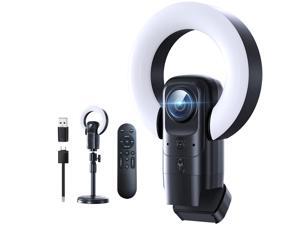
4K Webcam with Light, Webcam for PC with Microphone, Plug and Play, USB Computer Camera ...
- Model #: 430886886960
- Item #: 9SIVPVGKW59630
- Return Policy: ShenZhenYanXinWuLiuYouXianGongSi Return Policy
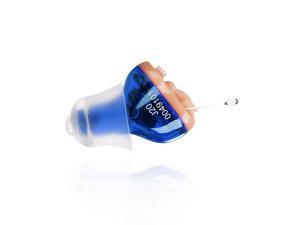
Hearing Aid, Ear Amplifier for Hearing, Battery Operated Hearing Aids for Seniors CIC In the Ear ...
- Model #: 593953968647
- Item #: 9SIVT2FKWX8997
- Return Policy: YouZiXingBaiHuo Return Policy
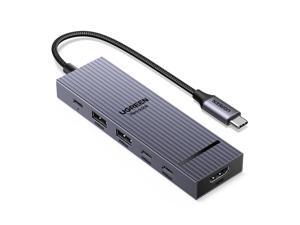
Revodok Pro USB-C Hub 6 in 1 10Gbps 4K 60Hz HDMI, 100W Power Delivery for MacBook ...
- Model #: 047724328276
- Item #: 9SIVT2FKWU6015
- Return Policy: YouZiXingBaiHuo Return Policy
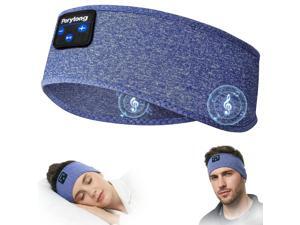
Sleep Headband Headphones, Sleeping Bluetooth 5.4 Headphones for Side Sleepers, ...
- Model #: 921246977271
- Item #: 9SIVT2FKWU7698
- Return Policy: YouZiXingBaiHuo Return Policy
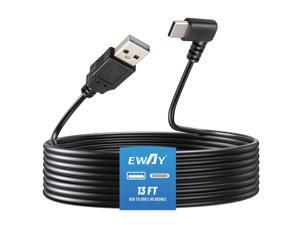
USB C Dash Cam Power Cord (13FT/4M), 90 Degree USB-A 2.0 to Type-C Cable REQUIRES 2.5A ...
- Model #: 238294531889
- Item #: 9SIVT2FKWX4491
- Return Policy: YouZiXingBaiHuo Return Policy
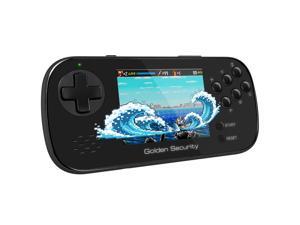
Handheld Game for Kids, 3.5" Large Screen Preloaded 156 HD Classic Retro Video Games, ...
- Model #: 827583205370
- Item #: 9SIVT2FKWX4461
- Return Policy: YouZiXingBaiHuo Return Policy
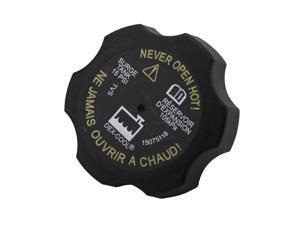
GM Original Equipment RC98 (15075118) 15 P.S.I. Radiator Surge Tank Cap
- Model #: 914839066868
- Item #: 9SIVT2FKWV9149
- Return Policy: YouZiXingBaiHuo Return Policy
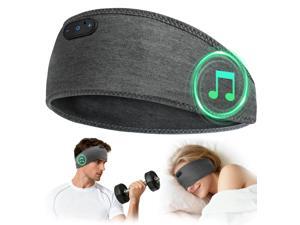
Bamboo Cotton Sleep Headphones,Ultra-Soft Wireless Headband Bluetooth for Side ...
- Model #: 491404265049
- Item #: 9SIVT2FKWX1960
- Return Policy: YouZiXingBaiHuo Return Policy
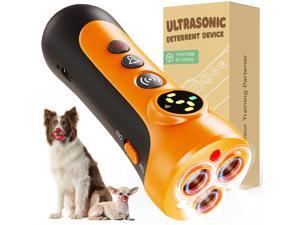
Dog Bark Deterrent Device - 3X Ultrasonic Anti-Bark Device with 5 Adjustable Levels, 30ft ...
- Model #: 337430955711
- Item #: 9SIVT2FKWU5945
- Return Policy: YouZiXingBaiHuo Return Policy
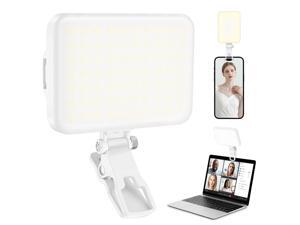
60 LED Portable Selfie Light Video Conference Lighting with Clip & Camera Tripod Adapter ...
- Model #: 053261763553
- Item #: 9SIVT2FKWU7609
- Return Policy: YouZiXingBaiHuo Return Policy
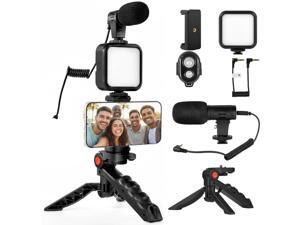
6-Piece Phone Vlogging Kit Smartphone Video Kit with Microphone, LED Light & Mini Tripod for ...
- Model #: 002454250890
- Item #: 9SIVT2FKWU7604
- Return Policy: YouZiXingBaiHuo Return Policy
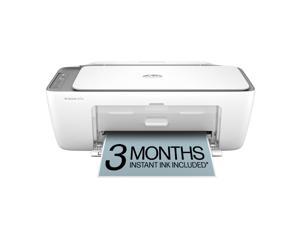
DeskJet 2855e Wireless All-in-One Color Inkjet Printer, Scanner, Copier, Best-for-home, 3 ...
- Model #: 880333517775
- Item #: 9SIVT2FKWX1666
- Return Policy: YouZiXingBaiHuo Return Policy
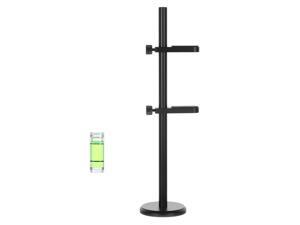
1 Pcs Graphics Card Support Bracket with 1 Pcs Level Adjustable Anti Sag Gpu Support Bracket ...
- Model #: 693735997276
- Item #: 9SIVT2FKWV4164
- Return Policy: YouZiXingBaiHuo Return Policy

2 PCS 50mm X 15mm Blower Fan, Black 12v Blower High Speed DC Brushless Cooling Turbo Fan ...
- Model #: 132222279218
- Item #: 9SIVSAXKWW5666
- Return Policy: LONGYANCHUANGYI Return Policy

USB Wall Charger, Surge Protector, QINLIANF 5 Outlet Extender with 4 USB Charging ...
- Model #: 264669822297
- Item #: 9SIVSAXKX17379
- Return Policy: LONGYANCHUANGYI Return Policy
How to Choose the Right Webcam
Introduction
Adding a webcam to your conference calls and online conversations can enhance the experience for both you and the other party. In addition, it is a more economical and environmentally-friendly alternative to paying for a plane ticket and flying in for a face-to-face meeting in another city. Before purchasing a webcam however, you should consider how it will be used and what features you.
Video Resolution
Similar to a monitor or a HDTV, a webcam’s video resolution is represented as the number of horizontal pixels by vertical pixels. A few of the more common resolutions include 640 × 480, 1280 × 720 (720p), and 1920 × 1080 (1080p). A higher resolution means that the video you capture will be sharper and more detailed. For HD video recording, you will need a webcam that is capable of at least 720p video capture.
Image Resolution
Aside from recording and sending live video, a web cam can also be used to take still images. Some webcams have their video and image resolutions listed separately, with the latter rated in megapixels. If you plan to use the webcam to take still photos, you should try to find one that has a high megapixel rating.
Frame Rate
Along with resolution, frame rate is another important factor for capturing video. A higher frame rate will result in a smoother video with less stuttering. Some webcams are capable of 30 frames per second video recording, though more budget-oriented models may have frame rates that are slightly lower than that.
Microphone
For recording audio, you can either utilize a webcam’s built-in microphone or connect a dedicated microphone. A built-in microphone is usually adequate for most tasks that do not require professional-grade sound recording. If you plan to record or live stream studio-quality audio however, you will want to utilize a dedicated microphone.
Mounting
There are several different mounting methods and designs for webcams. Some need to be clipped on, others require a flat horizontal surface, and a few even support tripods. Clip-on webcams are excellent for use with thin LCD monitors and laptops but not for thicker objects such as desktop towers or CRT monitors. A freestanding webcam is beneficial if you have a large flat surface such as the top of a tower or perhaps a conference table.

