


Webcam - Showing 1081 - 1104 of 3773 Products
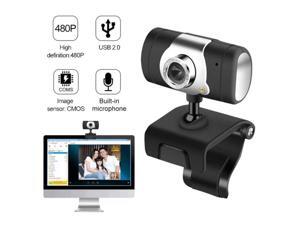
Computer Cameras USB 2.0 HD Webcam 30fps PC Camera HD Webcam Web Cam video ...
- Model #: 1-Web-Camera1297
- Item #: 9SIVTKAKYE6666
- Return Policy: Fenlliker Return Policy
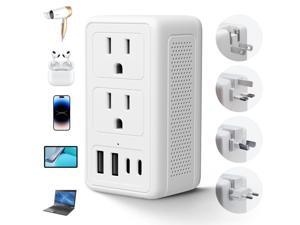
2000W 220V to 110V Voltage Converter US to Europe for Hair Dryer, Converter for European ...
- Model #: 007795832476
- Item #: 9SIVTTJKZP5711
- Return Policy: Average-price store Return Policy
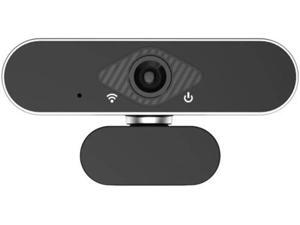
1080P Full HD Webcam with HD Microphone USB Driver Web Camera for Live Streaming Video ...
- Model #: B3EW-1204-37
- Item #: 9SIVTKAKYD7494
- Return Policy: Fenlliker Return Policy
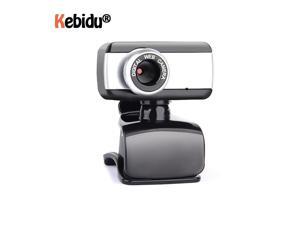
USB 2.0 Webcam Camera 50.0 Mega Pixel Webcam With Clip HD Web Cam With Mic ...
- Model #: 1-Web-Camera0452
- Item #: 9SIVTKAKYE7363
- Return Policy: Fenlliker Return Policy
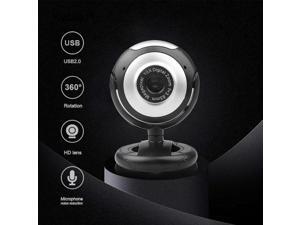
HD Webcam USB 2.0 Video Web Camera 10X Digital Zoom 360 Degree Rotation Clip-on ...
- Model #: WB3EW-1215-56
- Item #: 9SIVTKAKYE2683
- Return Policy: Fenlliker Return Policy
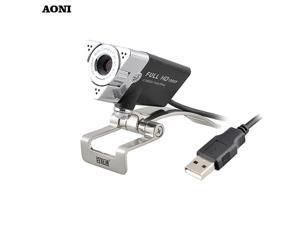
HD Webcam,webcam 1920 x 1080p with Built-in HD Microphone,usb camera,Desktop or ...
- Model #: 1-Web-Camera0169
- Item #: 9SIVTKAKYE6471
- Return Policy: Fenlliker Return Policy
Tall GPU Support Bracket - Heavy Duty Adjustable GPU Anti Sag Holder & Support Stand for ...
- Model #: 301773164663
- Item #: 9SIVT2CKWG6690
- Return Policy: NingJingDeXiaTian Return Policy
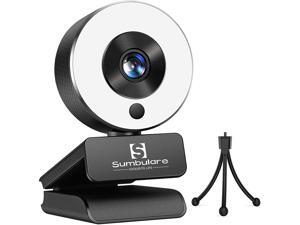
2K Ultra HD Streaming Webcam, sumbulare Webcam with Microphone, Adjustable Ring Light ...
- Model #: RB08Z3KHJR1
- Item #: 9SIV9F7KE29068
- Return Policy: Fashion Technology Return Policy
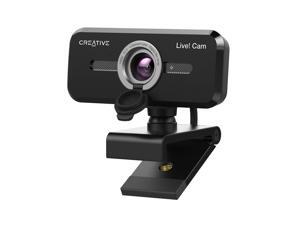
Cam Sync 1080p V2 Full HD Wide-Angle USB Webcam with Auto Mute and Noise Cancellation ...
- Brand: Creative
- Name: VF0880
- Interface: USB
- Image Sensor: 1 megapixels
- Max. Image Resolution: 1080p
- Effective Pixels: 2 megapixels
- Video Capture Resolution: 1080p
- Focus Settings: Auto Focus
- Model #: 829256919959
- Item #: 9SIVSS4KWT5792
- Return Policy: YiManYunDongZhuangBeiSHOP Return Policy
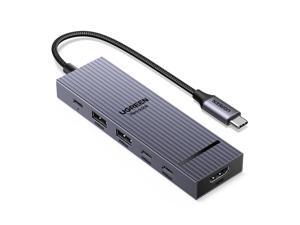
Revodok Pro USB-C Hub 6 in 1 10Gbps 4K 60Hz HDMI, 100W Power Delivery for MacBook ...
- Model #: 047724328276
- Item #: 9SIVT2FKWU6015
- Return Policy: YouZiXingBaiHuo Return Policy
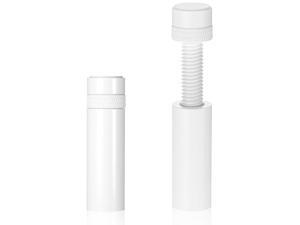
Gpu Support Bracket White Gpu Sag Bracket, Adjustable Stainless Steel Anti Sag White ...
- Model #: 280474030053
- Item #: 9SIVT2CKWF0083
- Return Policy: NingJingDeXiaTian Return Policy
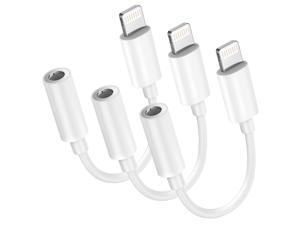
MFi Certified 3-Pack Lightning to 3.5mm Headphone Jack Adapter with DAC, ...
- Model #: 106120605945
- Item #: 9SIVTHDKYN3455
- Return Policy: Bisi Global Purchase Return Policy
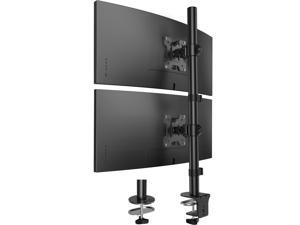
Vertical Dual Monitor Mount, Stacked Monitor Stand for 2 Monitors with Height Adjustment ...
- Model #: 872105054790
- Item #: 9SIVTAJKYH0735
- Return Policy: "Deal Mall" Return Policy
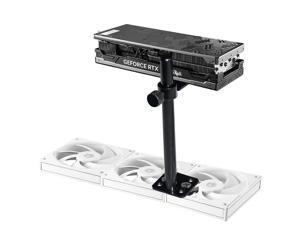
GPU Support Bracket, Adjustable Height Graphics Card Support, Video Card Holder Bracket ...
- Model #: 762297784212
- Item #: 9SIVT2CKWE6195
- Return Policy: NingJingDeXiaTian Return Policy
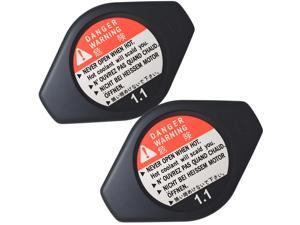
2 Pcs 19045-PAA-A01 19045PAAA01 Cooling Radiator Cap w/Anti-Hot Cover ...
- Model #: 720256741785
- Item #: 9SIVT2FKWV8943
- Return Policy: YouZiXingBaiHuo Return Policy
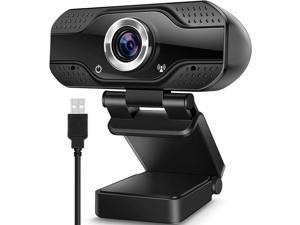
WISDUM Video Calling Recording Conferencing Live Class Webcam,1080P Full HD Webcam ...
- Model #: C00F-0818112
- Item #: 9SIVTM5KYH9435
- Return Policy: Stobiker shop Return Policy
XS2000 500G High Performance Portable SSD with USB-C | Pocket-sized | USB 3.2 Gen 2x2 | ...
- Model #: 918003603014
- Item #: 9SIVT2CKWW2579
- Return Policy: NingJingDeXiaTian Return Policy
Hybrid 3in1 200 mil 25 sqft Car Sound Deadening mat - Butyl Automotive Sound Deadener - ...
- Model #: 951796379001
- Item #: 9SIVT2CKWY2050
- Return Policy: NingJingDeXiaTian Return Policy
Laptop Monitor Lamp, LED Screen Light Bar, Adjustable Brightness & Color Temperature, ...
- Model #: 903946153406
- Item #: 9SIVT2CKWX5356
- Return Policy: NingJingDeXiaTian Return Policy
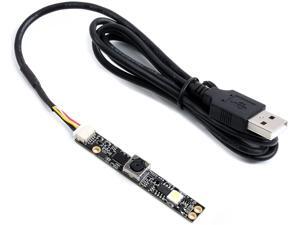
waveshare OV5640 5MP USB Camera AF Auto-Focus, 1080P Video Recording, 2.8 Aperture (F) ...
- Model #: 9359014221453
- Item #: 9SIVTDYKWD4616
- Return Policy: Voltrix Return Policy
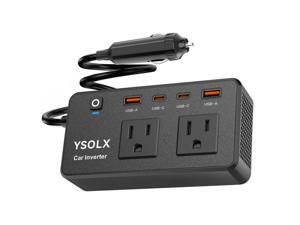
300W Car Power Inverter - Dual DC 12V to 110V AC Car Outlet Adapter to Wall Plug, 24W Fast ...
- Model #: 641967648861
- Item #: 9SIVTAJKYZ1370
- Return Policy: "Deal Mall" Return Policy
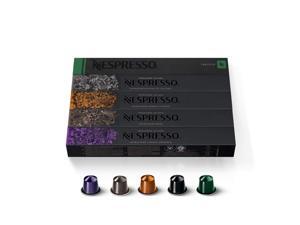
Capsules Original Line, Ispirazione Favorites Variety Pack, Medium & Dark Roast Espresso ...
- Model #: 904787641208
- Item #: 9SIVT2FKWU5534
- Return Policy: YouZiXingBaiHuo Return Policy
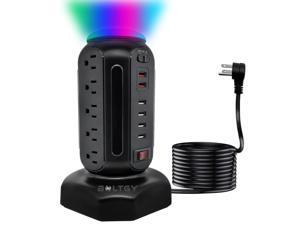
Flat Plug Total Fast Charging Station, Protector with 15 AC Outlets and 6 USB Ports (2 Fast ...
- Model #: 142814549606
- Item #: 9SIVTAJKY02743
- Return Policy: "Deal Mall" Return Policy
Graphics Card GPU Brace Support, Video Card Sag Holder Bracket, GPU Stand (S 25-50MM ...
- Model #: 204630561237
- Item #: 9SIVT2CKWG7094
- Return Policy: NingJingDeXiaTian Return Policy
How to Choose the Right Webcam
Introduction
Adding a webcam to your conference calls and online conversations can enhance the experience for both you and the other party. In addition, it is a more economical and environmentally-friendly alternative to paying for a plane ticket and flying in for a face-to-face meeting in another city. Before purchasing a webcam however, you should consider how it will be used and what features you.
Video Resolution
Similar to a monitor or a HDTV, a webcam’s video resolution is represented as the number of horizontal pixels by vertical pixels. A few of the more common resolutions include 640 × 480, 1280 × 720 (720p), and 1920 × 1080 (1080p). A higher resolution means that the video you capture will be sharper and more detailed. For HD video recording, you will need a webcam that is capable of at least 720p video capture.
Image Resolution
Aside from recording and sending live video, a web cam can also be used to take still images. Some webcams have their video and image resolutions listed separately, with the latter rated in megapixels. If you plan to use the webcam to take still photos, you should try to find one that has a high megapixel rating.
Frame Rate
Along with resolution, frame rate is another important factor for capturing video. A higher frame rate will result in a smoother video with less stuttering. Some webcams are capable of 30 frames per second video recording, though more budget-oriented models may have frame rates that are slightly lower than that.
Microphone
For recording audio, you can either utilize a webcam’s built-in microphone or connect a dedicated microphone. A built-in microphone is usually adequate for most tasks that do not require professional-grade sound recording. If you plan to record or live stream studio-quality audio however, you will want to utilize a dedicated microphone.
Mounting
There are several different mounting methods and designs for webcams. Some need to be clipped on, others require a flat horizontal surface, and a few even support tripods. Clip-on webcams are excellent for use with thin LCD monitors and laptops but not for thicker objects such as desktop towers or CRT monitors. A freestanding webcam is beneficial if you have a large flat surface such as the top of a tower or perhaps a conference table.

