


Webcam - Showing 1105 - 1128 of 4090 Products
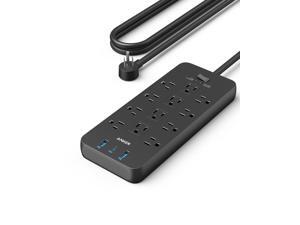
Power Strip with 2100J Surge Protector, Outlet Extender, 5ft Extension Cord with Multiple ...
- Model #: 603076988789
- Item #: 9SIVTAJKY07147
- Return Policy: "Deal Mall" Return Policy

Car Pro - Smart Fragrance Diffusion - Rechargeable & Cordless Fragrance Diffusion - Portable ...
- Model #: 493601756658
- Item #: 9SIVT4VKXX1296
- Return Policy: halongzhiUKshop Return Policy
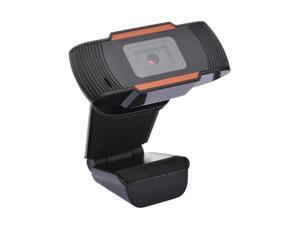
Webcam USB2.0 Computer Network Live Camera Network Camera Drive USB Cam Hd Camera ...
- Model #: 1-Web-Camera0281
- Item #: 9SIVSSHKU18070
- Return Policy: tomorroW3 Return Policy
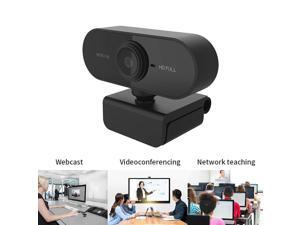
Focus HD Webcam Built-in Microphone High-end Video Call Camera Computer Peripherals ...
- Model #: 1-Web-Camera1326
- Item #: 9SIVSSHKU16884
- Return Policy: tomorroW3 Return Policy
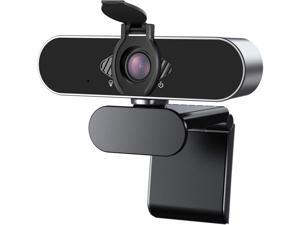
Webcam 1080P HD with Microphone & Privacy Cover, USB Web Cam with Live Streaming HD ...
- Model #: Lan60342456386148
- Item #: 9SIVNUDKKR3549
- Return Policy: DigitalFlash Return Policy
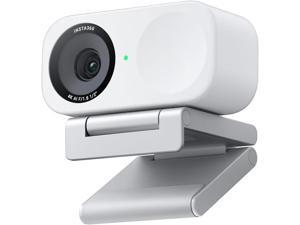
Insta360 Link 2C - 4K Webcam for PC/Mac, 1/2" Sensor, Auto Framing, HDR, AI ...
- Model #: Lan148342456386964
- Item #: 9SIVNUDKKR3952
- Return Policy: DigitalFlash Return Policy
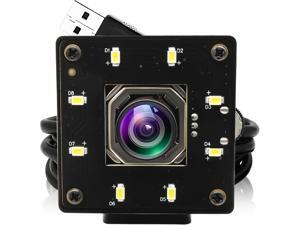
4k USB Camera Autofocus 100 Degree No Distortion Lens Color Night Vision Webcam for ...
- Model #: Lan183342456387312
- Item #: 9SIVNUDKKR4204
- Return Policy: DigitalFlash Return Policy
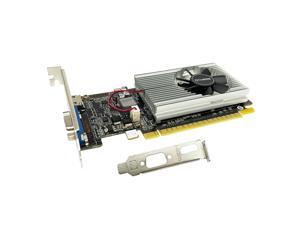
GeForce GT 210 Graphics Card,1024 MB DDR3 64 Bit,HDMI,VGA,Low Profile Video Card for ...
- Model #: 022399320500
- Item #: 9SIVT4VKXP4240
- Return Policy: halongzhiUKshop Return Policy
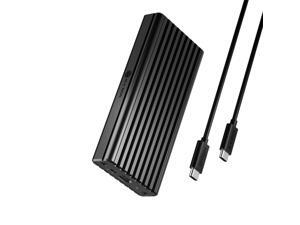
20Gbps M.2 NVMe SSD Enclosure, ICY BOX USB C External NVMe M.2 Enclosure with USB C 3.2 ...
- Model #: 614874661327
- Item #: 9SIVSC0KWW8013
- Return Policy: DuoDuoShangHang Return Policy
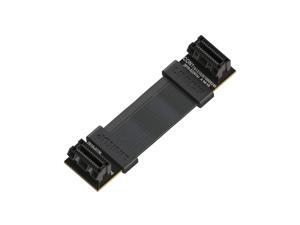
- Flexible SLI Bridge GPU Cable Extreme High-Speed Technology Premium Shielding 85 ohm ...
- Model #: 007639104254
- Item #: 9SIVT2CKWF2497
- Return Policy: NingJingDeXiaTian Return Policy
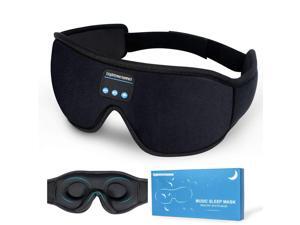
Sleep Headphones, Bluetooth 5.0 Wireless 3D Eye Mask, Lightimetunnel Washable ...
- Model #: 591575077025
- Item #: 9SIVT2FKWU7651
- Return Policy: YouZiXingBaiHuo Return Policy
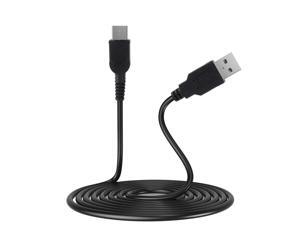
Gameboy Micro Charger, GBM USB Power Charging Cord Compatible with Game boy Micro, 3.9 ...
- Model #: 790272949392
- Item #: 9SIVT2CKWX9870
- Return Policy: NingJingDeXiaTian Return Policy
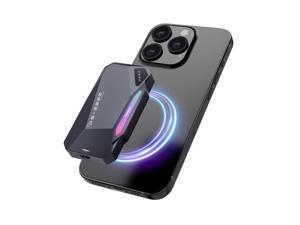
500GB Magnetic Portable SSD,2050MB/s Type-C USB 3.2 Gen 2x2 External SSD,4K ProRes ...
- Model #: 334176453255
- Item #: 9SIVT2CKWW9356
- Return Policy: NingJingDeXiaTian Return Policy
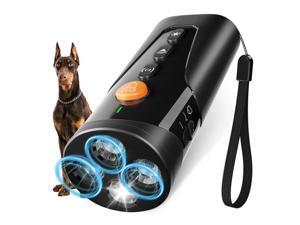
Dog Bark Deterrent Device, 3X Ultrasonic Anti Barking Device 6 Modes Dog Trainer ...
- Model #: 228383440638
- Item #: 9SIVT2FKWX2291
- Return Policy: YouZiXingBaiHuo Return Policy
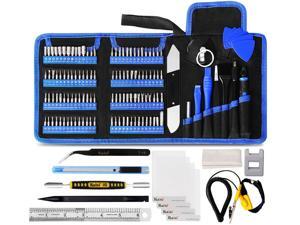
136 in 1 Electronics Repair Tool Kit Professional Precision Screwdriver Set Magnetic Drive Kit ...
- Model #: 977439347764
- Item #: 9SIVT2FKWT5827
- Return Policy: YouZiXingBaiHuo Return Policy
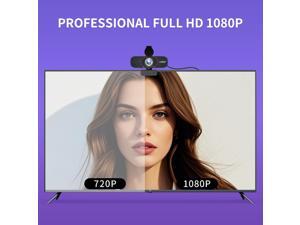
1080P HD Webcam with Microphone, Wide-Angle Lens, Auto Light Correction, Plug Play USB ...
- Brand: ClearOne
- Name: HSGQ-1080P
- Interface: USB 3.0
- Image Sensor: CCD
- Max. Image Resolution: 1920 x 1080
- Focus Settings: Auto Focus
- Lens: Wide Angle
- Power Source: USB, false
- Model #: 331545751343
- Item #: 9SIVSY8KX29559
- Return Policy: YuShuHuaYiShangHang Return Policy
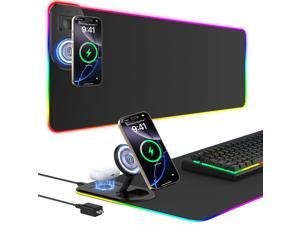
RGB Gaming Mouse Pad Wireless Charging Desk Mat with Foldable Phone Stand, Large LED ...
- Model #: 884514780632
- Item #: 9SIVSC0KWP9708
- Return Policy: DuoDuoShangHang Return Policy
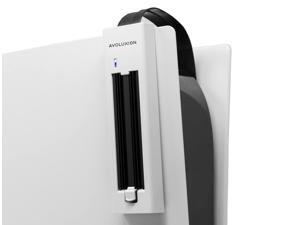
External SSD Expansion Upgrade Kit w/SSD Heatsink for PS5 Game Console (PSX-i1) - Turn ...
- Model #: 426801734666
- Item #: 9SIVT2CKWW2227
- Return Policy: NingJingDeXiaTian Return Policy
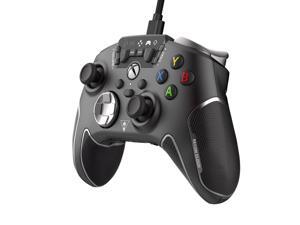
Recon Cloud Wired Game Controller with Bluetooth for Xbox Series X|S, Xbox One, Windows, ...
- Model #: 051053570623
- Item #: 9SIVSC0KX11348
- Return Policy: DuoDuoShangHang Return Policy
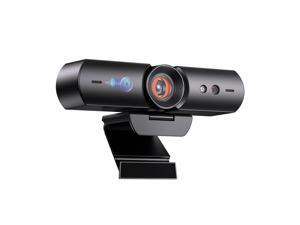
HelloCam, 1080P Webcam with Windows Hello, True Privacy, Automatic Electronic Shutter, ...
- Model #: 823658489135
- Item #: 9SIVSY8KX30604
- Return Policy: YuShuHuaYiShangHang Return Policy
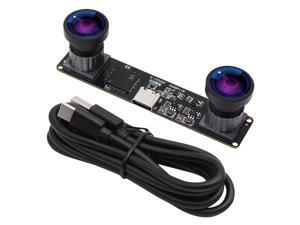
Webcamera_usb 4MP Dual Lens USB Camera Module Synchronization Binocular Webcam ...
- Model #: 9435761207060
- Item #: 9SIVT4DKW79851
- Return Policy: qinsihaoxue shop Return Policy
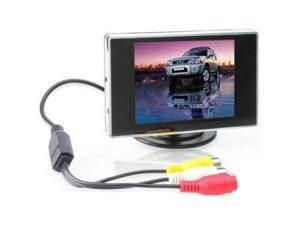
3.5 Inch TFT LCD Monitor for Car / Automobile
- Model #: 712592606145
- Item #: 9SIVSC0KWS7316
- Return Policy: DuoDuoShangHang Return Policy
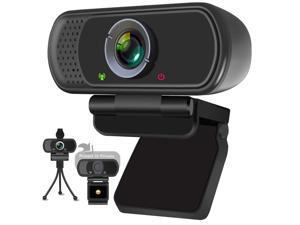
Full HD 1080P Webcam with Privacy Shutter and Tripod, Pro Streaming Web Camera with ...
- Brand: XPCAM
- Name: XPCAM
- Interface: USB
- Image Sensor: 2 megapixels
- Max. Image Resolution: 1080p
- Video Capture Resolution: 1080p
- Frame Rate: 30 frames_per_second
- Focus Settings: Fixed Focus
- Model #: 004554307536
- Item #: 9SIVSKTKXA9754
- Return Policy: xiuhuishangmao Return Policy
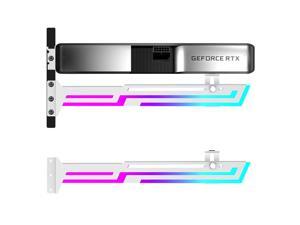
RGB GPU Support Bracket, GPU Brace Support, 5V 3Pin addressable GPU Holder, Built-in ...
- Model #: 986744713770
- Item #: 9SIVT2CKWG9676
- Return Policy: NingJingDeXiaTian Return Policy
How to Choose the Right Webcam
Introduction
Adding a webcam to your conference calls and online conversations can enhance the experience for both you and the other party. In addition, it is a more economical and environmentally-friendly alternative to paying for a plane ticket and flying in for a face-to-face meeting in another city. Before purchasing a webcam however, you should consider how it will be used and what features you.
Video Resolution
Similar to a monitor or a HDTV, a webcam’s video resolution is represented as the number of horizontal pixels by vertical pixels. A few of the more common resolutions include 640 × 480, 1280 × 720 (720p), and 1920 × 1080 (1080p). A higher resolution means that the video you capture will be sharper and more detailed. For HD video recording, you will need a webcam that is capable of at least 720p video capture.
Image Resolution
Aside from recording and sending live video, a web cam can also be used to take still images. Some webcams have their video and image resolutions listed separately, with the latter rated in megapixels. If you plan to use the webcam to take still photos, you should try to find one that has a high megapixel rating.
Frame Rate
Along with resolution, frame rate is another important factor for capturing video. A higher frame rate will result in a smoother video with less stuttering. Some webcams are capable of 30 frames per second video recording, though more budget-oriented models may have frame rates that are slightly lower than that.
Microphone
For recording audio, you can either utilize a webcam’s built-in microphone or connect a dedicated microphone. A built-in microphone is usually adequate for most tasks that do not require professional-grade sound recording. If you plan to record or live stream studio-quality audio however, you will want to utilize a dedicated microphone.
Mounting
There are several different mounting methods and designs for webcams. Some need to be clipped on, others require a flat horizontal surface, and a few even support tripods. Clip-on webcams are excellent for use with thin LCD monitors and laptops but not for thicker objects such as desktop towers or CRT monitors. A freestanding webcam is beneficial if you have a large flat surface such as the top of a tower or perhaps a conference table.

