


Webcam - Showing 1177 - 1200 of 3816 Products
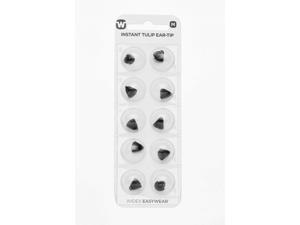
Easywear Instant Receiver Tulip Ear Tip (M)
- Model #: 626457005725
- Item #: 9SIVT2FKWW9653
- Return Policy: YouZiXingBaiHuo Return Policy
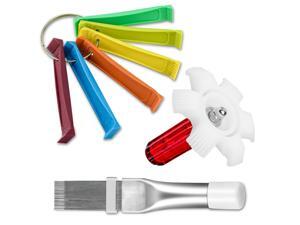
Fcr6 Air Conditioner Fin Comb Set 3PCS AC Fin Comb Straightener Include Fcr6 Fin Comb, Metal ...
- Model #: 223014605523
- Item #: 9SIVT2FKWV9063
- Return Policy: YouZiXingBaiHuo Return Policy
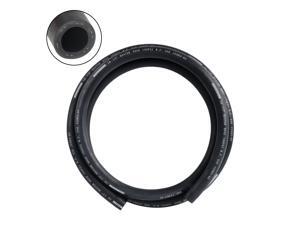
1/2" Heater Hose Coolant Radiator Straight 100PSI SAE 20R3 5FT Black
- Model #: 812663764135
- Item #: 9SIVT2FKWV9170
- Return Policy: YouZiXingBaiHuo Return Policy
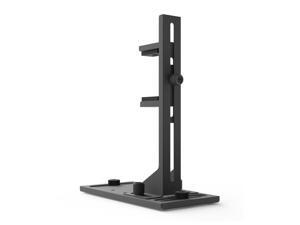
VS2 GPU Support Bracket, Screw Mount Graphics Card Brace, Adjustable Anti-Sag GPU Holder, ...
- Model #: 998777144977
- Item #: 9SIVT2FKWV4161
- Return Policy: YouZiXingBaiHuo Return Policy
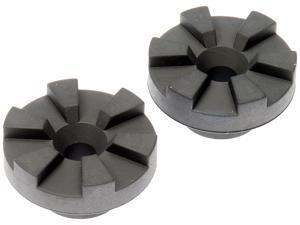
927-289 Radiator Mount Bushing Compatible with Select Dodge/Jeep Models, 2 Pack
- Model #: 505987619170
- Item #: 9SIVT2FKWV9205
- Return Policy: YouZiXingBaiHuo Return Policy
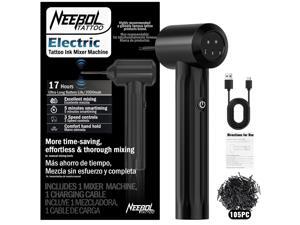
Rechargeable Tattoo Ink Mixer - 17+ Hours Long-Lasting Battery with 3 Speed Settings, ...
- Model #: 687282111626
- Item #: 9SIVT2FKWW9691
- Return Policy: YouZiXingBaiHuo Return Policy
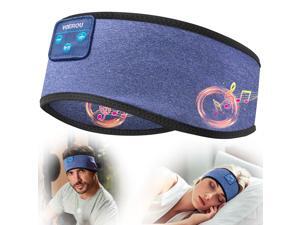
Sleep Headphones, Bluetooth 5.4 Headband for Men Women, Ultra Soft Sleeping ...
- Model #: 635407951165
- Item #: 9SIVT2FKWU7732
- Return Policy: YouZiXingBaiHuo Return Policy
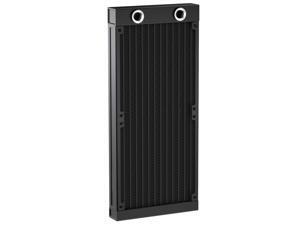
Water Cooling Radiator, 12 Pipe G1/4 Thread Heat Row Radiator 12 Pipe Aluminum Heat ...
- Model #: 054919583694
- Item #: 9SIVT2FKWV9166
- Return Policy: YouZiXingBaiHuo Return Policy
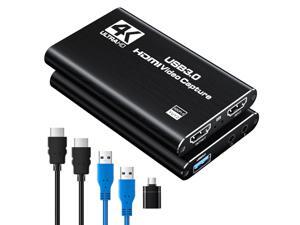
HDMI Capture Card for Streaming, Full HD 1080P 60FPS Capture USB 3.0 Game Audio Video ...
- Model #: 868266027758
- Item #: 9SIVT2FKWU7380
- Return Policy: YouZiXingBaiHuo Return Policy
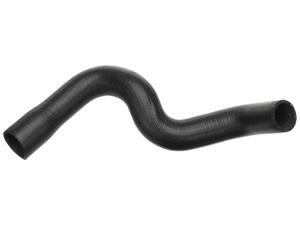
Gold 24052L Molded Lower Radiator Hose
- Model #: 788782829413
- Item #: 9SIVT2FKWV9057
- Return Policy: YouZiXingBaiHuo Return Policy
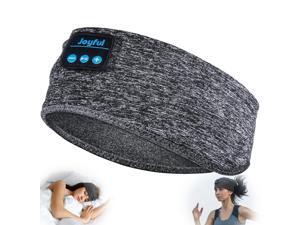
Sleep Headphones Bluetooth 5.3 Headband, Sports Wireless Earphones Sweat Resistant ...
- Model #: 498807547590
- Item #: 9SIVT2FKWU7749
- Return Policy: YouZiXingBaiHuo Return Policy
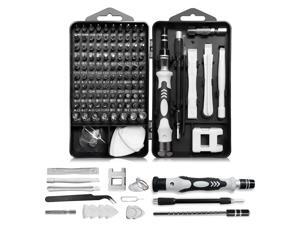
Precision Screwdriver Set, Professional 115 in 1 Magnetic Repair Tool Kit for Computer, Mobile ...
- Model #: 567650710201
- Item #: 9SIVT2FKWT5861
- Return Policy: YouZiXingBaiHuo Return Policy
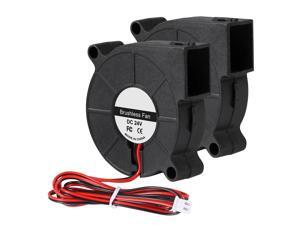
2Pcs 50mm Blower Fan 24V 5015 Dual Ball Bearings Brushless Turbine Turbo Blower 50mm x ...
- Model #: 638708620776
- Item #: 9SIVSAXKWW5821
- Return Policy: LONGYANCHUANGYI Return Policy
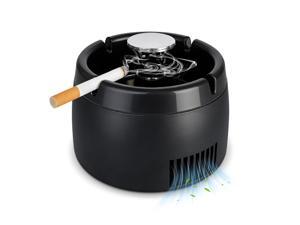
Smokeless Ashtray 2 in 1 Air Purifier Ashtray Smoke Removing Ash Tray Portable Smokeless ...
- Model #: 990225597272
- Item #: 9SIVT2FKWU7509
- Return Policy: YouZiXingBaiHuo Return Policy
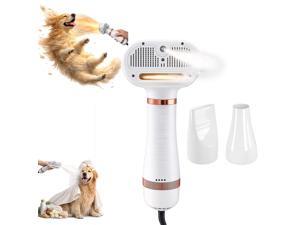
All-in-One Steam Pet Grooming Brush for Dogs & Cats, Soft Brushing with Drying & ...
- Model #: 016246530481
- Item #: 9SIVT2FKWU5926
- Return Policy: YouZiXingBaiHuo Return Policy
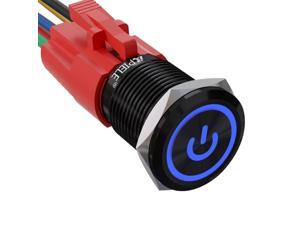
16mm Latching Push Button Switch 0.63" 12V Power Symbol Ring Led Car Metal with Socket ...
- Model #: 168353352317
- Item #: 9SIVT2FKWU4168
- Return Policy: YouZiXingBaiHuo Return Policy
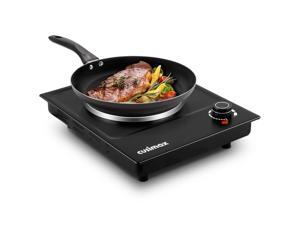
Hot Plate, Single Burner Electric Cooktop, 1500W Electric Burner Hot Plate for Cooking with ...
- Model #: 061142413217
- Item #: 9SIVT2FKWU7420
- Return Policy: YouZiXingBaiHuo Return Policy

4.2 Amp Corded Drill Variable Speed Reversible Electric with 3/8-Inch Keyless Chuck, Belt Clip, ...
- Model #: 152887091299
- Item #: 9SIVT2FKWU7436
- Return Policy: YouZiXingBaiHuo Return Policy
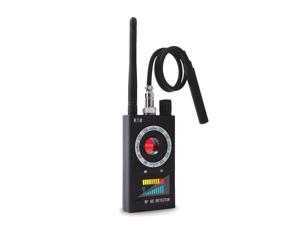
Hidden Camera Detectors, Listening Device Detector, GPS Detector, Anti-Spy Detector, Bug ...
- Model #: 594368815547
- Item #: 9SIVT2FKWX4476
- Return Policy: YouZiXingBaiHuo Return Policy
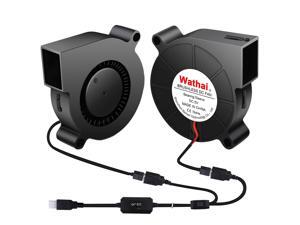
50mm x 15mm USB Blower Fan 5V 5015 Brushless Cooling Fans with Variable Speed Controller ...
- Model #: 320185286786
- Item #: 9SIVSAXKWW6074
- Return Policy: LONGYANCHUANGYI Return Policy
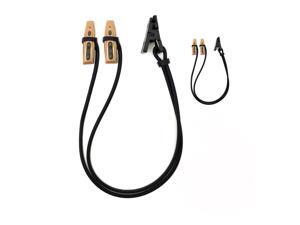
2 Pieces Hearing Aid Clip Anti-Lost Lanyard BTE Protector for Adults Seniors and Kids(Black)
- Model #: 497351193445
- Item #: 9SIVT2FKWV7277
- Return Policy: YouZiXingBaiHuo Return Policy
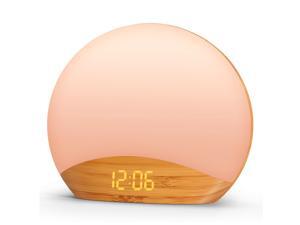
Wood Grain Sunrise Alarm Clock and Sound Machine Nightlight, Digital Dimmable Clock for ...
- Model #: 861002983062
- Item #: 9SIVSAXKWW7544
- Return Policy: LONGYANCHUANGYI Return Policy

Pixicade Video Game Maker | STEM Kit to Create & Play Your Own Video Games | Educational ...
- Model #: 803999816882
- Item #: 9SIVT2FKWU7369
- Return Policy: YouZiXingBaiHuo Return Policy
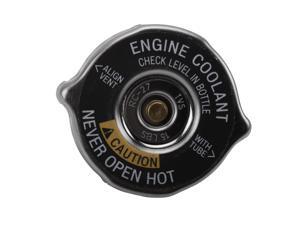
GM Original Equipment RC27 (10409635) Radiator Fill Cap
- Model #: 609662251461
- Item #: 9SIVT2FKWV9094
- Return Policy: YouZiXingBaiHuo Return Policy
How to Choose the Right Webcam
Introduction
Adding a webcam to your conference calls and online conversations can enhance the experience for both you and the other party. In addition, it is a more economical and environmentally-friendly alternative to paying for a plane ticket and flying in for a face-to-face meeting in another city. Before purchasing a webcam however, you should consider how it will be used and what features you.
Video Resolution
Similar to a monitor or a HDTV, a webcam’s video resolution is represented as the number of horizontal pixels by vertical pixels. A few of the more common resolutions include 640 × 480, 1280 × 720 (720p), and 1920 × 1080 (1080p). A higher resolution means that the video you capture will be sharper and more detailed. For HD video recording, you will need a webcam that is capable of at least 720p video capture.
Image Resolution
Aside from recording and sending live video, a web cam can also be used to take still images. Some webcams have their video and image resolutions listed separately, with the latter rated in megapixels. If you plan to use the webcam to take still photos, you should try to find one that has a high megapixel rating.
Frame Rate
Along with resolution, frame rate is another important factor for capturing video. A higher frame rate will result in a smoother video with less stuttering. Some webcams are capable of 30 frames per second video recording, though more budget-oriented models may have frame rates that are slightly lower than that.
Microphone
For recording audio, you can either utilize a webcam’s built-in microphone or connect a dedicated microphone. A built-in microphone is usually adequate for most tasks that do not require professional-grade sound recording. If you plan to record or live stream studio-quality audio however, you will want to utilize a dedicated microphone.
Mounting
There are several different mounting methods and designs for webcams. Some need to be clipped on, others require a flat horizontal surface, and a few even support tripods. Clip-on webcams are excellent for use with thin LCD monitors and laptops but not for thicker objects such as desktop towers or CRT monitors. A freestanding webcam is beneficial if you have a large flat surface such as the top of a tower or perhaps a conference table.

