


Webcam - Showing 1273 - 1296 of 3762 Products

3-in-1 Rectal, Underarm & Oral Thermometer for Kids, Digital Baby Thermometer for Infants, ...
- Model #: 126195718869
- Item #: 9SIVT2FKWV7585
- Return Policy: YouZiXingBaiHuo Return Policy

PS 5 Controller Charger Station Compatible with PlayStation 5 Faceplates Edge & Dual ...
- Model #: 656811699874
- Item #: 9SIVT2CKWW4568
- Return Policy: NingJingDeXiaTian Return Policy
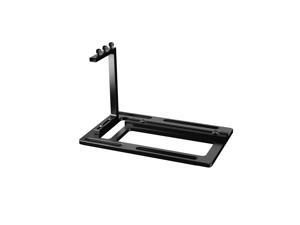
Vertical GPU Mount for PC Case Aluminum Support Bracket with PCIe Riser Slot and Fan ...
- Model #: 760585767220
- Item #: 9SIVT2CKWG9153
- Return Policy: NingJingDeXiaTian Return Policy
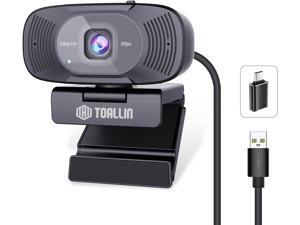
TOALLIN 1080P Full HD Webcam with Dual Microphones, Computer Web Camera, 90° Wide ...
- Model #: Lan202342456387503
- Item #: 9SIVNUDKKR4210
- Return Policy: DigitalFlash Return Policy
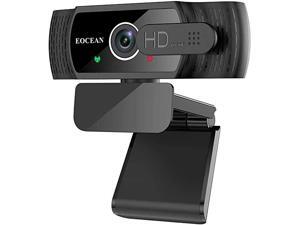
Webcam with Microphone, 1080P HD Streaming USB Desktop Windows and Mac OS
- Model #: E155019274306
- Item #: 9SIVRZWKRH3860
- Return Policy: connect7 Return Policy
2pcs Upper Rubber Cushion Bushing Radiator Mount Insulator No.2150610V00 for Nissan ...
- Model #: 501742404231
- Item #: 9SIVT2FKWX1102
- Return Policy: YouZiXingBaiHuo Return Policy
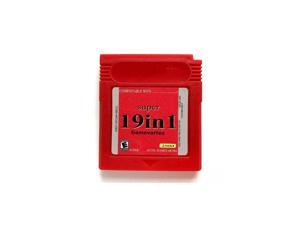
Super Cartridge 19 in 1 Game Boy Color GBC 16bits, Video Game Cartridge Card For Handheld ...
- Model #: 142179652668
- Item #: 9SIVT2FKWU7385
- Return Policy: YouZiXingBaiHuo Return Policy

AC DC Adapter for Roland JUNO-DS61 JUNODS61 JUNO-DS88 JUNODS88 Synthesizer Power ...
- Model #: 336765336753
- Item #: 9SIVT2FKWV2529
- Return Policy: YouZiXingBaiHuo Return Policy
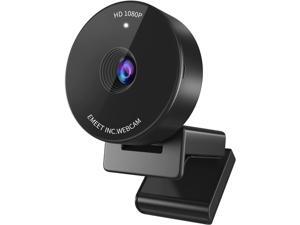
1080P Webcam - USB Webcam with Microphone & Physical Privacy Cover, Noise-Canceling ...
- Model #: WBCDECRS10
- Item #: 9SIV9F7KGK0822
- Return Policy: Fashion Technology Return Policy
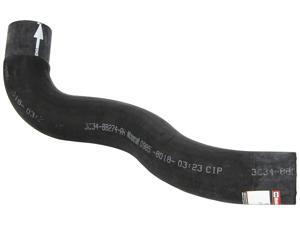
KM4783 Upper Radiator Hose
- Model #: 760193032249
- Item #: 9SIVT2FKWX1118
- Return Policy: YouZiXingBaiHuo Return Policy
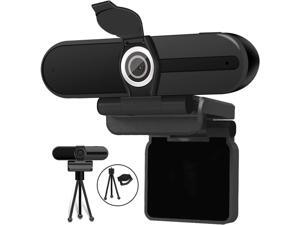
4K Webcam, Webcam 8MP HD Computer Camera with Microphone, Pro Streaming Web ...
- Model #: 1geek938115655399
- Item #: 9SIV9F7KE28020
- Return Policy: Fashion Technology Return Policy
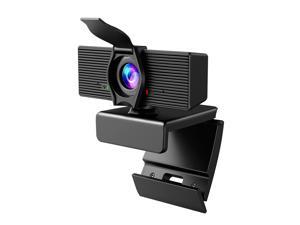
LITEPRO Webcam with Microphone & Privacy Cover, 1080P HD Web Computer Camera, USB ...
- Model #: 9391048914765
- Item #: 9SIVTDYKWC7494
- Return Policy: Voltrix Return Policy
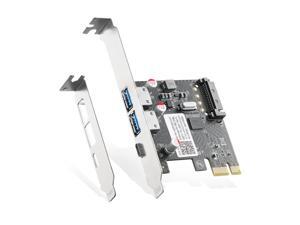
PCIE to USB 3.0 Expansion Card, 2 USB Type-A and 1 USB Type-C Ports, Self-Powered, Low ...
- Model #: 713697184781
- Item #: 9SIVRTNKX41395
- Return Policy: Jiamayanonly Return Policy
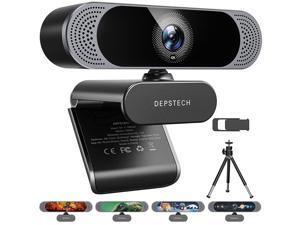
4K Webcam, DW49 HD 8MP Equipped with Sony Sensor Autofocus Webcam with Microphone, ...
- Brand: DEPSTECH
- Name: DW49
- Interface: USB
- Image Sensor: 8 megapixels
- Max. Image Resolution: 4K
- Effective Pixels: 8 megapixels
- Video Capture Resolution: 4K
- Frame Rate: 30 frames_per_second
- Model #: 107394165220
- Item #: 9SIVSS6KWM6145
- Return Policy: TongXiangDianZiShangWu Return Policy
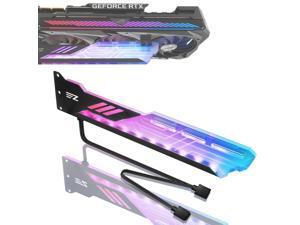
RGB GPU Holder 5V 3-Pin Colorful RGB Graphics Card GPU Support Video Card Holder Bracket, ...
- Model #: 847306631692
- Item #: 9SIVT2CKWH0214
- Return Policy: NingJingDeXiaTian Return Policy
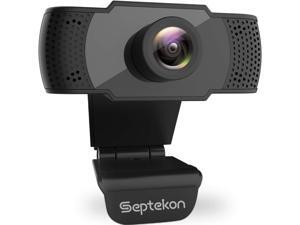
Septekon 1080P HD Webcam with Microphone, Streaming Computer Web Camera for ...
- Model #: Lan27342456385875
- Item #: 9SIVNUDKKR3534
- Return Policy: DigitalFlash Return Policy
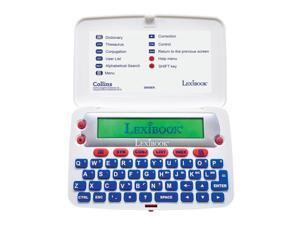
- The Collins English Dictionary, 13th Edition - Electronic Dictionary, Definitions, Thesaurus, ...
- Model #: 147363304360
- Item #: 9SIVT2CKWW9123
- Return Policy: NingJingDeXiaTian Return Policy
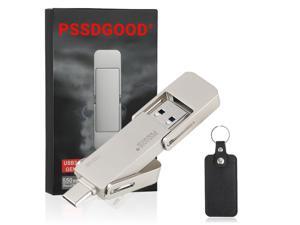
128GB USB Drive,Portable SSD Fast 550MB/s 2 in 1 Flash Drive,Type C+A USB3.2 Gen2 ...
- Model #: 872542587580
- Item #: 9SIVT2CKWW2552
- Return Policy: NingJingDeXiaTian Return Policy
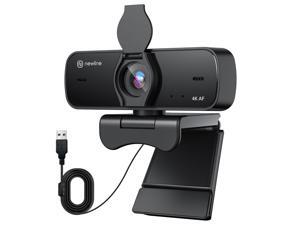
4K Webcam for PC, 4K UHD USB Webcam with Microphone, New Upgraded Auto Focus, Low ...
- Brand: ClearOne
- Name: NewEye 60s Webcam
- Interface: USB 3.0
- Image Sensor: CCD
- Max. Image Resolution: 1920 x 1080
- Focus Settings: Auto Focus
- Lens: Wide Angle
- Power Source: USB, false
- Model #: 423293267493
- Item #: 9SIVSY8KX29704
- Return Policy: YuShuHuaYiShangHang Return Policy
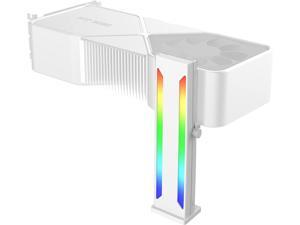
DS White RGB Graphics Card GPU Support Bracket, Single Slot Cards, Support Video Card ...
- Model #: 431008954922
- Item #: 9SIVT2CKWE5548
- Return Policy: NingJingDeXiaTian Return Policy
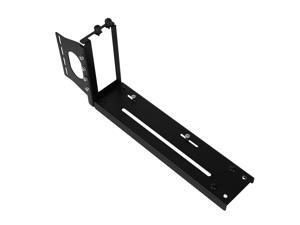
Graphics Card Bracket with Versatile Vertical GPU Mount Bracket and Gpu Holder for Enhanced ...
- Model #: 980540252419
- Item #: 9SIVT2CKWG6455
- Return Policy: NingJingDeXiaTian Return Policy
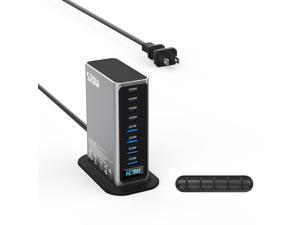
520W USB C Charger Station, 8-Port (4C+4A) GaN Fast Charger Block, 100W PD PPS for ...
- Model #: 558783163213
- Item #: 9SIVTAJKXK0924
- Return Policy: "Deal Mall" Return Policy
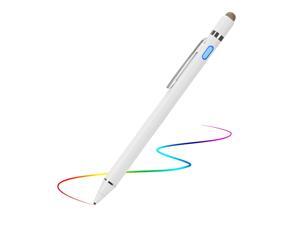
Active Stylus Digital Pen with Ultra Fine Tip Stylus for iPad iPhone Samsung Tablets, ...
- Model #: 136982477040
- Item #: 9SIVT2FKWU6009
- Return Policy: YouZiXingBaiHuo Return Policy
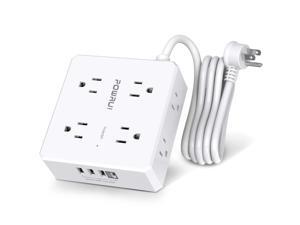
Surge Protector Power Strip - 6 Ft Flat Plug Extension Cord with 8 Widely Outlets and 4 USB ...
- Model #: 309558475516
- Item #: 9SIVT2CKWX5373
- Return Policy: NingJingDeXiaTian Return Policy
How to Choose the Right Webcam
Introduction
Adding a webcam to your conference calls and online conversations can enhance the experience for both you and the other party. In addition, it is a more economical and environmentally-friendly alternative to paying for a plane ticket and flying in for a face-to-face meeting in another city. Before purchasing a webcam however, you should consider how it will be used and what features you.
Video Resolution
Similar to a monitor or a HDTV, a webcam’s video resolution is represented as the number of horizontal pixels by vertical pixels. A few of the more common resolutions include 640 × 480, 1280 × 720 (720p), and 1920 × 1080 (1080p). A higher resolution means that the video you capture will be sharper and more detailed. For HD video recording, you will need a webcam that is capable of at least 720p video capture.
Image Resolution
Aside from recording and sending live video, a web cam can also be used to take still images. Some webcams have their video and image resolutions listed separately, with the latter rated in megapixels. If you plan to use the webcam to take still photos, you should try to find one that has a high megapixel rating.
Frame Rate
Along with resolution, frame rate is another important factor for capturing video. A higher frame rate will result in a smoother video with less stuttering. Some webcams are capable of 30 frames per second video recording, though more budget-oriented models may have frame rates that are slightly lower than that.
Microphone
For recording audio, you can either utilize a webcam’s built-in microphone or connect a dedicated microphone. A built-in microphone is usually adequate for most tasks that do not require professional-grade sound recording. If you plan to record or live stream studio-quality audio however, you will want to utilize a dedicated microphone.
Mounting
There are several different mounting methods and designs for webcams. Some need to be clipped on, others require a flat horizontal surface, and a few even support tripods. Clip-on webcams are excellent for use with thin LCD monitors and laptops but not for thicker objects such as desktop towers or CRT monitors. A freestanding webcam is beneficial if you have a large flat surface such as the top of a tower or perhaps a conference table.

