


Webcam - Showing 1321 - 1344 of 3816 Products
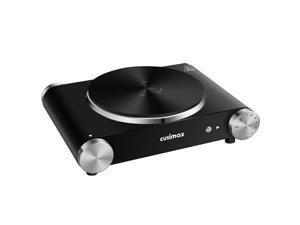
Electric Hot Plate for Cooking Portable Single Burner 1500W Cast Iron hot plates Heat-up in ...
- Model #: 163417231761
- Item #: 9SIVT2FKWU7409
- Return Policy: YouZiXingBaiHuo Return Policy
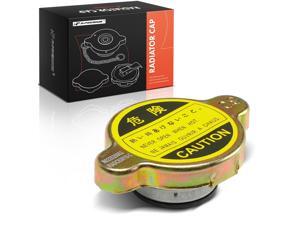
Radiator Cap Cover - Compatible with Toyota, Mazda, Nissan, Lexus, Hyundai, Honda, Kia, ...
- Model #: 536349681514
- Item #: 9SIVT2FKWX1104
- Return Policy: YouZiXingBaiHuo Return Policy
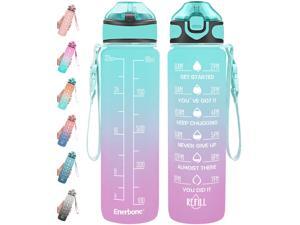
32 oz Drinking Water Bottle with Times to Drink and Straw, Motivational with Carrying Strap, ...
- Model #: 122555338683
- Item #: 9SIVT2FKWX6845
- Return Policy: YouZiXingBaiHuo Return Policy
3/8" Heater Hose Coolant Radiator Straight 100PSI SAE 20R3 10FT Black
- Model #: 337567016256
- Item #: 9SIVT2FKWV9188
- Return Policy: YouZiXingBaiHuo Return Policy
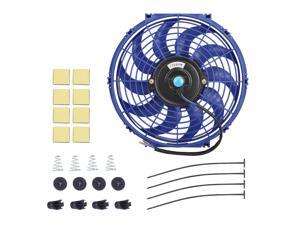
Slim Electric Radiator Cooling Fan - 12 Inch, 12V 80W Motor, Blue, with Mounting Kit
- Model #: 912840125479
- Item #: 9SIVT2FKWV9212
- Return Policy: YouZiXingBaiHuo Return Policy
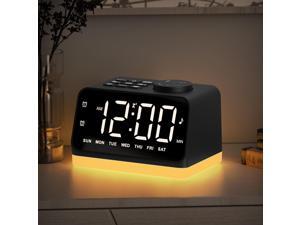
Digital Alarm Clock with FM Radio for Bedroom, 8 Colors Night Light with 2 Charging Port, Sleep ...
- Model #: 251272411722
- Item #: 9SIVSAXKWW7171
- Return Policy: LONGYANCHUANGYI Return Policy
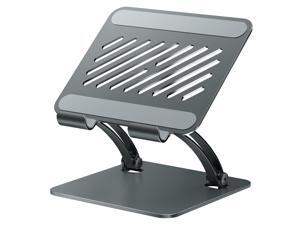
Tablet Holder Stand, Dual Rod Adjustable Aluminum Desktop Stand, Compatible with ...
- Model #: 804531584072
- Item #: 9SIVTAJKXR3752
- Return Policy: "Deal Mall" Return Policy
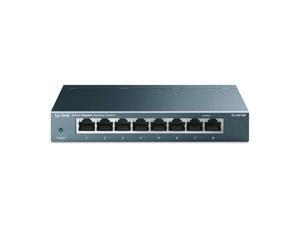
8 Port Gigabit Ethernet Network Switch - Ethernet Splitter | Plug & Play | Fanless | Sturdy Metal w/ ...
- Model #: 905315727565
- Item #: 9SIVT4VKXP2830
- Return Policy: halongzhiUKshop Return Policy
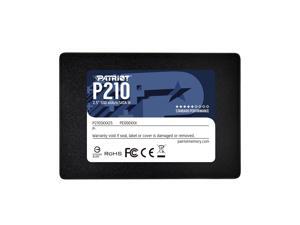
P210 SATA 3 128GB SSD 2.5 Inch Internal Solid State Drive - P210S128G25
- Model #: 867502895644
- Item #: 9SIVT4VKXN9012
- Return Policy: halongzhiUKshop Return Policy
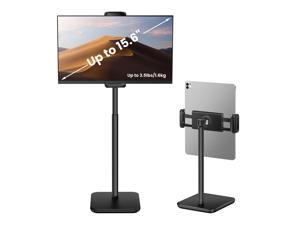
Height Adjustable Tablet Stand, 3.5lb (1.6kg) Max Support, Up to 18" Tall, Slim Portable ...
- Model #: 086405741357
- Item #: 9SIVTAJKXR3567
- Return Policy: "Deal Mall" Return Policy
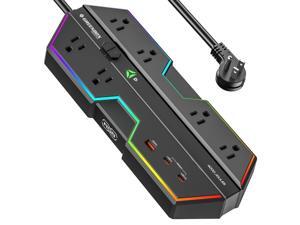
4000J Surge Protector Power Strip with USB Ports, 6 Outlet Power Strip with RGB Lights and PD ...
- Model #: 298729309912
- Item #: 9SIVT4VKXM3537
- Return Policy: halongzhiUKshop Return Policy
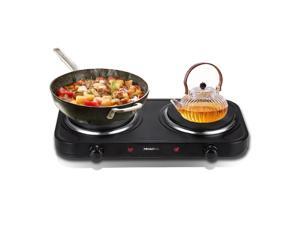
Countertop Double Cast Iron Burner 1800 Watts Electric Hot Plate with Adjustable ...
- Model #: 588035884195
- Item #: 9SIVT2FKWU7414
- Return Policy: YouZiXingBaiHuo Return Policy
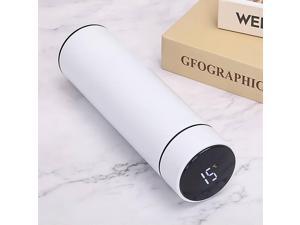
Smart Water Bottle Stainless Steel Vacuum Flask,Travel Mug with Smart LCD Touch Screen, ...
- Model #: 307200126588
- Item #: 9SIVT2FKWU7220
- Return Policy: YouZiXingBaiHuo Return Policy
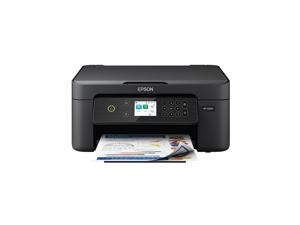
Expression Home XP-4200 Wireless Color All-in-One Printer with Scan Copy, Automatic ...
- Model #: 998654548687
- Item #: 9SIVT2FKWV3095
- Return Policy: YouZiXingBaiHuo Return Policy
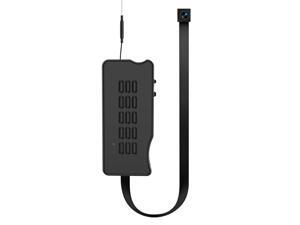
Mini Camera DIY Module, HD 1080P Wireless Cameras, Small WiFi Nanny Cam, Portable Tiny ...
- Brand: ClearOne
- Name: DIY Camera Module DuboCam
- Interface: USB 3.0
- Focus Settings: Auto Focus
- Power Source: Battery Powered
- Shutter Control: App Control
- Part Number: S01
- Disclaimer: batteries_contained_in_equipment, battery, true, 2 watt_hours
- Model #: 472270894088
- Item #: 9SIVSAXKWW6129
- Return Policy: LONGYANCHUANGYI Return Policy
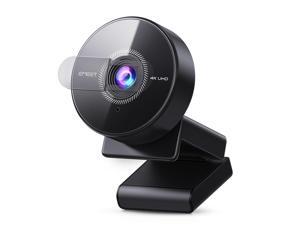
C950 4K Webcam for PC - PDAF Autofocus, USB Webcam with Microphone & Physical Privacy ...
- Brand: EMEET
- Name: C950
- Interface: USB
- Image Sensor: 8 megapixels
- Max. Image Resolution: 4K
- Effective Pixels: 8 megapixels
- Video Capture Resolution: 4K
- Focus Settings: Auto Focus
- Model #: 673208782417
- Item #: 9SIVSAXKWR8628
- Return Policy: LONGYANCHUANGYI Return Policy
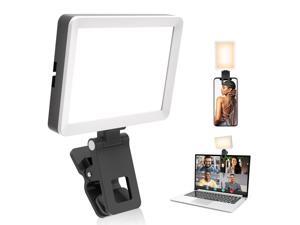
Selfie Light with Memory Function, Rechargeable Phone Light for Pictures, iPhone, iPad, ...
- Model #: 101151481468
- Item #: 9SIVT2FKWU7605
- Return Policy: YouZiXingBaiHuo Return Policy

Hooded Hair Dryer Attachment w/A Headband Integrated That Reduces Heat Around Ears & ...
- Model #: 961007064731
- Item #: 9SIVT2FKWT5850
- Return Policy: YouZiXingBaiHuo Return Policy
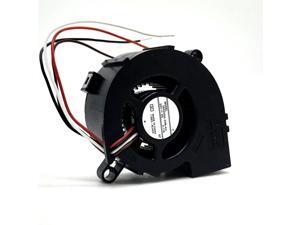
50mm Blower Fan 5020 DC 24V Double Ball 05020GA-24M-AU 5cm Printer Projector ...
- Model #: 947112371881
- Item #: 9SIVSAXKX19370
- Return Policy: LONGYANCHUANGYI Return Policy

Grandson Birthday Card Video Game Theme, Made in America, Eco-Friendly, Thick Card Stock ...
- Model #: 995297231682
- Item #: 9SIVT2FKWU7403
- Return Policy: YouZiXingBaiHuo Return Policy

Carousel Night Light for Kids, 15 Music+15 Films+315 Colors Star Projector for Kids Night Light ...
- Model #: 678800400684
- Item #: 9SIVT2FKWX2502
- Return Policy: YouZiXingBaiHuo Return Policy
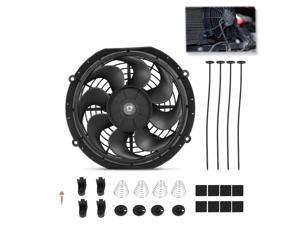
Universal 10 Inch Black Slim Radiator Cooling Fan 12V 80W Push Pull with Mount Kit Fits ...
- Model #: 778086548687
- Item #: 9SIVT2FKWV9206
- Return Policy: YouZiXingBaiHuo Return Policy
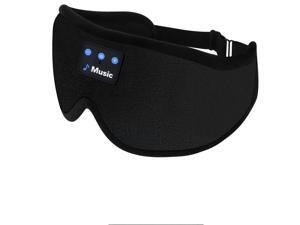
3D Sleep Mask with Bluetooth Headphones, Sleeping Headphones for Side Sleepers, ...
- Model #: 896051018590
- Item #: 9SIVT2FKWU7706
- Return Policy: YouZiXingBaiHuo Return Policy
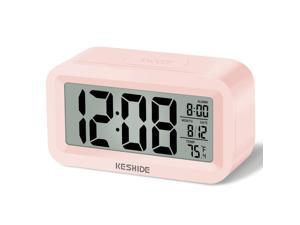
Travel Digital Alarm Clock Battery Operated with Indoor Temperature, Desk Small ...
- Model #: 976099312243
- Item #: 9SIVT2FKWU5826
- Return Policy: YouZiXingBaiHuo Return Policy
How to Choose the Right Webcam
Introduction
Adding a webcam to your conference calls and online conversations can enhance the experience for both you and the other party. In addition, it is a more economical and environmentally-friendly alternative to paying for a plane ticket and flying in for a face-to-face meeting in another city. Before purchasing a webcam however, you should consider how it will be used and what features you.
Video Resolution
Similar to a monitor or a HDTV, a webcam’s video resolution is represented as the number of horizontal pixels by vertical pixels. A few of the more common resolutions include 640 × 480, 1280 × 720 (720p), and 1920 × 1080 (1080p). A higher resolution means that the video you capture will be sharper and more detailed. For HD video recording, you will need a webcam that is capable of at least 720p video capture.
Image Resolution
Aside from recording and sending live video, a web cam can also be used to take still images. Some webcams have their video and image resolutions listed separately, with the latter rated in megapixels. If you plan to use the webcam to take still photos, you should try to find one that has a high megapixel rating.
Frame Rate
Along with resolution, frame rate is another important factor for capturing video. A higher frame rate will result in a smoother video with less stuttering. Some webcams are capable of 30 frames per second video recording, though more budget-oriented models may have frame rates that are slightly lower than that.
Microphone
For recording audio, you can either utilize a webcam’s built-in microphone or connect a dedicated microphone. A built-in microphone is usually adequate for most tasks that do not require professional-grade sound recording. If you plan to record or live stream studio-quality audio however, you will want to utilize a dedicated microphone.
Mounting
There are several different mounting methods and designs for webcams. Some need to be clipped on, others require a flat horizontal surface, and a few even support tripods. Clip-on webcams are excellent for use with thin LCD monitors and laptops but not for thicker objects such as desktop towers or CRT monitors. A freestanding webcam is beneficial if you have a large flat surface such as the top of a tower or perhaps a conference table.

