


Webcam - Showing 1345 - 1368 of 1478 Products
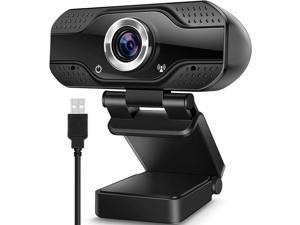
WISDUM Video Calling Recording Conferencing Live Class Webcam,1080P Full HD Webcam ...
- Model #: C00F-0818112
- Item #: 9SIVNXAKTN4065
- Return Policy: Dong Guan Shi Qing Yi Shang Mao You Xian Return Policy
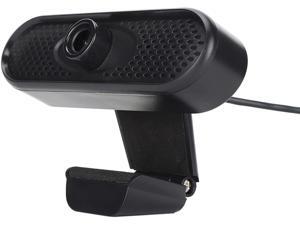
Heayzoki USB Camera,1080p USB Camera,HD Web Camera No Drive Manual Focus 2 Million ...
- Model #: RB09C287TVB
- Item #: 9SIVPXNKRM3131
- Return Policy: yinyueshengdianzishangwuyouxiangongsi Return Policy
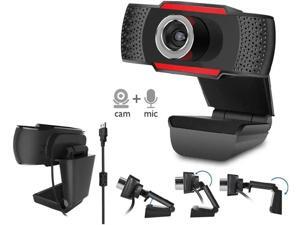
HD Webcam Mini Digital USB Camera Video Recording Rotatable Webcam Plug and Play ...
- Model #: B3EW-1204-88
- Item #: 9SIVSSHKU25140
- Return Policy: tomorroW3 Return Policy
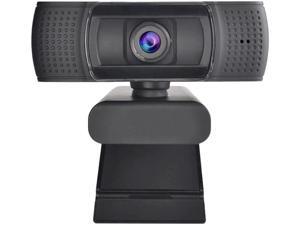
USB Webcam 1080p 60fps Focus Web Camera with Noise-Cancelling Microphone ...
- Model #: B3EW-1204-22
- Item #: 9SIVSSHKU25462
- Return Policy: tomorroW3 Return Policy
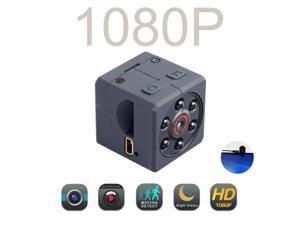
30FPS Webcam Full Hd 1080p Usb Web Camera Hd Mini Web Cam For Android Android Smart ...
- Model #: 1-Web-Camera0941
- Item #: 9SIVSSHKU17138
- Return Policy: tomorroW3 Return Policy
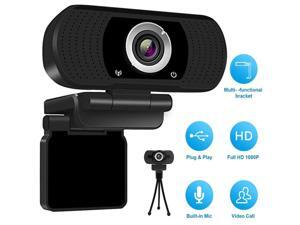
1080P HD Webcam USB Web Camera Built-in Microphone Video Call manual focus Web Cam ...
- Model #: 1-Web-Camera0862
- Item #: 9SIVSSHKU16880
- Return Policy: tomorroW3 Return Policy
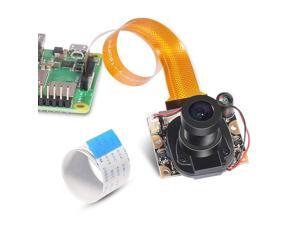
for Raspberry Pi 3 Model B+ Camera Module Automatic IR-Cut Switching Day/Night Vision ...
- Brand: ClearOne
- Name: 16018
- Interface: USB 3.0
- Image Sensor: CCD
- Max. Image Resolution: 1920 x 1080
- Focus Settings: Manual Focus
- Lens: Prime
- Power Source: Infrared, false
- Model #: 596771490978
- Item #: 9SIVT4DKW79656
- Return Policy: qinsihaoxue shop Return Policy
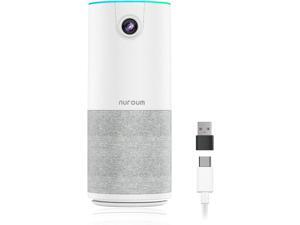
NUROUM C10(2nd Gen) 1080P Conference Webcam with Microphone Speaker, Portable All in ...
- Model #: Lan153342456387015
- Item #: 9SIVNUDKKR3973
- Return Policy: DigitalFlash Return Policy
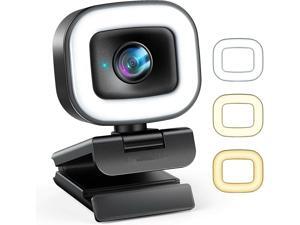
60FPS Streaming Webcam with Adjustable Ring Light, Jelly Comb Auto-Focus HD 60FPS, ...
- Model #: WEY13754DFT3671975
- Item #: 9SIV9F7KGK0840
- Return Policy: Fashion Technology Return Policy
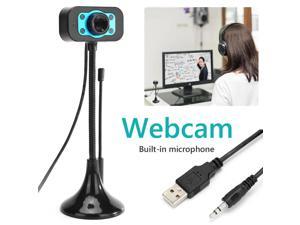
Computer HD Webcam 720P HD Video Webcam Microphone USB Camera with Noise ...
- Model #: DF-Web-Camera0772
- Item #: 9SIV9F7KGK1552
- Return Policy: Fashion Technology Return Policy
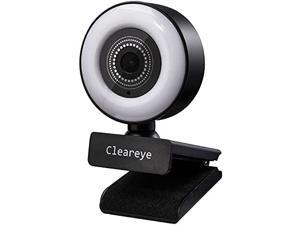
1080P 60FPS Streaming Webcam with Ring Light, Fast AutoFocus, 2021 Cleareye USB 1080P ...
- Model #: RB09C4SCCMX
- Item #: 9SIV9F7KE28263
- Return Policy: Fashion Technology Return Policy
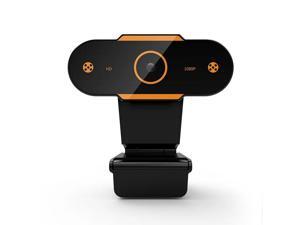
Web Camera 2K/1080P/720P/480P HD Auto Focus Computer Camera Webcam With ...
- Model #: DF-Web-Camera0264
- Item #: 9SIVPXNKM04129
- Return Policy: yinyueshengdianzishangwuyouxiangongsi Return Policy
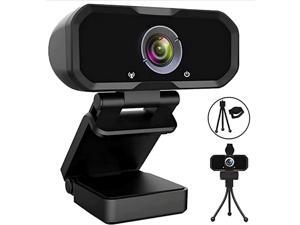
Webcam 1080p HD Computer Switch 2 Camera - Microphone Laptop USB PC Webcam with ...
- Model #: Lan13342456385769
- Item #: 9SIVNUDKKR3537
- Return Policy: DigitalFlash Return Policy
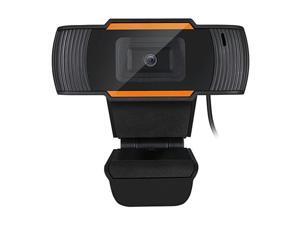
sakose CYBERTRACK H2 USB WebCam with Built-in Microphone
- Brand: SAJOSE
- Interface: USB
- Image Sensor: 300K Pixel CMOS Sensor
- Video Capture Resolution: 640 x 480
- Frame Rate: 30 fps
- Focus Settings: Fixed Focus
- Operating Systems Supported: Windows 10/8/7/Vista; Mac OS X 10.6 USB 2.0 port
- Features: 480p High Definition Video Resolution The Cybertrack H2 lets your audience feel like they are in the room with you with 480P True Color High Definition video resolution. Video Conferencing Compatible with popular web conferencing applications like Zoom, Skype, Webex, Goto Meeting and much more. Whether you are chatting with loved ones or doing business on a video call. With all these great features, you can easily record and transmit your videos to everyone! 3000K pixel CMOS Sensor with Maximum resolution This webcam features a true auto focus CMOS image sensor tha...
- Model #: GD-12X
- Item #: 9SIVGEGKSZ6412
- Return Policy: ZerKorr Power Return Policy
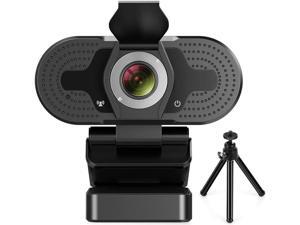
JAENFONG 1080P Webcam for PC, Full HD Computer Camera with Cover, USB Web Cam with ...
- Model #: xo-707
- Item #: 9SIVNUFKNW6205
- Return Policy: guangzhoushijiekeji Return Policy
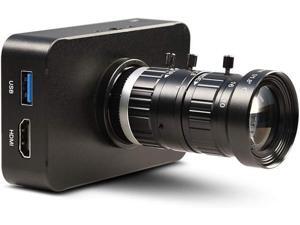
MOKOSE 4K HDMI Industry Camera C/CS-Mount Teaching Webcam with 10-50MM Telephoto ...
- Model #: zz0472IGXC
- Item #: 9SIVFTRKRT3707
- Return Policy: SWYFLY Return Policy
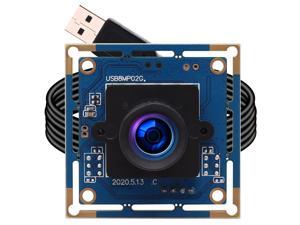
ELP 8mp USB Camera Module 2448p Webcam Board 75degree Wide Angle Web Cam Module ...
- Model #: 9391048832694
- Item #: 9SIVMWDKM78786
- Return Policy: LMSshop Return Policy
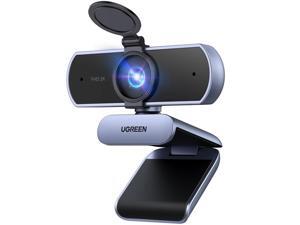
2K Webcam for PC Ultra HD 1080P Computer Webcam with Microphone, PC Camera with ...
- Brand: UGREEN
- Name: 55721
- Interface: USB
- Image Sensor: 4 megapixels
- Max. Image Resolution: 2K
- Effective Pixels: 2 megapixels
- Video Capture Resolution: 2K
- Focus Settings: Auto Focus
- Model #: 963777786052
- Item #: 9SIVT44KVU9981
- Return Policy: meimeiliangshipindian Return Policy
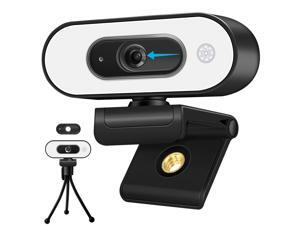
Svcouok 1080P USB Camera for Switch 2/ PC, Ring Light & 3-Level Brightness - Streaming ...
- Model #: 694782961064
- Item #: 9SIVMWDKM72239
- Return Policy: LMSshop Return Policy
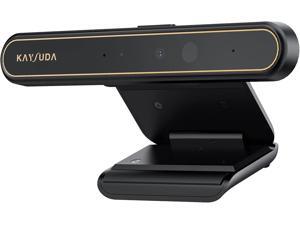
Face Recognition USB IR Camera for Windows Hello, RGB 1080P (Entry Level) Webcam with ...
- Model #: Lan40342456385967
- Item #: 9SIVNUDKKR3525
- Return Policy: DigitalFlash Return Policy
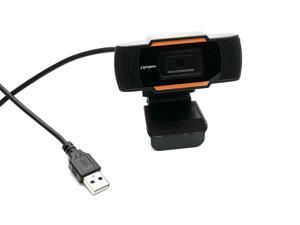
1920 x 1080P HD USB Webcam
- Model #: SANOXY-Webcam-1080p
- Item #: 9SIV9F7KE28375
- Return Policy: Fashion Technology Return Policy
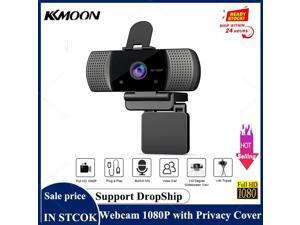
1080P Full HD 4K 30FPS Wide Angle USB Webcam with Privacy Cover Mic Web Cam For ...
- Model #: 1-Web-Camera0119
- Item #: 9SIV9F7KKF2657
- Return Policy: Fashion Technology Return Policy
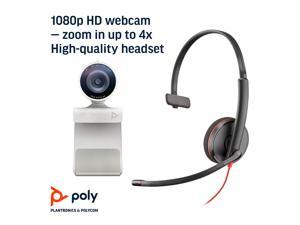
Plantronics Poly - Studio P5 Webcam with Blackwire 3210 Headset Kit Polycom - 1080p HD ...
- Model #: 965111461297
- Item #: 9SIVGXPKH59541
- Return Policy: Lezone Return Policy
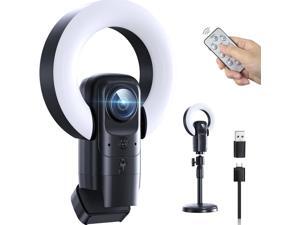
4K Webcam with Light, Streaming Camera with Microphone, Plug and Play, USB HD Computer ...
- Model #: 124184389543
- Item #: 9SIVSKUKUB8129
- Return Policy: GeDuoJiaJiBaiHuo Return Policy
How to Choose the Right Webcam
Introduction
Adding a webcam to your conference calls and online conversations can enhance the experience for both you and the other party. In addition, it is a more economical and environmentally-friendly alternative to paying for a plane ticket and flying in for a face-to-face meeting in another city. Before purchasing a webcam however, you should consider how it will be used and what features you.
Video Resolution
Similar to a monitor or a HDTV, a webcam’s video resolution is represented as the number of horizontal pixels by vertical pixels. A few of the more common resolutions include 640 × 480, 1280 × 720 (720p), and 1920 × 1080 (1080p). A higher resolution means that the video you capture will be sharper and more detailed. For HD video recording, you will need a webcam that is capable of at least 720p video capture.
Image Resolution
Aside from recording and sending live video, a web cam can also be used to take still images. Some webcams have their video and image resolutions listed separately, with the latter rated in megapixels. If you plan to use the webcam to take still photos, you should try to find one that has a high megapixel rating.
Frame Rate
Along with resolution, frame rate is another important factor for capturing video. A higher frame rate will result in a smoother video with less stuttering. Some webcams are capable of 30 frames per second video recording, though more budget-oriented models may have frame rates that are slightly lower than that.
Microphone
For recording audio, you can either utilize a webcam’s built-in microphone or connect a dedicated microphone. A built-in microphone is usually adequate for most tasks that do not require professional-grade sound recording. If you plan to record or live stream studio-quality audio however, you will want to utilize a dedicated microphone.
Mounting
There are several different mounting methods and designs for webcams. Some need to be clipped on, others require a flat horizontal surface, and a few even support tripods. Clip-on webcams are excellent for use with thin LCD monitors and laptops but not for thicker objects such as desktop towers or CRT monitors. A freestanding webcam is beneficial if you have a large flat surface such as the top of a tower or perhaps a conference table.

