


Webcam - Showing 1369 - 1392 of 4072 Products
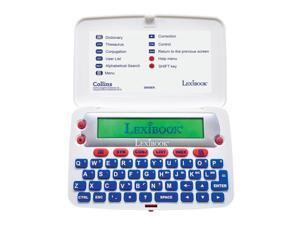
- The Collins English Dictionary, 13th Edition - Electronic Dictionary, Definitions, Thesaurus, ...
- Model #: 147363304360
- Item #: 9SIVT2CKWW9123
- Return Policy: NingJingDeXiaTian Return Policy
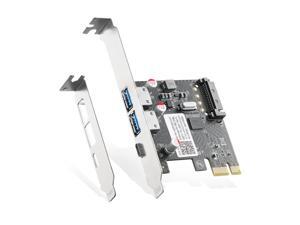
PCIE to USB 3.0 Expansion Card, 2 USB Type-A and 1 USB Type-C Ports, Self-Powered, Low ...
- Model #: 713697184781
- Item #: 9SIVRTNKX41395
- Return Policy: Jiamayanonly Return Policy
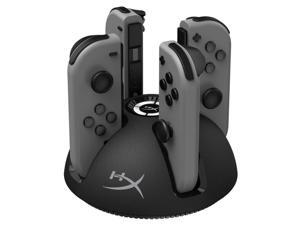
Chargeplay Quad - 4-in-1 Joy-Con Charging Station for Nintendo Switch with LED Indicators, ...
- Model #: 844893573347
- Item #: 9SIVT2CKWH0006
- Return Policy: NingJingDeXiaTian Return Policy
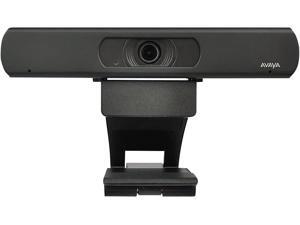
Avaya HC020 Web Camera with 4K Video Capability
- Model #: Lan108342456386568
- Item #: 9SIVNUDKKR3708
- Return Policy: DigitalFlash Return Policy
31523 Radiator Cap
- Model #: 730851399758
- Item #: 9SIVT2FKWV8951
- Return Policy: YouZiXingBaiHuo Return Policy
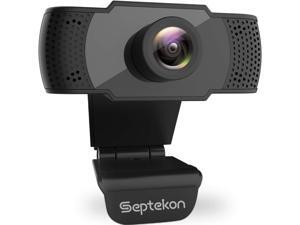
Septekon 1080P HD Webcam with Microphone, Streaming Computer Web Camera for ...
- Model #: Lan27342456385875
- Item #: 9SIVNUDKKR3534
- Return Policy: DigitalFlash Return Policy
Super Cartridge 19 in 1 Game Boy Color GBC 16bits, Video Game Cartridge Card For Handheld ...
- Model #: 142179652668
- Item #: 9SIVT2FKWU7385
- Return Policy: YouZiXingBaiHuo Return Policy
910 Cyan, Magenta, Yellow Ink Cartridges (3-Pack) | Works with OfficeJet 8010, 8020 Series, ...
- Model #: 808561374772
- Item #: 9SIVSC0KWY2701
- Return Policy: DuoDuoShangHang Return Policy
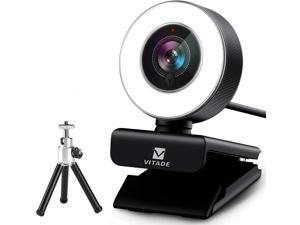
Streaming Webcam 1080P, 960A HD Web Camera USB Web Cam for Gaming Conferencing ...
- Model #: Lan67332273005223
- Item #: 9SIVN52KPH7478
- Return Policy: yeye Return Policy
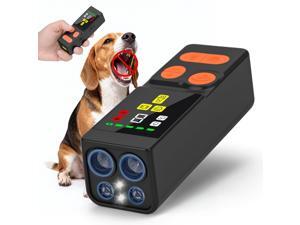
Dog Bark Deterrent Devices 2026 New Updated 4X Ultrasonic Anti Barking Device with 10 Modes ...
- Model #: 446085689161
- Item #: 9SIVT2FKWU5965
- Return Policy: YouZiXingBaiHuo Return Policy
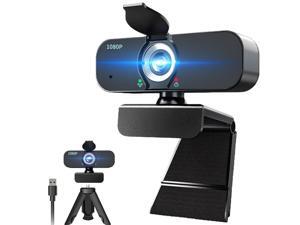
1080P Webcam for Computer/Laptop/Desktop/PC, External Camera with Microphone, USB ...
- Brand: ClearOne
- Name: TW
- Interface: USB 3.0
- Image Sensor: CCD
- Max. Image Resolution: 1920 x 1080
- Focus Settings: Auto Focus
- Lens: Wide Angle
- Power Source: USB, false
- Model #: 468847175188
- Item #: 9SIVTHGKXS6923
- Return Policy: Denikyyer Return Policy
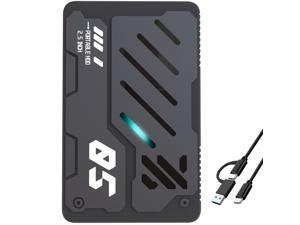
Ultra Slim Portable External Hard Drive USB 3.1 Type C HDD Storage for PC, Laptop, Mac, Xbox ...
- Model #: 453785861523
- Item #: 9SIVT2CKWW2912
- Return Policy: NingJingDeXiaTian Return Policy
Graphics Card GPU Support , Height Adjustable GPU Droop Bracket with Magnets and Anti-Slip ...
- Model #: 626135664473
- Item #: 9SIVT2CKWE3775
- Return Policy: NingJingDeXiaTian Return Policy
Non-slip Dance Pad Dancing Mat for Nintendo Wii Gamecube NGC Console Dance Revolution ...
- Model #: 393743153208
- Item #: 9SIVT2FKWU7371
- Return Policy: YouZiXingBaiHuo Return Policy

AC DC Adapter for Roland JUNO-DS61 JUNODS61 JUNO-DS88 JUNODS88 Synthesizer Power ...
- Model #: 336765336753
- Item #: 9SIVT2FKWV2529
- Return Policy: YouZiXingBaiHuo Return Policy
Nintendo DS Charger,AC Adapter for Gameboy Advance SP,GBA SP Charger Compatible with ...
- Model #: 551546446481
- Item #: 9SIVT4VKXS2318
- Return Policy: halongzhiUKshop Return Policy
Bluetooth Speaker, Shower Speaker Stereo Sound, IPX7 Waterproof Speakers, Digital ...
- Model #: 346076697603
- Item #: 9SIVT2FKWU7683
- Return Policy: YouZiXingBaiHuo Return Policy
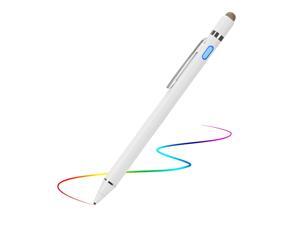
Active Stylus Digital Pen with Ultra Fine Tip Stylus for iPad iPhone Samsung Tablets, ...
- Model #: 136982477040
- Item #: 9SIVT2FKWU6009
- Return Policy: YouZiXingBaiHuo Return Policy
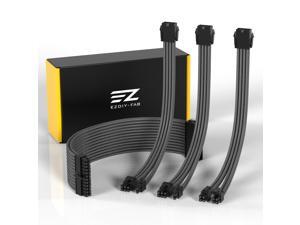
PSU Extension Cable Sleeved Custom Mod PC Power Supply Cable, Soft Nylon Braided with ...
- Model #: 477288729051
- Item #: 9SIVT2CKWG9150
- Return Policy: NingJingDeXiaTian Return Policy
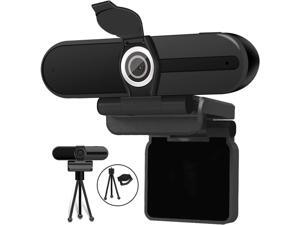
4K Webcam, Webcam 8MP HD Computer Camera with Microphone, Pro Streaming Web ...
- Model #: 1geek938115655399
- Item #: 9SIV9F7KE28020
- Return Policy: Fashion Technology Return Policy
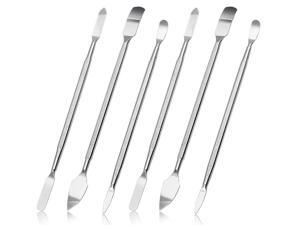
Repair Tool Kits, Spudger Pry Tool Kit, 6Pcs Double-Ended Stainless Steel Opening Tool, ...
- Model #: 024117254032
- Item #: 9SIVT2FKWT5867
- Return Policy: YouZiXingBaiHuo Return Policy
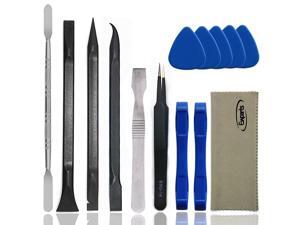
Spudger Tool Kit Plastic Pry Tool for Electronics Repair with Metal Spudger Plastic Spudger ...
- Model #: 081997866855
- Item #: 9SIVT2FKWT5866
- Return Policy: YouZiXingBaiHuo Return Policy
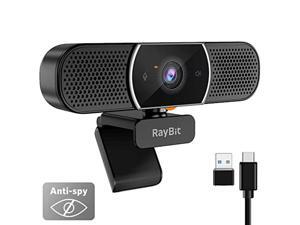
3 in 1 Webcam - 2K HD USB C Webcam with Microphone and Speaker, Stereo Sound & ...
- Model #: 907415608619
- Item #: 9SIVTERKX60259
- Return Policy: Zyngear Return Policy
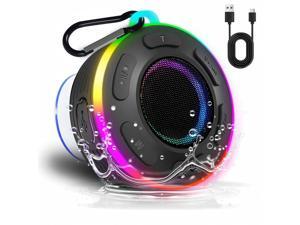
Portable Bluetooth Speaker with vibrant led lights, IPX6 Waterproof, Loud Stereo ...
- Model #: 956600509338
- Item #: 9SIVT2FKWX7503
- Return Policy: YouZiXingBaiHuo Return Policy
How to Choose the Right Webcam
Introduction
Adding a webcam to your conference calls and online conversations can enhance the experience for both you and the other party. In addition, it is a more economical and environmentally-friendly alternative to paying for a plane ticket and flying in for a face-to-face meeting in another city. Before purchasing a webcam however, you should consider how it will be used and what features you.
Video Resolution
Similar to a monitor or a HDTV, a webcam’s video resolution is represented as the number of horizontal pixels by vertical pixels. A few of the more common resolutions include 640 × 480, 1280 × 720 (720p), and 1920 × 1080 (1080p). A higher resolution means that the video you capture will be sharper and more detailed. For HD video recording, you will need a webcam that is capable of at least 720p video capture.
Image Resolution
Aside from recording and sending live video, a web cam can also be used to take still images. Some webcams have their video and image resolutions listed separately, with the latter rated in megapixels. If you plan to use the webcam to take still photos, you should try to find one that has a high megapixel rating.
Frame Rate
Along with resolution, frame rate is another important factor for capturing video. A higher frame rate will result in a smoother video with less stuttering. Some webcams are capable of 30 frames per second video recording, though more budget-oriented models may have frame rates that are slightly lower than that.
Microphone
For recording audio, you can either utilize a webcam’s built-in microphone or connect a dedicated microphone. A built-in microphone is usually adequate for most tasks that do not require professional-grade sound recording. If you plan to record or live stream studio-quality audio however, you will want to utilize a dedicated microphone.
Mounting
There are several different mounting methods and designs for webcams. Some need to be clipped on, others require a flat horizontal surface, and a few even support tripods. Clip-on webcams are excellent for use with thin LCD monitors and laptops but not for thicker objects such as desktop towers or CRT monitors. A freestanding webcam is beneficial if you have a large flat surface such as the top of a tower or perhaps a conference table.

