


Webcam - Showing 1369 - 1392 of 4192 Products
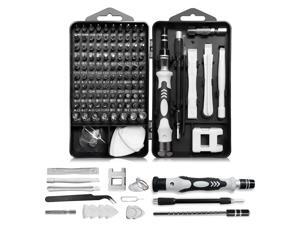
Precision Screwdriver Set, Professional 115 in 1 Magnetic Repair Tool Kit for Computer, Mobile ...
- Model #: 567650710201
- Item #: 9SIVT2FKWT5861
- Return Policy: YouZiXingBaiHuo Return Policy

Wireless Gamecube Controller for Nintendo Switch,Wireless Switch Pro Controller for ...
- Model #: 256163766508
- Item #: 9SIVSC0KWZ8706
- Return Policy: DuoDuoShangHang Return Policy
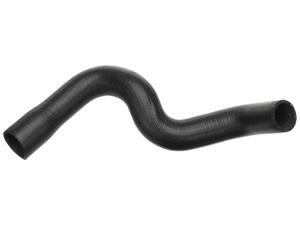
Gold 24052L Molded Lower Radiator Hose
- Model #: 788782829413
- Item #: 9SIVT2FKWV9057
- Return Policy: YouZiXingBaiHuo Return Policy
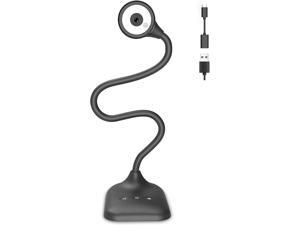
USB Document Camera for Teachers, Webcam/Doc Camera for Classroom with A3 Format, ...
- Model #: CHPCWBCAMAY1986
- Item #: 9SIVSDPKWA8504
- Return Policy: DigitalDepot Return Policy
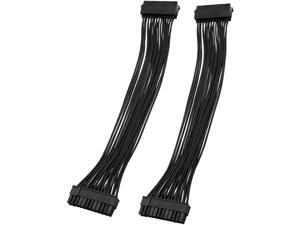
ATX Extension Cable 2PCS 12.6 inches / 32 cm ATX Motherboard 24 Pin Male to 24 Pin Female ...
- Model #: 534173774704
- Item #: 9SIVSC0KWM9523
- Return Policy: DuoDuoShangHang Return Policy
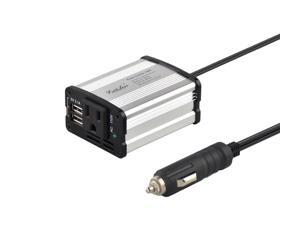
Modified sine wave power inverter 150 watt rated power and 300 watt surge power with 2 USB port ...
- Model #: 014271701477
- Item #: 9SIVT2CKWB7120
- Return Policy: NingJingDeXiaTian Return Policy
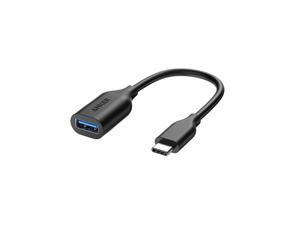
USB-C to USB3.1 Adapter, USB-C Male to USB-A Female, Uses USB OTG Technology, ...
- Model #: 460656745380
- Item #: 9SIVT2CKWV7723
- Return Policy: NingJingDeXiaTian Return Policy
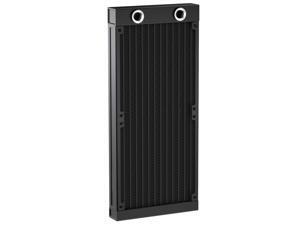
Water Cooling Radiator, 12 Pipe G1/4 Thread Heat Row Radiator 12 Pipe Aluminum Heat ...
- Model #: 054919583694
- Item #: 9SIVT2FKWV9166
- Return Policy: YouZiXingBaiHuo Return Policy
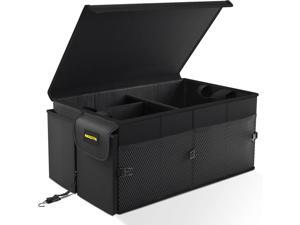
Car Trunk Organizer - 65L Collapsible Trunk Organizer with Lid, Sturdy Car Storage for SUV ...
- Model #: 284367199063
- Item #: 9SIVT2CKWX4233
- Return Policy: NingJingDeXiaTian Return Policy
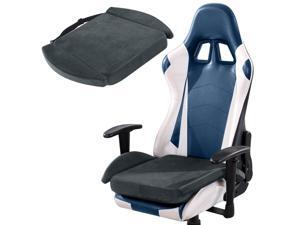
Ultra Soft Gaming Chair Cushion for Long Sitting Gamers,Tailbone Pain Reduce Cushion for ...
- Model #: 972933561741
- Item #: 9SIVSC0KWM4084
- Return Policy: DuoDuoShangHang Return Policy
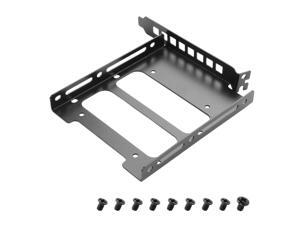
2.5"/3.5" PCIe Slot SSD Mounting Bracket,Universal SSD Bracket for PC Case Rear Panel ...
- Model #: 619942236946
- Item #: 9SIVT2CKWG7377
- Return Policy: NingJingDeXiaTian Return Policy
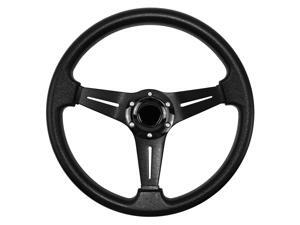
Universal Racing Steering Wheel, 13.8 Inch 6 Bolt Anti-Slip Leather and Aluminum Gaming ...
- Model #: 204647734197
- Item #: 9SIVSC0KX07160
- Return Policy: DuoDuoShangHang Return Policy
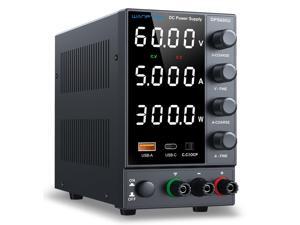
DC Power Supply 0-60V 0-5A, Bench Power Supply with Encoder Knob, Adjustable Regulated ...
- Model #: 176293196198
- Item #: 9SIVT4VKXS0219
- Return Policy: halongzhiUKshop Return Policy
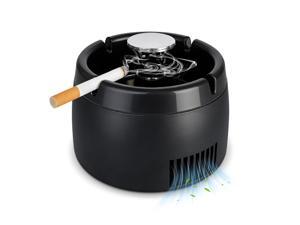
Smokeless Ashtray 2 in 1 Air Purifier Ashtray Smoke Removing Ash Tray Portable Smokeless ...
- Model #: 990225597272
- Item #: 9SIVT2FKWU7509
- Return Policy: YouZiXingBaiHuo Return Policy
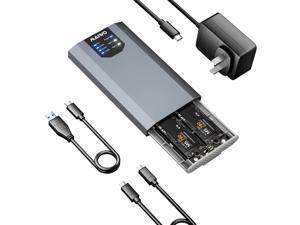
Dual M.2 NVMe RAID Enclosure Supports RAID0/1/PM/Large 8TB Capacity, USB 3.2 Gen2x2 ...
- Model #: 198609360457
- Item #: 9SIVTAJKXW2334
- Return Policy: "Deal Mall" Return Policy
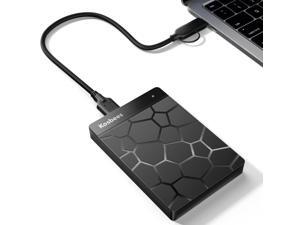
500 GB External Hard Drives,Portable Hard Drive for Windows,Ultra Slim External HDD Store ...
- Model #: 412905963242
- Item #: 9SIVT2CKWW2929
- Return Policy: NingJingDeXiaTian Return Policy
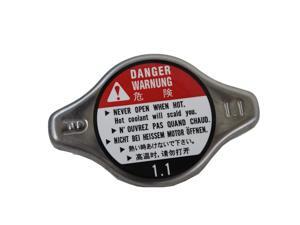
Genuine 19045-PAA-A01 Radiator Cap
- Model #: 682508200543
- Item #: 9SIVT2FKWX3653
- Return Policy: YouZiXingBaiHuo Return Policy
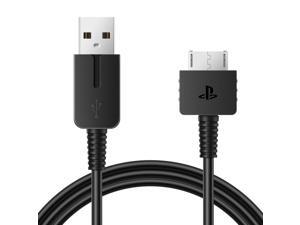
Upgraded PS Vita Charger Cable, PlayStation Vita Charging Cable PSV 1000 USB Data & Power ...
- Model #: 382741234339
- Item #: 9SIVT4VKXS2538
- Return Policy: halongzhiUKshop Return Policy
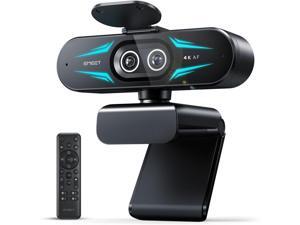
C60E Dual-Camera 4K Webcam for Streaming, Wide-Angle and Telephoto Cameras, Max ...
- Brand: ClearOne
- Name: C60E Dual
- Interface: USB 3.0
- Image Sensor: CCD
- Max. Image Resolution: 1920 x 1080
- Focus Settings: PDAF Auto Focus
- Lens: Wide Angle
- Power Source: USB, false
- Model #: 442960587830
- Item #: 9SIVTG8KXN8100
- Return Policy: Marniker Return Policy
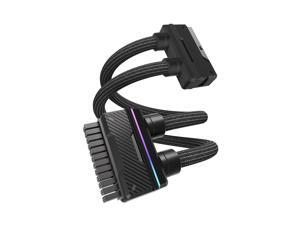
UNIFAS ARGB 24Pin PC PSU Extension Cable,16AWG ATX 24Pin Power Extension,Unified ...
- Model #: 326861028167
- Item #: 9SIVSC0KWM9505
- Return Policy: DuoDuoShangHang Return Policy

Inflatable Gaming Chair for Kids & Teens with Cup Holders and Side Pocket - This Air Gaming ...
- Model #: 370939931171
- Item #: 9SIVSC0KWM4003
- Return Policy: DuoDuoShangHang Return Policy
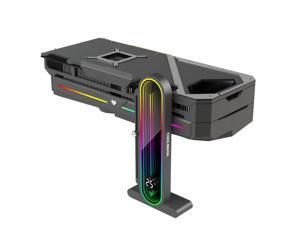
Height Adjustable RGB GPU Support with Integrated Temperature Display, 3PIN 5V PC ...
- Model #: 937512497202
- Item #: 9SIVTAJKXW7610
- Return Policy: "Deal Mall" Return Policy
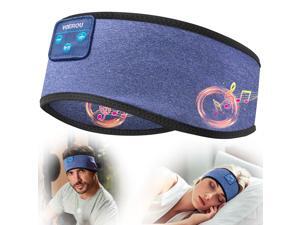
Sleep Headphones, Bluetooth 5.4 Headband for Men Women, Ultra Soft Sleeping ...
- Model #: 635407951165
- Item #: 9SIVT2FKWU7732
- Return Policy: YouZiXingBaiHuo Return Policy
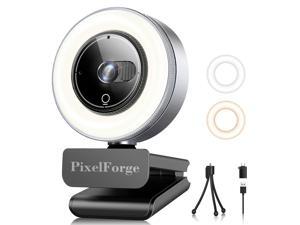
2K Webcam for PC with Microphone & Light & Privacy Cover, Web Camera for Desktop ...
- Brand: ClearOne
- Name: 2K
- Interface: USB 3.0
- Image Sensor: CCD
- Max. Image Resolution: 1920 x 1080
- Focus Settings: Auto Focus
- Lens: Prime
- Power Source: USB, false
- Model #: 428950729385
- Item #: 9SIVSS4KX08048
- Return Policy: YiManYunDongZhuangBeiSHOP Return Policy
How to Choose the Right Webcam
Introduction
Adding a webcam to your conference calls and online conversations can enhance the experience for both you and the other party. In addition, it is a more economical and environmentally-friendly alternative to paying for a plane ticket and flying in for a face-to-face meeting in another city. Before purchasing a webcam however, you should consider how it will be used and what features you.
Video Resolution
Similar to a monitor or a HDTV, a webcam’s video resolution is represented as the number of horizontal pixels by vertical pixels. A few of the more common resolutions include 640 × 480, 1280 × 720 (720p), and 1920 × 1080 (1080p). A higher resolution means that the video you capture will be sharper and more detailed. For HD video recording, you will need a webcam that is capable of at least 720p video capture.
Image Resolution
Aside from recording and sending live video, a web cam can also be used to take still images. Some webcams have their video and image resolutions listed separately, with the latter rated in megapixels. If you plan to use the webcam to take still photos, you should try to find one that has a high megapixel rating.
Frame Rate
Along with resolution, frame rate is another important factor for capturing video. A higher frame rate will result in a smoother video with less stuttering. Some webcams are capable of 30 frames per second video recording, though more budget-oriented models may have frame rates that are slightly lower than that.
Microphone
For recording audio, you can either utilize a webcam’s built-in microphone or connect a dedicated microphone. A built-in microphone is usually adequate for most tasks that do not require professional-grade sound recording. If you plan to record or live stream studio-quality audio however, you will want to utilize a dedicated microphone.
Mounting
There are several different mounting methods and designs for webcams. Some need to be clipped on, others require a flat horizontal surface, and a few even support tripods. Clip-on webcams are excellent for use with thin LCD monitors and laptops but not for thicker objects such as desktop towers or CRT monitors. A freestanding webcam is beneficial if you have a large flat surface such as the top of a tower or perhaps a conference table.

