


Webcam - Showing 1441 - 1464 of 3751 Products
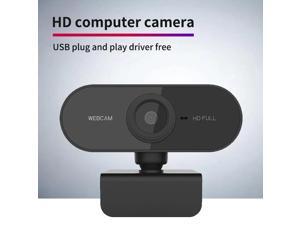
Webcam 1080P HDWeb Camera with Built-in HD Microphone 1920 x 1080p USB Plug n Play ...
- Model #: 1-Web-Camera0064
- Item #: 9SIVTDYKWC0111
- Return Policy: Voltrix Return Policy
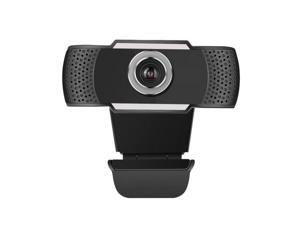
720P/1080P HD Webcam USB 2.0 PC Camera Video Record Web Camera With Mic Web ...
- Model #: 1-Web-Camera3314
- Item #: 9SIV9F7KE27474
- Return Policy: Fashion Technology Return Policy
GPU Support Bracket, Adjustable Aluminum Anti Sag GPU Bracket, Video Graphics Card ...
- Model #: 236136603306
- Item #: 9SIVT2FKWV4171
- Return Policy: YouZiXingBaiHuo Return Policy
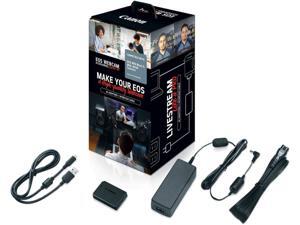
Canon EOS Webcam Accessory Starter Kit, for Select EOS M Series Cameras, Power Adapter ...
- Model #: CLAWB08YP4T8JC
- Item #: 9SIVRV2KPT7313
- Return Policy: HAITAO CROSS BORDER E-COMMERCE LIMITED Return Policy
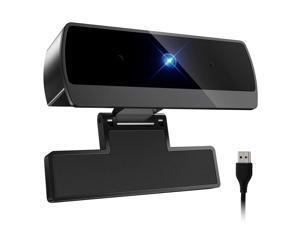
1080P Webcam with Microphone, Full HD Video Calling Web Camera, HD Light Correction ...
- Brand: ClearOne
- Name: 1080P webcam
- Interface: USB 3.0
- Image Sensor: CCD
- Max. Image Resolution: 1920 x 1080
- Focus Settings: Auto Focus
- Lens: Prime
- Power Source: USB, false
- Model #: 869770973542
- Item #: 9SIVT2CKWW9846
- Return Policy: NingJingDeXiaTian Return Policy
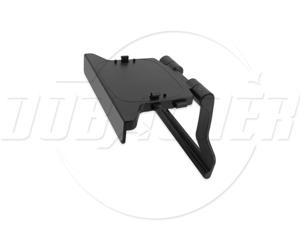
SA TV bracket TV bracket camera bracket game accessoriesteleconference ...
- Brand: Sakose
- Color: Black
- Model #: Webcam-T800-01-SD
- Item #: 9SIVGEGKSZ4719
- Return Policy: ZerKorr Power Return Policy
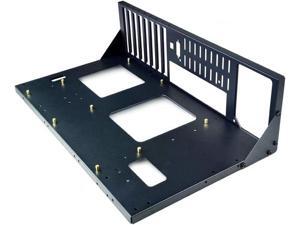
Yeiwenl DIY Gaming Computer Case, ATX Open Chassis Case Rack Open Air Pc Case for A ...
- Model #: 918704962850
- Item #: 9SIVSC0KWP9520
- Return Policy: DuoDuoShangHang Return Policy
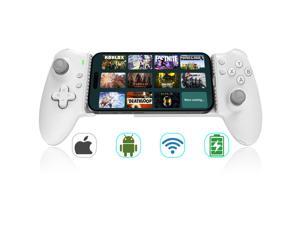
Phone Gaming Controller for iPhone 15/16 and Android (USB-C), Turn Your Phone into a ...
- Model #: 281570477498
- Item #: 9SIVT2FKWU7374
- Return Policy: YouZiXingBaiHuo Return Policy
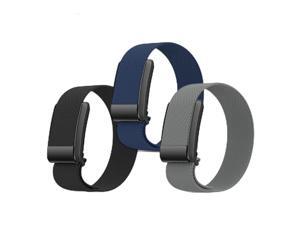
DADO Multi Pack Sport Replacement Wristband Compatible with Whoop 4.0 Band, ...
- Model #: 390242830776
- Item #: 9SIVSC0KWR6463
- Return Policy: DuoDuoShangHang Return Policy
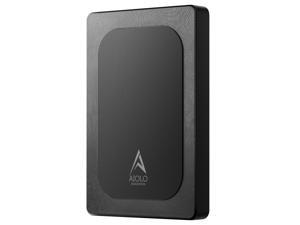
500GB External Hard Drive Ultra Slim Portable HDD-USB 3.0 for PC, Mac, Laptop, PS4, Xbox ...
- Model #: 359461893412
- Item #: 9SIVT2CKWW9270
- Return Policy: NingJingDeXiaTian Return Policy
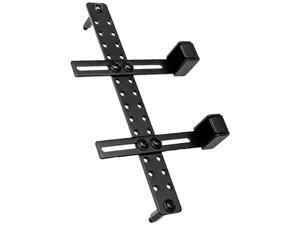
GB-002 Graphic Card Anti-Sag Bracket - GB-002
- Model #: 537161857285
- Item #: 9SIVT2FKWV4155
- Return Policy: YouZiXingBaiHuo Return Policy
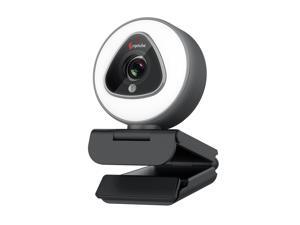
Zell Streaming Webcam With Ring Light - 1080P Autofocus Computer Camera With ...
- Model #: ZE-US-470908
- Item #: 9SIVS8XKTY6673
- Return Policy: zijianmaoyigongsi Return Policy
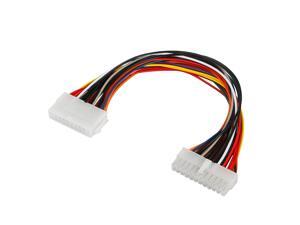
30cm ATX 20 Pin to 24 Pin Power Supply Adapter Computer PC Cable
- Model #: 376797647850
- Item #: 9SIVRTNKX40664
- Return Policy: Jiamayanonly Return Policy

High-Back Gaming Office Chair Racing Style Computer Desk Chair Ergonomic Executive ...
- Model #: 812170033171
- Item #: 9SIVT2CKWX5313
- Return Policy: NingJingDeXiaTian Return Policy
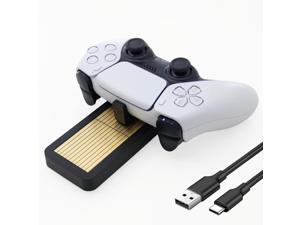
Controller Charger Station for PS 5, Fast Dual Charging Dock Stand with Adapter/Cable/LED ...
- Model #: 536306485672
- Item #: 9SIVT2CKWW4650
- Return Policy: NingJingDeXiaTian Return Policy
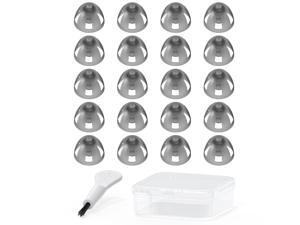
Resound Compatible Hearing Aid Domes Open Smokey Ear Tips Replacement 8mm ...
- Model #: 024345608982
- Item #: 9SIVT2FKWV7361
- Return Policy: YouZiXingBaiHuo Return Policy
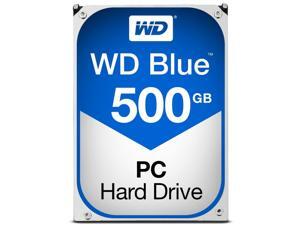
Blue 500GB Desktop Hard Disk Drive - 7200 RPM Class SATA 6Gb/s 32MB Cache 3.5 Inch - ...
- Model #: 632238429609
- Item #: 9SIVT2CKWW2921
- Return Policy: NingJingDeXiaTian Return Policy
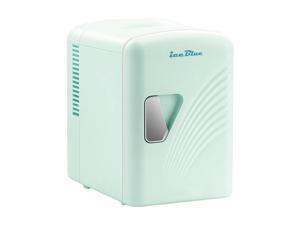
Mini Fridge, Retro 4 Liter /6 Cans Mini Skincare Fridge, AC Plug & 12V Car Charger Mini Makeup ...
- Model #: 525843209392
- Item #: 9SIVT2FKWU3367
- Return Policy: YouZiXingBaiHuo Return Policy
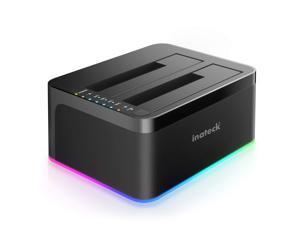
RGB SATA to USB 3.0 Hard Drive Docking Station with Offline Clone, for 2.5 and 3.5 Inch HDDs ...
- Model #: 761368075595
- Item #: 9SIVSC0KWW7688
- Return Policy: DuoDuoShangHang Return Policy
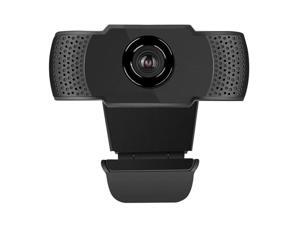
2MP 1080P HD USB Webcam Adjustable PC Computer Web Camera with Microphone
- Model #: 1-Web-Camera3341
- Item #: 9SIV9F7KE27109
- Return Policy: Fashion Technology Return Policy
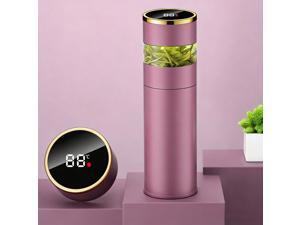
Smart Magnetic Lid Water Bottle - 15oz Vacuum Insulated Stainless Steel Tumbler with Tea ...
- Model #: 396740379554
- Item #: 9SIVT2FKWX6843
- Return Policy: YouZiXingBaiHuo Return Policy
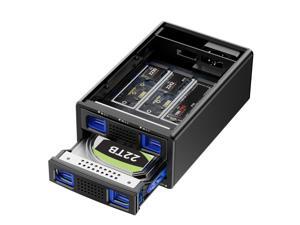
Hybrid 2.5/3.5" SATA HDD/SSD+3* M / B+M Key M.2 NVMe Enclosure with Cooling Fan and USB ...
- Model #: 468108444783
- Item #: 9SIVT2CKWX5584
- Return Policy: NingJingDeXiaTian Return Policy
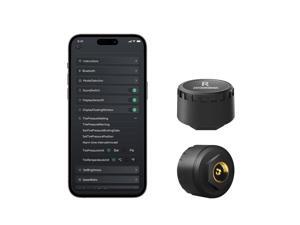
Bluetooth Tire Pressure Monitoring System for Motorcycles with 2 External Sensor, 5 Alarm ...
- Model #: 899003721732
- Item #: 9SIVT4DKW80248
- Return Policy: qinsihaoxue shop Return Policy
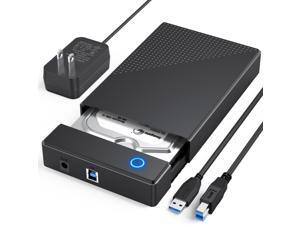
3.5 Hard Drive Enclosure, USB 3.0 Internal/External Hard Drive Case Lay-Flat Dock Station for ...
- Model #: 228115031520
- Item #: 9SIVTD8KW71647
- Return Policy: Keryylonke Return Policy
How to Choose the Right Webcam
Introduction
Adding a webcam to your conference calls and online conversations can enhance the experience for both you and the other party. In addition, it is a more economical and environmentally-friendly alternative to paying for a plane ticket and flying in for a face-to-face meeting in another city. Before purchasing a webcam however, you should consider how it will be used and what features you.
Video Resolution
Similar to a monitor or a HDTV, a webcam’s video resolution is represented as the number of horizontal pixels by vertical pixels. A few of the more common resolutions include 640 × 480, 1280 × 720 (720p), and 1920 × 1080 (1080p). A higher resolution means that the video you capture will be sharper and more detailed. For HD video recording, you will need a webcam that is capable of at least 720p video capture.
Image Resolution
Aside from recording and sending live video, a web cam can also be used to take still images. Some webcams have their video and image resolutions listed separately, with the latter rated in megapixels. If you plan to use the webcam to take still photos, you should try to find one that has a high megapixel rating.
Frame Rate
Along with resolution, frame rate is another important factor for capturing video. A higher frame rate will result in a smoother video with less stuttering. Some webcams are capable of 30 frames per second video recording, though more budget-oriented models may have frame rates that are slightly lower than that.
Microphone
For recording audio, you can either utilize a webcam’s built-in microphone or connect a dedicated microphone. A built-in microphone is usually adequate for most tasks that do not require professional-grade sound recording. If you plan to record or live stream studio-quality audio however, you will want to utilize a dedicated microphone.
Mounting
There are several different mounting methods and designs for webcams. Some need to be clipped on, others require a flat horizontal surface, and a few even support tripods. Clip-on webcams are excellent for use with thin LCD monitors and laptops but not for thicker objects such as desktop towers or CRT monitors. A freestanding webcam is beneficial if you have a large flat surface such as the top of a tower or perhaps a conference table.

