


Webcam - Showing 1441 - 1464 of 4072 Products
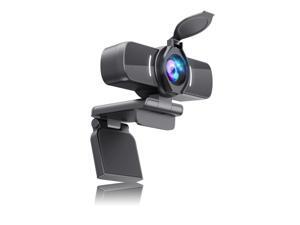
Webcam with Microphone, 1080P 30fps HD Webcams, USB 2.0 Computer Webcam, 3D Noise ...
- Model #: 477915992742
- Item #: 9SIVT44KVV0224
- Return Policy: meimeiliangshipindian Return Policy
MyGift TV Remote Control Holder Organizer, Wood DVD Remote Caddy Storage for Table, 2 ...
- Model #: 946300505944
- Item #: 9SIVSC0KWC9530
- Return Policy: DuoDuoShangHang Return Policy
63XL Black High-Yield Printer Ink Cartridge Printers | Works with DeskJet 1112, 2130, ...
- Model #: 665714192401
- Item #: 9SIVSC0KWS7420
- Return Policy: DuoDuoShangHang Return Policy
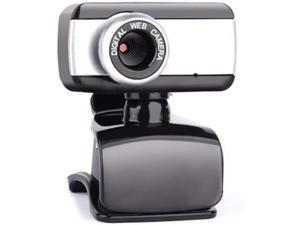
Computer Camera USB 2.0 HD Webcam Camera Webcam High Definition Camera Web Cam ...
- Model #: RB09KZ4GFD7
- Item #: 9SIVPXNKRM3125
- Return Policy: yinyueshengdianzishangwuyouxiangongsi Return Policy
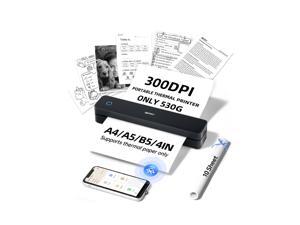
MT610 Pro Portable Thermal Printer, 300DPI HD Mobile-Travel-Printers, ...
- Model #: 857452671233
- Item #: 9SIVSC0KX12496
- Return Policy: DuoDuoShangHang Return Policy
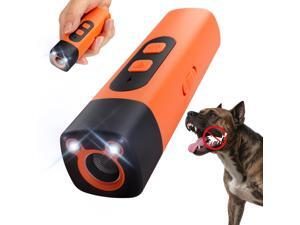
Dog Bark Deterrent Devices Rechargeable Anti-Barking Device for Dogs 50ft Long Range ...
- Model #: 934687663970
- Item #: 9SIVT2FKWU5990
- Return Policy: YouZiXingBaiHuo Return Policy
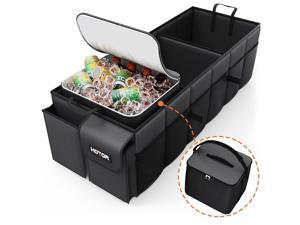
Trunk Organizer, Sturdy Foldable with Cooler for Car & SUV, 3 Compartments, Black, ...
- Model #: 691820549323
- Item #: 9SIVT4VKXV0094
- Return Policy: halongzhiUKshop Return Policy
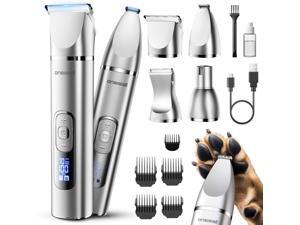
4 in 1 Dog Grooming Kit with LCD Display, Dog Hair Trimmer for Paw Nail Grinder, Rechargeable ...
- Model #: 371006868116
- Item #: 9SIVT2FKWX2287
- Return Policy: YouZiXingBaiHuo Return Policy
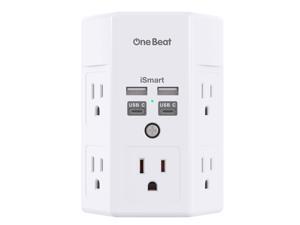
1680J 3 Side Power Strip Multi Plug Expander, Surge Protector, 5 Outlets Extender, 4 USB Ports ...
- Model #: 660067478864
- Item #: 9SIVT2FKWT5159
- Return Policy: YouZiXingBaiHuo Return Policy
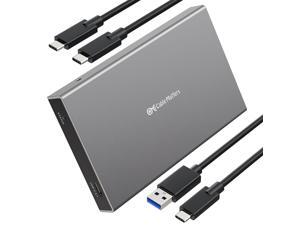
Premium Aluminum 10Gbps Gen 2 USB C Hard Drive Enclosure for 2.5" SSD/HDD with USBC ...
- Model #: 504105002867
- Item #: 9SIVT2CKWW2170
- Return Policy: NingJingDeXiaTian Return Policy
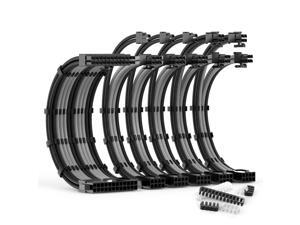
PSU Cable Extension Kit 30CM Length with Two Sets of Cable ...
- Model #: 792940827839
- Item #: 9SIVSC0KWM9089
- Return Policy: DuoDuoShangHang Return Policy
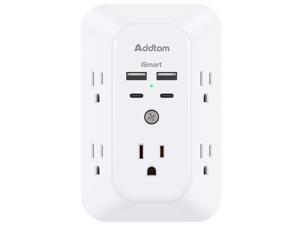
5-Outlet Extender Surge Protector, Multi Plug Wall Outlet with 4 USB Wall Charger(2 USB C), ...
- Model #: 901516166721
- Item #: 9SIVTAJKXS9893
- Return Policy: "Deal Mall" Return Policy
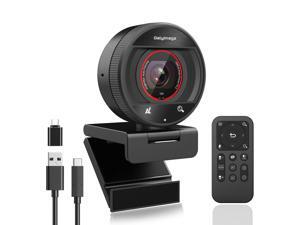
2K Webcam for pc with AI,Web Camera/8X Digital Zoom Computer Camera with USB ...
- Brand: Galyimage
- Name: 873 6
- Interface: USB
- Image Sensor: 5 megapixels
- Max. Image Resolution: 2K
- Effective Pixels: 5 megapixels
- Video Capture Resolution: 2K
- Focus Settings: Auto Focus
- Model #: 526804128887
- Item #: 9SIVT1VKWU6315
- Return Policy: Zexinoujayoshop Return Policy
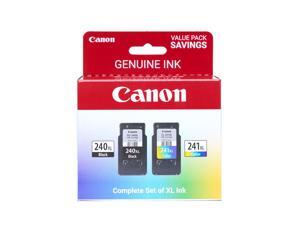
Genuine Ink PG-240 XL / CL-241 XL Value Pack (2 Cartridges), Compatible with ...
- Model #: 007448242956
- Item #: 9SIVSC0KWS7421
- Return Policy: DuoDuoShangHang Return Policy
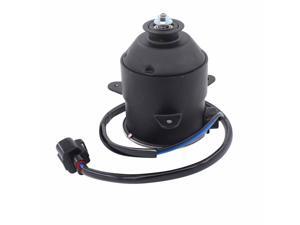
Radiator Cooling Fan Motor for Lexus LS430 4.3L 2001 2002 2003 2004 2005 2006
- Model #: 944125932848
- Item #: 9SIVT2FKWV9160
- Return Policy: YouZiXingBaiHuo Return Policy
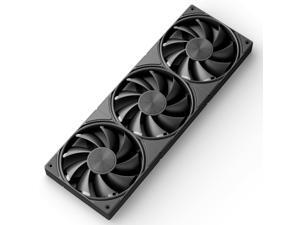
upHere 360mm All-in-One Computer Case Fan with PWM 4-Pin Interface High Performance ...
- Model #: 073646438592
- Item #: 9SIVSC0KWP9605
- Return Policy: DuoDuoShangHang Return Policy
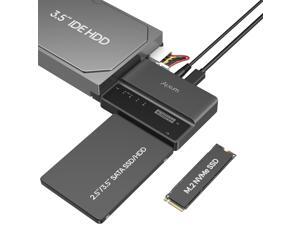
NVME M.2 SATA IDE SSD Enclosure External 3 in 1 Tool-Free PCIE-10Gbps USB 3.2 Type C Hard ...
- Model #: 298169863884
- Item #: 9SIVT2CKWW2520
- Return Policy: NingJingDeXiaTian Return Policy
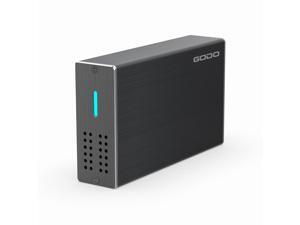
2.5 inch Dual Bay Hard Drive Enclosure,USB3.0 to 2.5" SATA I/II/III HDDs SSDs RAID External ...
- Model #: 676312461715
- Item #: 9SIVTAJKXW0685
- Return Policy: "Deal Mall" Return Policy
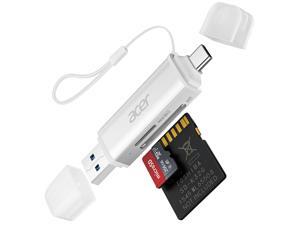
SD Card Reader USB C, Dual Slots USB 3.0 Type C to Micro SD Card Adapter, Memory Card ...
- Model #: 724557764132
- Item #: 9SIVT4VKXP1952
- Return Policy: halongzhiUKshop Return Policy
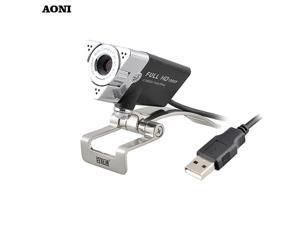
HD Webcam,webcam 1920 x 1080p with Built-in HD Microphone,usb camera,Desktop or ...
- Model #: 1-Web-Camera0169
- Item #: 9SIVSSHKU18454
- Return Policy: tomorroW3 Return Policy
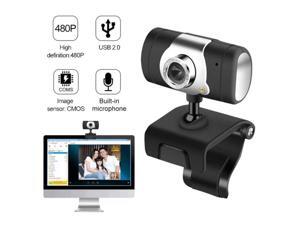
Computer Cameras USB 2.0 HD Webcam 30fps PC Camera HD Webcam Web Cam video ...
- Model #: 1-Web-Camera1297
- Item #: 9SIVSSHKU18434
- Return Policy: tomorroW3 Return Policy
USB 2.0 Webcam Camera 50.0 Mega Pixel Webcam With Clip HD Web Cam With Mic ...
- Model #: 1-Web-Camera0452
- Item #: 9SIVSSHKU17349
- Return Policy: tomorroW3 Return Policy
HD Webcam USB 2.0 Video Web Camera 10X Digital Zoom 360 Degree Rotation Clip-on ...
- Model #: WB3EW-1215-56
- Item #: 9SIVSSHKU22656
- Return Policy: tomorroW3 Return Policy
1080P Full HD Webcam with HD Microphone USB Driver Web Camera for Live Streaming Video ...
- Model #: B3EW-1204-37
- Item #: 9SIVSSHKU25496
- Return Policy: tomorroW3 Return Policy
How to Choose the Right Webcam
Introduction
Adding a webcam to your conference calls and online conversations can enhance the experience for both you and the other party. In addition, it is a more economical and environmentally-friendly alternative to paying for a plane ticket and flying in for a face-to-face meeting in another city. Before purchasing a webcam however, you should consider how it will be used and what features you.
Video Resolution
Similar to a monitor or a HDTV, a webcam’s video resolution is represented as the number of horizontal pixels by vertical pixels. A few of the more common resolutions include 640 × 480, 1280 × 720 (720p), and 1920 × 1080 (1080p). A higher resolution means that the video you capture will be sharper and more detailed. For HD video recording, you will need a webcam that is capable of at least 720p video capture.
Image Resolution
Aside from recording and sending live video, a web cam can also be used to take still images. Some webcams have their video and image resolutions listed separately, with the latter rated in megapixels. If you plan to use the webcam to take still photos, you should try to find one that has a high megapixel rating.
Frame Rate
Along with resolution, frame rate is another important factor for capturing video. A higher frame rate will result in a smoother video with less stuttering. Some webcams are capable of 30 frames per second video recording, though more budget-oriented models may have frame rates that are slightly lower than that.
Microphone
For recording audio, you can either utilize a webcam’s built-in microphone or connect a dedicated microphone. A built-in microphone is usually adequate for most tasks that do not require professional-grade sound recording. If you plan to record or live stream studio-quality audio however, you will want to utilize a dedicated microphone.
Mounting
There are several different mounting methods and designs for webcams. Some need to be clipped on, others require a flat horizontal surface, and a few even support tripods. Clip-on webcams are excellent for use with thin LCD monitors and laptops but not for thicker objects such as desktop towers or CRT monitors. A freestanding webcam is beneficial if you have a large flat surface such as the top of a tower or perhaps a conference table.

