


Webcam - Showing 1537 - 1560 of 3844 Products
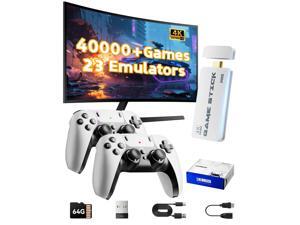
2026 Upgraded Retro Gaming Console Stick, Video Games Stick Built-in 23 Emulators ...
- Model #: 385442089007
- Item #: 9SIVT2FKWU7350
- Return Policy: YouZiXingBaiHuo Return Policy
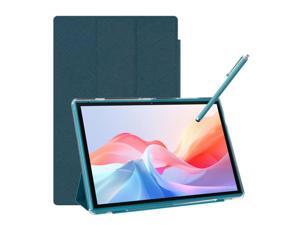
Tablet 10 Inch Tablet With Case Stylus Android 15 Tablets 8GB RAM 32GB ROM Support 1TB ...
- Model #: 789114975177
- Item #: 9SIVTJ4KZ62888
- Return Policy: HR Selects Return Policy
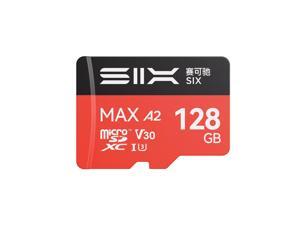
M200 128GB Micro SD Card Read Up to 190MB/s for 4K UHD Continuous Recording - A2, U3, V30 ...
- Model #: 408000748630
- Item #: 9SIVT2FKWU7373
- Return Policy: YouZiXingBaiHuo Return Policy
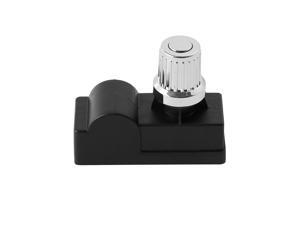
DHL-128-2Q Pulse Igniter Model Grill Replacement Parts for Charbroil 463448021 ...
- Model #: 780147901320
- Item #: 9SIVT8HKWG0247
- Return Policy: YunYunKeJiShiZhuangDian Return Policy
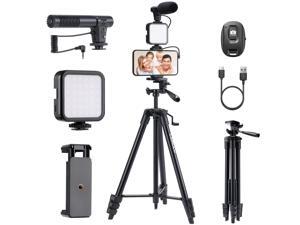
Vlogging Kit for iPhone Android, 53" Phone Tripod with Microphone, LED Light, Wireless ...
- Model #: 590907359983
- Item #: 9SIVT2FKWX6879
- Return Policy: YouZiXingBaiHuo Return Policy
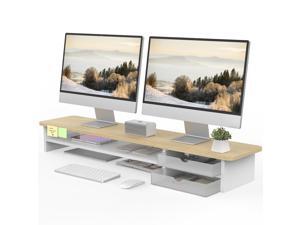
Monitor Stand, Dual Monitor Riser, 42.5inch Large Desk Computer Monitor Stand Riser with ...
- Model #: 536847750601
- Item #: 9SIVTCTKXU8411
- Return Policy: The Official Store Return Policy

ST207 Racing Safety Lever Radiator Cap
- Model #: 210961048714
- Item #: 9SIVT2FKWV8956
- Return Policy: YouZiXingBaiHuo Return Policy
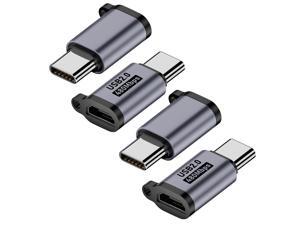
Micro USB 2.0 to USB C Adapter (4 Pack), Micro USB Female to USB Type C Male Converter ...
- Model #: 900171681800
- Item #: 9SIVTHDKZ78674
- Return Policy: Bisi Global Purchase Return Policy
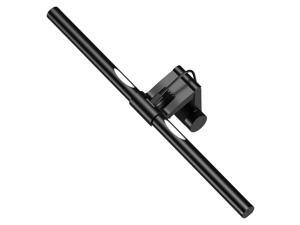
Computer Monitor Light,Screen Monitor Light Bar with Backlight for Eye Caring, E-Reading LED ...
- Model #: 437312806547
- Item #: 9SIVT2CKWW9140
- Return Policy: NingJingDeXiaTian Return Policy
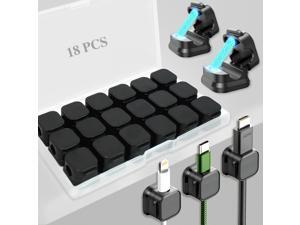
18 Pack Cord Organizer Holder,Magnetic Cable Clips Management, Easy Adhesive Phone ...
- Model #: 119996431838
- Item #: 9SIVTCTKZR6669
- Return Policy: The Official Store Return Policy
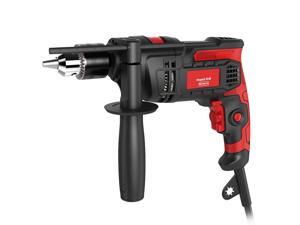
Hammer Drill 850W Impact Drill 1/2-Inch 7 Amp Corded with Variable Speed 0-3000RPM, ...
- Model #: 411366079486
- Item #: 9SIVT2FKWU7411
- Return Policy: YouZiXingBaiHuo Return Policy
Gameboy Keychain
- Model #: 305844285196
- Item #: 9SIVT2FKWU7395
- Return Policy: YouZiXingBaiHuo Return Policy
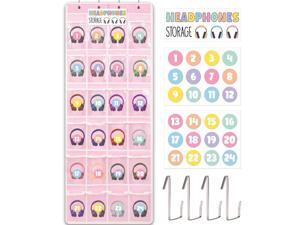
Pink Headphone Organizer Classroom Headphone Storage Over the Door Hanging ...
- Model #: 359504951135
- Item #: 9SIVTCTKZP5609
- Return Policy: The Official Store Return Policy
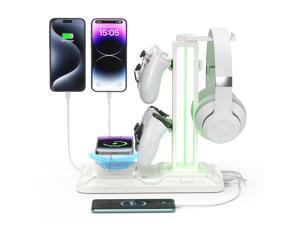
RGB Headphone & Controller Stand with Wireless Charging - Rotatable Headset Stand with 9 ...
- Model #: 096730087298
- Item #: 9SIVT2CKWG8244
- Return Policy: NingJingDeXiaTian Return Policy
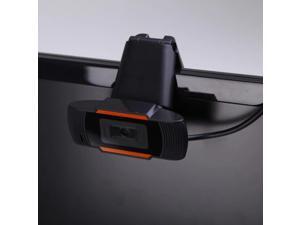
Arrive 1080P Webcam USB2.0 Computer Network Live Camera Network Camera Drive USB ...
- Model #: 1-Web-Camera0222
- Item #: 9SIVTKAKYE6677
- Return Policy: Fenlliker Return Policy
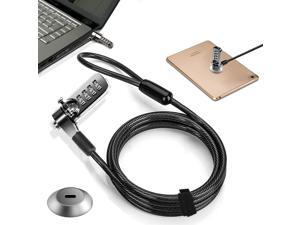
Computer Laptop Cable Lock Slot Plate 6.23ft Cable Security Computer Combination Lock 4 ...
- Model #: 445878861048
- Item #: 9SIVT2CKWW4581
- Return Policy: NingJingDeXiaTian Return Policy

Tablet Stand Adjustable & Foldable, 360° Swivel Heavy Aluminum Tablet Holder for Desk, ...
- Model #: 056340736004
- Item #: 9SIVTAJKXR3417
- Return Policy: "Deal Mall" Return Policy
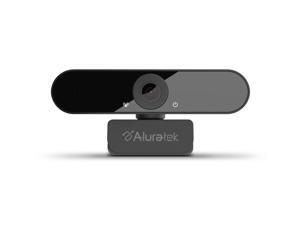
Aluratek HD 1080P Video Webcam for PC, MAC, Desktop & Laptop, Video Call, Conference, ...
- Model #: 9069082107176
- Item #: 9SIV9F7KE27377
- Return Policy: Fashion Technology Return Policy
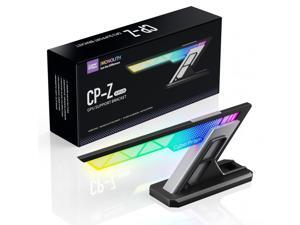
ARGB GPU Sag Bracket, Anti-Sag Graphics Card Holder for RTX 4090/50 Series, Adjustable ...
- Model #: 676927399410
- Item #: 9SIVT2CKWG8768
- Return Policy: NingJingDeXiaTian Return Policy
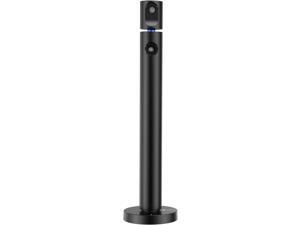
CZUR Halo Streaming Dual Webcam, Professional USB Web Camera 1080P with Microphone, ...
- Model #: Lan36342456385936
- Item #: 9SIVNUDKKR3511
- Return Policy: DigitalFlash Return Policy
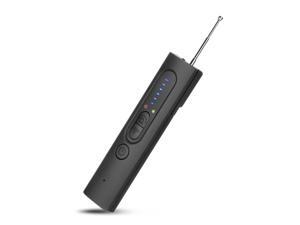
2026 Upgraded Hidden Camera & Bug Detector, 6-Level Sensitivity GPS Signal Scanner, 4 ...
- Model #: 425350826906
- Item #: 9SIVT2FKWX6891
- Return Policy: YouZiXingBaiHuo Return Policy
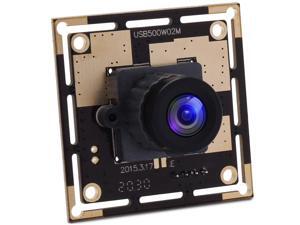
SVPRO 5MP USB Camera Module Wide Angle MJPEG USB Webcam Camera HD 2592X1944 ...
- Model #: 498861861463
- Item #: 9SIVTDYKWD0198
- Return Policy: Voltrix Return Policy
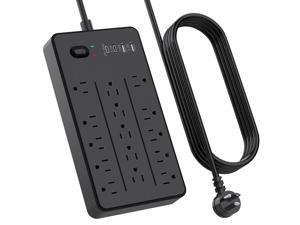
Surge Protector Power Strip with 15 Outlets 4 USB Ports for 20W, 6.5 Feet Flat Plug Extension ...
- Model #: 094943897345
- Item #: 9SIVTAJKY07312
- Return Policy: "Deal Mall" Return Policy
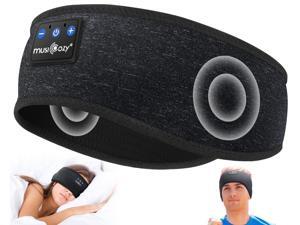
MUSICOZY for Workout Running Travel Yoga, Ideal Gifts for Men Women Mom Dad
- Model #: 777108360682
- Item #: 9SIVT2FKWX1957
- Return Policy: YouZiXingBaiHuo Return Policy
How to Choose the Right Webcam
Introduction
Adding a webcam to your conference calls and online conversations can enhance the experience for both you and the other party. In addition, it is a more economical and environmentally-friendly alternative to paying for a plane ticket and flying in for a face-to-face meeting in another city. Before purchasing a webcam however, you should consider how it will be used and what features you.
Video Resolution
Similar to a monitor or a HDTV, a webcam’s video resolution is represented as the number of horizontal pixels by vertical pixels. A few of the more common resolutions include 640 × 480, 1280 × 720 (720p), and 1920 × 1080 (1080p). A higher resolution means that the video you capture will be sharper and more detailed. For HD video recording, you will need a webcam that is capable of at least 720p video capture.
Image Resolution
Aside from recording and sending live video, a web cam can also be used to take still images. Some webcams have their video and image resolutions listed separately, with the latter rated in megapixels. If you plan to use the webcam to take still photos, you should try to find one that has a high megapixel rating.
Frame Rate
Along with resolution, frame rate is another important factor for capturing video. A higher frame rate will result in a smoother video with less stuttering. Some webcams are capable of 30 frames per second video recording, though more budget-oriented models may have frame rates that are slightly lower than that.
Microphone
For recording audio, you can either utilize a webcam’s built-in microphone or connect a dedicated microphone. A built-in microphone is usually adequate for most tasks that do not require professional-grade sound recording. If you plan to record or live stream studio-quality audio however, you will want to utilize a dedicated microphone.
Mounting
There are several different mounting methods and designs for webcams. Some need to be clipped on, others require a flat horizontal surface, and a few even support tripods. Clip-on webcams are excellent for use with thin LCD monitors and laptops but not for thicker objects such as desktop towers or CRT monitors. A freestanding webcam is beneficial if you have a large flat surface such as the top of a tower or perhaps a conference table.

