


Webcam - Showing 1753 - 1776 of 4070 Products
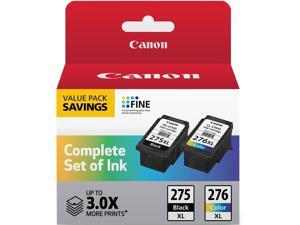
PG-275 XL / CL-276 XL Genuine Ink Value Pack (2 Cartridges), Compatible with ...
- Model #: 644920608962
- Item #: 9SIVSC0KX12491
- Return Policy: DuoDuoShangHang Return Policy
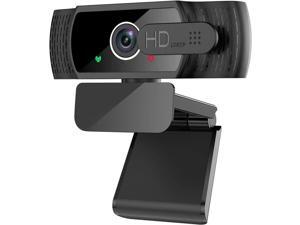
JAENFONG 1080P Webcam with Microphone - FHD Web Cam with Privacy Cover, Plug and Play ...
- Model #: ERT-833
- Item #: 9SIVNUFKNW5628
- Return Policy: guangzhoushijiekeji Return Policy
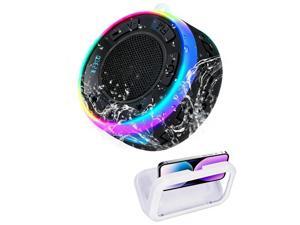
Shower Speaker Bluetooth Waterproof, Portable Wireless Bathroom Speaker with HD Sound ...
- Model #: 943410839481
- Item #: 9SIVT2FKWX7500
- Return Policy: YouZiXingBaiHuo Return Policy
1/2" Heater Hose Coolant Radiator Straight 100PSI SAE 20R3 10FT Black
- Model #: 990833690979
- Item #: 9SIVT2FKWW9596
- Return Policy: YouZiXingBaiHuo Return Policy
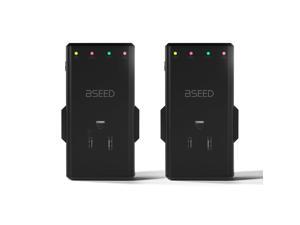
4-Outlet Surge Protector with 350° Rotatable Plug - Voltage Protector for Refrigerator,TV, PC ...
- Model #: 616445173716
- Item #: 9SIVTAJKXT0414
- Return Policy: "Deal Mall" Return Policy
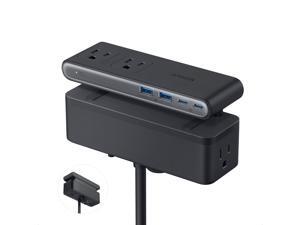
Nano Power Strip, Desk Clamp with 1500J Surge Protector, 5ft Extension Cord, 70W Max ...
- Model #: 999609056472
- Item #: 9SIVT4VKXM4257
- Return Policy: halongzhiUKshop Return Policy

Water Purification Tablets, Portable and Effective Water Purification Solution for Camping, ...
- Model #: 744870616620
- Item #: 9SIVT2FKWU7295
- Return Policy: YouZiXingBaiHuo Return Policy
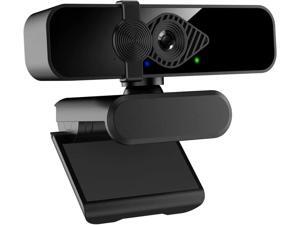
WISDUM 2K Webcam for PC, 85° View USB Computer Camera, with Noise Canceling ...
- Model #: C00F-080805
- Item #: 9SIVSDPKW96639
- Return Policy: DigitalDepot Return Policy

Gwent - Official Licensed Version | Complete Set | Competitive Deck Building Strategy Game | ...
- Model #: 856857755161
- Item #: 9SIVT2FKWU7347
- Return Policy: YouZiXingBaiHuo Return Policy
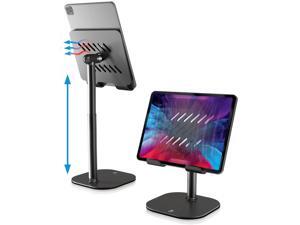
TabHolder, 7-10" Height Adjustable Tablet Stand, Premium iPad Stand for Desk, 270° Tilt ...
- Model #: 467255862916
- Item #: 9SIVTAJKXR3939
- Return Policy: "Deal Mall" Return Policy
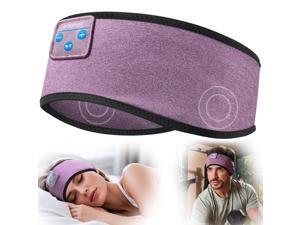
Sleep Headphones Wireless Bluetooth 5.4 Sports Headband, Sleeping Headphones Eye ...
- Model #: 098049496488
- Item #: 9SIVT2FKWU7686
- Return Policy: YouZiXingBaiHuo Return Policy
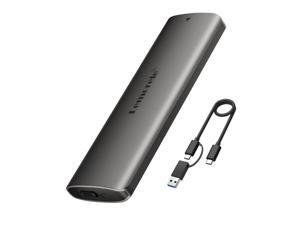
Aluminum M.2 NVMe Enclosure,USB 3.2 Gen2 10Gbps Tool-Free ,SSD Enclosure for NVMe ...
- Model #: 677819084467
- Item #: 9SIVT4VKXP9072
- Return Policy: halongzhiUKshop Return Policy
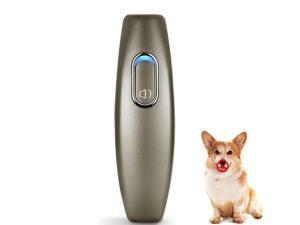
Ultrasonic Dog Barking Deterrent, 2 in 1 Dog Training and Bark Control Device, Anti-Barking ...
- Model #: 933463484236
- Item #: 9SIVT2FKWX2294
- Return Policy: YouZiXingBaiHuo Return Policy
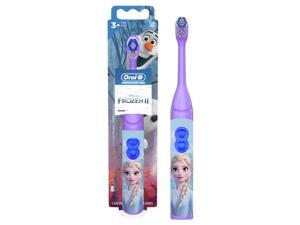
Kids Battery Power Electric Toothbrush Featuring Disney's Frozen for Children and Toddlers ...
- Model #: 244342387634
- Item #: 9SIVT2FKWA6743
- Return Policy: YouZiXingBaiHuo Return Policy
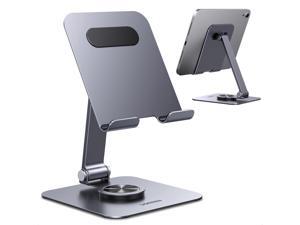
Tablet Stand Holder for Desk 360° Rotating Base Aluminum Tablet Holder Adjustable ...
- Model #: 564933026831
- Item #: 9SIVTAJKXR3749
- Return Policy: "Deal Mall" Return Policy
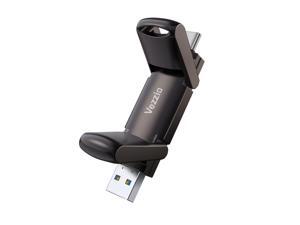
512GB Flash Drive, Vezzio External SSD Speed to 1000MB/s USB C Flash Drive, USB 3.2 ...
- Model #: 873499855953
- Item #: 9SIVT2CKWW2534
- Return Policy: NingJingDeXiaTian Return Policy
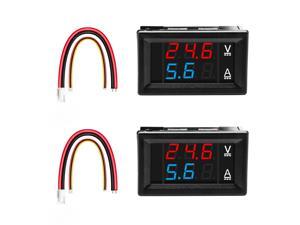
Exqutoo 2Pack 0.28" Digital Voltmeter Ammeter DC 0-100V 10A, Red & Blue Dual LED Display ...
- Model #: 866622168107
- Item #: 9SIVSC0KWC7901
- Return Policy: DuoDuoShangHang Return Policy
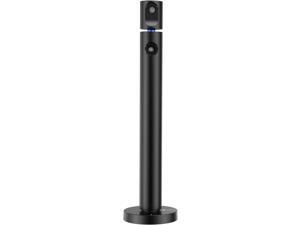
CZUR Halo X Pro Dual Webcam for PC, 1080P Web Camera with Microphone, USB Camera for ...
- Model #: Lan169342456387176
- Item #: 9SIVNUDKKR3993
- Return Policy: DigitalFlash Return Policy
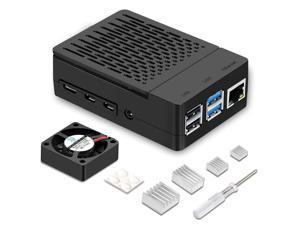
Case for Raspberry Pi 4, ABS Pi 4 Case with Cooling Fan, Pi 4 Heatsink, Simple Removable Top ...
- Model #: 357060415899
- Item #: 9SIVT4VKXP9286
- Return Policy: halongzhiUKshop Return Policy

Plug Scent Booster Starter Kit Air Freshener, Oil Diffuser, Continuous Scent Device, Includes 2 ...
- Model #: 648937151110
- Item #: 9SIVT2FKWV6491
- Return Policy: YouZiXingBaiHuo Return Policy
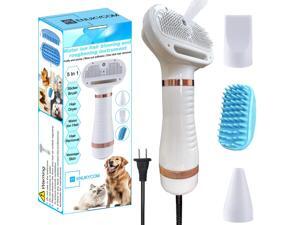
300W Quiet Pet Blow Dryer - Pet Hair Dryer for Small & Medium Dogs and Cats with Removal ...
- Model #: 552044494716
- Item #: 9SIVT2FKWU5927
- Return Policy: YouZiXingBaiHuo Return Policy
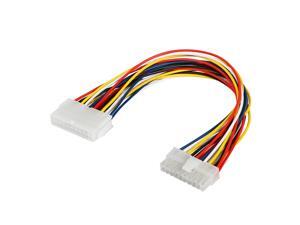
30cm ATX 20 Pin Male to 20 Pin Female Power Supply Extension Cable for Computer PC
- Model #: 662153907580
- Item #: 9SIVRTNKX40665
- Return Policy: Jiamayanonly Return Policy
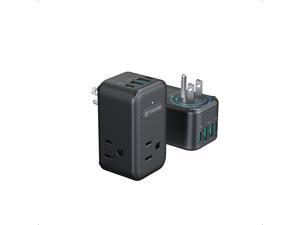
2 Pack Outlet Extender with USB, 3 Way Plug Adapter with 360 Rotating Plug, Outlet Splitter with ...
- Model #: 864553037686
- Item #: 9SIVTAJKXT0272
- Return Policy: "Deal Mall" Return Policy
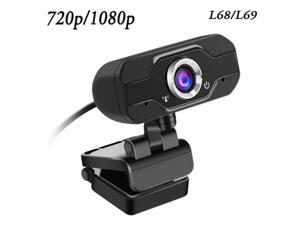
1080p/720p Full HD Webcam Mini Pc Computer Web Camera with Microphone Portable USB ...
- Model #: 1-Web-Camera0565
- Item #: 9SIV9F7KKF0388
- Return Policy: Fashion Technology Return Policy
How to Choose the Right Webcam
Introduction
Adding a webcam to your conference calls and online conversations can enhance the experience for both you and the other party. In addition, it is a more economical and environmentally-friendly alternative to paying for a plane ticket and flying in for a face-to-face meeting in another city. Before purchasing a webcam however, you should consider how it will be used and what features you.
Video Resolution
Similar to a monitor or a HDTV, a webcam’s video resolution is represented as the number of horizontal pixels by vertical pixels. A few of the more common resolutions include 640 × 480, 1280 × 720 (720p), and 1920 × 1080 (1080p). A higher resolution means that the video you capture will be sharper and more detailed. For HD video recording, you will need a webcam that is capable of at least 720p video capture.
Image Resolution
Aside from recording and sending live video, a web cam can also be used to take still images. Some webcams have their video and image resolutions listed separately, with the latter rated in megapixels. If you plan to use the webcam to take still photos, you should try to find one that has a high megapixel rating.
Frame Rate
Along with resolution, frame rate is another important factor for capturing video. A higher frame rate will result in a smoother video with less stuttering. Some webcams are capable of 30 frames per second video recording, though more budget-oriented models may have frame rates that are slightly lower than that.
Microphone
For recording audio, you can either utilize a webcam’s built-in microphone or connect a dedicated microphone. A built-in microphone is usually adequate for most tasks that do not require professional-grade sound recording. If you plan to record or live stream studio-quality audio however, you will want to utilize a dedicated microphone.
Mounting
There are several different mounting methods and designs for webcams. Some need to be clipped on, others require a flat horizontal surface, and a few even support tripods. Clip-on webcams are excellent for use with thin LCD monitors and laptops but not for thicker objects such as desktop towers or CRT monitors. A freestanding webcam is beneficial if you have a large flat surface such as the top of a tower or perhaps a conference table.

