


Webcam - Showing 1753 - 1776 of 3971 Products
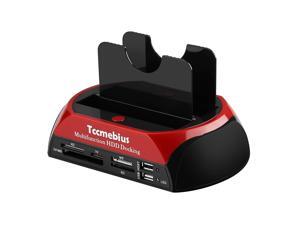
Hard Drive Docking Station, TCC-S862-US USB 2.0 to 2.5 3.5 Inch SATA IDE Dual Slots External ...
- Model #: 131637807340
- Item #: 9SIVT2CKWW4631
- Return Policy: NingJingDeXiaTian Return Policy
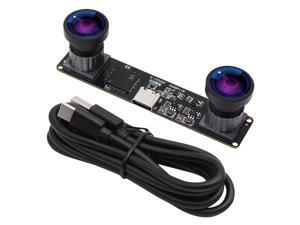
Webcamera_usb 4MP Dual Lens USB Camera Module Synchronization Binocular Webcam ...
- Model #: 9435761207060
- Item #: 9SIVT4DKW79851
- Return Policy: qinsihaoxue shop Return Policy
Baby Diaper Caddy Organizer, Gray, Medium, Nursery Storage Bin and Car Organizer for ...
- Model #: 600315460388
- Item #: 9SIVT4VKXU8974
- Return Policy: halongzhiUKshop Return Policy
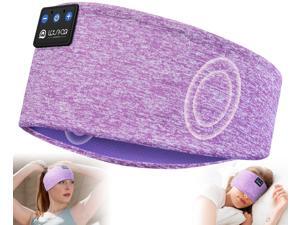
Sleep Headphones Wireless Headband Headphones Bluetooth 5.4 for Side Sleeper ...
- Model #: 719173688826
- Item #: 9SIVT2FKWU7663
- Return Policy: YouZiXingBaiHuo Return Policy
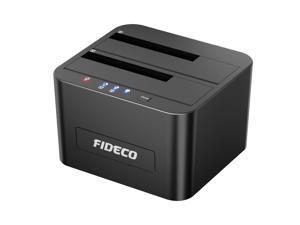
External Hard Drive Docking Station, Hard Drive Dock for 2.5 and 3.5 inch SATA HDD SSD, HDD ...
- Model #: 105062074947
- Item #: 9SIVT2CKWW4632
- Return Policy: NingJingDeXiaTian Return Policy
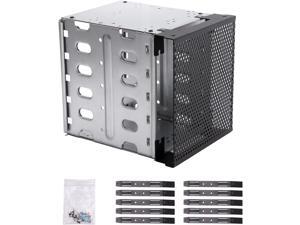
Stainless Steel Hard Drive Cage, 5.25" to 5X3.5 Rack SAS for Computer, Hard Driver Tray with ...
- Model #: 983965589439
- Item #: 9SIVSC0KWW5289
- Return Policy: DuoDuoShangHang Return Policy
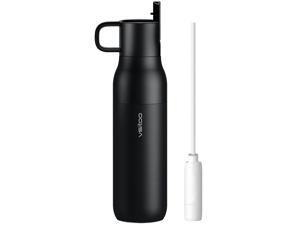
25oz Insulated Stainless Steel Filtered Water Bottle for Travel and Everyday Use5-Stage ...
- Model #: 017803832622
- Item #: 9SIVT2FKWU7133
- Return Policy: YouZiXingBaiHuo Return Policy
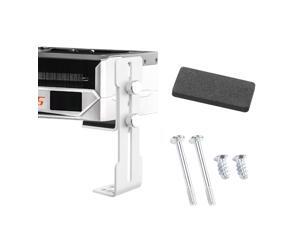
GPU Support Bracket, Graphics Card Support,Video Card Holder Bracket,Adjustable GPU Anti ...
- Model #: 470191993965
- Item #: 9SIVT2CKWE6194
- Return Policy: NingJingDeXiaTian Return Policy
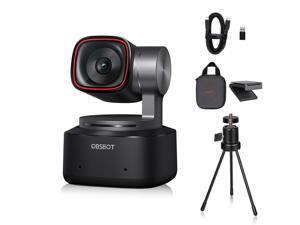
OBSBOT Tiny 2 AI-Powered PTZ 4K Webcam 1/1.5" CMOS 4X Faster Focusing USB 3.0 10x ...
- Model #: 9346432503209
- Item #: 9SIVTERKX57419
- Return Policy: Zyngear Return Policy
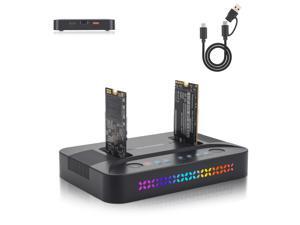
Dual-Bay Dual-Protocol Hard Disk Copy/Clone Type-C Mobile Hard Disk Base Tool-Free ...
- Model #: 653702470164
- Item #: 9SIVTAJKXW1331
- Return Policy: "Deal Mall" Return Policy
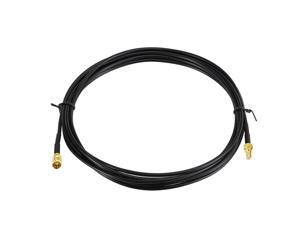
SMB Male to SMB Female Satellite Radio Extension Cable 10 Feet Compatible with Sirius XM Car ...
- Model #: 145355816320
- Item #: 9SIVT2CKWE4668
- Return Policy: NingJingDeXiaTian Return Policy
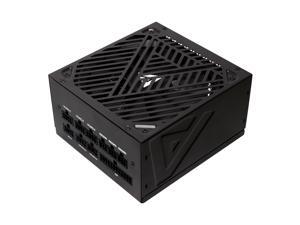
ATX-SL650W Soul 650W Fully Modular, ATX Active PFC, DC to DC Converter Design, 140mm ...
- Model #: 249872808160
- Item #: 9SIVT4VKXK9403
- Return Policy: halongzhiUKshop Return Policy
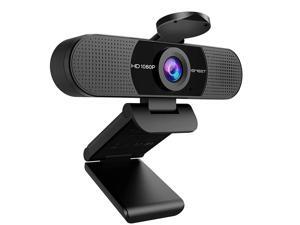
1080P Webcam with Microphone, C960 Web Camera, 2 Mics Streaming Webcam, 90°FOV ...
- Brand: ClearOne
- Name: C960
- Interface: USB 3.0
- Image Sensor: CCD
- Max. Image Resolution: 1920 x 1080
- Effective Pixels: 8.0 M
- Video Capture Resolution: 1920 x 1080
- Focus Settings: Fixed Focus
- Model #: 012885931942
- Item #: 9SIVT44KVU3298
- Return Policy: meimeiliangshipindian Return Policy
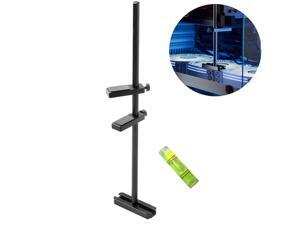
GPU Support Bracket for Fan, Graphics Card Support, GPU Bracket Brace, Video Card Sag ...
- Model #: 243804023865
- Item #: 9SIVTAJKXW6564
- Return Policy: "Deal Mall" Return Policy
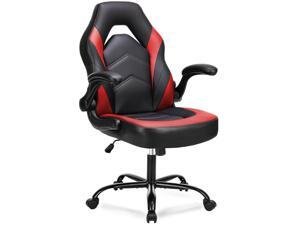
Ergonomic Computer Gaming Chair with Flip-up Armrest, Height Adjustable PU Leather Home ...
- Model #: 848003601282
- Item #: 9SIVSC0KWM3912
- Return Policy: DuoDuoShangHang Return Policy
3/4" Heater Hose Coolant Radiator Straight 100PSI SAE 20R3 5FT Black
- Model #: 511394637036
- Item #: 9SIVT2FKWV9167
- Return Policy: YouZiXingBaiHuo Return Policy
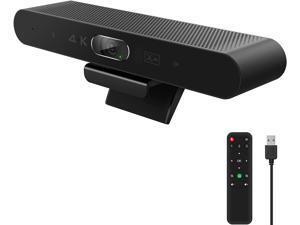
RayBit 4K Webcam with Remote, Auto Framing & AI Tracking, Video Conference Room Web ...
- Model #: CHPCWBCAMAY2090
- Item #: 9SIVTAKKW91753
- Return Policy: Byteful Return Policy
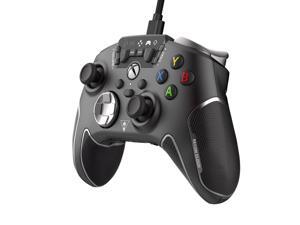
Recon Cloud Wired Game Controller with Bluetooth for Xbox Series X|S, Xbox One, Windows, ...
- Model #: 051053570623
- Item #: 9SIVSC0KX11348
- Return Policy: DuoDuoShangHang Return Policy
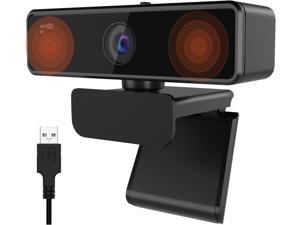
NUROUM V11 2K Webcam for PC, 1080P 60FPS USB Web Camera with Microphone, ...
- Model #: Lan162342456387107
- Item #: 9SIVNUDKKR3964
- Return Policy: DigitalFlash Return Policy
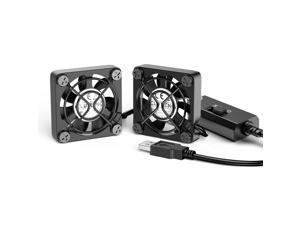
Dual 40mm USB Fan with 3 Speeds Adjustable 5V PC Fan Max 5500RPM 40mm * 40mm * ...
- Model #: 787492476245
- Item #: 9SIVT2CKWV9414
- Return Policy: NingJingDeXiaTian Return Policy
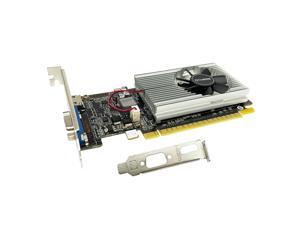
GeForce GT 210 Graphics Card,1024 MB DDR3 64 Bit,HDMI,VGA,Low Profile Video Card for ...
- Model #: 022399320500
- Item #: 9SIVT4VKXP4240
- Return Policy: halongzhiUKshop Return Policy
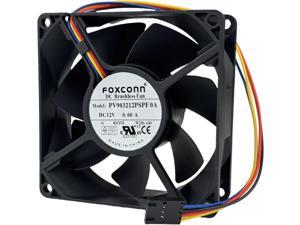
PV903212PSPF 0A DC Brushless Temperature Control Fan, 9CM DC12V 0.60A 4-Wire for ...
- Model #: 071615015055
- Item #: 9SIVT4VKXP9976
- Return Policy: halongzhiUKshop Return Policy
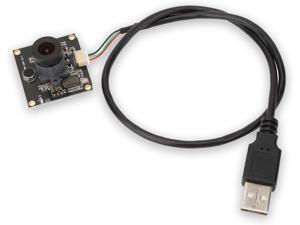
Keenso USB Camera Module,1600 * 1200 2MP Autofocus 120° Wide Angle Camera Module ...
- Model #: Lan200342456387480
- Item #: 9SIVNUDKKR4202
- Return Policy: DigitalFlash Return Policy
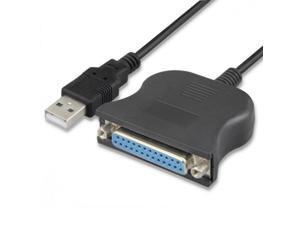
USB 2.0 to DB25 IEEE-1284 Parallel Printer Cable Adapter
- Model #: 420688279965
- Item #: 9SIVT2CKWW2401
- Return Policy: NingJingDeXiaTian Return Policy
How to Choose the Right Webcam
Introduction
Adding a webcam to your conference calls and online conversations can enhance the experience for both you and the other party. In addition, it is a more economical and environmentally-friendly alternative to paying for a plane ticket and flying in for a face-to-face meeting in another city. Before purchasing a webcam however, you should consider how it will be used and what features you.
Video Resolution
Similar to a monitor or a HDTV, a webcam’s video resolution is represented as the number of horizontal pixels by vertical pixels. A few of the more common resolutions include 640 × 480, 1280 × 720 (720p), and 1920 × 1080 (1080p). A higher resolution means that the video you capture will be sharper and more detailed. For HD video recording, you will need a webcam that is capable of at least 720p video capture.
Image Resolution
Aside from recording and sending live video, a web cam can also be used to take still images. Some webcams have their video and image resolutions listed separately, with the latter rated in megapixels. If you plan to use the webcam to take still photos, you should try to find one that has a high megapixel rating.
Frame Rate
Along with resolution, frame rate is another important factor for capturing video. A higher frame rate will result in a smoother video with less stuttering. Some webcams are capable of 30 frames per second video recording, though more budget-oriented models may have frame rates that are slightly lower than that.
Microphone
For recording audio, you can either utilize a webcam’s built-in microphone or connect a dedicated microphone. A built-in microphone is usually adequate for most tasks that do not require professional-grade sound recording. If you plan to record or live stream studio-quality audio however, you will want to utilize a dedicated microphone.
Mounting
There are several different mounting methods and designs for webcams. Some need to be clipped on, others require a flat horizontal surface, and a few even support tripods. Clip-on webcams are excellent for use with thin LCD monitors and laptops but not for thicker objects such as desktop towers or CRT monitors. A freestanding webcam is beneficial if you have a large flat surface such as the top of a tower or perhaps a conference table.

