


Webcam - Showing 1921 - 1944 of 4070 Products
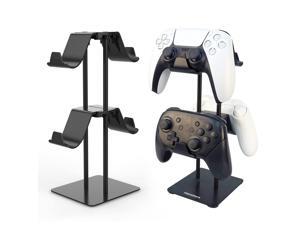
Desktop Controller Holder for PS4/PS5/Xbox ONE/Switch Pro/Headset, Controller ...
- Model #: 447319507082
- Item #: 9SIVT2CKWH0215
- Return Policy: NingJingDeXiaTian Return Policy
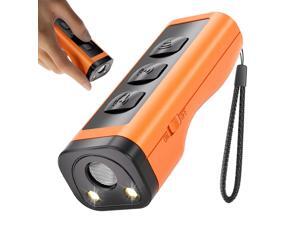
Dog Bark Deterrent Devices Rechargeable Anti-Barking Device for Dogs 50ft Long Range ...
- Model #: 492907357621
- Item #: 9SIVT2FKWU5942
- Return Policy: YouZiXingBaiHuo Return Policy
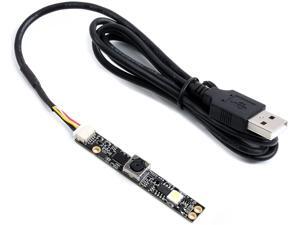
waveshare OV5640 5MP USB Camera AF Auto-Focus, 1080P Video Recording, 2.8 Aperture (F) ...
- Model #: 9359014221453
- Item #: 9SIVTDYKWD4616
- Return Policy: Voltrix Return Policy
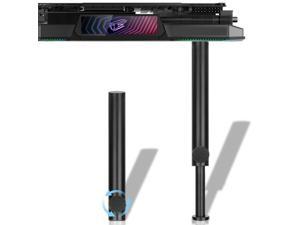
Tall GPU Support Bracket - Heavy Duty Adjustable GPU Anti Sag Holder & Support Stand for ...
- Model #: 301773164663
- Item #: 9SIVT2CKWG6690
- Return Policy: NingJingDeXiaTian Return Policy
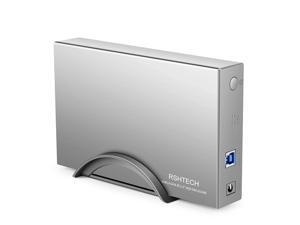
Hard Drive Enclosure RSHTECH USB 3.0 to SATA Aluminum External Hard Drive Dock Case for ...
- Model #: 564980586350
- Item #: 9SIVT2CKWW2197
- Return Policy: NingJingDeXiaTian Return Policy
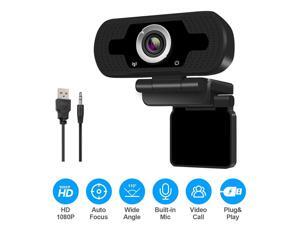
HD 1080P Autofocus Webcam Camera Clip With Microphone USB 2.0 For Android TV PC
- Model #: WUQ830804242
- Item #: 9SIV9F7KGK0048
- Return Policy: Fashion Technology Return Policy
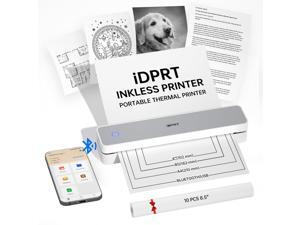
Portable Thermal Printers Small Compact Inkless Wireless Printer for Home, Office & ...
- Model #: 671235184845
- Item #: 9SIVSC0KWY2688
- Return Policy: DuoDuoShangHang Return Policy
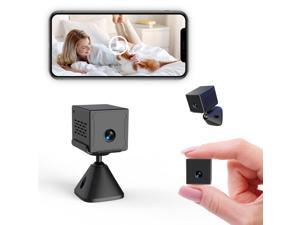
2025 Upgraded Mini Camera 5G WiFi Indoor Security 4K Nanny Cam for Home with App Control ...
- Model #: 413082171010
- Item #: 9SIVSC0KWY2715
- Return Policy: DuoDuoShangHang Return Policy
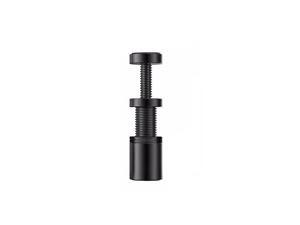
Graphics Card GPU Brace Support, Video Card Sag Holder Bracket, GPU Stand (S 25-50MM ...
- Model #: 204630561237
- Item #: 9SIVT2CKWG7094
- Return Policy: NingJingDeXiaTian Return Policy
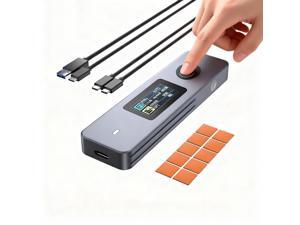
Fingerprint Encryption SSD Enclosure with LCD Screen, 10Gbps USB 3.2 Gen2 Hard Drive Case, ...
- Model #: 186434943901
- Item #: 9SIVT2CKWX5618
- Return Policy: NingJingDeXiaTian Return Policy
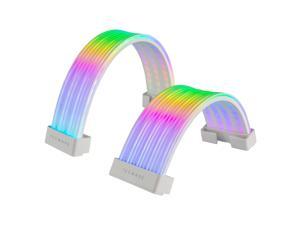
Flex RGB Cable Cover Kit | Compatible with 24-Pin Motherboard and 8-Pin/16-Pin GPU | ARGB ...
- Model #: 679437617094
- Item #: 9SIVSC0KWM9483
- Return Policy: DuoDuoShangHang Return Policy
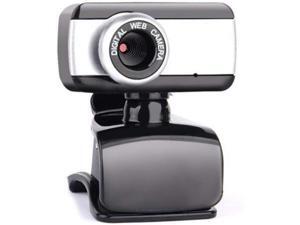
Computer Camera USB 2.0 HD Webcam Camera Webcam High Definition Camera Web Cam ...
- Model #: RB09KZ4GFD7
- Item #: 9SIVSAHKWP2321
- Return Policy: XINBINMAOYIKEJI Return Policy
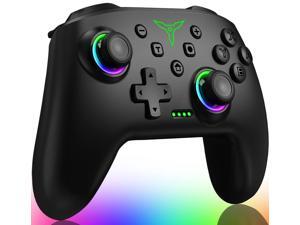
Switch Controller, Wireless Switch Controller Compatible with Switch Controller/Swicth ...
- Model #: 328664463615
- Item #: 9SIVSC0KWM8460
- Return Policy: DuoDuoShangHang Return Policy
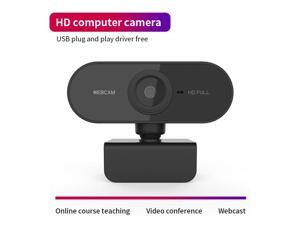
PC Webcam Full HD 2K/1080P USB Video Gamer Camera For Portatile Laptop Windows 10 ...
- Model #: 1-Web-Camera1294
- Item #: 9SIVSM8KVA7160
- Return Policy: Guohuashangmao Return Policy
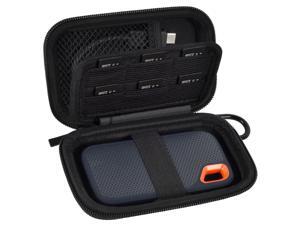
SSD Case for SanDisk Extreme Portable SSD & Extreme PRO, Hard Shell Protective Storage ...
- Model #: 657565218300
- Item #: 9SIVT2CKWX3289
- Return Policy: NingJingDeXiaTian Return Policy
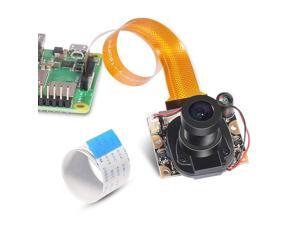
for Raspberry Pi 3 Model B+ Camera Module Automatic IR-Cut Switching Day/Night Vision ...
- Brand: ClearOne
- Name: 16018
- Interface: USB 3.0
- Image Sensor: CCD
- Max. Image Resolution: 1920 x 1080
- Focus Settings: Manual Focus
- Lens: Prime
- Power Source: Infrared, false
- Model #: 596771490978
- Item #: 9SIVT4DKW79656
- Return Policy: qinsihaoxue shop Return Policy
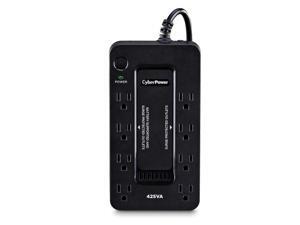
ST425 Standby UPS Battery Backup and Surge Protector, 425VA/260W, 8 Outlets, Compact, ...
- Model #: 013851932190
- Item #: 9SIVT2CKWW4990
- Return Policy: NingJingDeXiaTian Return Policy
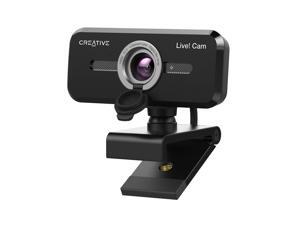
Cam Sync 1080p V2 Full HD Wide-Angle USB Webcam with Auto Mute and Noise Cancellation ...
- Brand: Creative
- Name: VF0880
- Interface: USB
- Image Sensor: 1 megapixels
- Max. Image Resolution: 1080p
- Effective Pixels: 2 megapixels
- Video Capture Resolution: 1080p
- Focus Settings: Auto Focus
- Model #: 829256919959
- Item #: 9SIVSS4KWT5792
- Return Policy: YiManYunDongZhuangBeiSHOP Return Policy
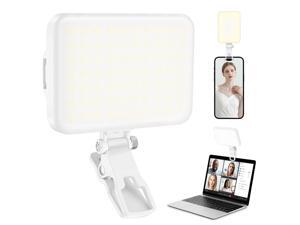
60 LED Portable Selfie Light Video Conference Lighting with Clip & Camera Tripod Adapter ...
- Model #: 053261763553
- Item #: 9SIVT2FKWU7609
- Return Policy: YouZiXingBaiHuo Return Policy
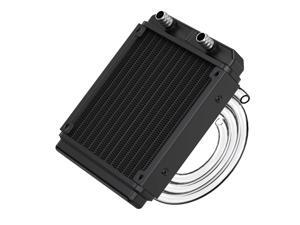
Water Cooling Radiator, 12 Pipe Aluminum Heat Exchanger Radiator with Tube for PC CPU ...
- Model #: 012186478660
- Item #: 9SIVT2FKWV9152
- Return Policy: YouZiXingBaiHuo Return Policy
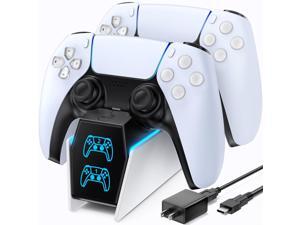
PS5 Controller Charger with Fast Charging AC Adapter, PS5 Controller Charging Station Stand ...
- Model #: 815742671997
- Item #: 9SIVT2CKWW4541
- Return Policy: NingJingDeXiaTian Return Policy

Reader for magstripe (USB-C)
- Model #: 500740290135
- Item #: 9SIVT2CKWW9518
- Return Policy: NingJingDeXiaTian Return Policy
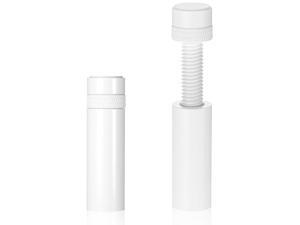
Gpu Support Bracket White Gpu Sag Bracket, Adjustable Stainless Steel Anti Sag White ...
- Model #: 280474030053
- Item #: 9SIVT2CKWF0083
- Return Policy: NingJingDeXiaTian Return Policy
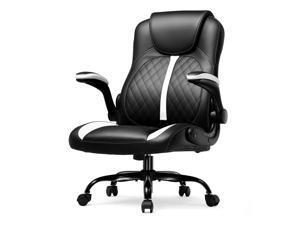
Office Computer Gaming Chair Ergonomic Desk Chair for Adults with Lumbar Support Flip-Up ...
- Model #: 924365557982
- Item #: 9SIVSC0KWM4001
- Return Policy: DuoDuoShangHang Return Policy
How to Choose the Right Webcam
Introduction
Adding a webcam to your conference calls and online conversations can enhance the experience for both you and the other party. In addition, it is a more economical and environmentally-friendly alternative to paying for a plane ticket and flying in for a face-to-face meeting in another city. Before purchasing a webcam however, you should consider how it will be used and what features you.
Video Resolution
Similar to a monitor or a HDTV, a webcam’s video resolution is represented as the number of horizontal pixels by vertical pixels. A few of the more common resolutions include 640 × 480, 1280 × 720 (720p), and 1920 × 1080 (1080p). A higher resolution means that the video you capture will be sharper and more detailed. For HD video recording, you will need a webcam that is capable of at least 720p video capture.
Image Resolution
Aside from recording and sending live video, a web cam can also be used to take still images. Some webcams have their video and image resolutions listed separately, with the latter rated in megapixels. If you plan to use the webcam to take still photos, you should try to find one that has a high megapixel rating.
Frame Rate
Along with resolution, frame rate is another important factor for capturing video. A higher frame rate will result in a smoother video with less stuttering. Some webcams are capable of 30 frames per second video recording, though more budget-oriented models may have frame rates that are slightly lower than that.
Microphone
For recording audio, you can either utilize a webcam’s built-in microphone or connect a dedicated microphone. A built-in microphone is usually adequate for most tasks that do not require professional-grade sound recording. If you plan to record or live stream studio-quality audio however, you will want to utilize a dedicated microphone.
Mounting
There are several different mounting methods and designs for webcams. Some need to be clipped on, others require a flat horizontal surface, and a few even support tripods. Clip-on webcams are excellent for use with thin LCD monitors and laptops but not for thicker objects such as desktop towers or CRT monitors. A freestanding webcam is beneficial if you have a large flat surface such as the top of a tower or perhaps a conference table.

