


Webcam - Showing 1921 - 1944 of 3971 Products
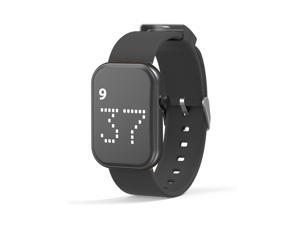
Rechargeable Vibrating Alarm Watch Silent Pill Reminder Wristband Wake Up Watch - with 8 ...
- Model #: 577706559795
- Item #: 9SIVSC0KWR4357
- Return Policy: DuoDuoShangHang Return Policy
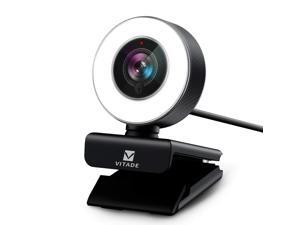
Pc Webcam For Streaming Hd 1080P, 960A Usb Pro Computer Web Camera Video Cam For Mac ...
- Model #: 960
- Item #: 9SIVS8XKTY6658
- Return Policy: zijianmaoyigongsi Return Policy
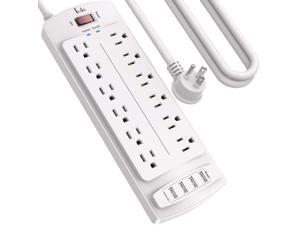
Power Strip, Surge Protector with 12 Outlets and 4 USB Ports, 10 Feet Extension Cord ...
- Model #: 294192608691
- Item #: 9SIVTAJKXX6234
- Return Policy: "Deal Mall" Return Policy
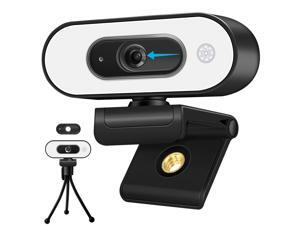
1080P Webcam with Ring Light - Laptop Ring Camera with Microphone 3-Level Brightness, ...
- Model #: 980820837096
- Item #: 9SIV9F7KGK0763
- Return Policy: Fashion Technology Return Policy
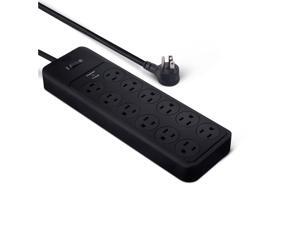
12-Outlet Surge Protector Power Strip, 4000 Joules, 8ft Extension Cord, Rectangle, for Home, ...
- Model #: 933388484439
- Item #: 9SIVTAJKXX6744
- Return Policy: "Deal Mall" Return Policy
Car Air Freshener - Wood Air Freshener - Car Odor Eliminator - Teak Scent Starter Kit
- Model #: 470402248160
- Item #: 9SIVT4VKXX0332
- Return Policy: halongzhiUKshop Return Policy
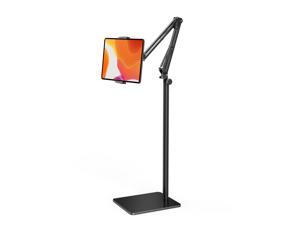
Tablet Floor Stand with 4.2LB Base,Overhead Bed Phone Stand Angle Height Adjustable ...
- Model #: 026321742042
- Item #: 9SIVTAJKXR3359
- Return Policy: "Deal Mall" Return Policy

N7 Nut Milk Maker Machine, 50oz (1.5L) Homemade Almond Milk, Soy Milk Maker, Oat, ...
- Model #: 516923548773
- Item #: 9SIVT2FKWU5656
- Return Policy: YouZiXingBaiHuo Return Policy
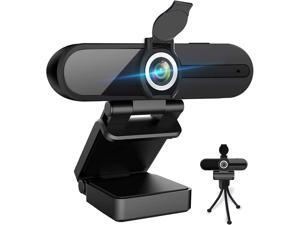
4K Webcam, HD Webcam 8MP- Laptop PC Desktop Computer Web Camera with Microphone, ...
- Model #: 133719596844
- Item #: 9SIVTDYKWB9584
- Return Policy: Voltrix Return Policy
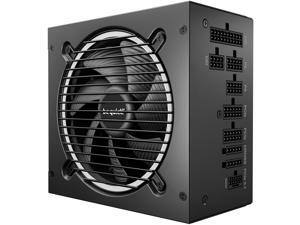
Pure Power 13 M 750W Power Supply, 80 Plus® Gold Certification, ATX 3.1 PSU, Support for PCIe ...
- Model #: 173966041574
- Item #: 9SIVT4VKXM3838
- Return Policy: halongzhiUKshop Return Policy
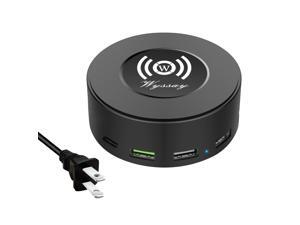
75W 6-Port Desktop Charging Station With Wireless Charger - Type-C, Quick Charge 3.0, 4 ...
- Model #: 200063083848
- Item #: 9SIVT2CKWG8847
- Return Policy: NingJingDeXiaTian Return Policy
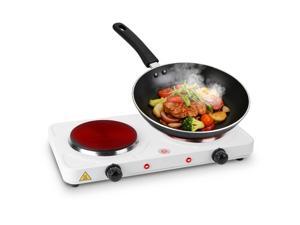
Electric Countertop Double Burner, 2000W Cooktop with Cast Iron Hot Plate, 5 Level ...
- Model #: 775107735986
- Item #: 9SIVT2FKWU7446
- Return Policy: YouZiXingBaiHuo Return Policy
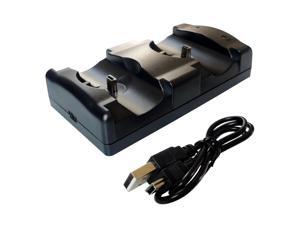
2 in 1 PS3 Controller Charger Station with LED Light Indicator, Charging Cable and Dock for Dual ...
- Model #: 982806252486
- Item #: 9SIVT2CKWW4717
- Return Policy: NingJingDeXiaTian Return Policy
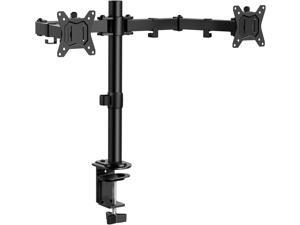
ErGear Dual Monitor Stand, Heavy Duty Adjustable Monitor Desk Mount for 2 Screens up to 32 ...
- Model #: 204713595425
- Item #: 9SIVSC0KWP9496
- Return Policy: DuoDuoShangHang Return Policy

Monitor Stand Riser,Wood & Acrylic Computer Monitor Stand with LED Light,Desk Accessories ...
- Model #: 192266437383
- Item #: 9SIVTCTKY28261
- Return Policy: The Official Store Return Policy
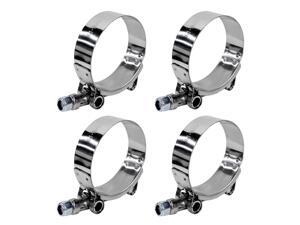
4PCS 1.75" T-Bolt Hose Clamp, Stainless Steel Tube Clamp with 51mm-57mm ID Range, ...
- Model #: 745669566231
- Item #: 9SIVT2FKWV8970
- Return Policy: YouZiXingBaiHuo Return Policy
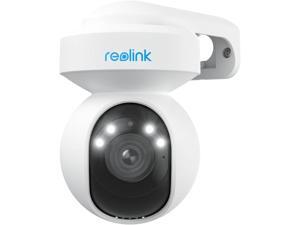
E1 Outdoor Plug-in WiFi Security Camera, 5MP HD PTZ Camera for Home Security, Motion ...
- Model #: HE346TFGNB365
- Item #: 9SIVFTRKAA3243
- Return Policy: SWYFLY Return Policy
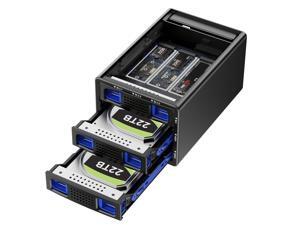
Hybrid 2*2.5/3.5" SATA HDD/SSD(Support RAID 1/0/JBOD/NORMAL)+3* M / B+M Key M.2 ...
- Model #: 193868878649
- Item #: 9SIVT4VKXS0136
- Return Policy: halongzhiUKshop Return Policy
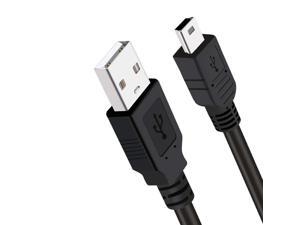
PS3 Charger Cable,10ft PS3 Controller Charging Cord,Mini USB Cable for Sony Playstation 3 ...
- Model #: 396619581899
- Item #: 9SIVT2CKWW4720
- Return Policy: NingJingDeXiaTian Return Policy
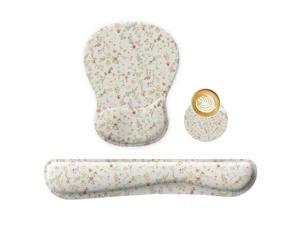
Wrist Rest Support for Mouse Pad Keyboard Set Circle Coaster Gaming Mouse Pad Ergonomic ...
- Model #: 249367432329
- Item #: 9SIVT2FKWU8005
- Return Policy: YouZiXingBaiHuo Return Policy
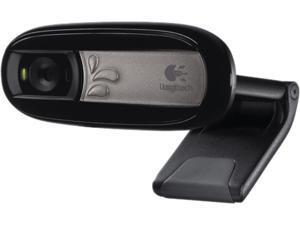

Logitech C170 Webcam - 0.3 Megapixel - USB 2.0
- Max. Image Resolution: 1024 x 768
- Video Capture Resolution: 1024 x 768
- Color: Black
- Package Contents: C170 Webcam Carrying Case User Documentation Software Installation CD
- Parts: 2 Year
- Labor: 2 Year
- Model #: 960-000880
- Item #: 9SIVMRNKWT9463
- Return Policy: dnajknwd Return Policy
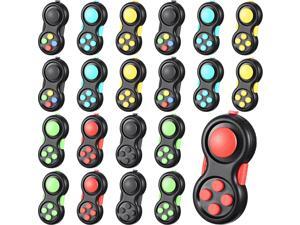
Woanger 24 Pcs Pad Classic Retro Controller Game Pad Controller Handheld Sensory ...
- Model #: 251843088034
- Item #: 9SIVSC0KWD2552
- Return Policy: DuoDuoShangHang Return Policy
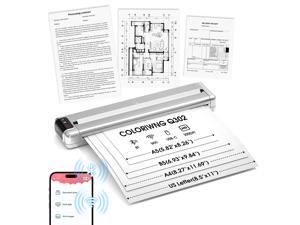
Q302 Portable Thermal Printer, inkless Printer for Business Travel with Bluetooth and WiFi ...
- Model #: 999162423685
- Item #: 9SIVSC0KWY2689
- Return Policy: DuoDuoShangHang Return Policy
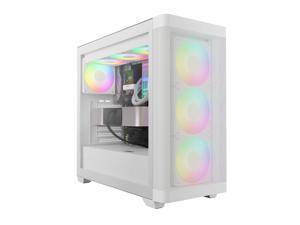
GAMDIAS White ATX Mid Tower Computer Case Tempered Glass, Gaming PC Case Support ...
- Model #: 965927490897
- Item #: 9SIVSC0KWP9529
- Return Policy: DuoDuoShangHang Return Policy
How to Choose the Right Webcam
Introduction
Adding a webcam to your conference calls and online conversations can enhance the experience for both you and the other party. In addition, it is a more economical and environmentally-friendly alternative to paying for a plane ticket and flying in for a face-to-face meeting in another city. Before purchasing a webcam however, you should consider how it will be used and what features you.
Video Resolution
Similar to a monitor or a HDTV, a webcam’s video resolution is represented as the number of horizontal pixels by vertical pixels. A few of the more common resolutions include 640 × 480, 1280 × 720 (720p), and 1920 × 1080 (1080p). A higher resolution means that the video you capture will be sharper and more detailed. For HD video recording, you will need a webcam that is capable of at least 720p video capture.
Image Resolution
Aside from recording and sending live video, a web cam can also be used to take still images. Some webcams have their video and image resolutions listed separately, with the latter rated in megapixels. If you plan to use the webcam to take still photos, you should try to find one that has a high megapixel rating.
Frame Rate
Along with resolution, frame rate is another important factor for capturing video. A higher frame rate will result in a smoother video with less stuttering. Some webcams are capable of 30 frames per second video recording, though more budget-oriented models may have frame rates that are slightly lower than that.
Microphone
For recording audio, you can either utilize a webcam’s built-in microphone or connect a dedicated microphone. A built-in microphone is usually adequate for most tasks that do not require professional-grade sound recording. If you plan to record or live stream studio-quality audio however, you will want to utilize a dedicated microphone.
Mounting
There are several different mounting methods and designs for webcams. Some need to be clipped on, others require a flat horizontal surface, and a few even support tripods. Clip-on webcams are excellent for use with thin LCD monitors and laptops but not for thicker objects such as desktop towers or CRT monitors. A freestanding webcam is beneficial if you have a large flat surface such as the top of a tower or perhaps a conference table.

