


Webcam - Showing 1969 - 1992 of 3052 Products
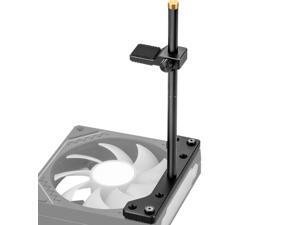
GPU Support Bracket, GPU Holder Stand, Adjustable GPU Sag Bracket Graphics Card Support ...
- Model #: 535160421330
- Item #: 9SIVT2CKWG8245
- Return Policy: NingJingDeXiaTian Return Policy
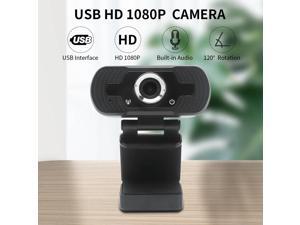
1080P USB Webcam Web Camera Built-in Stereo Microphone Computer Camera Full Skype ...
- Model #: DF-Web-Camera1312
- Item #: 9SIV9F7KGK1605
- Return Policy: Fashion Technology Return Policy
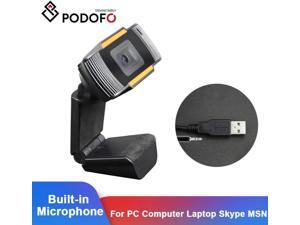
Webcamera USB 2.0 PC Camera Video Recording HD Webcam Web Camera With MIC For ...
- Model #: WB3EW-1215-75
- Item #: 9SIVSSHKU22636
- Return Policy: tomorroW3 Return Policy
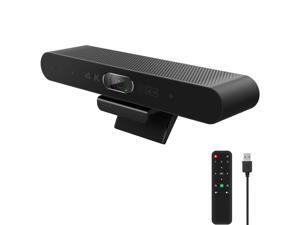
Zell 4K Webcam With Remote, Auto Framing & Ai Tracking, Video Conference Room Web ...
- Model #: ZE-US03-3113889
- Item #: 9SIVP88KVN1035
- Return Policy: XuanPin Return Policy
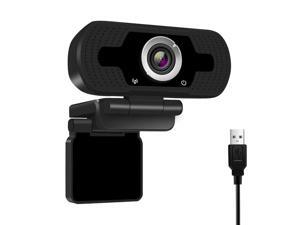
USB Webcam 1080P HD Auto Focusing Web Cam with Microphone Mic
- Model #: E392792243712
- Item #: 9SIVRZWKRH8825
- Return Policy: connect7 Return Policy
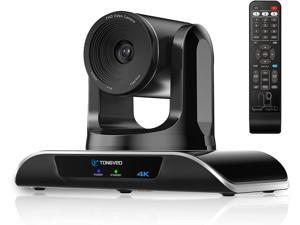
TONGVEO 4K PTZ Webcam with AI-Powered Auto-Tracking, 4K PTZ Camera with 5X Digital ...
- Model #: noelspace9326286258586
- Item #: 9SIVP88KVT1800
- Return Policy: XuanPin Return Policy
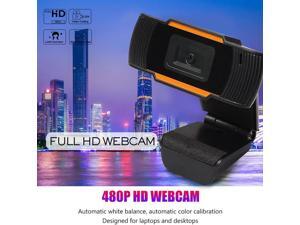
480P Full HD Webcam with Microphone USB Driver Web Camera for Win 10 8 7 Webcam ...
- Model #: B3EW-1204-72
- Item #: 9SIVSSHKU25156
- Return Policy: tomorroW3 Return Policy
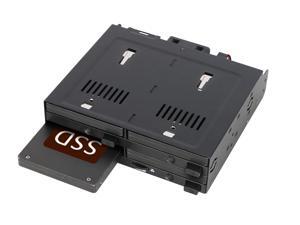
4 Bay 2.5" SATA/SAS SSD/HDD Hot-Swap Docking Enclosure for 5.25" Bay - flexiDOCK ...
- Model #: 286691248803
- Item #: 9SIVSC0KWW7686
- Return Policy: DuoDuoShangHang Return Policy

Bluetooth Thermal Label Printer, 241BT 4X6 Wireless Shipping Label Printer for Small ...
- Model #: 544610833558
- Item #: 9SIVSC0KWY2703
- Return Policy: DuoDuoShangHang Return Policy

Micro Bluetooth Gamepad Pocket-sized Mini Controller for Switch, Android, and Raspberry Pi, ...
- Model #: 095093428654
- Item #: 9SIVSC0KWM8453
- Return Policy: DuoDuoShangHang Return Policy
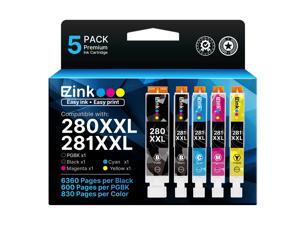
Compatible Tr8620a Ink Cartridge Replacement for Canon PGI-280XXL CLI-281XXL 280 ...
- Model #: 336994031374
- Item #: 9SIVSC0KWY2645
- Return Policy: DuoDuoShangHang Return Policy
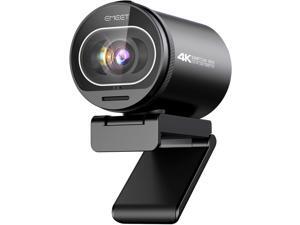
S600 4K Webcam for Streaming - 1/2.5'' Sensor, PDAF Autofocus, 1080P@60FPS, 2 Noise ...
- Model #: WUQ323GF57900
- Item #: 9SIVFTRKCD7035
- Return Policy: SWYFLY Return Policy
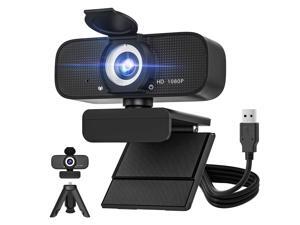
1080P HD Webcam for PC with Auto Focus & Noise Cancelling Mic - Plug and Play Computer ...
- Brand: ClearOne
- Name: WebCam
- Interface: USB 3.0
- Image Sensor: CCD
- Max. Image Resolution: 1920 x 1080
- Focus Settings: Auto Focus
- Lens: Wide Angle
- Power Source: USB, false
- Model #: 003309724852
- Item #: 9SIVST0KWW5447
- Return Policy: JiaLiSiYongBaiHuo Return Policy
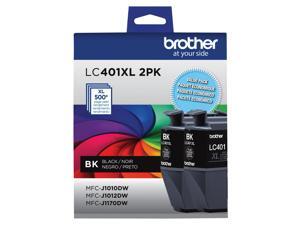
Genuine LC401XL 2PK High Yield 2-Pack Black Ink Cartridges
- Model #: 656078795952
- Item #: 9SIVSC0KWS7447
- Return Policy: DuoDuoShangHang Return Policy
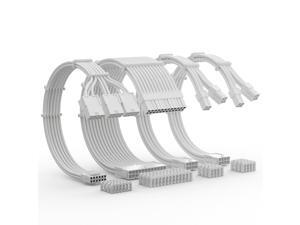
12VHPWR Cable Extension Kit, 16AWG Pcie 5.0 PSU Cable Extension Kit Soft Braided Power ...
- Model #: 482890385714
- Item #: 9SIVSC0KWM9077
- Return Policy: DuoDuoShangHang Return Policy
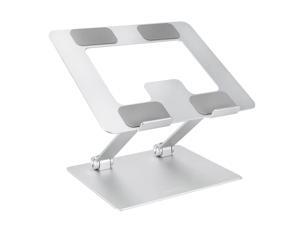
Amazon Basics Sturdy and Portable Ergonomic Laptop Stand for Desk, Height Adjustable ...
- Model #: 677940846456
- Item #: 9SIVSC0KWP9628
- Return Policy: DuoDuoShangHang Return Policy
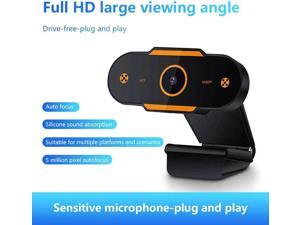
1080P/720P/480P HD Webcam 5 Million Pixels USB 2.0 Auto Focus Web Camera With Mic For ...
- Model #: B3EW-1204-65
- Item #: 9SIVSSHKU25182
- Return Policy: tomorroW3 Return Policy
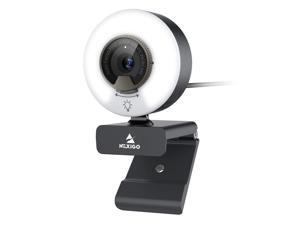
N960E 1080P 60FPS Webcam with Light, Software Included, Fast AutoFocus, Built-in Privacy ...
- Model #: 692871375480
- Item #: 9SIVSY8KX30608
- Return Policy: YuShuHuaYiShangHang Return Policy
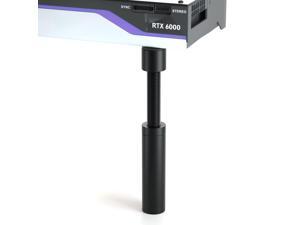
Graphics Card GPU Support Bracket: GPU Sag Bracket Video Card Stand GPU Holder Graphics ...
- Model #: 562101890398
- Item #: 9SIVT2CKWG7235
- Return Policy: NingJingDeXiaTian Return Policy
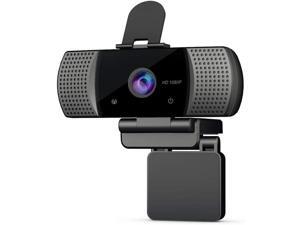
1080P Webcam with Microphone&Cover, Kishgo USB 2.0 Desktop Laptop Computer Web ...
- Model #: RB08CHM74JS
- Item #: 9SIV9F7KE28339
- Return Policy: Fashion Technology Return Policy
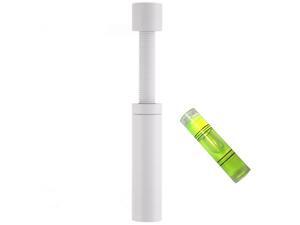
GPU Support Bracket White, Graphics Card Support, GPU Bracket Brace, Video Card Sag Holder ...
- Model #: 312346943361
- Item #: 9SIVT2CKWF2839
- Return Policy: NingJingDeXiaTian Return Policy
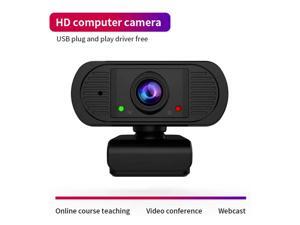
stock Webcam Auto Focus HD Webcam Built- Microphone High-end Video Call Camera ...
- Model #: 1-Web-Camera1300
- Item #: 9SIVSSHKU17158
- Return Policy: tomorroW3 Return Policy
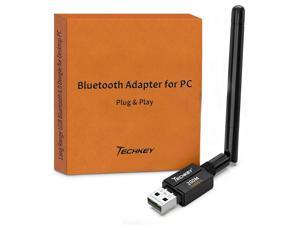
USB Bluetooth 6.0 Adapter for Desktop PC: Plug & Play 600FT Long Range Wireless Dongle with ...
- Model #: 836992061988
- Item #: 9SIVT2CKWX1500
- Return Policy: NingJingDeXiaTian Return Policy
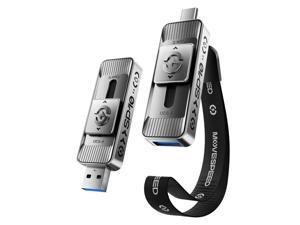
512GB High-Speed 1050MB/s Read Pro Solid State Drives - Dual Ports USB 3.2 +Type C for Mac ...
- Model #: 856832443769
- Item #: 9SIVT2CKWX8839
- Return Policy: NingJingDeXiaTian Return Policy
How to Choose the Right Webcam
Introduction
Adding a webcam to your conference calls and online conversations can enhance the experience for both you and the other party. In addition, it is a more economical and environmentally-friendly alternative to paying for a plane ticket and flying in for a face-to-face meeting in another city. Before purchasing a webcam however, you should consider how it will be used and what features you.
Video Resolution
Similar to a monitor or a HDTV, a webcam’s video resolution is represented as the number of horizontal pixels by vertical pixels. A few of the more common resolutions include 640 × 480, 1280 × 720 (720p), and 1920 × 1080 (1080p). A higher resolution means that the video you capture will be sharper and more detailed. For HD video recording, you will need a webcam that is capable of at least 720p video capture.
Image Resolution
Aside from recording and sending live video, a web cam can also be used to take still images. Some webcams have their video and image resolutions listed separately, with the latter rated in megapixels. If you plan to use the webcam to take still photos, you should try to find one that has a high megapixel rating.
Frame Rate
Along with resolution, frame rate is another important factor for capturing video. A higher frame rate will result in a smoother video with less stuttering. Some webcams are capable of 30 frames per second video recording, though more budget-oriented models may have frame rates that are slightly lower than that.
Microphone
For recording audio, you can either utilize a webcam’s built-in microphone or connect a dedicated microphone. A built-in microphone is usually adequate for most tasks that do not require professional-grade sound recording. If you plan to record or live stream studio-quality audio however, you will want to utilize a dedicated microphone.
Mounting
There are several different mounting methods and designs for webcams. Some need to be clipped on, others require a flat horizontal surface, and a few even support tripods. Clip-on webcams are excellent for use with thin LCD monitors and laptops but not for thicker objects such as desktop towers or CRT monitors. A freestanding webcam is beneficial if you have a large flat surface such as the top of a tower or perhaps a conference table.

