


Webcam - Showing 2041 - 2064 of 4090 Products

Anniversary Card Mothers Day Birthday for Mom Dad Wife Husband Girlfriend Boyfriend ...
- Model #: 912197465169
- Item #: 9SIVT2FKWU7400
- Return Policy: YouZiXingBaiHuo Return Policy
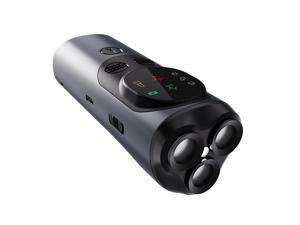
Ultrasonic Dog Bark Deterrent, Rechargeable Strong Bark Deterrent Device with 3 Emitters, ...
- Model #: 728312863787
- Item #: 9SIVT2FKWU5989
- Return Policy: YouZiXingBaiHuo Return Policy
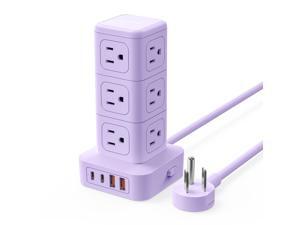
Power Strip Tower with Multiple Outlets, Tower Extension Cord with 12 AC Outlets 4 USB Ports (2 ...
- Model #: 776337776657
- Item #: 9SIVTAJKXX6653
- Return Policy: "Deal Mall" Return Policy
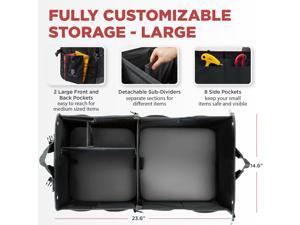
Trunk Organizer For Car, Suv, Truck | Premium Adjustable Multi Compartments Collapsible ...
- Model #: 412608922474
- Item #: 9SIVT4VKXV2846
- Return Policy: halongzhiUKshop Return Policy
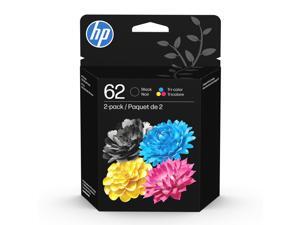
62 Black/Tri-Color Ink (2-Pack) | Works with Envy 5540, 5640, 5660, 7640, OfficeJet 5740, ...
- Model #: 820706854321
- Item #: 9SIVT4VKXV2909
- Return Policy: halongzhiUKshop Return Policy
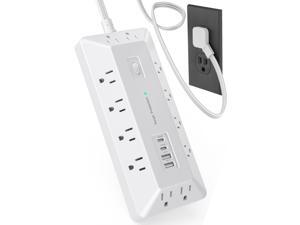
12 Outlets + 4 USB (16-in-1) Surge Protector Power Strip with 2 USB C, T-Shaped Desktop ...
- Model #: 563315457932
- Item #: 9SIVTAJKXX5445
- Return Policy: "Deal Mall" Return Policy
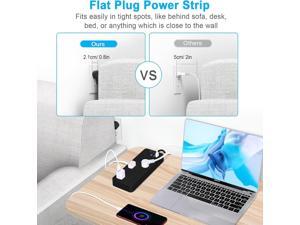
20 FT Power Strips with Surge Protection 1625W/13A, 10 Outlets with 4 USB Ports (1 USB C) Long ...
- Model #: 816609831918
- Item #: 9SIVTAJKXX6865
- Return Policy: "Deal Mall" Return Policy
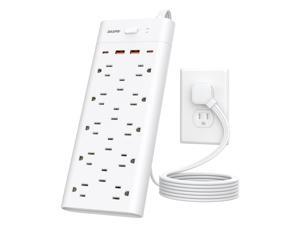
Power Strip Surge Protector with 14 Outlets and 4 USB Ports (2 USB C), 6 Ft Flat Plug Heavy Duty ...
- Model #: 311701684202
- Item #: 9SIVTAJKXX6216
- Return Policy: "Deal Mall" Return Policy
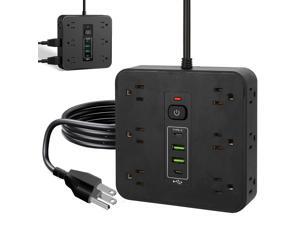
16-in-1 Power Strip Surge Protector, 12 AC Outlets & 2 USB-C, 2 USB-A, 6.6FT Extension Cord ...
- Model #: 332525661000
- Item #: 9SIVTAJKXX6652
- Return Policy: "Deal Mall" Return Policy
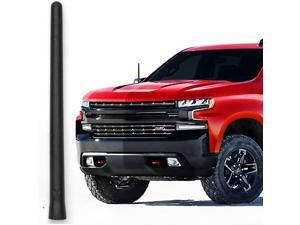
Short Rubber Antenna fits Chevrolet Silverado 1500 (2006-2026), The Original 6 3/4 Inch, ...
- Model #: 760505947301
- Item #: 9SIVT4VKXX0561
- Return Policy: halongzhiUKshop Return Policy
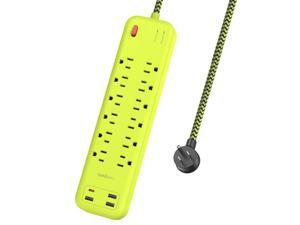
USB Surge Bar 12 Power Strip - 12 Outlets 4 USB Ports(1 USB C), Multi Plug Outlet Extender with ...
- Model #: 220104199262
- Item #: 9SIVTAJKXX6010
- Return Policy: "Deal Mall" Return Policy
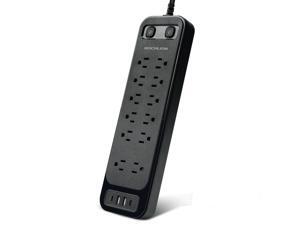
Surge Protector Power Strip, 12 AC Outlets & 4 USB Ports (2 USB-C), 6ft Heavy Duty Extension ...
- Model #: 194785837438
- Item #: 9SIVTAJKXX5449
- Return Policy: "Deal Mall" Return Policy
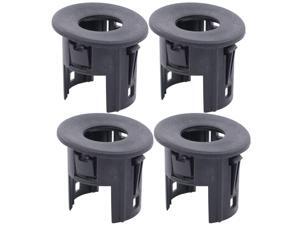
4Pcs Black Rear Bumper Parking Aid Assist Sensor Bracket Bezel Housing 25844782 for ...
- Model #: 641267679662
- Item #: 9SIVT4VKXW9920
- Return Policy: halongzhiUKshop Return Policy
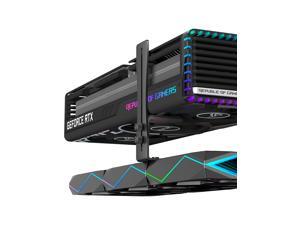
Graphics Card GPU Brace Support Video Card Sag Holder,Adjustable Height Support,GH9K
- Model #: 208101134609
- Item #: 9SIVTAJKXW6602
- Return Policy: "Deal Mall" Return Policy
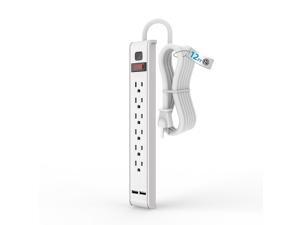
Power Strip Surge Protector, 6 Outlets with 2 USB Ports, 6 Feet Extension Cord, 600 Joules, Wall ...
- Model #: 749310551506
- Item #: 9SIVTAJKXX6175
- Return Policy: "Deal Mall" Return Policy
Graphics Card GPU Support , Height Adjustable GPU Droop Bracket with Magnets and Anti-Slip ...
- Model #: 033648162907
- Item #: 9SIVTAJKXW6831
- Return Policy: "Deal Mall" Return Policy
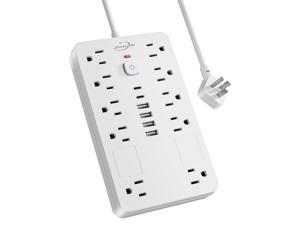
Surge Protector Power Strip,10 Outlets(1850W/15A/14AWG) with 6 USB Ports (2 USB C), 6 ...
- Model #: 760838883670
- Item #: 9SIVTAJKXX5721
- Return Policy: "Deal Mall" Return Policy
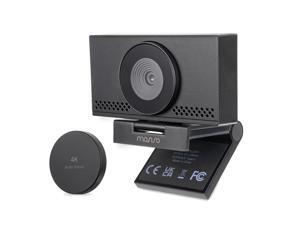
4K Webcam for PC & Laptop with Microphone and Webcam Cover, Auto Light Correction, USB ...
- Brand: ClearOne
- Name: MO4KWBMPCoverU
- Interface: USB 3.0
- Image Sensor: CCD
- Max. Image Resolution: 1920 x 1080
- Effective Pixels: 3 M
- Focus Settings: Auto Focus
- Lens: Prime
- Model #: 906347890124
- Item #: 9SIVT76KX02926
- Return Policy: yaoyaoYuLishop Return Policy
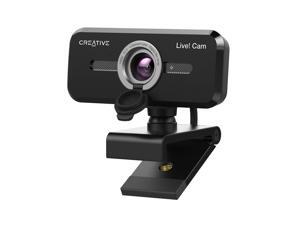
Live! Cam Sync 1080p V2 Full HD Wide-Angle USB Webcam with Auto Mute and Noise ...
- Brand: ClearOne
- Name: VF0880
- Interface: USB 3.0
- Image Sensor: CCD
- Max. Image Resolution: 1920 x 1080
- Focus Settings: Auto Focus
- Lens: Zoom
- Power Source: USB, false
- Model #: 096308522001
- Item #: 9SIVT76KX03063
- Return Policy: yaoyaoYuLishop Return Policy
Magnetic Wristband Phone Holder for Running, Adjustable Silicone Sports Armband Cell ...
- Model #: 722688065567
- Item #: 9SIVSC0KWR4421
- Return Policy: DuoDuoShangHang Return Policy
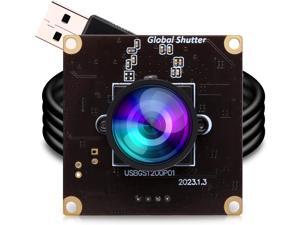
ELP High Speed Wide Angle Global Shutter USB Camera Module for Computer 1080P Mini UVC ...
- Model #: 887095448951niu30
- Item #: 9SIVS2GKWC4398
- Return Policy: kaiyuanxiang Return Policy
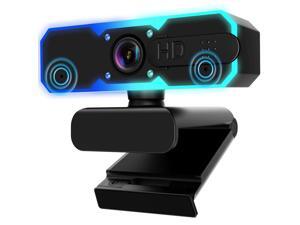
1080P 60FPS Streaming Camera Webcam with Microphone and Fill RGB ...
- Brand: ClearOne
- Name: H782
- Interface: USB 3.0
- Image Sensor: CCD
- Max. Image Resolution: 1920 x 1080
- Focus Settings: Auto Focus
- Lens: Zoom
- Power Source: USB, false
- Model #: 121344913175
- Item #: 9SIVT2CKWV5131
- Return Policy: NingJingDeXiaTian Return Policy
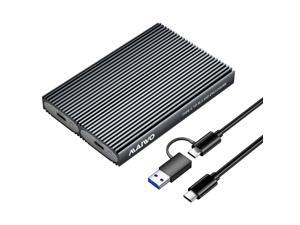
Dual Bay M.2 NVMe SSD Enclosure, USB3.1 GEN2 10Gbps with UASP Trim, Up to 16TB, Tool Free ...
- Model #: 870174071144
- Item #: 9SIVSC0KWW8011
- Return Policy: DuoDuoShangHang Return Policy
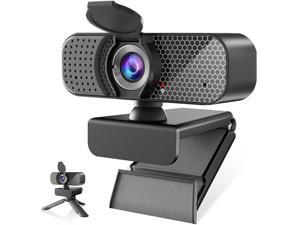
1080P Webcam PC Webcam with Microphoneand Physical Privacy Cover, ...
- Brand: ClearOne
- Name: TW- FU26
- Interface: USB 3.0
- Image Sensor: CCD
- Max. Image Resolution: 1920 x 1080
- Focus Settings: Auto Focus
- Lens: Wide Angle
- Power Source: USB, false
- Model #: 582594138019
- Item #: 9SIVT2CKWV5130
- Return Policy: NingJingDeXiaTian Return Policy
How to Choose the Right Webcam
Introduction
Adding a webcam to your conference calls and online conversations can enhance the experience for both you and the other party. In addition, it is a more economical and environmentally-friendly alternative to paying for a plane ticket and flying in for a face-to-face meeting in another city. Before purchasing a webcam however, you should consider how it will be used and what features you.
Video Resolution
Similar to a monitor or a HDTV, a webcam’s video resolution is represented as the number of horizontal pixels by vertical pixels. A few of the more common resolutions include 640 × 480, 1280 × 720 (720p), and 1920 × 1080 (1080p). A higher resolution means that the video you capture will be sharper and more detailed. For HD video recording, you will need a webcam that is capable of at least 720p video capture.
Image Resolution
Aside from recording and sending live video, a web cam can also be used to take still images. Some webcams have their video and image resolutions listed separately, with the latter rated in megapixels. If you plan to use the webcam to take still photos, you should try to find one that has a high megapixel rating.
Frame Rate
Along with resolution, frame rate is another important factor for capturing video. A higher frame rate will result in a smoother video with less stuttering. Some webcams are capable of 30 frames per second video recording, though more budget-oriented models may have frame rates that are slightly lower than that.
Microphone
For recording audio, you can either utilize a webcam’s built-in microphone or connect a dedicated microphone. A built-in microphone is usually adequate for most tasks that do not require professional-grade sound recording. If you plan to record or live stream studio-quality audio however, you will want to utilize a dedicated microphone.
Mounting
There are several different mounting methods and designs for webcams. Some need to be clipped on, others require a flat horizontal surface, and a few even support tripods. Clip-on webcams are excellent for use with thin LCD monitors and laptops but not for thicker objects such as desktop towers or CRT monitors. A freestanding webcam is beneficial if you have a large flat surface such as the top of a tower or perhaps a conference table.

