


Webcam - Showing 2089 - 2112 of 4124 Products
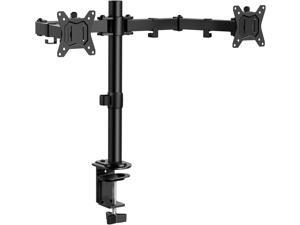
ErGear Dual Monitor Stand, Heavy Duty Adjustable Monitor Desk Mount for 2 Screens up to 32 ...
- Model #: 204713595425
- Item #: 9SIVSC0KWP9496
- Return Policy: DuoDuoShangHang Return Policy
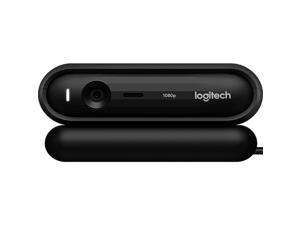

Logitech Original C670i Online Teaching HD Beautification Teleconference Meeting ...
- Model #: C670i0811ZJ
- Item #: 9SIVMRNKWT9170
- Return Policy: dnajknwd Return Policy
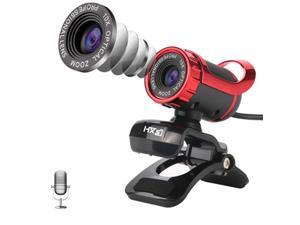
HXSJ A859 480P Computer Network Course Camera Video USB Camera Built-in ...
- Model #: B15803PHD=TBD0426631601
- Item #: 9SIVPK2KP98216
- Return Policy: TrendyPicks Return Policy
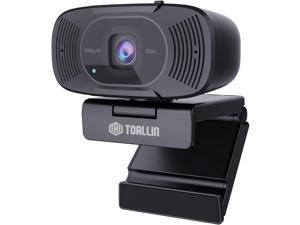
TOALLIN 1080P Auto-Focus Webcam with Dual Microphones, Computer Web Camera, 90° ...
- Model #: Lan72342456386230
- Item #: 9SIVNUDKKR3720
- Return Policy: DigitalFlash Return Policy
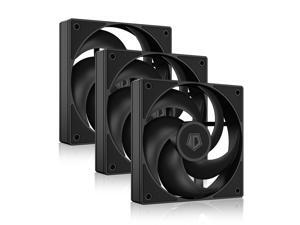
ID-COOLING AS-120-K Trio 120mm Black Computer Case Fans 3 Pack High Performance ...
- Model #: 346322330211
- Item #: 9SIVSC0KWP9606
- Return Policy: DuoDuoShangHang Return Policy

N7 Nut Milk Maker Machine, 50oz (1.5L) Homemade Almond Milk, Soy Milk Maker, Oat, ...
- Model #: 516923548773
- Item #: 9SIVT2FKWU5656
- Return Policy: YouZiXingBaiHuo Return Policy
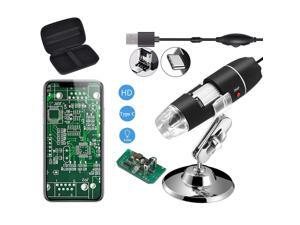
Original 40-1000X USB Microscope with Portable Carrying Case, Digital Magnification ...
- Brand: ClearOne
- Name: Jiusion-03, Jiusion
- Interface: USB 3.0
- Focus Settings: Achromatic
- Lens: Achromatic
- Power Source: Corded Electric
- Part Number: Jiusion-Microscope+Bag
- Color: Black
- Model #: 869858154818
- Item #: 9SIVT2FKWU7498
- Return Policy: YouZiXingBaiHuo Return Policy
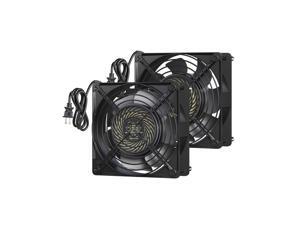
DEWENWILS 2 Pack 120V AC Fan, Waterproof Exhaust Fan 120mm, 18W 2850RPM 90CFM, ...
- Model #: 335984407399
- Item #: 9SIVSC0KWP9513
- Return Policy: DuoDuoShangHang Return Policy
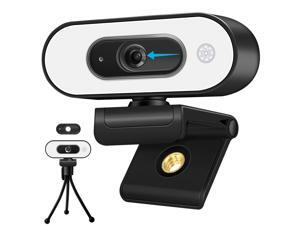
1080P Webcam with Ring Light - Laptop Ring Camera with Microphone 3-Level Brightness, ...
- Model #: 980820837096
- Item #: 9SIV9F7KGK0763
- Return Policy: Fashion Technology Return Policy
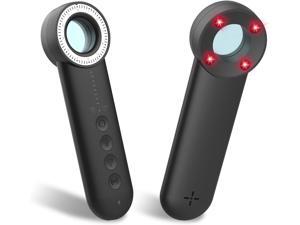
2025 Latest Upgraded Version Hidden Camera Detectors, 5 Levels Sensitivity Camera ...
- Model #: 884894872162
- Item #: 9SIVT2FKWU7805
- Return Policy: YouZiXingBaiHuo Return Policy
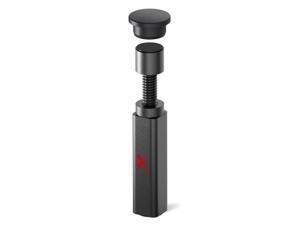
GPU Support Bracket - Large GPU Sag Bracket 2.9" - 5" - Premium GPU Stand with Rubber Pad - ...
- Model #: 200697643661
- Item #: 9SIVT2CKWE3738
- Return Policy: NingJingDeXiaTian Return Policy
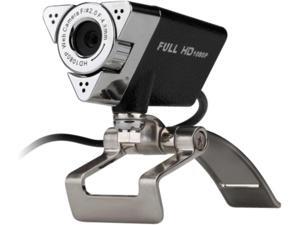
Aluratek HD 1080P Video Webcam for PC, MAC, Desktop & Laptop, Video Call, Conference, ...
- Model #: Lan44342456386001
- Item #: 9SIVNUDKKR3536
- Return Policy: DigitalFlash Return Policy
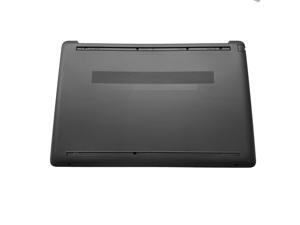
LTPRPTS Replacement Laptop Lower Base Bottom Case Cover Assembly Part for HP 250 255 ...
- Model #: 511077618202
- Item #: 9SIVSC0KWP9589
- Return Policy: DuoDuoShangHang Return Policy
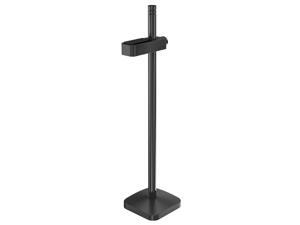
Graphics Card GPU Brace Support, Video Card Sag Holder Bracket, GPU Stand, Anodized ...
- Model #: 893967721298
- Item #: 9SIVT2CKWE6081
- Return Policy: NingJingDeXiaTian Return Policy
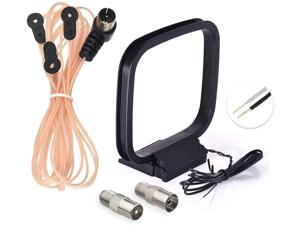
FM Radio Dipole Antenna 75 Ohm Indoor AM Loop Antenna for Pioneer Onkyo Yamaha ...
- Model #: 001607143743
- Item #: 9SIVT4VKXN8941
- Return Policy: halongzhiUKshop Return Policy
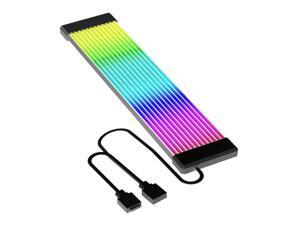
PSU Cable, ARGB PC Cable for Motherboard Power Supply Extension, 5V 3 Pin Bendable ...
- Model #: 295495949738
- Item #: 9SIVSC0KWT5299
- Return Policy: DuoDuoShangHang Return Policy
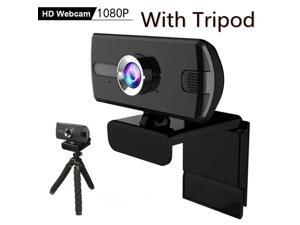
2.0 Full HD 1080P Webcam Camera Built-in Stereo Microphone Digital Web Cam With Mini ...
- Model #: 1-Web-Camera1039
- Item #: 9SIV9F7KGK1515
- Return Policy: Fashion Technology Return Policy
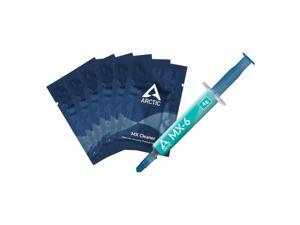
MX-6 (4 g, incl. 6 MX Cleaner) - Ultimate Performance Thermal Paste for CPU, Consoles, ...
- Model #: 673550229653
- Item #: 9SIVT2FKWV4165
- Return Policy: YouZiXingBaiHuo Return Policy

Upgrade Mod Brake and Throttle and Clutch Pedal Spring Kit for LOGITECH G25 G27 G29 G920 ...
- Model #: 907443225736
- Item #: 9SIVSC0KX08555
- Return Policy: DuoDuoShangHang Return Policy
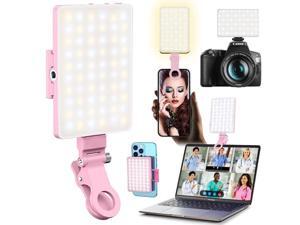
60 LED Portable Selfie Light Video Conference Lighting with Clip & Camera Tripod Adapter ...
- Model #: 965953999601
- Item #: 9SIVT2FKWU7611
- Return Policy: YouZiXingBaiHuo Return Policy
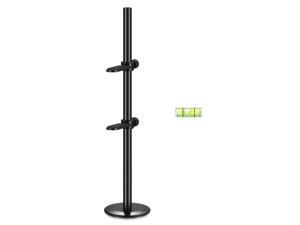
The 4th Generation GPU Support Bracket, Adjustable Metal Anti-dent GPU Stand with Magnet & ...
- Model #: 010540592922
- Item #: 9SIVT2CKWE4670
- Return Policy: NingJingDeXiaTian Return Policy
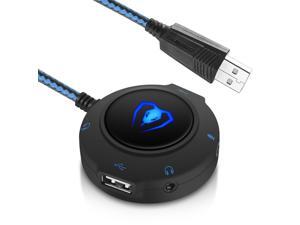
External Sound Card USB Hubs Audio Adapter to USB Port & 3.5mm Audio & Micro Jack for PC ...
- Model #: 680192451200
- Item #: 9SIVTHDKYD4691
- Return Policy: Bisi Global Purchase Return Policy
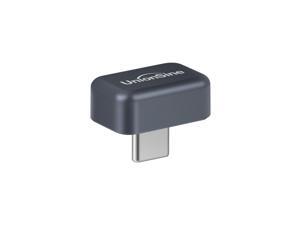
USB C External SSD 128GB, USB3.2 Solid State Flash Drive Up to 450MB/s, Mini Type-C USB ...
- Model #: 433420823913
- Item #: 9SIVT2CKWW2937
- Return Policy: NingJingDeXiaTian Return Policy
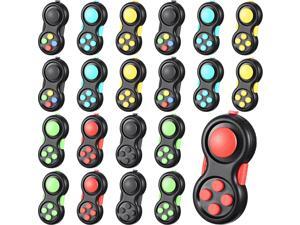
Woanger 24 Pcs Pad Classic Retro Controller Game Pad Controller Handheld Sensory ...
- Model #: 251843088034
- Item #: 9SIVSC0KWD2552
- Return Policy: DuoDuoShangHang Return Policy
How to Choose the Right Webcam
Introduction
Adding a webcam to your conference calls and online conversations can enhance the experience for both you and the other party. In addition, it is a more economical and environmentally-friendly alternative to paying for a plane ticket and flying in for a face-to-face meeting in another city. Before purchasing a webcam however, you should consider how it will be used and what features you.
Video Resolution
Similar to a monitor or a HDTV, a webcam’s video resolution is represented as the number of horizontal pixels by vertical pixels. A few of the more common resolutions include 640 × 480, 1280 × 720 (720p), and 1920 × 1080 (1080p). A higher resolution means that the video you capture will be sharper and more detailed. For HD video recording, you will need a webcam that is capable of at least 720p video capture.
Image Resolution
Aside from recording and sending live video, a web cam can also be used to take still images. Some webcams have their video and image resolutions listed separately, with the latter rated in megapixels. If you plan to use the webcam to take still photos, you should try to find one that has a high megapixel rating.
Frame Rate
Along with resolution, frame rate is another important factor for capturing video. A higher frame rate will result in a smoother video with less stuttering. Some webcams are capable of 30 frames per second video recording, though more budget-oriented models may have frame rates that are slightly lower than that.
Microphone
For recording audio, you can either utilize a webcam’s built-in microphone or connect a dedicated microphone. A built-in microphone is usually adequate for most tasks that do not require professional-grade sound recording. If you plan to record or live stream studio-quality audio however, you will want to utilize a dedicated microphone.
Mounting
There are several different mounting methods and designs for webcams. Some need to be clipped on, others require a flat horizontal surface, and a few even support tripods. Clip-on webcams are excellent for use with thin LCD monitors and laptops but not for thicker objects such as desktop towers or CRT monitors. A freestanding webcam is beneficial if you have a large flat surface such as the top of a tower or perhaps a conference table.

