


Webcam - Showing 2137 - 2160 of 3795 Products
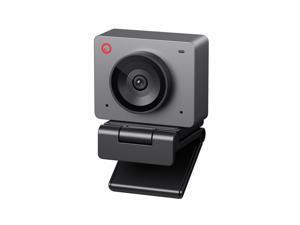
Meet SE 1080P 100FPS Webcam for PC, AI Framing Streaming Camera with 1/2.8" Sensor, ...
- Brand: OBSBOT
- Name: OBSBOT Meet SE
- Interface: USB
- Image Sensor: 2 megapixels
- Max. Image Resolution: 1080P@100 FPS
- Effective Pixels: 2 megapixels
- Video Capture Resolution: 1080P@100 FPS
- Lens: Wide Angle
- Model #: 072789209075
- Item #: 9SIVSKTKXA9801
- Return Policy: xiuhuishangmao Return Policy
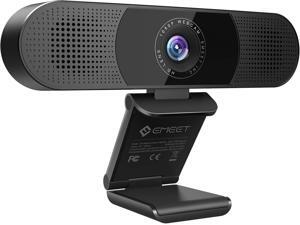
EMEET 3 in 1 Webcam - 1080P Webcam with Microphone and Speakers, Noise Reduction, Auto ...
- Model #: Lan191342456387398
- Item #: 9SIVNUDKKR4207
- Return Policy: DigitalFlash Return Policy
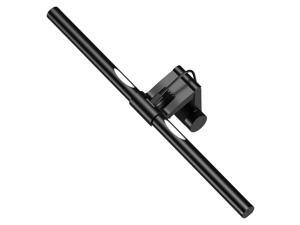
Computer Monitor Light,Screen Monitor Light Bar with Backlight for Eye Caring, E-Reading LED ...
- Model #: 437312806547
- Item #: 9SIVT2CKWW9140
- Return Policy: NingJingDeXiaTian Return Policy
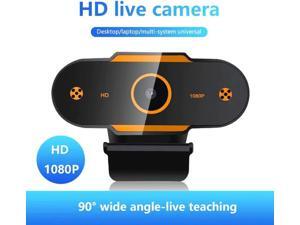
4K Auto Focus USB Computer Webcam Full HD 1944P 1080P Webcam Camera Digital Web ...
- Model #: WB3EW-1218-102
- Item #: 9SIVSSHKU21034
- Return Policy: tomorroW3 Return Policy
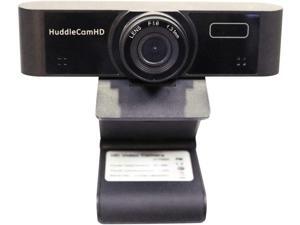
HuddleCamHD USB Webcam 1080p Resolution Wide Angle 94° (HC-WEBCAM-94)
- Model #: Lan185342456387336
- Item #: 9SIVNUDKKR4212
- Return Policy: DigitalFlash Return Policy
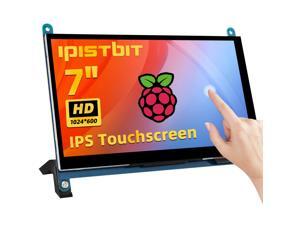
7 Inch LCD Touch Screen, 1024x600 IPS Display with Stand, HDMI Portable Monitor for ...
- Model #: 946262327713
- Item #: 9SIVSC0KWS7516
- Return Policy: DuoDuoShangHang Return Policy
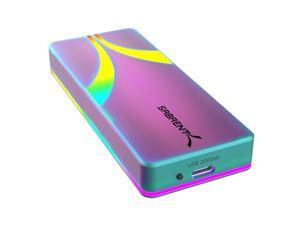
Rocket RGB USB C 20Gbps M.2 SATA/NVMe SSD Enclosure - Special Edition (EC-RGBC)
- Model #: 868536102006
- Item #: 9SIVSC0KX22425
- Return Policy: DuoDuoShangHang Return Policy
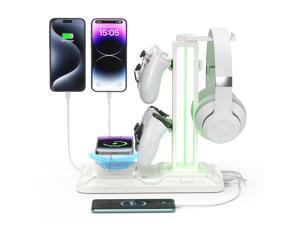
RGB Headphone & Controller Stand with Wireless Charging - Rotatable Headset Stand with 9 ...
- Model #: 096730087298
- Item #: 9SIVT2CKWG8244
- Return Policy: NingJingDeXiaTian Return Policy
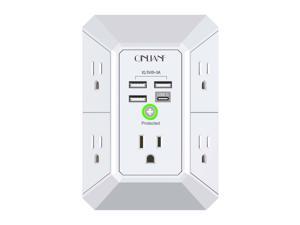
Wall Charger, Surge Protector, QINLIANF 5 Outlet Extender with 4 USB Charging Ports, 3-Sided ...
- Model #: 856071825784
- Item #: 9SIVT2CKWV8013
- Return Policy: NingJingDeXiaTian Return Policy
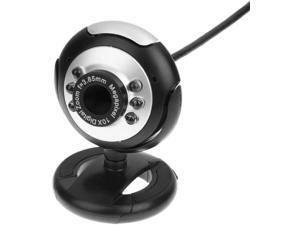
12M HD Camera with Microphone 30 Mega Pixel Web Cam 6 LED HD Webcam Camera MIC FOR ...
- Model #: WB3EW-1217-136
- Item #: 9SIVSSHKU21426
- Return Policy: tomorroW3 Return Policy
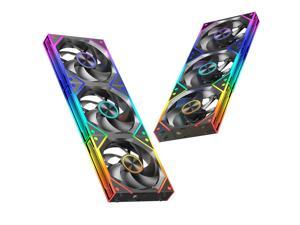
6 Packs Modular 120mm ARGB Chassis Fans, 3 Forward Fan +3 Reverse Fans,Easy to ...
- Model #: 577937640097
- Item #: 9SIVSC0KWP9518
- Return Policy: DuoDuoShangHang Return Policy
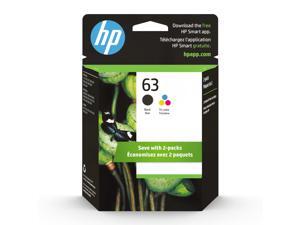
63 Black, Tri-Color Ink Cartridge Printers (2-Pack), Works with DeskJet 1112, 2130, 3630 ...
- Model #: 973787883475
- Item #: 9SIVSC0KWY2630
- Return Policy: DuoDuoShangHang Return Policy
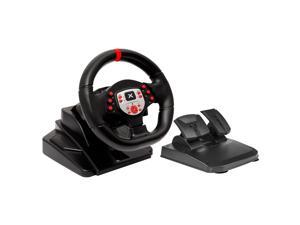
Racing Wheel - Gaming Steering Wheel for PC, 180 Degree Universal Usb Car Sim Race ...
- Model #: 392742706602
- Item #: 9SIVT2CKWX2998
- Return Policy: NingJingDeXiaTian Return Policy
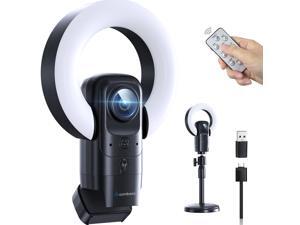
4K Webcam with Light, Web Camera with Microphone, Plug and Play, USB HD Computer Web ...
- Brand: Combess
- Name: FY01 4K
- Interface: USB
- Image Sensor: 1 megapixels
- Max. Image Resolution: 4K
- Effective Pixels: 8 megapixels
- Video Capture Resolution: 4K
- Focus Settings: Auto Focus
- Model #: 226940000415
- Item #: 9SIVSAXKWR9000
- Return Policy: LONGYANCHUANGYI Return Policy
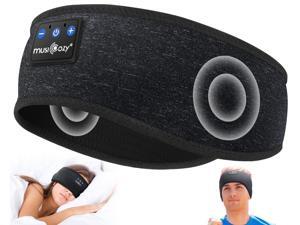
MUSICOZY for Workout Running Travel Yoga, Ideal Gifts for Men Women Mom Dad
- Model #: 777108360682
- Item #: 9SIVT2FKWX1957
- Return Policy: YouZiXingBaiHuo Return Policy
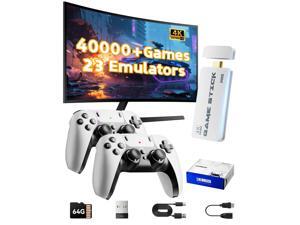
2026 Upgraded Retro Gaming Console Stick, Video Games Stick Built-in 23 Emulators ...
- Model #: 385442089007
- Item #: 9SIVT2FKWU7350
- Return Policy: YouZiXingBaiHuo Return Policy
Meet SE 1080P 100FPS Webcam for PC, AI Framing Streaming Camera with 1/2.8" Sensor, ...
- Brand: OBSBOT
- Name: OBSBOT Meet SE
- Interface: USB
- Image Sensor: 2 megapixels
- Max. Image Resolution: 1080P@100 FPS
- Effective Pixels: 2 megapixels
- Video Capture Resolution: 1080P@100 FPS
- Lens: Wide Angle
- Model #: 829730993024
- Item #: 9SIVSAXKWR9301
- Return Policy: LONGYANCHUANGYI Return Policy
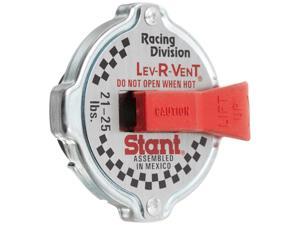
ST207 Racing Safety Lever Radiator Cap
- Model #: 210961048714
- Item #: 9SIVT2FKWV8956
- Return Policy: YouZiXingBaiHuo Return Policy
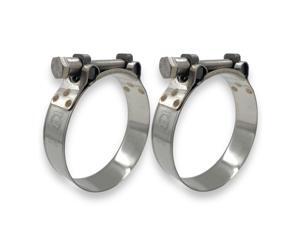
DA TT Heavy Duty Hose Clamps, 304 Stainless Steel T-Bolt Clamp, Adjustable Range 80-85 ...
- Model #: 435296366730
- Item #: 9SIVT2FKWV9072
- Return Policy: YouZiXingBaiHuo Return Policy
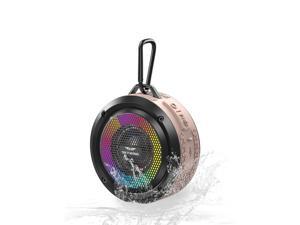
Shower Speaker, Certified IPX7 Waterproof, Mini Bluetooth Wireless Small Speaker with ...
- Model #: 988359065442
- Item #: 9SIVT2FKWU7695
- Return Policy: YouZiXingBaiHuo Return Policy
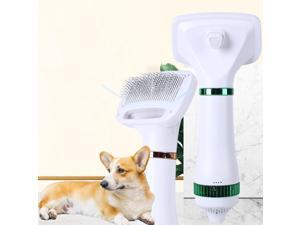
Pet Hair Dryer, 2-in-1 Convenient Dog Blower, 300W Pet Grooming Hair Dryer with Spike Rake ...
- Model #: 531060073440
- Item #: 9SIVT2FKWU5935
- Return Policy: YouZiXingBaiHuo Return Policy
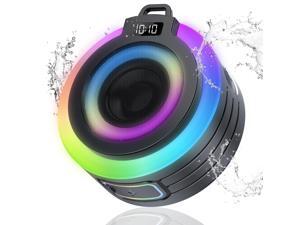
Bluetooth Shower Speaker, Portable Bluetooth Speaker Stereo Sound with Suction ...
- Model #: 686710748114
- Item #: 9SIVT2FKWU7708
- Return Policy: YouZiXingBaiHuo Return Policy
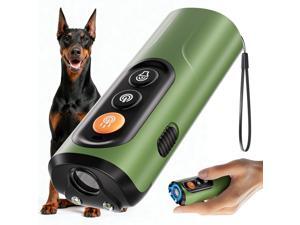
Dog Bark Deterrent Devices, Anti-Barking Device for Dogs 50-ft Range, Three Modes, Dog ...
- Model #: 646181213174
- Item #: 9SIVT2FKWU5970
- Return Policy: YouZiXingBaiHuo Return Policy
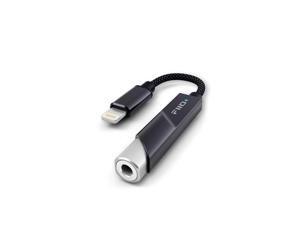
KA11 Lightning to 3.5mm Audio Adapter 32bit/384KHz, Lightning to 3.5mm USB Dongle HiFi ...
- Model #: 860304776820
- Item #: 9SIVT2FKWU6003
- Return Policy: YouZiXingBaiHuo Return Policy
How to Choose the Right Webcam
Introduction
Adding a webcam to your conference calls and online conversations can enhance the experience for both you and the other party. In addition, it is a more economical and environmentally-friendly alternative to paying for a plane ticket and flying in for a face-to-face meeting in another city. Before purchasing a webcam however, you should consider how it will be used and what features you.
Video Resolution
Similar to a monitor or a HDTV, a webcam’s video resolution is represented as the number of horizontal pixels by vertical pixels. A few of the more common resolutions include 640 × 480, 1280 × 720 (720p), and 1920 × 1080 (1080p). A higher resolution means that the video you capture will be sharper and more detailed. For HD video recording, you will need a webcam that is capable of at least 720p video capture.
Image Resolution
Aside from recording and sending live video, a web cam can also be used to take still images. Some webcams have their video and image resolutions listed separately, with the latter rated in megapixels. If you plan to use the webcam to take still photos, you should try to find one that has a high megapixel rating.
Frame Rate
Along with resolution, frame rate is another important factor for capturing video. A higher frame rate will result in a smoother video with less stuttering. Some webcams are capable of 30 frames per second video recording, though more budget-oriented models may have frame rates that are slightly lower than that.
Microphone
For recording audio, you can either utilize a webcam’s built-in microphone or connect a dedicated microphone. A built-in microphone is usually adequate for most tasks that do not require professional-grade sound recording. If you plan to record or live stream studio-quality audio however, you will want to utilize a dedicated microphone.
Mounting
There are several different mounting methods and designs for webcams. Some need to be clipped on, others require a flat horizontal surface, and a few even support tripods. Clip-on webcams are excellent for use with thin LCD monitors and laptops but not for thicker objects such as desktop towers or CRT monitors. A freestanding webcam is beneficial if you have a large flat surface such as the top of a tower or perhaps a conference table.

