


Webcam - Showing 2161 - 2184 of 3750 Products
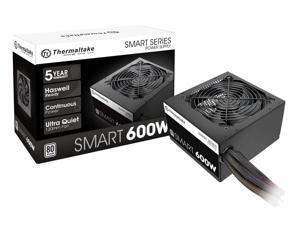
Smart 600W ATX 12V V2.3/EPS 12V 80 Plus Certified Active PFC Power Supply ...
- Model #: 939594635519
- Item #: 9SIVT4VKXM4725
- Return Policy: halongzhiUKshop Return Policy
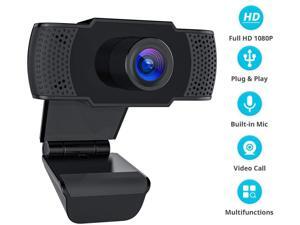
1080P HD Web Cam with Mic for PC Computer and Laptops XBOX Supports Mac Windows Linux ...
- Color: Black
- Model #: VS-E50
- Item #: 9SIV0J5BF23258
- Return Policy: Smays Return Policy
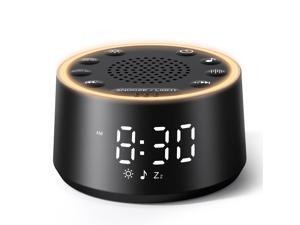
Sound Machine for Sleep - D1 Nova White Noise Sound Machine for Baby Adult with Alarm Clock, ...
- Model #: 168883789813
- Item #: 9SIVT2FKWU5688
- Return Policy: YouZiXingBaiHuo Return Policy
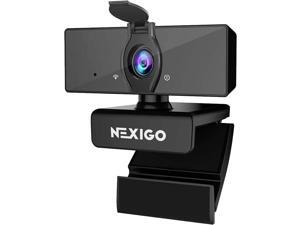
NexiGo N660 1080P Business Webcam, Dual Microphone & Privacy Cover, USB FHD Web ...
- Model #: 6251731156595ASDFA838819
- Item #: 9SIVTDYKWC5507
- Return Policy: Voltrix Return Policy
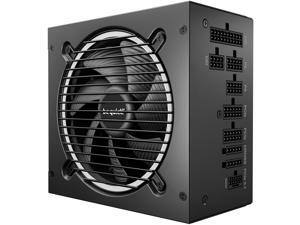
Pure Power 13 M 750W Power Supply, 80 Plus® Gold Certification, ATX 3.1 PSU, Support for PCIe ...
- Model #: 173966041574
- Item #: 9SIVT4VKXM3838
- Return Policy: halongzhiUKshop Return Policy
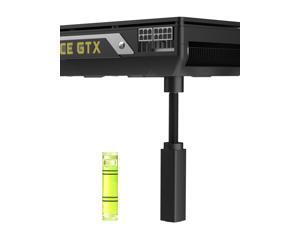
GPU Support Bracket, Gpu Anti Sag Bracket, GPU Support Magnetic Base and Anti-Slip Pad, ...
- Model #: 622604373385
- Item #: 9SIVT2CKWE5982
- Return Policy: NingJingDeXiaTian Return Policy
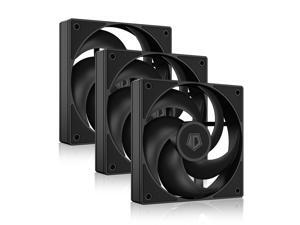
ID-COOLING AS-120-K Trio 120mm Black Computer Case Fans 3 Pack High Performance ...
- Model #: 346322330211
- Item #: 9SIVSC0KWP9606
- Return Policy: DuoDuoShangHang Return Policy
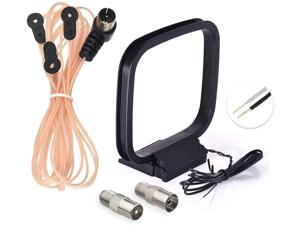
FM Radio Dipole Antenna 75 Ohm Indoor AM Loop Antenna for Pioneer Onkyo Yamaha ...
- Model #: 001607143743
- Item #: 9SIVT4VKXN8941
- Return Policy: halongzhiUKshop Return Policy
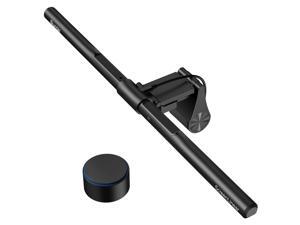
Monitor Light Bar PRO+ with Remote Control, Fit for Curved/Flat Monitor, Eye-Care USB ...
- Model #: 319574583471
- Item #: 9SIVT2CKWX2993
- Return Policy: NingJingDeXiaTian Return Policy
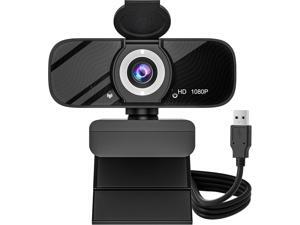
USB HD Webcam with Built-in Microphone and Rotatable Tripod, 1080P Video, Wide Angle ...
- Model #: Lan122342456386704
- Item #: 9SIVNUDKKR3962
- Return Policy: DigitalFlash Return Policy
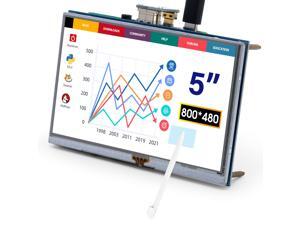
5-Inch Resistive Touch Screen TFT LCD Display, 800x480 HD Resolution, Compatible with ...
- Model #: 295732064462
- Item #: 9SIVSC0KWS7449
- Return Policy: DuoDuoShangHang Return Policy

Retro Gaming Console with 4K 20000+ Classic Games, HDMI Game Stick with 23 Emulators, ...
- Model #: 692353170573
- Item #: 9SIVT2FKWU7352
- Return Policy: YouZiXingBaiHuo Return Policy
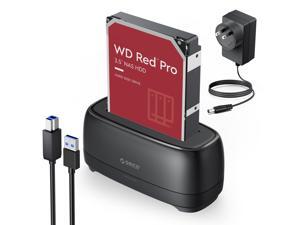
External Hard Drive Docking Station for 2.5/3.5 Inch HDD SSD USB 3.0 to SATA Hard Drive Dock ...
- Model #: 720027478340
- Item #: 9SIVT2CKWW2210
- Return Policy: NingJingDeXiaTian Return Policy
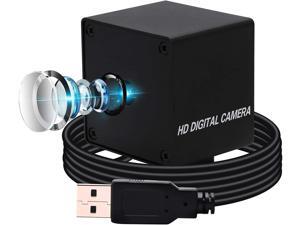
Ultra HD USB Camera 13MP Mini USB Web Camera,2880P High Definition Camera with Sony ...
- Model #: RB08HCLDPWV
- Item #: 9SIVRZDKSU4049
- Return Policy: Qixingitech Return Policy
M.2 NVME SATA SSD Enclosure, Improved RTL9210B Chip USB 3.2 Gen 2 10Gbps to PCI-E NGFF ...
- Model #: 679093202504
- Item #: 9SIVT2CKWW2177
- Return Policy: NingJingDeXiaTian Return Policy
Dog Hair Dryer, 2-in-1 Dog Hair Blower with Brush, 3-Modes Blow Professional Home Grooming ...
- Model #: 085111986813
- Item #: 9SIVT2FKWU5914
- Return Policy: YouZiXingBaiHuo Return Policy
Bluetooth Shower Speaker, Suction Cup, Small Portable Wireless IPX7 Waterproof Outdoor ...
- Model #: 037560047639
- Item #: 9SIVT2FKWU7655
- Return Policy: YouZiXingBaiHuo Return Policy
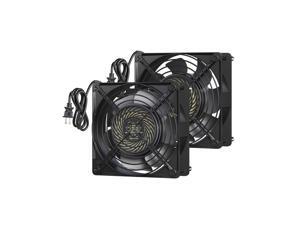
DEWENWILS 2 Pack 120V AC Fan, Waterproof Exhaust Fan 120mm, 18W 2850RPM 90CFM, ...
- Model #: 335984407399
- Item #: 9SIVSC0KWP9513
- Return Policy: DuoDuoShangHang Return Policy
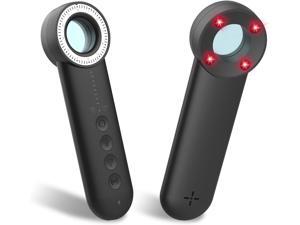
2025 Latest Upgraded Version Hidden Camera Detectors, 5 Levels Sensitivity Camera ...
- Model #: 884894872162
- Item #: 9SIVT2FKWU7805
- Return Policy: YouZiXingBaiHuo Return Policy
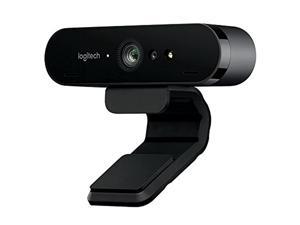

Logitech Brio Webcam - 90 Fps - USB 3.0-4096 X 2160 Video - Auto-Focus - 5X Digital Zoom - ...
- Model #: 977403013541
- Item #: 9SIVMRNKWT9175
- Return Policy: dnajknwd Return Policy
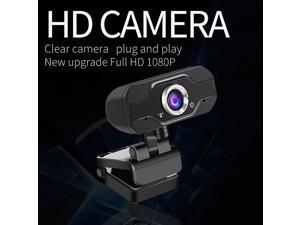
1080P Full hd usb camera 4k web camera Mini Camcorders camera web cam with microphone ...
- Model #: 1-Web-Camera0094
- Item #: 9SIV9F7KGK1166
- Return Policy: Fashion Technology Return Policy
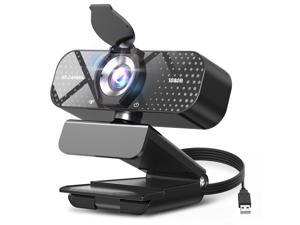
1080P Full HD Webcam with Noise-Canceling Mic, Auto Light Correction, Privacy Cover, ...
- Brand: ClearOne
- Name: TW05
- Interface: USB 3.0
- Image Sensor: CCD
- Max. Image Resolution: 1920 x 1080
- Focus Settings: Auto Focus
- Lens: Wide Angle
- Power Source: USB, false
- Model #: 722824422724
- Item #: 9SIVT2CKWV5124
- Return Policy: NingJingDeXiaTian Return Policy
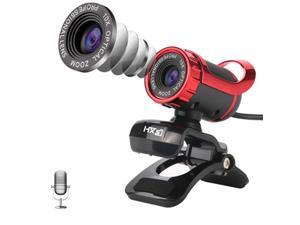
HXSJ A859 480P Computer Network Course Camera Video USB Camera Built-in ...
- Model #: B15803PHD=TBD0426631601
- Item #: 9SIVPK2KP98216
- Return Policy: TrendyPicks Return Policy
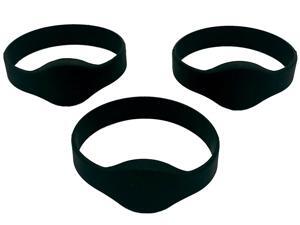
Rewritable RFID Wristband - Only Compatible with 125kHz Key Fobs & Cards - Turn Your Key ...
- Model #: 601647993501
- Item #: 9SIVSC0KWR6412
- Return Policy: DuoDuoShangHang Return Policy
How to Choose the Right Webcam
Introduction
Adding a webcam to your conference calls and online conversations can enhance the experience for both you and the other party. In addition, it is a more economical and environmentally-friendly alternative to paying for a plane ticket and flying in for a face-to-face meeting in another city. Before purchasing a webcam however, you should consider how it will be used and what features you.
Video Resolution
Similar to a monitor or a HDTV, a webcam’s video resolution is represented as the number of horizontal pixels by vertical pixels. A few of the more common resolutions include 640 × 480, 1280 × 720 (720p), and 1920 × 1080 (1080p). A higher resolution means that the video you capture will be sharper and more detailed. For HD video recording, you will need a webcam that is capable of at least 720p video capture.
Image Resolution
Aside from recording and sending live video, a web cam can also be used to take still images. Some webcams have their video and image resolutions listed separately, with the latter rated in megapixels. If you plan to use the webcam to take still photos, you should try to find one that has a high megapixel rating.
Frame Rate
Along with resolution, frame rate is another important factor for capturing video. A higher frame rate will result in a smoother video with less stuttering. Some webcams are capable of 30 frames per second video recording, though more budget-oriented models may have frame rates that are slightly lower than that.
Microphone
For recording audio, you can either utilize a webcam’s built-in microphone or connect a dedicated microphone. A built-in microphone is usually adequate for most tasks that do not require professional-grade sound recording. If you plan to record or live stream studio-quality audio however, you will want to utilize a dedicated microphone.
Mounting
There are several different mounting methods and designs for webcams. Some need to be clipped on, others require a flat horizontal surface, and a few even support tripods. Clip-on webcams are excellent for use with thin LCD monitors and laptops but not for thicker objects such as desktop towers or CRT monitors. A freestanding webcam is beneficial if you have a large flat surface such as the top of a tower or perhaps a conference table.

