


Webcam - Showing 2161 - 2184 of 3979 Products
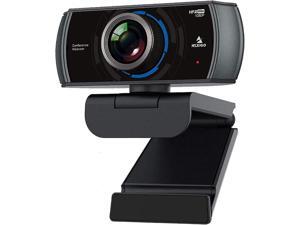
NexiGo N980P 1080P 60FPS Webcam with Microphone and Software Control, USB Computer ...
- Model #: noelspace9326286254304
- Item #: 9SIVSSHKU58145
- Return Policy: tomorroW3 Return Policy
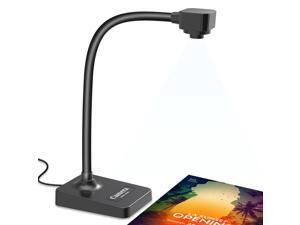
USB Document Camera for Teachers, Webcam for Distance Learning,Manual Focus ...
- Brand: ClearOne
- Name: Document Camera BR-200
- Image Sensor: CCD
- Max. Image Resolution: 1920 x 1080
- Focus Settings: Manual Focus
- Lens: Manual Focus, Manual zoom, Manually adjust camera focus, manually adjust document camera clarity
- Power Source: false
- Shutter Control: Automatic
- Model #: 199115048308
- Item #: 9SIVSY8KX29331
- Return Policy: YuShuHuaYiShangHang Return Policy
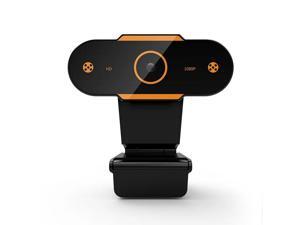
Web Camera 2K/1080P/720P/480P HD Auto Focus Computer Camera Webcam With ...
- Model #: DF-Web-Camera0264
- Item #: 9SIVPXNKM04129
- Return Policy: yinyueshengdianzishangwuyouxiangongsi Return Policy
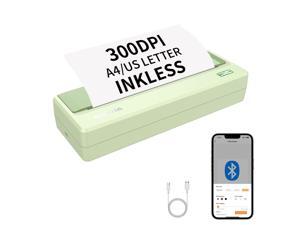
Portable Printers Wireless for Travel,Thermal Inkless Printer for School/Office/Home Use, ...
- Model #: 980529616813
- Item #: 9SIVSC0KWY2691
- Return Policy: DuoDuoShangHang Return Policy
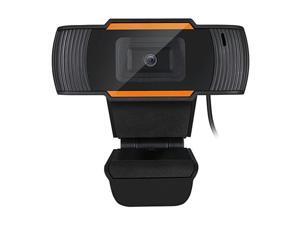
sakose CYBERTRACK H2 USB WebCam with Built-in Microphone
- Brand: SAJOSE
- Interface: USB
- Image Sensor: 300K Pixel CMOS Sensor
- Video Capture Resolution: 640 x 480
- Frame Rate: 30 fps
- Focus Settings: Fixed Focus
- Operating Systems Supported: Windows 10/8/7/Vista; Mac OS X 10.6 USB 2.0 port
- Features: 480p High Definition Video Resolution The Cybertrack H2 lets your audience feel like they are in the room with you with 480P True Color High Definition video resolution. Video Conferencing Compatible with popular web conferencing applications like Zoom, Skype, Webex, Goto Meeting and much more. Whether you are chatting with loved ones or doing business on a video call. With all these great features, you can easily record and transmit your videos to everyone! 3000K pixel CMOS Sensor with Maximum resolution This webcam features a true auto focus CMOS image sensor tha...
- Model #: GD-12X
- Item #: 9SIVGEGKSZ6412
- Return Policy: ZerKorr Power Return Policy
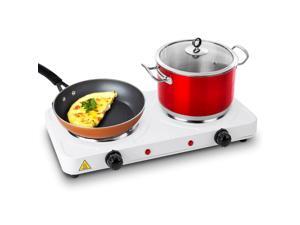
Double Electric Burner 2000W Portable Dual Counter Stove Countertop Hot Plate Cooking ...
- Model #: 145808517231
- Item #: 9SIVT2FKWU7417
- Return Policy: YouZiXingBaiHuo Return Policy
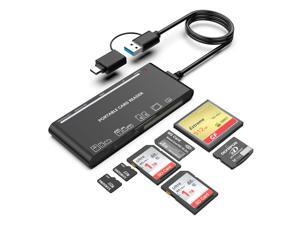
USB C USB3.0 Multi Card Reader for SD, CF, Micro SD, XD, MS Cards - 7 in 1 Adapter Hub for ...
- Model #: 786449759989
- Item #: 9SIVT4VKXP2090
- Return Policy: halongzhiUKshop Return Policy
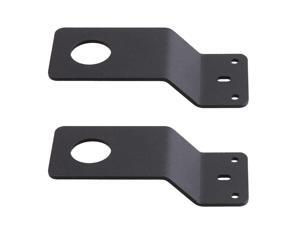
2 Pcs Black Antenna Mount 3/4" Hole Thick Steel Mobile Antennas Brackets for UHF VHF Ham ...
- Model #: 367405413159
- Item #: 9SIVT2CKWG6457
- Return Policy: NingJingDeXiaTian Return Policy
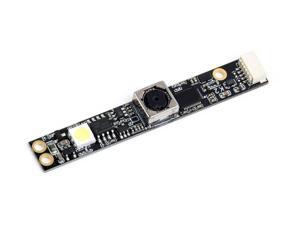
OV5640 5MP USB Camera (B) Sensor 2592x1944 1080P Video Recording Available in AF ...
- Model #: 9435761184033
- Item #: 9SIVTDYKWC8958
- Return Policy: Voltrix Return Policy
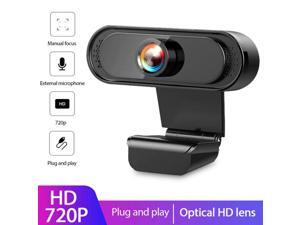
720P Computer Camera HD USB Webcam External Microphone Webcam Web Camera For PC ...
- Model #: 1-Web-Camera3251
- Item #: 9SIV9F7KE27099
- Return Policy: Fashion Technology Return Policy
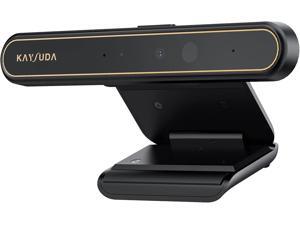
Face Recognition USB IR Camera for Windows Hello, RGB 1080P (Entry Level) Webcam with ...
- Model #: Lan40342456385967
- Item #: 9SIVNUDKKR3525
- Return Policy: DigitalFlash Return Policy
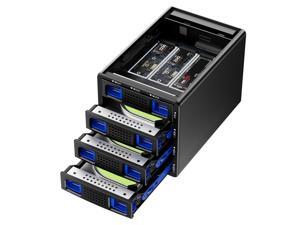
Hybrid 3*2.5/3.5" SATA HDD/SSD(2 HDDs Support 4 RAID Mode)+3* M / B+M Key M.2 NVMe ...
- Model #: 090248250004
- Item #: 9SIVT2CKWW2523
- Return Policy: NingJingDeXiaTian Return Policy
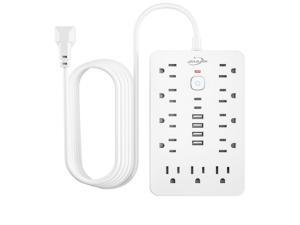
6 FT Flat Plug Surge Protector Power Strip,11 Multiple AC Outlets with 6 USB Ports (2 USB C), 6 ...
- Model #: 295798406775
- Item #: 9SIVT2CKWW9572
- Return Policy: NingJingDeXiaTian Return Policy
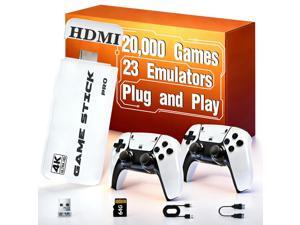
Retro Gaming Console 2026 Upgrade with 20000 Games, 4K HDMI Output 64GB Storage, Plug ...
- Model #: 252566152239
- Item #: 9SIVT2FKWU7353
- Return Policy: YouZiXingBaiHuo Return Policy
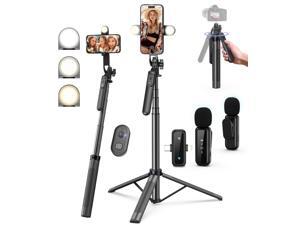
Vlogging Kit for iPhone/Android, 71" Selfie Stick Tripod for iPhone with Light, Wireless Remote ...
- Model #: 238458824293
- Item #: 9SIVT2FKWU7577
- Return Policy: YouZiXingBaiHuo Return Policy
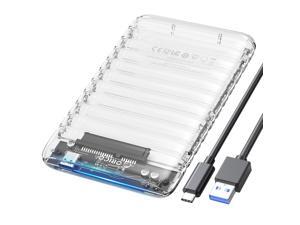
2.5 inch Hard Drive Enclosure USB C to SATA III 5Gbps Clear External Hard Drive Case for All ...
- Model #: 782240440563
- Item #: 9SIVT2CKWW2176
- Return Policy: NingJingDeXiaTian Return Policy
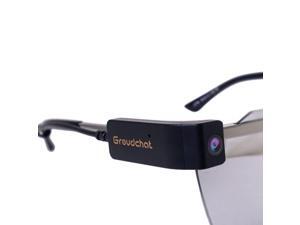
Groudchat JP1DV1 1080P HD Smart Camera Mobile Phone USB Live Camera for Glasses Legs, ...
- Color: Black
- Model #: B15803F5J=DS5380A
- Item #: 9SIVPK2KP98330
- Return Policy: TrendyPicks Return Policy
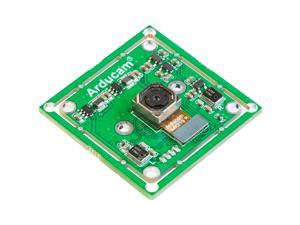
Arducam 4K 8MP IMX219 Autofocus USB Camera Module with Microphone, 1080P Mini UVC ...
- Model #: 990160749669
- Item #: 9SIVTDYKWD3373
- Return Policy: Voltrix Return Policy
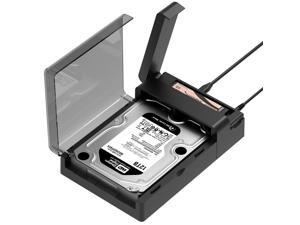
USB-C Lay Flat Docking Station NVMe M.2 + SATA 2.5/3.5 SSD/HDD Enclosure, 10Gbps, ...
- Model #: 761190152272
- Item #: 9SIVT2CKWW4946
- Return Policy: NingJingDeXiaTian Return Policy
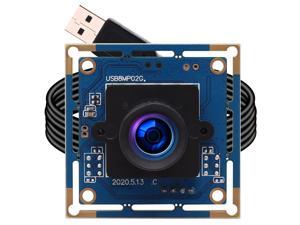
ELP 8mp USB Camera Module 2448p Webcam Board 75degree Wide Angle Web Cam Module ...
- Model #: 9391048832694
- Item #: 9SIVSA1KXH3306
- Return Policy: YongLiangSHOP Return Policy
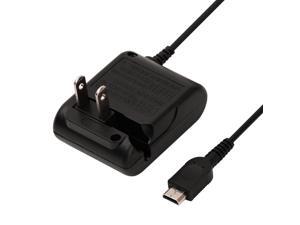
Charger for Gameboy Micro, AC Adapter for Nintendo Game Boy Micro Console, Wall Travel ...
- Model #: 956824397458
- Item #: 9SIVT2CKWX1918
- Return Policy: NingJingDeXiaTian Return Policy
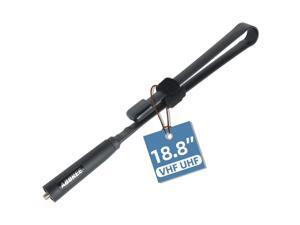
SMA-Female Ham Radio Antenna VHF/UHF 18.8-inch 144/430MHz High Gain Foldable CS ...
- Model #: 138886835763
- Item #: 9SIVT2CKWE5493
- Return Policy: NingJingDeXiaTian Return Policy
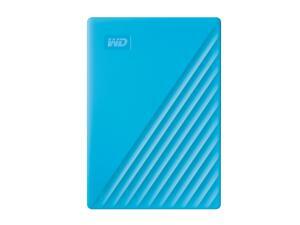
2TB My Passport, Portable External Hard Drive, Blue, backup software with defense against ...
- Model #: 883516739275
- Item #: 9SIVT2CKWW2924
- Return Policy: NingJingDeXiaTian Return Policy

Mouse Pad and Keyboard Wrist Rest, 3-in-1 Gel Memory Foam Ergonomic Mouse Pad with ...
- Model #: 012434312230
- Item #: 9SIVT2FKWU8007
- Return Policy: YouZiXingBaiHuo Return Policy
How to Choose the Right Webcam
Introduction
Adding a webcam to your conference calls and online conversations can enhance the experience for both you and the other party. In addition, it is a more economical and environmentally-friendly alternative to paying for a plane ticket and flying in for a face-to-face meeting in another city. Before purchasing a webcam however, you should consider how it will be used and what features you.
Video Resolution
Similar to a monitor or a HDTV, a webcam’s video resolution is represented as the number of horizontal pixels by vertical pixels. A few of the more common resolutions include 640 × 480, 1280 × 720 (720p), and 1920 × 1080 (1080p). A higher resolution means that the video you capture will be sharper and more detailed. For HD video recording, you will need a webcam that is capable of at least 720p video capture.
Image Resolution
Aside from recording and sending live video, a web cam can also be used to take still images. Some webcams have their video and image resolutions listed separately, with the latter rated in megapixels. If you plan to use the webcam to take still photos, you should try to find one that has a high megapixel rating.
Frame Rate
Along with resolution, frame rate is another important factor for capturing video. A higher frame rate will result in a smoother video with less stuttering. Some webcams are capable of 30 frames per second video recording, though more budget-oriented models may have frame rates that are slightly lower than that.
Microphone
For recording audio, you can either utilize a webcam’s built-in microphone or connect a dedicated microphone. A built-in microphone is usually adequate for most tasks that do not require professional-grade sound recording. If you plan to record or live stream studio-quality audio however, you will want to utilize a dedicated microphone.
Mounting
There are several different mounting methods and designs for webcams. Some need to be clipped on, others require a flat horizontal surface, and a few even support tripods. Clip-on webcams are excellent for use with thin LCD monitors and laptops but not for thicker objects such as desktop towers or CRT monitors. A freestanding webcam is beneficial if you have a large flat surface such as the top of a tower or perhaps a conference table.

