


Webcam - Showing 2185 - 2208 of 4071 Products
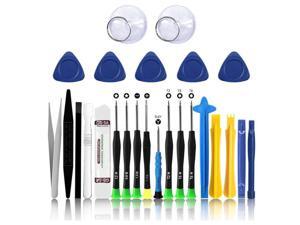
25 in 1 Electronics Repair Tool Kit,Precision Screwdriver Set Magnetic for iPhone,Cell ...
- Model #: 594438926702
- Item #: 9SIVT2FKWT5869
- Return Policy: YouZiXingBaiHuo Return Policy
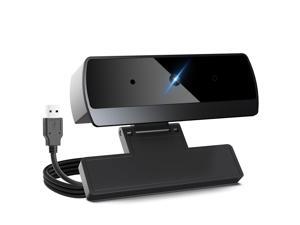
1080p Webcam for PC Laptop Desktop Computer, USB Webcam with Microphone, Streaming ...
- Brand: XOCLON
- Name: K1_1080P
- Interface: USB
- Image Sensor: 2.4 megapixels
- Max. Image Resolution: 1080p
- Effective Pixels: 2.4 megapixels
- Video Capture Resolution: 1080p
- Frame Rate: 30 frames_per_second
- Model #: 534713911460
- Item #: 9SIVSKTKXA9768
- Return Policy: xiuhuishangmao Return Policy
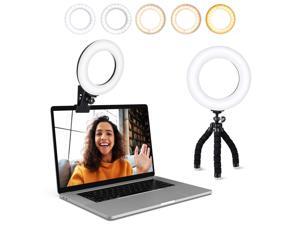
Video Conference Lighting Kit, Ring Light Clip on Laptop Monitor with 5 Dimmable Color & 5 ...
- Model #: 148869793213
- Item #: 9SIVT2CKWX1110
- Return Policy: NingJingDeXiaTian Return Policy
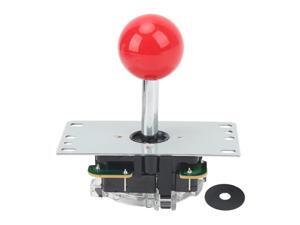
Joystick, High Sensitivity Light Resilience Game Fighting Stick Small Shaking Distance for ...
- Model #: 953222453262
- Item #: 9SIVT2CKWG5961
- Return Policy: NingJingDeXiaTian Return Policy
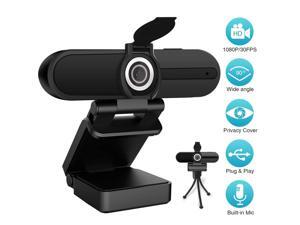
HZQDLN 1080P Webcam with Microphone, Full HD Webcam, USB Desktop Laptop Computer ...
- Brand: HZQDLN
- Name: 1080P Full HD Webcam
- Interface: USB 2.0
- Image Sensor: CMOS
- Max. Image Resolution: 1980 x 1080
- Effective Pixels: 2.0 M
- Video Capture Resolution: 1920 x 1080
- Frame Rate: 30 fps
- Model #: W2A
- Item #: 9SIVBH8KJF2666
- Return Policy: ZIQIAN Return Policy
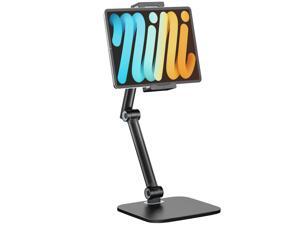
Tablet Stand for iPad, Phone Stand Holder with Heavy-Duty Base for Desk, Multi-Angle ...
- Model #: 036138885655
- Item #: 9SIVTAJKXR3362
- Return Policy: "Deal Mall" Return Policy
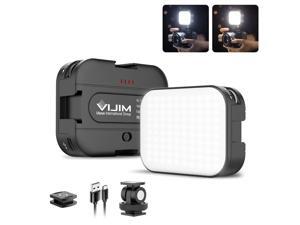
VL100C Bi-Color LED Video Light on Camera,Mini Rechargeable 2000mAh LED Camera ...
- Model #: 458030873023
- Item #: 9SIVT2FKWU7578
- Return Policy: YouZiXingBaiHuo Return Policy
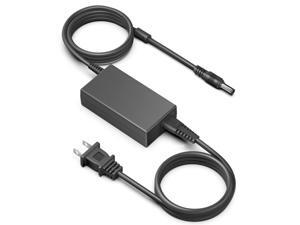
24V AC Adapter Charger for Logitech Racing Wheel G920 G25 G27 G29 G923 ...
- Model #: 096268793057
- Item #: 9SIVSC0KWZ8618
- Return Policy: DuoDuoShangHang Return Policy
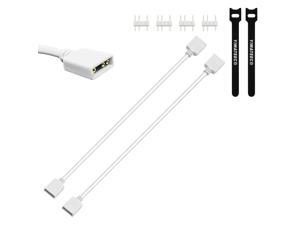
ARGB Extension Cable 5V 3Pin Addressable RGB 1 to 1 Female to Female Splitter Extension ...
- Model #: 414589439739
- Item #: 9SIVRTNKX41171
- Return Policy: Jiamayanonly Return Policy
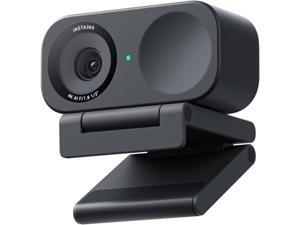
Insta360 Link 2C - 4K Webcam for PC/Mac, 1/2" Sensor, Auto Framing, HDR, AI ...
- Model #: Lan137342456386858
- Item #: 9SIVNUDKKR3963
- Return Policy: DigitalFlash Return Policy
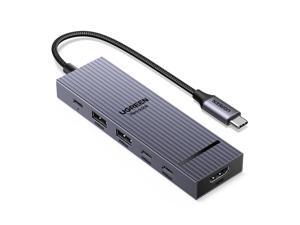
Revodok Pro USB-C Hub 6 in 1 10Gbps 4K 60Hz HDMI, 100W Power Delivery for MacBook ...
- Model #: 047724328276
- Item #: 9SIVT2FKWU6015
- Return Policy: YouZiXingBaiHuo Return Policy
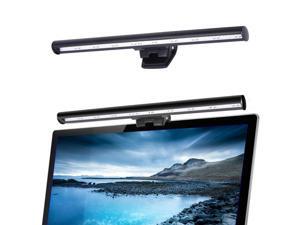
Laptop Monitor Lamp, LED Screen Light Bar, Adjustable Brightness & Color Temperature, ...
- Model #: 903946153406
- Item #: 9SIVT2CKWX5356
- Return Policy: NingJingDeXiaTian Return Policy
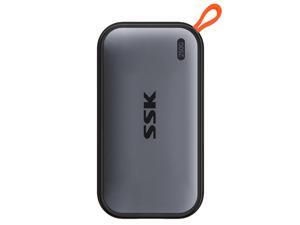
External SSD 250GB, USB C SSD External Solid State Drives up to 1050MB/s, Portable SSD USB ...
- Model #: 935234998702
- Item #: 9SIVT2CKWW2916
- Return Policy: NingJingDeXiaTian Return Policy
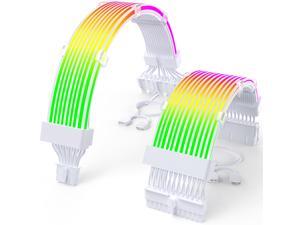
RGB 12VHPWR Cable Set,ARGB PSU Cable Extension of Soft LED Strip Include 24Pin ...
- Model #: 406348624867
- Item #: 9SIVSC0KWM9515
- Return Policy: DuoDuoShangHang Return Policy
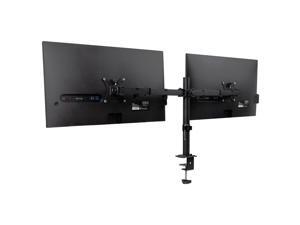
Dual Monitor Desk Mount for 13"-32" Screens, Adjustable VESA Mount with 180° Rotation, ...
- Model #: 379538543751
- Item #: 9SIVSC0KWP9824
- Return Policy: DuoDuoShangHang Return Policy
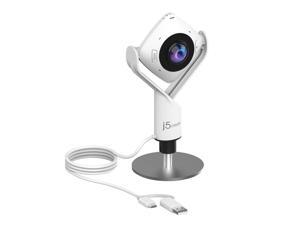
360 Degree All Around Meeting Webcam - 1080P HD Video Conference Camera with High ...
- Brand: j5create
- Name: JVCU360
- Interface: USB
- Image Sensor: 2 megapixels
- Max. Image Resolution: 1080p
- Effective Pixels: 2 megapixels
- Video Capture Resolution: 1080p
- Frame Rate: 30 frames_per_second
- Model #: 649564476572
- Item #: 9SIVS8XKTY5991
- Return Policy: zijianmaoyigongsi Return Policy
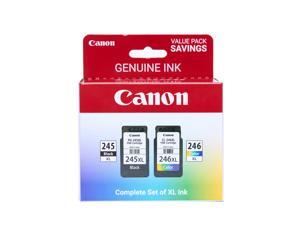
PG-245 XL / CL-246 XL Genuine Ink Value Pack (2 Cartridges), Compatible with iP2820, ...
- Model #: 492919869869
- Item #: 9SIVSC0KWS7442
- Return Policy: DuoDuoShangHang Return Policy
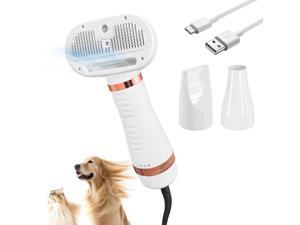
5 In 1 Steam Cat Dog Brush For Shedding With 600W Pet Dryer Convertible Pet Spray Hair ...
- Model #: 879039730059
- Item #: 9SIVT2FKWU5930
- Return Policy: YouZiXingBaiHuo Return Policy
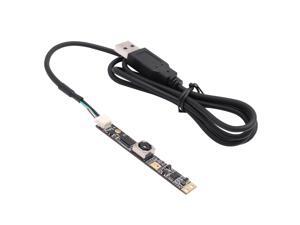
SVPRO 8MP Autofocus USB Camera With Microphone for Computer - UVC USB2.0 Mini ...
- Model #: 604721842422
- Item #: 9SIVT4DKW79660
- Return Policy: qinsihaoxue shop Return Policy

Multi-Surface Pet Formula with Febreze Freshness, 22951, 64 Fl Oz, Use on Sealed Hard ...
- Model #: 926242456699
- Item #: 9SIVT2FKWV6004
- Return Policy: YouZiXingBaiHuo Return Policy
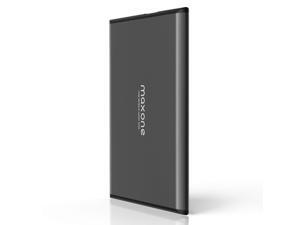
1TB Ultra Slim Portable External Hard Drive HDD USB 3.0 Compatible with PC, Laptop, Charcoal ...
- Model #: 297240984634
- Item #: 9SIVT2CKWW2936
- Return Policy: NingJingDeXiaTian Return Policy
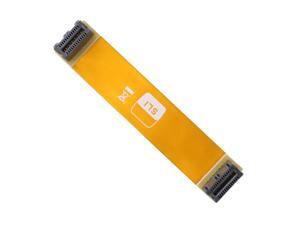
SLI Bridge 2 Way,10cm 26pin Flexible Graphic Card PCI-e Connection Cable for Dual Nvidia ...
- Model #: 557268266872
- Item #: 9SIVT2CKWE6084
- Return Policy: NingJingDeXiaTian Return Policy
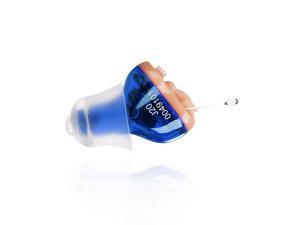
Hearing Aid, Ear Amplifier for Hearing, Battery Operated Hearing Aids for Seniors CIC In the Ear ...
- Model #: 593953968647
- Item #: 9SIVT2FKWX8997
- Return Policy: YouZiXingBaiHuo Return Policy
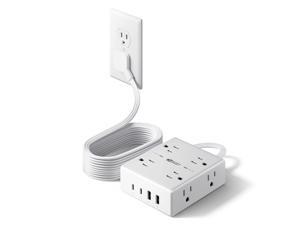
10Ft Extension Cord with Multiple Outlets, Flat Plug Surge Protector Power Strip 10 Ft Long Cord, ...
- Model #: 231129324034
- Item #: 9SIVT2CKWV9005
- Return Policy: NingJingDeXiaTian Return Policy
How to Choose the Right Webcam
Introduction
Adding a webcam to your conference calls and online conversations can enhance the experience for both you and the other party. In addition, it is a more economical and environmentally-friendly alternative to paying for a plane ticket and flying in for a face-to-face meeting in another city. Before purchasing a webcam however, you should consider how it will be used and what features you.
Video Resolution
Similar to a monitor or a HDTV, a webcam’s video resolution is represented as the number of horizontal pixels by vertical pixels. A few of the more common resolutions include 640 × 480, 1280 × 720 (720p), and 1920 × 1080 (1080p). A higher resolution means that the video you capture will be sharper and more detailed. For HD video recording, you will need a webcam that is capable of at least 720p video capture.
Image Resolution
Aside from recording and sending live video, a web cam can also be used to take still images. Some webcams have their video and image resolutions listed separately, with the latter rated in megapixels. If you plan to use the webcam to take still photos, you should try to find one that has a high megapixel rating.
Frame Rate
Along with resolution, frame rate is another important factor for capturing video. A higher frame rate will result in a smoother video with less stuttering. Some webcams are capable of 30 frames per second video recording, though more budget-oriented models may have frame rates that are slightly lower than that.
Microphone
For recording audio, you can either utilize a webcam’s built-in microphone or connect a dedicated microphone. A built-in microphone is usually adequate for most tasks that do not require professional-grade sound recording. If you plan to record or live stream studio-quality audio however, you will want to utilize a dedicated microphone.
Mounting
There are several different mounting methods and designs for webcams. Some need to be clipped on, others require a flat horizontal surface, and a few even support tripods. Clip-on webcams are excellent for use with thin LCD monitors and laptops but not for thicker objects such as desktop towers or CRT monitors. A freestanding webcam is beneficial if you have a large flat surface such as the top of a tower or perhaps a conference table.

