


Webcam - Showing 2257 - 2280 of 3649 Products
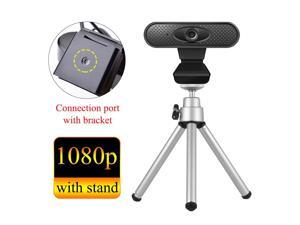
cam camera for computer online teaching cam full hd 1080p usb pc with microphone camera ...
- Model #: 1-Web-Camera1068
- Item #: 9SIVTKAKYE7733
- Return Policy: Fenlliker Return Policy
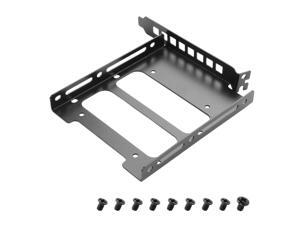
2.5"/3.5" PCIe Slot SSD Mounting Bracket,Universal SSD Bracket for PC Case Rear Panel ...
- Model #: 619942236946
- Item #: 9SIVT2CKWG7377
- Return Policy: NingJingDeXiaTian Return Policy
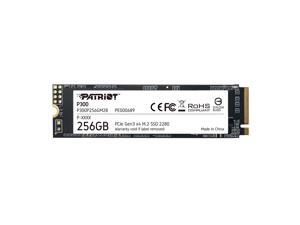
M.2 PCIe Gen 3 x4 256GB Low-Power Consumption SSD
- Model #: 632409869249
- Item #: 9SIVTJ4KZ62889
- Return Policy: HR Selects Return Policy
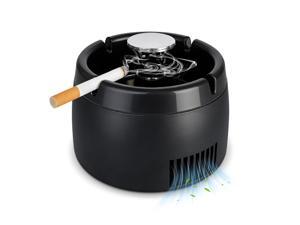
Smokeless Ashtray 2 in 1 Air Purifier Ashtray Smoke Removing Ash Tray Portable Smokeless ...
- Model #: 990225597272
- Item #: 9SIVT2FKWU7509
- Return Policy: YouZiXingBaiHuo Return Policy
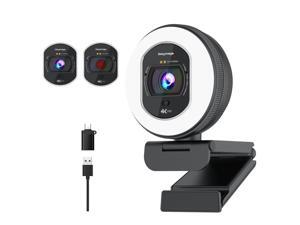
4K Webcam with Ring Light Web Cam 4K Autofocus with TOF Computer Camera 1080P 60FPS ...
- Brand: Galyimage
- Name: 866MAX
- Interface: USB
- Image Sensor: 8 megapixels
- Max. Image Resolution: 4K
- Effective Pixels: 8 megapixels
- Video Capture Resolution: 4K
- Focus Settings: Auto Focus
- Model #: 693468624675
- Item #: 9SIVT44KVU0848
- Return Policy: meimeiliangshipindian Return Policy
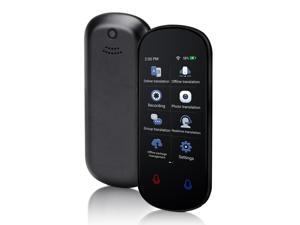
Language Translator Device, Two Way Real-Time Voice Translation, Support 138 ...
- Model #: 153341296304
- Item #: 9SIVT2FKWV7695
- Return Policy: YouZiXingBaiHuo Return Policy
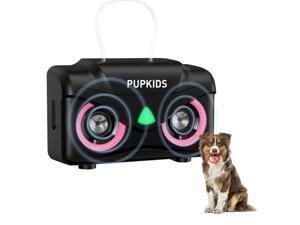
Anti Barking Device for Dogs - Dog Bark Deterrent Devices with 3 Modes Range 50ft, ...
- Model #: 498586894084
- Item #: 9SIVT2FKWU5967
- Return Policy: YouZiXingBaiHuo Return Policy
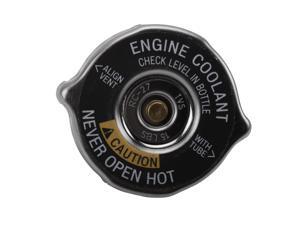
GM Original Equipment RC27 (10409635) Radiator Fill Cap
- Model #: 609662251461
- Item #: 9SIVT2FKWV9094
- Return Policy: YouZiXingBaiHuo Return Policy
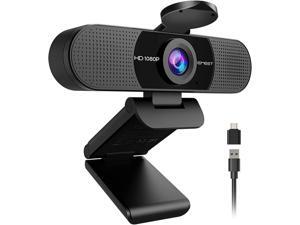
1080P Webcam with Microphone, C960 Web Cam, 2 Mics, 90° FOV, USB Type-A & A-to-C ...
- Brand: EMEET
- Name: C960 2025 Version
- Interface: USB
- Image Sensor: 2 megapixels
- Max. Image Resolution: 1080p
- Effective Pixels: 1080 pixels
- Video Capture Resolution: 1080p
- Focus Settings: Fixed Focus
- Model #: 293519199775
- Item #: 9SIVT44KVU1022
- Return Policy: meimeiliangshipindian Return Policy
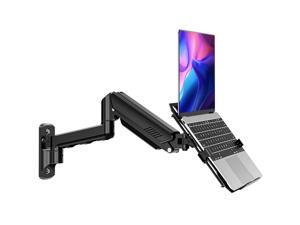
Laptop Wall Mount, 2-in-1 Monitor Wall Mount with Vented Tray fits Max 17" Notebook or ...
- Model #: 114518488238
- Item #: 9SIVTJ4KZ89503
- Return Policy: HR Selects Return Policy
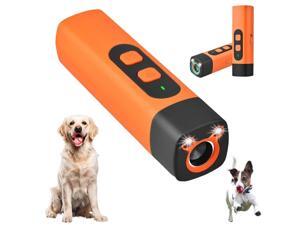
Dog Bark Deterrent Device, Anti Barking Devices for Dogs, Indoor Outdoor Use Rechargeable, ...
- Model #: 433891741386
- Item #: 9SIVT2FKWX2293
- Return Policy: YouZiXingBaiHuo Return Policy
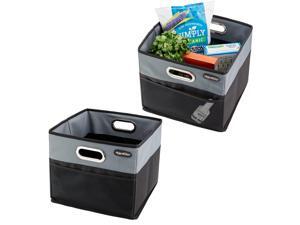
CargoCube Car Storage Bin - Leakproof Car Trunk Storage Organizer with Metal Handles and ...
- Model #: 719885150269
- Item #: 9SIVT2CKWX4236
- Return Policy: NingJingDeXiaTian Return Policy
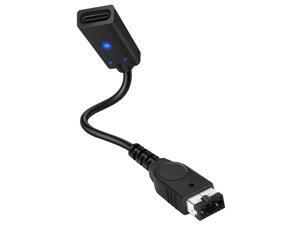
Game Boy Advance SP Charger Adapter, USB-C Converter for GBA SP, Safe Charging with PD ...
- Model #: 348522556189
- Item #: 9SIVTAJKY76434
- Return Policy: "Deal Mall" Return Policy
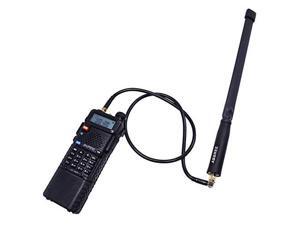
23.6inch AR-152 AR-148 Tactical Antenna SMA-Female Coaxial Extend Cable for Baofeng ...
- Model #: 846573711104
- Item #: 9SIVT2CKWE7530
- Return Policy: NingJingDeXiaTian Return Policy
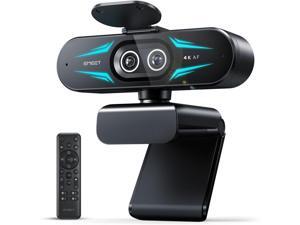
C60E Dual-Camera 4K Webcam for Streaming, Wide-Angle and Telephoto Cameras, Max ...
- Brand: ClearOne
- Name: C60E Dual
- Interface: USB 3.0
- Image Sensor: CCD
- Max. Image Resolution: 1920 x 1080
- Focus Settings: PDAF Auto Focus
- Lens: Wide Angle
- Power Source: USB, false
- Model #: 442960587830
- Item #: 9SIVTG8KXN8100
- Return Policy: Marniker Return Policy
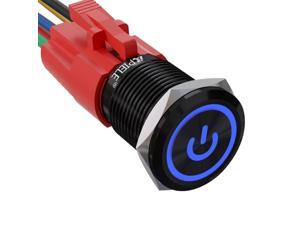
16mm Latching Push Button Switch 0.63" 12V Power Symbol Ring Led Car Metal with Socket ...
- Model #: 168353352317
- Item #: 9SIVT2FKWU4168
- Return Policy: YouZiXingBaiHuo Return Policy
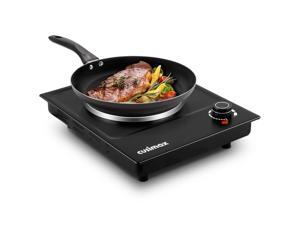
Hot Plate, Single Burner Electric Cooktop, 1500W Electric Burner Hot Plate for Cooking with ...
- Model #: 061142413217
- Item #: 9SIVT2FKWU7420
- Return Policy: YouZiXingBaiHuo Return Policy
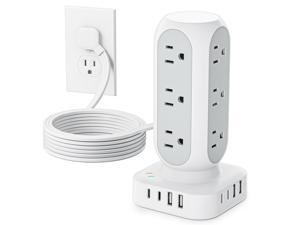
Tower Surge Protector Power Strip, Flat Plug Outlet Extender with 12 AC Outlets & 8 USB Ports, 5 ...
- Model #: 525130831804
- Item #: 9SIVTAJKY07876
- Return Policy: "Deal Mall" Return Policy
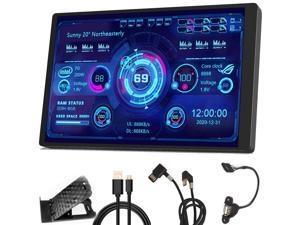
WOWNOVA PC Temperature Display, Computer Temp Monitor, ARGB Case, IPS USB Mini ...
- Model #: 159538364523
- Item #: 9SIVRTNKX42556
- Return Policy: Jiamayanonly Return Policy
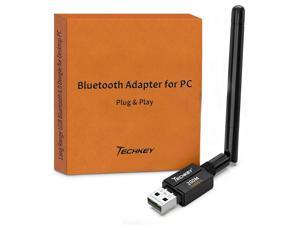
USB Bluetooth 6.0 Adapter for Desktop PC: Plug & Play 600FT Long Range Wireless Dongle with ...
- Model #: 836992061988
- Item #: 9SIVT2CKWX1500
- Return Policy: NingJingDeXiaTian Return Policy
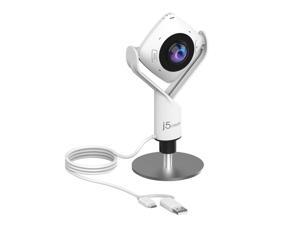
360 Degree All Around Meeting Webcam - 1080P HD Video Conference Camera with High ...
- Model #: 729239292704
- Item #: 9SIVSY8KX30607
- Return Policy: YuShuHuaYiShangHang Return Policy
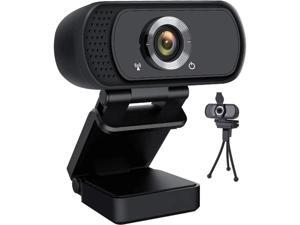
JAENFONG HD Webcam 1080P,USB Webcam Plug and Play Web Cam for Live Streaming,Web ...
- Model #: xo-709
- Item #: 9SIVNUFKNW6213
- Return Policy: guangzhoushijiekeji Return Policy
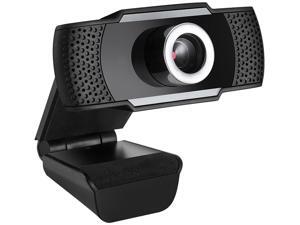
SA CYBERTRACK H4 USB 2.0 WebCam with Built-in Microphone
- Brand: SAKOSE
- Interface: USB 2.0
- Image Sensor: CMOS
- Video Capture Resolution: 1920 x 1080
- Frame Rate: 30 fps
- Focus Settings: Manual Focus
- Operating Systems Supported: Windows 10/8/7/Vista; Mac OS X 10.6 USB 2.0 port
- Color: Black
- Model #: GD45-X
- Item #: 9SIVGEGKSZ4543
- Return Policy: ZerKorr Power Return Policy
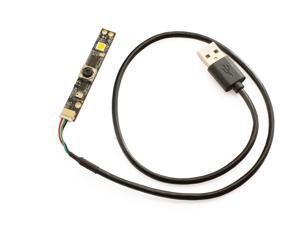
XICOOLEE OV5640 5MP USB Camera Module Autofocus 100° HD, Adopts USB2.0 ...
- Model #: 9158154871173
- Item #: 9SIVTDYKWD5141
- Return Policy: Voltrix Return Policy
How to Choose the Right Webcam
Introduction
Adding a webcam to your conference calls and online conversations can enhance the experience for both you and the other party. In addition, it is a more economical and environmentally-friendly alternative to paying for a plane ticket and flying in for a face-to-face meeting in another city. Before purchasing a webcam however, you should consider how it will be used and what features you.
Video Resolution
Similar to a monitor or a HDTV, a webcam’s video resolution is represented as the number of horizontal pixels by vertical pixels. A few of the more common resolutions include 640 × 480, 1280 × 720 (720p), and 1920 × 1080 (1080p). A higher resolution means that the video you capture will be sharper and more detailed. For HD video recording, you will need a webcam that is capable of at least 720p video capture.
Image Resolution
Aside from recording and sending live video, a web cam can also be used to take still images. Some webcams have their video and image resolutions listed separately, with the latter rated in megapixels. If you plan to use the webcam to take still photos, you should try to find one that has a high megapixel rating.
Frame Rate
Along with resolution, frame rate is another important factor for capturing video. A higher frame rate will result in a smoother video with less stuttering. Some webcams are capable of 30 frames per second video recording, though more budget-oriented models may have frame rates that are slightly lower than that.
Microphone
For recording audio, you can either utilize a webcam’s built-in microphone or connect a dedicated microphone. A built-in microphone is usually adequate for most tasks that do not require professional-grade sound recording. If you plan to record or live stream studio-quality audio however, you will want to utilize a dedicated microphone.
Mounting
There are several different mounting methods and designs for webcams. Some need to be clipped on, others require a flat horizontal surface, and a few even support tripods. Clip-on webcams are excellent for use with thin LCD monitors and laptops but not for thicker objects such as desktop towers or CRT monitors. A freestanding webcam is beneficial if you have a large flat surface such as the top of a tower or perhaps a conference table.

