


Webcam - Showing 2257 - 2280 of 4374 Products
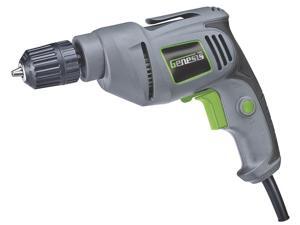
4.2 Amp Corded Drill Variable Speed Reversible Electric with 3/8-Inch Keyless Chuck, Belt Clip, ...
- Model #: 152887091299
- Item #: 9SIVT2FKWU7436
- Return Policy: YouZiXingBaiHuo Return Policy
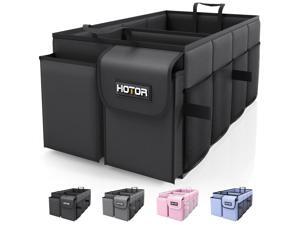
Trunk Organizer - Car Organizer, Foldable Trunk organizer for SUVs & Sedans, Sturdy Car ...
- Model #: 241794793145
- Item #: 9SIVTJ4KYT2852
- Return Policy: HR Selects Return Policy
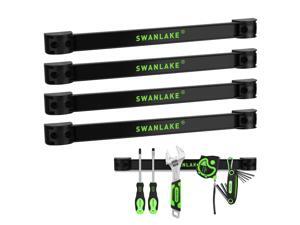
4-Piece 12" Magnetic Tool Holder Storage Organizer, Wall Mount Rack Garage Organization, ...
- Model #: 519348440784
- Item #: 9SIVTAJKYW0774
- Return Policy: "Deal Mall" Return Policy
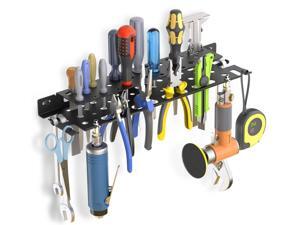
metal Screwdriver Organizer, 17 inch Large size and full thickness Utility Wall Mount Tool ...
- Model #: 013839192138
- Item #: 9SIVTAJKYW0355
- Return Policy: "Deal Mall" Return Policy
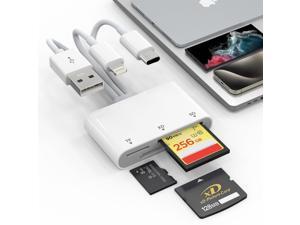
XD Card Reader, SD Card Reader for iPhone, 3 in 1 SD/TF/XD Picture Reader for Lightning/USB ...
- Model #: 652483582038
- Item #: 9SIVTHDKYV3756
- Return Policy: Bisi Global Purchase Return Policy
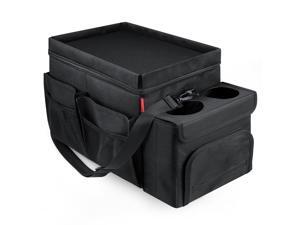
Car Organizer & Cooler Durable Oxford Fabric Exterior & Waterproof Liner, Portable Car ...
- Model #: 380021494191
- Item #: 9SIVTJ4KYV1706
- Return Policy: HR Selects Return Policy
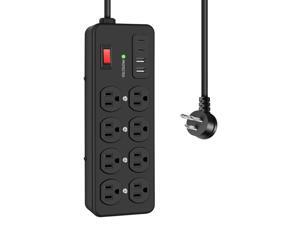
Heavy Duty Power Strip with USB,8 Outlet Workshop Metal Power Strip,PD20W USB C 15A 1200 ...
- Model #: 685098244934
- Item #: 9SIVTAJKXX5649
- Return Policy: "Deal Mall" Return Policy
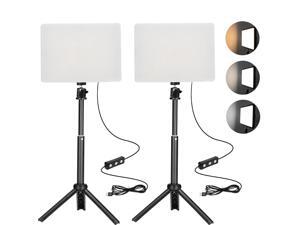
2 Pack LED Photo Lighting kit with Stand 2800-6500K Dimmable Photoshoot Lights for Product ...
- Model #: 470174843808
- Item #: 9SIVT2FKWU7579
- Return Policy: YouZiXingBaiHuo Return Policy
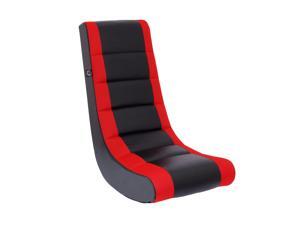
Classic Video Rocker Floor Gaming Chair, for Kids and Teens, PU Faux Leather & Polyester ...
- Model #: 057373532509
- Item #: 9SIVSC0KWM4000
- Return Policy: DuoDuoShangHang Return Policy
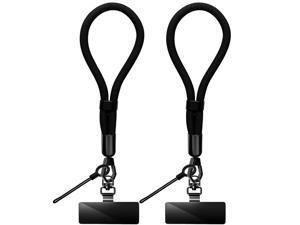
Phone Lanyard, 2 Pack Adjustable Cell Phone Lanyard Hand Phone Wrist Strap with Tether ...
- Model #: 792305204715
- Item #: 9SIVTHDKYM5759
- Return Policy: Bisi Global Purchase Return Policy
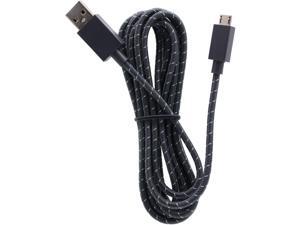
2.7M 9FT Long Elite Controller Braided Original Micro USB Charging Cable for Microsoft Xbox ...
- Model #: 356599435184
- Item #: 9SIVSC0KX07105
- Return Policy: DuoDuoShangHang Return Policy
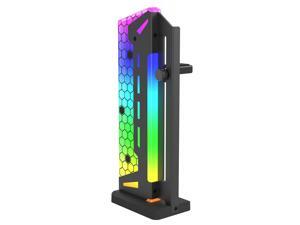
ARGB GPU Support Bracket, GPU Brace Support, 5V 3Pin addressable GPU Holder, 5v 3pin RGB ...
- Model #: 196387418689
- Item #: 9SIVT2CKWF1701
- Return Policy: NingJingDeXiaTian Return Policy
External USB 3.0 to SATA Hard Drive Lay-Flat Docking Station for 2.5 or 3.5in HDD, SSD Up to ...
- Model #: 876714294531
- Item #: 9SIVT2CKWW9327
- Return Policy: NingJingDeXiaTian Return Policy
GPU Support Bracket Graphics Card Brace Anti-Sag Holder Height Adjustable Video Card ...
- Model #: 983512796133
- Item #: 9SIVT2CKWE6079
- Return Policy: NingJingDeXiaTian Return Policy
4-PC Rear Reverse Backup Parking Aid Assist Sensor Compatible with Select Ford, Lincoln & ...
- Model #: 263938768315
- Item #: 9SIVT4VKXX0740
- Return Policy: halongzhiUKshop Return Policy
USB Computer Fan, 120mm USB Fan with 3 Speeds Controller Small PC USB Fans for Cooling ...
- Model #: 376288723730
- Item #: 9SIVT2CKWV9452
- Return Policy: NingJingDeXiaTian Return Policy
XXL Professional Large Mouse Pad & Computer Game Mouse Mat (35.4x15.7x0.12IN, 90x40 ...
- Model #: 391622399962
- Item #: 9SIVT2FKWU8868
- Return Policy: YouZiXingBaiHuo Return Policy
USB to USB C Adapter 2 Pack, Bi-Directional USB Type-C (Female) to USB Type-A (Female) ...
- Model #: 568771363937
- Item #: 9SIVT2CKWV7953
- Return Policy: NingJingDeXiaTian Return Policy
Clip-on Selfie Phone Light Video Recording 120 Rechargeable CCT LEDs with 6 Color Filters, ...
- Model #: 773201666153
- Item #: 9SIVT2FKWU7582
- Return Policy: YouZiXingBaiHuo Return Policy
Cuziss USB Power Supply Charger Cable Cord Compatible for Nintendo GBM Game Boy Micro ...
- Model #: 076410224532
- Item #: 9SIVT4VKXS2531
- Return Policy: halongzhiUKshop Return Policy
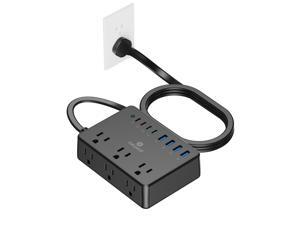
100W Power Strip, 6 AC Outlets 8 USB Ports(4 USB C) with 2000J Surge Protector, 5ft Flat Plug ...
- Model #: 166339952189
- Item #: 9SIVTAJKXT0192
- Return Policy: "Deal Mall" Return Policy
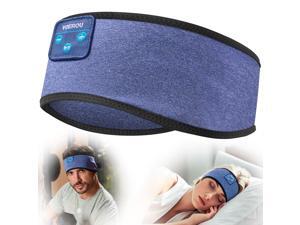
Sleep Headphones Wireless Bluetooth Sweatproof Headband, Sleeping Headphones with ...
- Model #: 404443184973
- Item #: 9SIVT2FKWU7724
- Return Policy: YouZiXingBaiHuo Return Policy
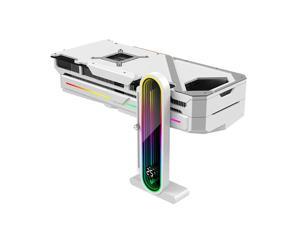
Temperature Displaying GPU Stand ARGB Infinity Graphics Card Support Adjustable 5V 3PIN ...
- Model #: 226978695584
- Item #: 9SIVTAJKXX4102
- Return Policy: "Deal Mall" Return Policy
1640131650 Radiator Cap Compatible with Toyota 4Runner Avalon Echo Highlander Prius C ...
- Model #: 387167463789
- Item #: 9SIVT2FKWV8952
- Return Policy: YouZiXingBaiHuo Return Policy
How to Choose the Right Webcam
Introduction
Adding a webcam to your conference calls and online conversations can enhance the experience for both you and the other party. In addition, it is a more economical and environmentally-friendly alternative to paying for a plane ticket and flying in for a face-to-face meeting in another city. Before purchasing a webcam however, you should consider how it will be used and what features you.
Video Resolution
Similar to a monitor or a HDTV, a webcam’s video resolution is represented as the number of horizontal pixels by vertical pixels. A few of the more common resolutions include 640 × 480, 1280 × 720 (720p), and 1920 × 1080 (1080p). A higher resolution means that the video you capture will be sharper and more detailed. For HD video recording, you will need a webcam that is capable of at least 720p video capture.
Image Resolution
Aside from recording and sending live video, a web cam can also be used to take still images. Some webcams have their video and image resolutions listed separately, with the latter rated in megapixels. If you plan to use the webcam to take still photos, you should try to find one that has a high megapixel rating.
Frame Rate
Along with resolution, frame rate is another important factor for capturing video. A higher frame rate will result in a smoother video with less stuttering. Some webcams are capable of 30 frames per second video recording, though more budget-oriented models may have frame rates that are slightly lower than that.
Microphone
For recording audio, you can either utilize a webcam’s built-in microphone or connect a dedicated microphone. A built-in microphone is usually adequate for most tasks that do not require professional-grade sound recording. If you plan to record or live stream studio-quality audio however, you will want to utilize a dedicated microphone.
Mounting
There are several different mounting methods and designs for webcams. Some need to be clipped on, others require a flat horizontal surface, and a few even support tripods. Clip-on webcams are excellent for use with thin LCD monitors and laptops but not for thicker objects such as desktop towers or CRT monitors. A freestanding webcam is beneficial if you have a large flat surface such as the top of a tower or perhaps a conference table.

