• In Stock
  • Sold by NeweggBusiness
  • New
Brands
Show More
Price
Show More
Type
USB
Sold by
All Top Brands
Availability
Condition
Useful Links
Customer Ratings
Sort By:
View:
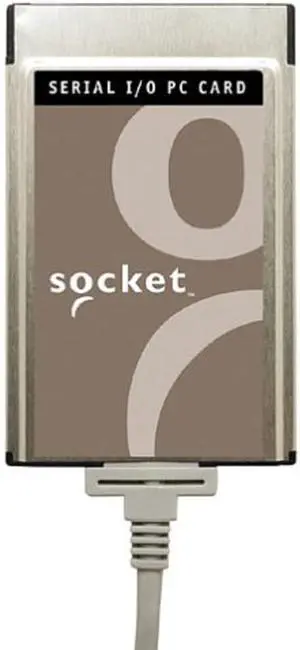
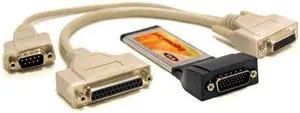
Socket Communications Serial I/O PC Card Ruggedized (SL0707-078)
Quick View
  •  
  • $254.99 
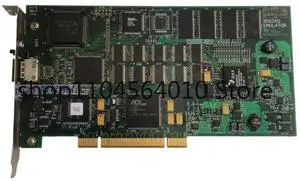
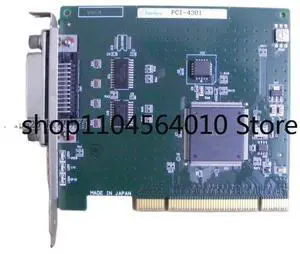
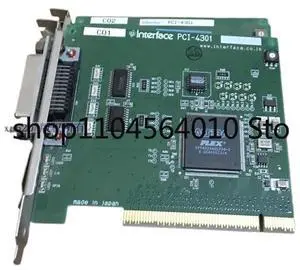
For Interface PCI-4301 GPIB card
Quick View
  •  
  • $58.00 
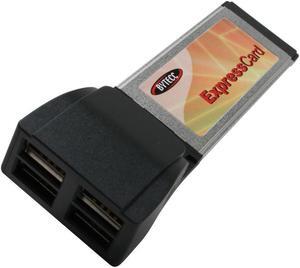
SA BT-EC420 USB2.0 4 Ports ExpressCard
Quick View
SA BT-EC420 USB2.0 4 Ports ExpressCard
  • Brand: BYTECC
  • Type: USB ExpressCard
  • Standards: USB 2.0
  • Data Rates: 480/12/1.5 Mbps
  • Model #: YBL950-X
  •  
  • $29.55 
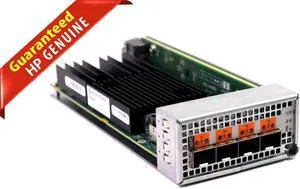
Geniune HP Mellanox PCI Express 25 Gbps Network Adapter W/Bracket MCX4421A-ACAN
Quick View
  •  
  • $64.38 
mini PCIe to Single port RJ45 Gigabit Ethernet NIC Network Card Mini PCIE Gigabit RJ45 LAN server network card 1000M to mpcie
Quick View
  •  
  • $62.35 
SA Bytecc Bt-Ec1s1p Expresscard Serial 1Port+Parallel 1Port
Quick View
  •  
  • $105.99 
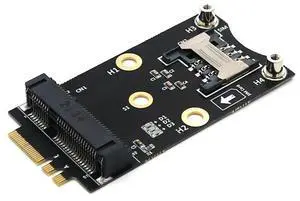
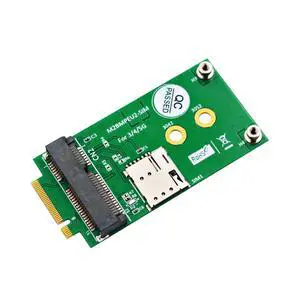
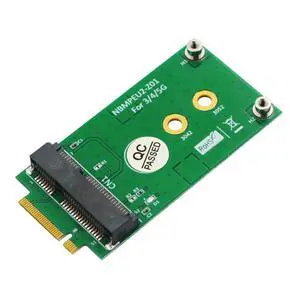
NGFF M.2 A+E Key to Mini PCIe Adapter  3G / 4G / WiFi Module Converter with SIM Card Slot for WWAN / IoT / Embedded Systems
Quick View
  •  
  • $43.19 
Adaptec SlimSCSI 1460 PCMCIA To Fast SCSI PC Card Kit APA-1460D 1807600
Quick View
  •  
  • $412.00 
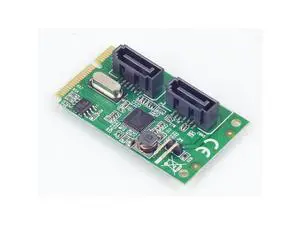
Mini PCIe to 2-Port SATA 3.0 Expansion Card mPCIe HDD/SSD Adapter
Quick View
  •  
  • $20.98 
  • $19.58 - $20.98
NGFF M.2 to Mini PCIe Adapter Card Mini PCIe to M.2 Converter for Wireless / Bluetooth Modules
Quick View
  •  
  • $11.18 
  • $9.78 - $11.18
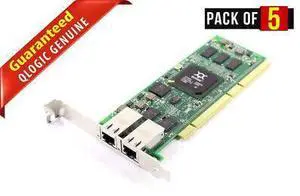
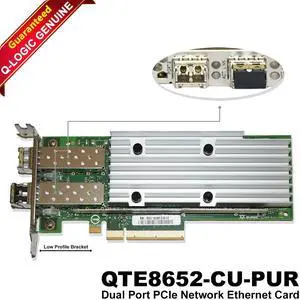
QLogic QTE8652-CU-PUR 10/25GbE SFP+ Dual Port PCIe Network Card High Speed
Quick View
  •  
  • $24.00 
2 Ports SATA 6G mini PCI Express Controller Card Mini PCI-Express SATA 3.0 Controller Card (2x SATA 6G, chipset for ASMedia)
Quick View
  •  
  • $32.88 
  • $31.48 - $32.88
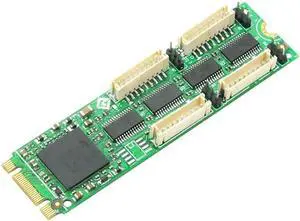
M.2 to 4-Port RS-232 Serial Card
Quick View
M.2 to 4-Port RS-232 Serial Card
  • Model #: TOLDB0DYDLRS31
  •  
  • $101.99 
Mini PCIe to SATA 3.0 Expansion Card ASMedia ASM1061, HDD/SSD Adapter
Quick View
  •  
  • $18.98 
  • $17.58 - $18.98
2 Ports SATA 6G mini PCI Express Controller Card Mini PCI-Express SATA 3.0 Controller Card (2x SATA 6G, chipset for ASMedia)
Quick View
  •  
  • $31.88 
  • $30.48 - $31.88
PCIe USB C Card, PCIe 3.0 x4 to 2X USB 3.2 (Gen 2) Type-C Adapter [10Gbps]
Quick View
PCIe USB C Card, PCIe 3.0 x4 to 2X USB 3.2 (Gen 2) Type-C Adapter [10Gbps]

Limited time offer, ends 08/09

  • Model #: HYH-20260709-C7CC-2509
  •  
  • $72.99 

Tips for Choosing the Best Business Laptop

Introduction

Similar to USB devices, ExpressCard, CardBus, and PCMCIA expansion cards can enhance your organization’s laptops so that they can be adapted to fit the needs of your staff. Also like USB devices, laptop expansion cards can be quickly installed and removed. For example, a professional that requires his or her laptop to have serial connector support for an older printer will be able to add that capability swiftly with expansion cards. There are a variety of features and functionality that can be added to laptops with expansion cards, such as: additional USB ports, IEEE 1394 support, eSATA support, Ethernet, and more.

Below are the three most common standards for laptop expansion cards:

PCMCIA (PC Card)

Short for Personal Computer Memory Card International Association, it is a laptop expansion card standard originally designed to allow for more data storage. The standard eventually came to be used by many types of peripherals other than storage expansion cards, such as Ethernet and SATA support. They can sometimes also be referred to as PC Cards.

CardBus

A successor to the original PC Card standard, it is compliant with PCMCIA 5.0 specifications and features a 32-bit 33MHz PCI bus.

While it has the same form factor as the PC Card standard a CardBus laptop expansion card is incompatible with a PC Card slot.

ExpressCard

The ExpressCard standard was originally developed by the PCMCIA and is currently the fastest and most widely used expansion card standard. It comes in two form factors, ExpressCard/34 (34mm wide) and ExpressCard/54 (54mm wide). Cards with the ExpressCard/34 form factor can be used with ExpressCard/54 slots, but not vice versa.
Conclusion

By utilizing laptop expansion cards, professionals can quickly add functionality to their mobile workstations to fit their needs. When shopping for laptop expansion cards, be sure to check if your organization’s laptops have PCMCIA, CardBus, or ExpressCard slots.


By NeweggBusiness Staff