


Hard Drive / SSD Enclosures - Showing 313 - 336 of 414 Products


HP AJ941A StorageWorks D2700 Hard Drive Enclosure
- Color: Black
- Model #: AJ941A
- Item #: 9SIV1JDA7R7990
- Return Policy: Avanti Data Products Return Policy
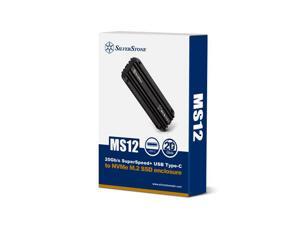
External M.2 NVMe SSD enclosure with SuperSpeed USB 3.2 Gen 2x2 Type-C 20 Gbps interface, ...
- Type: Enclosure
- Model #: MS12B
- Item #: 9SIVPPSKN65001
- Return Policy: RedAnt Return Policy
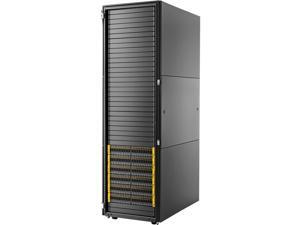
HP Drive Enclosure - 2U Rack-mountable
- Type: Enclosure
- Model #: H6Z26A
- Item #: 9SIV1JDA7R6832
- Return Policy: Avanti Data Products Return Policy
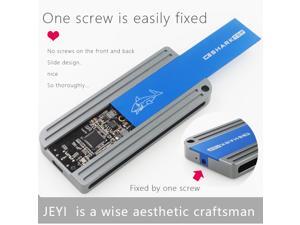
ICESHARK i9 Hidden Line HDD Enclosure mobile hdd box case NVME TYPE C3.1 JMS583 USB3.1 ...
- Material: Aluminum
- Model #: 908500844387
- Item #: 9SIV0A89AB7406
- Return Policy: ETopSell Return Policy
HP Drive Enclosure Internal
- Type: Enclosure
- Model #: 726551-B21
- Item #: 9SIV1JD9BP8711
- Return Policy: Avanti Data Products Return Policy
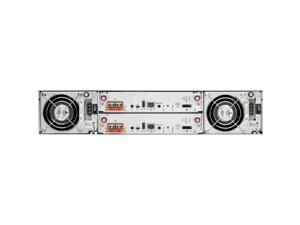
HP Drive Enclosure Rack-mountable
- Type: Enclosure
- Model #: C8R11A
- Item #: 9SIV1JDA7R8145
- Return Policy: Avanti Data Products Return Policy
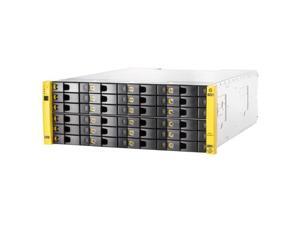
HP Drive Enclosure - 4U Rack-mountable
- Type: Enclosure
- Model #: E7Y72A
- Item #: 9SIV1JDA7R6916
- Return Policy: Avanti Data Products Return Policy
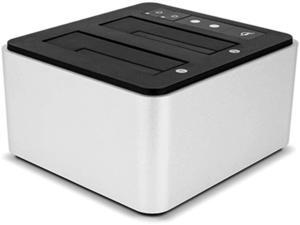
Drive Dock USB-C Dual Drive Bay Solution, USB 3.1 Gen 2, for Mac and PC, (TCDRVDCK)
- Model #: HU-APFI280
- Item #: 9SIV36AKBN0280
- Return Policy: Electronics World Return Policy
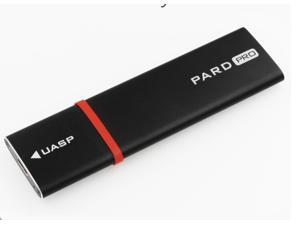
PARD PRO TYPE-C USB3.1 USB3.0 m.2 NGFF B-Key SSD Mobile Drive VIA VLI716 Support TRIM ...
- Material: Aluminum
- Type: Enclosure
- Maximum Capacity (per Bay): Up to 3TB
- Model #: 908500844240
- Item #: 9SIV0A89AB7399
- Return Policy: ETopSell Return Policy
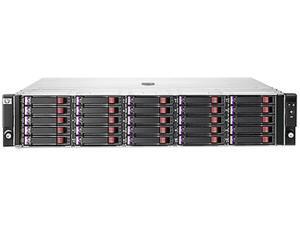
HP QK772A StorageWorks Disk Enclosure D2700
- Dimensions: 17.7 in x 22.3 in x 3.5 in (WxDxH)
- Weight: 37.9 lbs
- Model #: QK772A
- Item #: 9SIV1JDA7S3902
- Return Policy: Avanti Data Products Return Policy
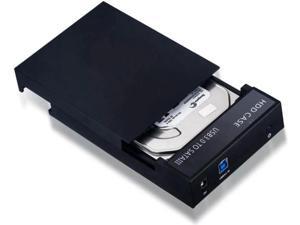
2.5"/3.5'' Hard Drive External Enclosure SATA to USB 3.0 HDD Docking Station
- Model #: C22J-H-121552
- Item #: 9SIVP88KPU8722
- Return Policy: XuanPin Return Policy
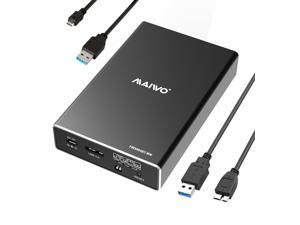
MAIWO Hard Drive RAID Enclosure Dual Bay for 2.5 Inch SATA SSD HDD, USB 3.0 6Gbps with ...
- Model #: 9306201279476
- Item #: 9SIVPVGKKW7780
- Return Policy: ShenZhenYanXinWuLiuYouXianGongSi Return Policy
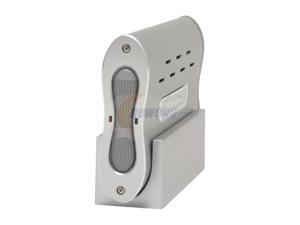
SilverStone MS04-S Aluminum 3.5" Enhanced IDE, ATA / ATAPI-6 USB 2.0 & 1394 External ...
- AC Adapter: Yes
- Material: Aluminum
- Dimensions: 5.59" x 1.57" x 8.78"
- Fan: Fan size: 30 x 30 x 10mm
- Parts: 1 year limited
- Model #: MS04-S
- Item #: 9SIVPPSKN65020
- Return Policy: RedAnt Return Policy
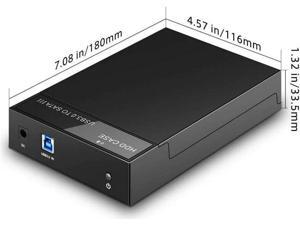
2.5"/3.5'' Hard Drive External Enclosure SATA to USB 3.0 HDD Docking Station
- Model #: C22J-H-121555
- Item #: 9SIVP88KPU8756
- Return Policy: XuanPin Return Policy
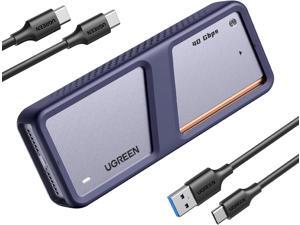
UGREEN 40Gbps M.2 NVMe Enclosure with Cooling Fan, Anti-Drop SSD Enclosure for MacBook, ...
- Model #: UC0SC-70
- Item #: 9SIVP88KMV3250
- Return Policy: XuanPin Return Policy

Disk Plus SSD Enclosure M.2 NVMe, 0.24" Ultra Slim Aluminum Enclosure with Built-in Cable ...
- Model #: 699917882023
- Item #: 9SIVPVGKKW7841
- Return Policy: ShenZhenYanXinWuLiuYouXianGongSi Return Policy
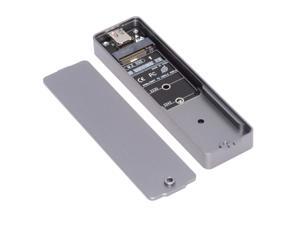
CY Enclosure 20Gbps Type-C USB3.2 USB4 to NVME M-Key M.2 NGFF SATA SSD PCBA ...
- Model #: 324589299014
- Item #: 9SIVPVGKKW7798
- Return Policy: ShenZhenYanXinWuLiuYouXianGongSi Return Policy
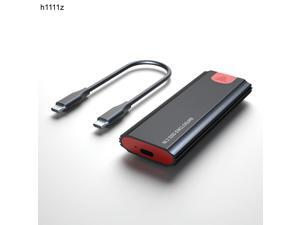
M2 SSD Case NVME Enclosure M.2 to USB Type C 3.1 Gen 2 SSD Adapter for NVME PCIE NGFF SATA ...
- Model #: oot-cs-0121895
- Item #: 9SIVAAEK156895
- Return Policy: heimakeji Return Policy
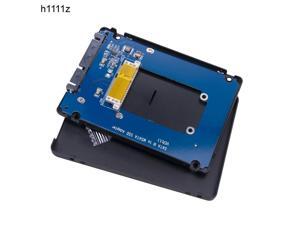
mSATA to SATA 3.0 SSD Enclosure Aluminum Case mSATA External Case Box mSATA to 2.5" ...
- Model #: oot-cs-0121332
- Item #: 9SIVAAEK151897
- Return Policy: heimakeji Return Policy
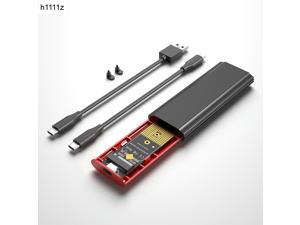
M2 SSD Case Box NVME SSD Enclosure M.2 to USB Type C Hard Drive Enclosure for NVME PCIE ...
- Model #: oot-cs-0121817
- Item #: 9SIVAAEK156177
- Return Policy: heimakeji Return Policy
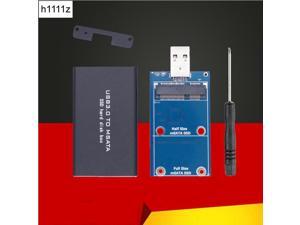
mSATA to USB 3.0 Hard Drive Enclosure Aluminum Alloy External Solid State Disk Box mSATA ...
- Model #: oot-cs-0121364
- Item #: 9SIVAAEK151861
- Return Policy: heimakeji Return Policy

owc envoy pro 1a portable, bus-powered usb (10gb/s) storage enclosure compatible with ...
- Model #: RNAB09SVBFR94
- Item #: 9SIVJTCKFB5061
- Return Policy: OWC Return Policy
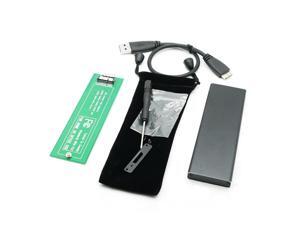
USB3.0 to 6 12 pin SSD Hard disk Enclosure Adapter for 2010 2011 MacBook Air A1370 USB 3.0 ...
- Model #: ooc-0140724
- Item #: 9SIVAAEK155492
- Return Policy: heimakeji Return Policy
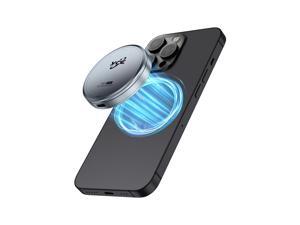
Magnetic M.2 2230 NVME SSD Enclosure - Up to 4TB Storage, External Storage for iPhone 15/16 ...
- Model #: 9306201296404
- Item #: 9SIVPVGKKW7783
- Return Policy: ShenZhenYanXinWuLiuYouXianGongSi Return Policy
How to Buy a Hard Drive Enclosure
Introduction
External hard drives are useful for a variety of purposes, why not create your own with a hard drive enclosure? By using an enclosure, you will have the ability to use an internal hard drive or solid state drive of your choice. Alternatively, if you have multiple internal hard drives that you want to use externally, consider a hard drive dock. If the customizability of a hard drive enclosure or dock appeals to you, NeweggBusiness offers some considerations that will help you select the ideal solution.
Special Features
In this section, NeweggBusiness will outline some special features that you will find in some hard drive docks and enclosures.
Hot Swapping
The ability to hot swap a hard drive means that you can remove and replace the drive without the need to restart the computer. To the operating system, the enclosure or dock will still show as being connected even if the hard drive has been removed. It is a feature that makes backing up data to multiple hard drives a more time-efficient process.
Cloning/Duplication
Cloning or duplicating a hard drive means mirroring all the contents to an image file or another hard drive. It is more comprehensive than copying and pasting files, as cloning captures all data on the drive and not just visible files. With some dual-bay docks, cloning can be as simple as inserting two hard drives and pressing a button to begin the process.
Redundant Array of Independent Disks/Drives (RAID)
A RAID array is a method of setting up multiple hard drives so that they appear and function as a single volume. A RAID setup can be used to improve read/write performance and decrease the likelihood of total data loss, depending on how it is configured.
Just a Bunch of Disks/Drives (JBOD)
Similar to a RAID setup, a JBOD array consists of multiple hard drives. But with JBOD, you can choose to have the drives appear as distinct volumes or one volume.
However, when the drives are set up to appear as one to the operating system, data is not striped or mirrored like how it is in a RAID array. Instead, the JBOD writes data to a drive until it is at capacity and then continues on another drive.
Enclosure or Dock
Below, NeweggBusiness details the differences between external hard drive enclosures and docks.
Enclosure
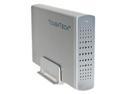 An enclosure is a case that houses an internal hard drive to protect it and adapt the internal connectors for external use. Similar to external hard drives, enclosures come in a variety of sizes and form factors.
Some smaller cases for instance, can convert laptop hard drives into portable solutions. On the other end of the spectrum, there large enclosures that can accommodate multiple hard drives and manage them in RAID and JBOD configurations.
Dock
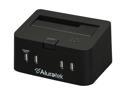 Compared to an enclosure, a hard drive dock fulfills a slightly different role. A dock is ideal if you have multiple hard drives and frequently switch between them. For that reason, many docks support hot swapping. Some dual-bay hard drive docks also have duplication functionality built-in.

