


Intel Motherboards - Showing 457 - 480 of 3681 Products


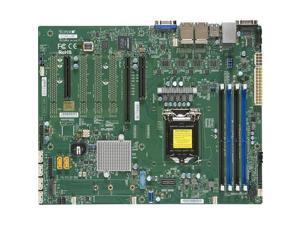
X11SSI-LN4F Motherboard ATX For Up To Xeon E3-1200v5
- Model #: TGM2-X11SSI-LN4F
- Item #: 9SIVB99KMX1383
- Return Policy: Compiston Store Return Policy


Supermicro X8DTU Server Motherboard - Intel 5520 Chipset - Socket B LGA-1366
- Number of Memory Slots: 12
- Brand: SUPERMICRO
- CPU Socket Type: LGA 1366
- Onboard Video Chipset: Matrox G200eW
- Max LAN Speed: Yes
- CPU Type: Xeon Dual-Core Xeon Quad-core
- Supported CPU Technologies: Enhanced SpeedStep Technology
- Maximum Memory Supported: 96GB
- Model #: X8DTU
- Item #: 9SIV1W8KBE2549
- Return Policy: The Best Part Inc. Return Policy
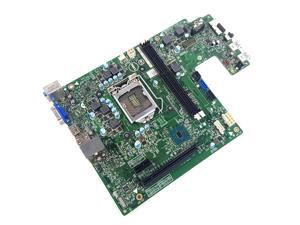

Dell Inspiron 3250 Intel LGA1151 Desktop Motherboard DNMV1 0DNMV1 CN-0DNMV1
- Memory Standard: DDR3L SDRAM
- Brand: DELL
- CPU Socket Type: LGA 1151/Socket H4
- Form Factor: AIO
- CPU Type: Desktop
- Model #: DNMV1
- Item #: 9SIV1W8G9X7860
- Return Policy: The Best Part Inc. Return Policy
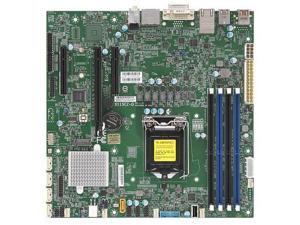
X11SCZ-Q Motherboard UATX Single Socket H4 (LGA 1151)
- Model #: TGM2-X11SCZ-Q
- Item #: 9SIVB99KMX1361
- Return Policy: Compiston Store Return Policy
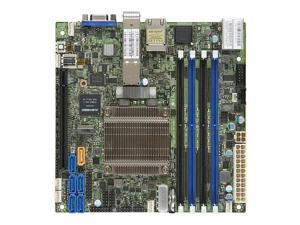
X10SDV-16C-TLN4F+ Motherboard Mini-ITX SoC Xeon D-1587 16-Core, FCBGA 1667
- Model #: TGM2-X10SDV-16C-TLN4F+
- Item #: 9SIVB99KMX0306
- Return Policy: Compiston Store Return Policy
Dell Wk833 System Board For Optiplex Gx745 Sff
- Model #: WK833
- Item #: 9SIV1W87PX2602
- Return Policy: The Best Part Inc. Return Policy
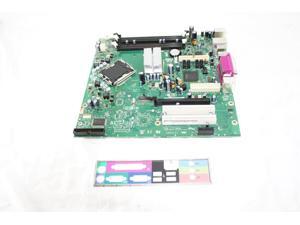
Gateway D10016-305 Gateway System Board Putton Bay Lga775
- Model #: D10016-305
- Item #: 9SIV1W87N65754
- Return Policy: The Best Part Inc. Return Policy
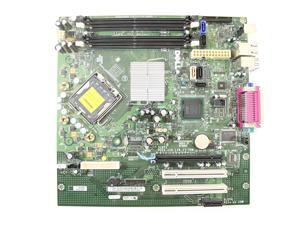
Dell Gm819 P4 System Board For Optiplex 755 Smt
- Model #: GM819
- Item #: 9SIV1W87N65570
- Return Policy: The Best Part Inc. Return Policy
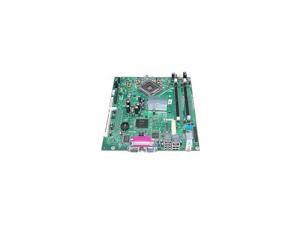
Dell Xg309 System Board For Optiplex Gx520 Sff-Xg309
- Model #: XG309
- Item #: 9SIV1W87PX2696
- Return Policy: The Best Part Inc. Return Policy
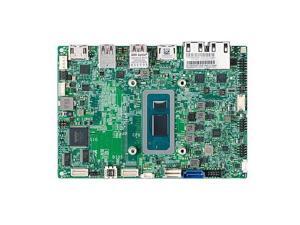
X13SAN-C-WOHS Motherboard 3.5" SBC Embedded Celeron 7305E Processor
- Model #: TGM2-X13SAN-C-WOHS
- Item #: 9SIVB99KMX1326
- Return Policy: Compiston Store Return Policy
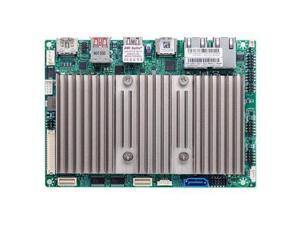
X12STN-L Motherboard 3.5" SBC Embedded Core I3-1115GRE Processor 11th Generation
- Model #: TGM2-X12STN-L
- Item #: 9SIVB99KMX0881
- Return Policy: Compiston Store Return Policy
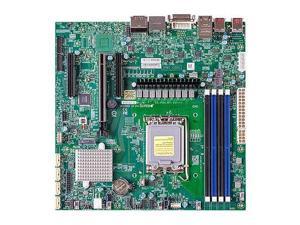
X13SAZ-Q Motherboard Micro-ATX Core I9/I7/I5/I3 13th And 12th Generation And ...
- Model #: TGM2-X13SAZ-Q
- Item #: 9SIVB99KMX1042
- Return Policy: Compiston Store Return Policy
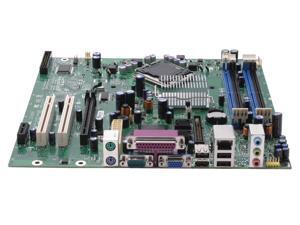

Intel BOXD945GCZL LGA 775 Intel 945G Micro BTX Intel Motherboard
- Memory Standard: DDR2 667
- Number of Memory Slots: 4x240pin
- PCI Express x16: 1 x PCI Express x16
- Audio Chipset: SigmaTel STAC9220
- Brand: Intel
- CPU Socket Type: LGA 775
- Chipset: Intel 945G
- Form Factor: Micro BTX
- Model #: BOXD945GCZL
- Item #: 9SIV1W8E0K9780
- Return Policy: The Best Part Inc. Return Policy
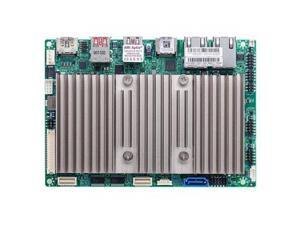
X12STN-C Motherboard 3.5" SBC Embedded Celeron 6305E Processor
- Model #: TGM2-X12STN-C
- Item #: 9SIVB99KMX1375
- Return Policy: Compiston Store Return Policy
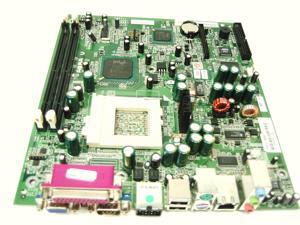

P4314-60007 HP Motherboard System Board For E-Pc 40 Supports 800Mhz
- Model #: P4314-60007
- Item #: 9SIV1W87N62600
- Return Policy: The Best Part Inc. Return Policy
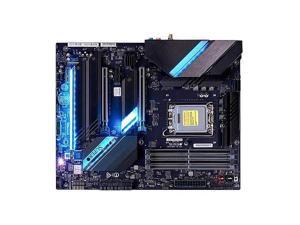
C9Z790-CGW Motherboard ATX Single Socket LGA-1700 (Socket V) Core I9/I7/I5/I3, ...
- Model #: TGM2-C9Z790-CGW
- Item #: 9SIVB99KMX0868
- Return Policy: Compiston Store Return Policy
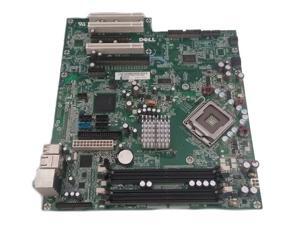
New Genuine Dell Dimension 9150 9100 LGA755 Desktop Motherboard - FJ030 0FJ030
- Model #: FJ030
- Item #: 9SIV1W8E0J9620
- Return Policy: The Best Part Inc. Return Policy
Motherboard System Board Slot 1 For Pavilion PC's
- Model #: 5183-3292
- Item #: 9SIV1W8CYD5261
- Return Policy: The Best Part Inc. Return Policy
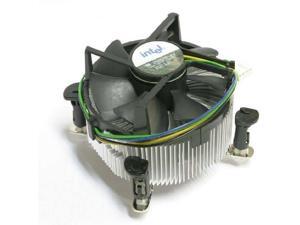
SOCKET 775 ALUMINIUM HEATSINK & FAN 4 PIN CON
- Model #: D34223-002
- Item #: 9SIV1W87N64054
- Return Policy: The Best Part Inc. Return Policy
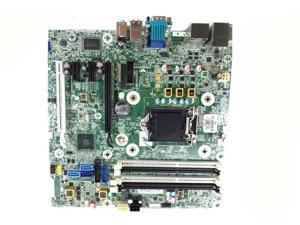
HP Elitedesk 800 G1 SFF LGA 1150 Motherboard 796108-001 737728 717372-003
- Brand: HP
- Model #: 717522-001
- Item #: 9SIV1W8G9Z5520
- Return Policy: The Best Part Inc. Return Policy
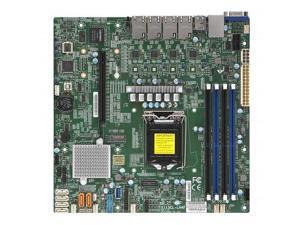
X11SCL-LN4F Motherboard MicroATX Single Socket H4 (LGA 1151)
- Model #: TGM2-X11SCL-LN4F
- Item #: 9SIVB99KMX1585
- Return Policy: Compiston Store Return Policy
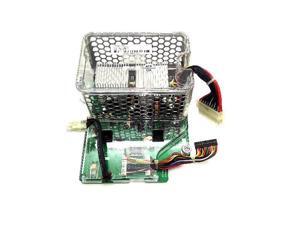
HP Converter Dc W/ Backplane
- Model #: 289560-001
- Item #: 9SIV1W87N63605
- Return Policy: The Best Part Inc. Return Policy
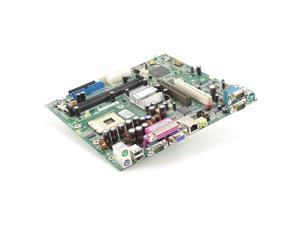
398878-001 RP5000 SOCKET 478 SYSTEM BOARD
- Model #: 398878-001
- Item #: 9SIV1W8CYD5256
- Return Policy: The Best Part Inc. Return Policy
Dell M858n System Board For Optiplex 760 Smt
- Model #: M858N
- Item #: 9SIV1W87N62151
- Return Policy: The Best Part Inc. Return Policy
Intel Motherboard Questions and Answers
Introduction
A compatible Intel® motherboard is an essential component when assembling a desktop with an Intel processor. The motherboard determines what type of processor you can use, how many data storage drives you can install, the maximum amount of system memory supported, and more. To help you find the ideal Intel motherboard for your desktop build, NeweggBusiness answers several common questions about motherboards.
Questions
What is a motherboard chipset?
A motherboard chipset is a collection of components on the motherboard designed to integrate the processor with the rest of the system hardware. The chipset has a major impact on overall system performance and device compatibility. For each family of Intel processors, a different chipset is typically used. When shopping for an Intel motherboard, you will have to ensure that its chipset is compatible with the processor you intend to use.
What does CPU socket type mean?
The CPU socket is the component on the motherboard that holds and locks the processor in place. In order for a processor to be installed onto a motherboard, they both must have the same socket type. For example, an LGA 1150 processor can only be installed onto an Intel motherboard with a LGA 1150 socket.
However, having the same socket type does not necessarily mean that the processor and motherboard are compatible. Sometimes, multiple generations of processors can have the same socket type but use different chipsets.
What is the difference between PCI and PCIe®?
Both PCI and PCIe are computer expansion card standards that are used by devices such as video cards, sound cards, network adapters, and more. PCIe is a newer standard designed to replace PCI and is not backwards compatible. It is capable of faster data transfer rates, which allows for better performance from expansion cards.
Many ATX form factor Intel motherboards will have a combination of both PCI and PCIe expansion slots. Unfortunately, some motherboards—mainly small form factor motherboards such as Mini ITX—only have one PCIe slot due to space limitations.
What is BIOS?
It is an acronym that stands for Basic Input/Output System and is the very first program that starts when a computer is powered on. Stored on the motherboard, BIOS is the intermediary that interconnects the components and launches the operating system. The interface for BIOS is rather limited because it is mainly text based with a small color palette. Many motherboards include BIOS, though there is now a transition to the newer Unified Extensible Firmware Interface (UEFI).
What is UEFI?
Like BIOS, UEFI is an intermediary for the main operating system and the hardware. It is designed to replace BIOS as the standard operating system included on AMD and Intel motherboards. Compared to BIOS, UEFI is much more user friendly and secure, supports larger hard drives, reduces startup times, and more. Many new Intel motherboards now include UEFI instead of BIOS, though such motherboards may sometimes be advertised as having UEFI BIOS.

