


Keyboard - Showing 1657 - 1680 of 7333 Products


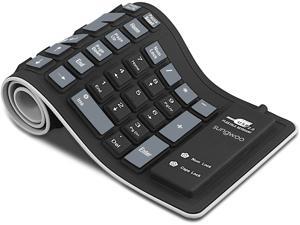
Foldable Silicone Keyboard USB Wired Waterproof Rollup Keyboard for PC Notebook Laptop ...
- Model #: NO-TXA88
- Item #: 9SIV36AKE35374
- Return Policy: Electronics World Return Policy
USB 2.0 Silicone Roll Up Foldable for PC Computer Keyboard
- Model #: 7571974930448
- Item #: 9SIV0YPA9A0744
- Return Policy: BestDeals Return Policy
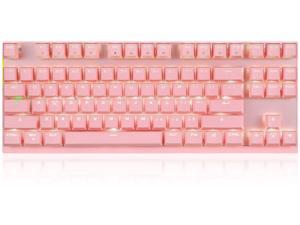
2.4GHz Wireless/Wired Mechanical Keyboard 87Keys Led Backlit Blue Switches Type-C ...
- Model #: HA-KEYBOARD05
- Item #: 9SIV36AKE36107
- Return Policy: Electronics World Return Policy
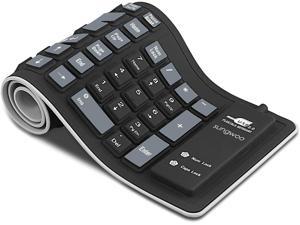
Foldable Silicone Keyboard USB Wired Waterproof Rollup Keyboard for PC Notebook Laptop ...
- Model #: HU-Y80003
- Item #: 9SIV36AKBN0434
- Return Policy: Electronics World Return Policy
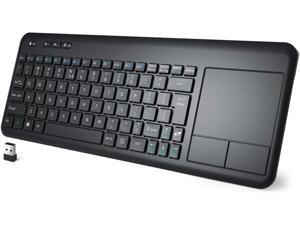
Wireless Keyboard with Touchpad, 2.4G Slim Ergonomic Wireless Keyboard with Easy Media ...
- Model #: LK-KVX685
- Item #: 9SIV36AKE34197
- Return Policy: Electronics World Return Policy
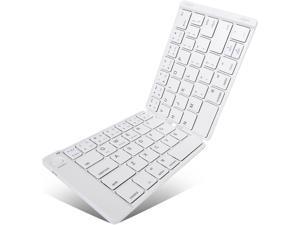
Foldable Keyboard Bluetooth Folding Keyboard Full Size Pocket Wireless Keyboard for iOS ...
- Keyboard Color: White
- Type: Wireless
- Key Switch: AKKO CS JELLY WHITE
- Features: Full Size Keyboard: The full-size keys placed in a typical layout makes this comparable to typing on a standard computer keyboard, which makes it easy to type on, especially for people with larger hands. Portable and Lightweight: Weighing only 5.8 ounces, portable model opens like a book to reveal a full-size keyboard with a standard key layout 5 4/5 inches long when folded can be put in a pocket or purse to carry it around. Easy on/Easy off: Open the keyboard to connect to your tablet or smartphone. Simply close the keyboard to shut it down. Long-lasting Battery: Fitted with a high-capacity charging battery, it provides up to several months of usage on a single charge; hence appropriate for outdoor use. Battery charges in only 2 hrs. Universal Compatibility: Blu...
- Model #: MH-TZ90-WH
- Item #: 9SIV36AKE35347
- Return Policy: Electronics World Return Policy
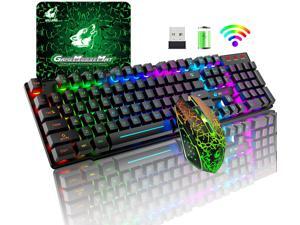
Wireless Gaming Keyboard and Mouse Combo with Rainbow LED Backlit Rechargeable ...
- Model #: GU-OQO225
- Item #: 9SIV36AKE32991
- Return Policy: Electronics World Return Policy
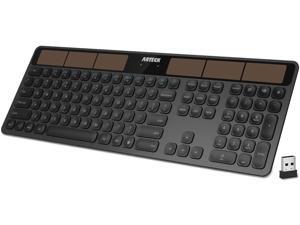
2.4G Wireless Keyboard Stainless Steel Ultra Slim Full Size Keyboard with Numeric Keypad for ...
- Model #: BL-KBWJ24
- Item #: 9SIV36AKE30558
- Return Policy: Electronics World Return Policy
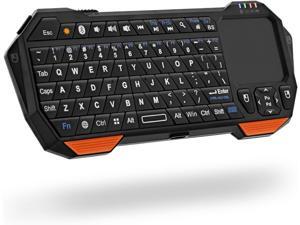
Mini Bluetooth Keyboard (QWERTY Keypad), Wireless Portable Lightweight with Built-In ...
- Model #: JO-BTKEYBOARD105
- Item #: 9SIV36AKE35856
- Return Policy: Electronics World Return Policy
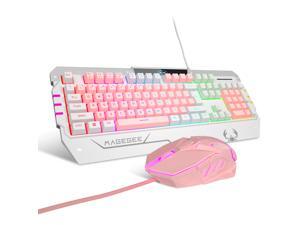
MK1 PC Mechanical Gaming Keyboards - 7-Color LED Backlit Mechanical Keyboard - USB ...
- Keyboard Interface: USB 2.0
- Design Style: Gaming
- Keyboard Color: Black
- Normal Keys: 87
- Backlit: Yes
- Model #: MG-GK806
- Item #: 9SIV37KJKC8437
- Return Policy: InMiss online Store Return Policy
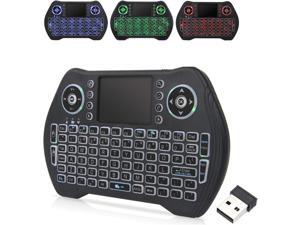
Backlit Mini Wireless Keyboard Touchpad Mouse Combo Remote Control with Rechargeable ...
- Model #: AS-NOSFXl7911
- Item #: 9SIV36AKBM9945
- Return Policy: Electronics World Return Policy
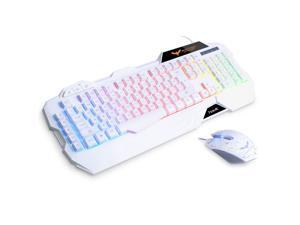
Gaming Keyboard and Mouse Combo, Led Rainbow Backlit Wired Gaming Keyboard and ...
- Keyboard Color: White
- Features: Rainbow of LED Backlit can switch among medium light,high light,breath mode and turn off by pressing Fn and Esc simultaneously. Simultaneous operation of up to 19 keys without conflict, 8 multimedia shortcut keys, interchangeable "WASD" keys and WIN keys can be disabled for gaming. 4 colors breathing light of mouse :Red, Blue, Purple, Pink; Light-off mode: forward/back button+DPI for 3 seconds Resolution up to 2400DPI, 800/1200/1600/2400DPI adjustable. Compatible with Windows 2000 / 2003 / XP / Vista / Win7 / Win8 /Win10/Mac OS
- Model #: BL-KYMSCHA-W-CA
- Item #: 9SIV36AKE31342
- Return Policy: Electronics World Return Policy
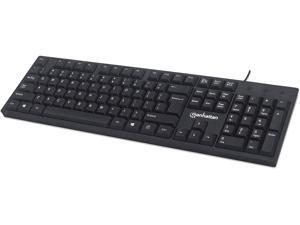
Wired Computer Keyboard, Black Basic Keyboard - with 5ft USB-A Cable, 104-keys, Foldable ...
- Model #: AU-KBXA2886
- Item #: 9SIV36AKBM9694
- Return Policy: Electronics World Return Policy
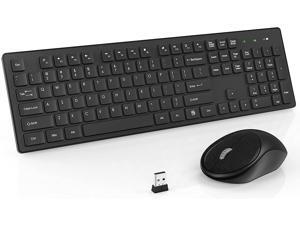
Wireless Keyboard Mouse Combo, 2.4GHz Slim Full-Sized Silent Wireless Keyboard and ...
- Model #: ID-EIOP02-1
- Item #: 9SIV36AKE32033
- Return Policy: Electronics World Return Policy
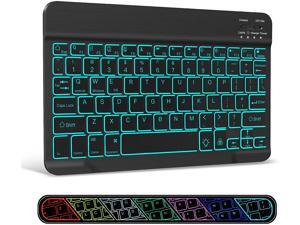
Ultra-Slim Wireless Bluetooth Keyboard - 7 Colors Backlit Universal Rechargeable Keyboard ...
- Model #: NO-EA78
- Item #: 9SIV36AKE35340
- Return Policy: Electronics World Return Policy
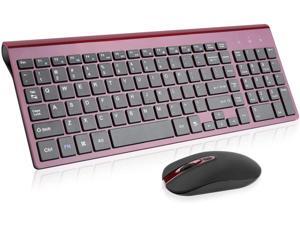
Wireless Keyboard Mouse Combo, Compact Full Size Wireless Keyboard and Mouse Set 2.4G ...
- Design Style: Compact
- Keyboard Color: Red
- Type: Wireless
- Features: Slim and Ergonomic Design The slim keyboard has a tilt angle for the great typing position.Sweat-resistant, skin-friendly finish wireless mouse in contoured shape would provide hours of work comfortably. The full size keyboard type fast with numeric keypad and instant access your music,internet,e-mail,volume,etc by multi-media hot keys.(The hot-keys not fully compatible with Mac System) Less Noise&Profile Keys Typing The keyboard's noise reduced keys and the silent click of the quiet mice will allow you to do your job without missing a sound or disturbing your environment. The wireless keyboard mouse combo features auto sleeping mode, plus on/off switches to help conserve battery use, you can go for months without the hassle of changing the batteries.(AA batteries are not in...
- Model #: ID-VNHD47-RD-1
- Item #: 9SIV36AKE32150
- Return Policy: Electronics World Return Policy
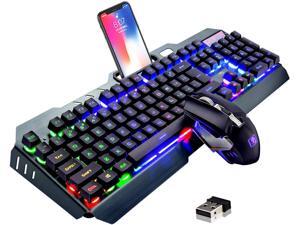
Wireless Gaming Keyboard and Mouse,Rainbow Backlit Rechargeable Keyboard with ...
- Model #: GU-MNM778
- Item #: 9SIV36AKE32928
- Return Policy: Electronics World Return Policy

Wireless Bluetooth Keyboard, Ultra-Thin Foldable Rechargeable Keyboard for iPhone, iPad ...
- Model #: JO-BTKEYBOARD104
- Item #: 9SIV36AKE35902
- Return Policy: Electronics World Return Policy
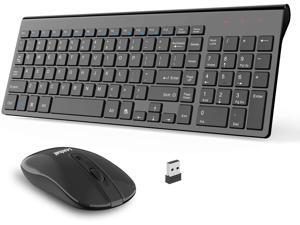
Wireless Keyboard and Mouse Combo, Compact Quiet Full Size Wireless Keyboard and ...
- Model #: GU-CBQ23
- Item #: 9SIV36AKE33212
- Return Policy: Electronics World Return Policy
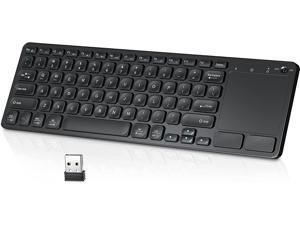
Wireless Keyboard with Multi Gesture TouchPad, Ultra Slim Wireless Touch TV Keyboard and ...
- Model #: MH-LAJ82
- Item #: 9SIV36AKE35246
- Return Policy: Electronics World Return Policy
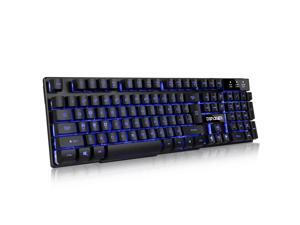
Multi-Function Wired Keyboard, 104 key Led Gaming Keyboard, Three Colors Backlit LED ...
- Model #: BL-KY-DBPOWERA-CA
- Item #: 9SIV36AKE31357
- Return Policy: Electronics World Return Policy
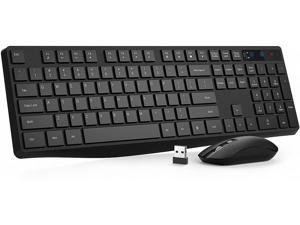
VicTsing Wireless Keyboard [Energy Saving], Keyboard and Mouse Combo, 2.4GHz ...
- Model #: BL-LBWVTB
- Item #: 9SIV36AKE30467
- Return Policy: Electronics World Return Policy
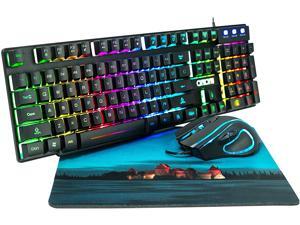
RGB Gaming Keyboard and Mouse Combo 991b Rainbow Led Backlit 7 Colors Office Device ...
- Model #: HA-KEYBOARD04
- Item #: 9SIV36AKE36135
- Return Policy: Electronics World Return Policy
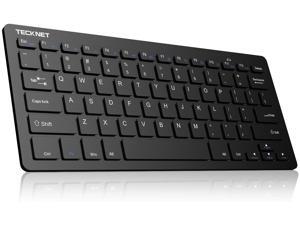
Wireless Keyboard, 2.4GHz Ultra Slim Portable Compact Size Quite Small Keyboards for PC, ...
- Model #: NO-HGQ772
- Item #: 9SIV36AKE35399
- Return Policy: Electronics World Return Policy
Computer Keyboard Buying Tips
Introduction
Your staff may sometimes be at their workstations for hours on end, which means that they will need to have ergonomic computer keyboards that are adequate for the tasks that they will be performing. Purchasing keyboards with features that your staff will not utilize is not good use of your budget however, and you should try to find a balance between price and features. Below, NeweggBusiness will outline some considerations so that you can decide if they will be of value to your staff.
Connectivity
Keyboards can be connected to computers in one of two ways, wired or wireless. In terms of cost, wired keyboards can be found at much lower prices than wireless keyboards; however wireless keyboards can be used in situations where using wired keyboards would not be practical. Generally, most desktop workstations for completing general office tasks do not require wireless keyboards except in rare cases.
Wired computer keyboards have several advantages over wireless keyboards, including better responsiveness, not requiring additional software, and no need for batteries. Wireless keyboards on the other hand, decrease cable clutter and can be used with media center computers. If the computer will be used from a distance, a wireless keyboard is better than using a wired keyboard with long extension cables.
In addition to computers, keyboards can also be used with tablets to give them laptop-like functionality. For use with tablets, a keyboard will need Bluetooth® functionality, as tablets typically lack support for USB keyboards. Bluetooth keyboards can also be used with laptops and desktops, but they will need to have support for Bluetooth.
Layout
A standard Windows® compatible QWERTY computer keyboard has a 104-key layout, but there are specialized keyboards with additional keys or altered key placement. For example, a standard full-sized QWERTY keyboard will typically have a number pad to the right side of the keyboard but other layouts may drop the number pad in favor of slimmer dimensions.
Then there are multimedia keyboards and gaming keyboards that have programmable buttons, program-specific keys, and more. A standard Windows QWERTY keyboard is more than sufficient for most office tasks, and specialized keyboards are only needed for workstations that will be used for tasks that require those extra keys and functionality.
Ergonomics
Ergonomics are a very important consideration when selecting keyboards to use with your organization’s computers, as poor ergonomics can result in wrist injuries. To alleviate concerns about ergonomics, keyboard manufacturers have designed and market keyboards with comfortable ergonomics in mind. These keyboards typically have designs that split the QWERTY pattern in half and angle them so that the wrist is not bent when typing. Another approach that manufacturers may take to improve ergonomics is including wrist rests, which are often detachable. Ergonomic keyboards are usually more expensive but can reduce injury, so you may want to consider equipping workstations with them if their users will be typing for very long periods of time.

