


Keyboard - Showing 1705 - 1728 of 7213 Products


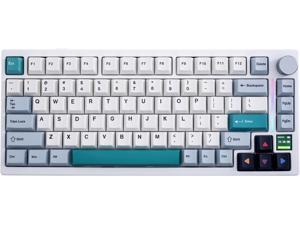
GK GAMAKAY TK75 V2 75% Silent Mechanical Keyboard with TFT Screen, Hot Swap RGB ...
- Model #: 427528881377LUXGENDGANG
- Item #: 9SIVSTVKVA2318
- Return Policy: Yongxian Pan Business Co., Limited Return Policy
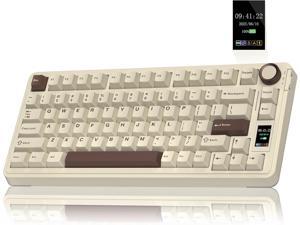
AULA S75 PRO Wireless Mechanical Keyboard with Screen&Knob, 75% Hot Swappable Gaming ...
- Model #: C5PY-Z0417-119
- Item #: 9SIVSPVKVX1516
- Return Policy: poliothrix0 Return Policy
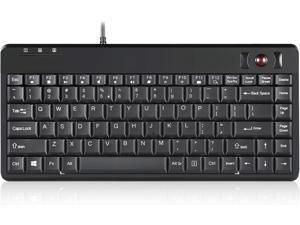
Perixx PERIBOARD-505H Wired Mini Keyboard with Built-in Trackball, 0.55 Inch Trackball and ...
- Model #: VB0065PZ7DY
- Item #: 9SIVS8XKTY6528
- Return Policy: zijianmaoyigongsi Return Policy
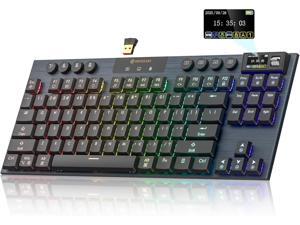
Hexgears Immersion A3 Low-Profile Wireless Mechanical Keyboard, TKL Hot-Swappable ...
- Model #: 427528881612LUXGENDGANG
- Item #: 9SIVSTVKVA2349
- Return Policy: Yongxian Pan Business Co., Limited Return Policy
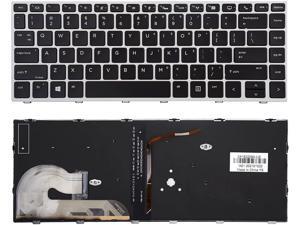
New backlit keyboard for HP EliteBook 745 G5/745 G6/840 G5/840 G6/846 G5/840 G6 with ...
- Brand: Lisuntek
- Type: Other
- Model #: 762578512018
- Item #: 9SIVPK2KS76657
- Return Policy: TrendyPicks Return Policy
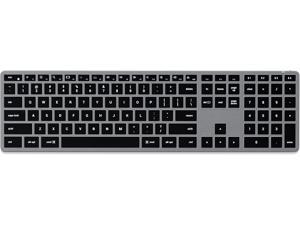
Satechi Slim X3 Bluetooth Backlit Keyboard for Mac, Illuminated Keys & Multi-Device Sync, for ...
- Model #: R18R290253735716
- Item #: 9SIVR5HKMJ4874
- Return Policy: TrustBasket Return Policy
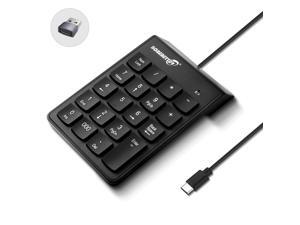
Type C Number Pad, USB Numeric Keypad 19 Keys Plug & Play Financial Accounting Numpad ...
- Keyboard Interface: USB Type-C
- Design Style: Modern
- Keyboard Color: Black
- Brand: Lenovo
- Mouse Interface: USB
- Tracking Method: TouchPad
- Buttons: 2
- Mouse Color: Black
- Model #: 688750739592
- Item #: 9SIVSMTKWH5820
- Return Policy: AnLiOuMaoYi Return Policy
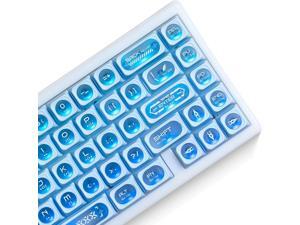
OHY XVX Blue Shine Through Keycaps for Mechanical Keyboards - 136 Keys Blue Translucent ...
- Model #: 427528887201LUXGENDGANG
- Item #: 9SIVSTVKVE8537
- Return Policy: Yongxian Pan Business Co., Limited Return Policy
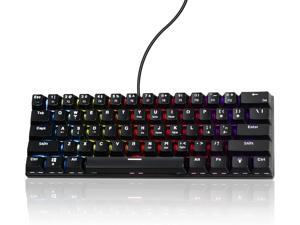
60% Wired Mechanical Gaming Keyboard RGB Backlit Anti-Ghosting Compact 61-Keys Mini ...
- Model #: C5PY-Z0417-149
- Item #: 9SIVSPVKVX1251
- Return Policy: poliothrix0 Return Policy
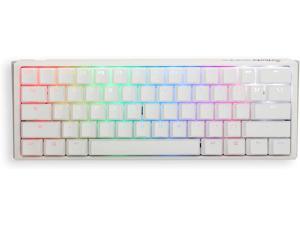
Ducky One 3 White 60% Mechanical Keyboard: Quack Mechanics Dampening, ...
- Model #: 427528898788LUXGENDGANG
- Item #: 9SIVSTVKVD1930
- Return Policy: Yongxian Pan Business Co., Limited Return Policy
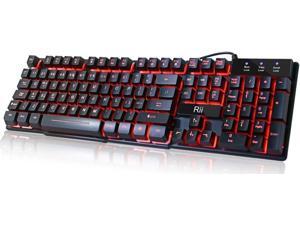
Rii RK100 3 Colors LED Backlit Mechanical Feeling USB Wired Multimedia Gaming Keyboard, ...
- Model #: 427528894674LUXGENDGANG
- Item #: 9SIVSTVKVD0906
- Return Policy: Yongxian Pan Business Co., Limited Return Policy
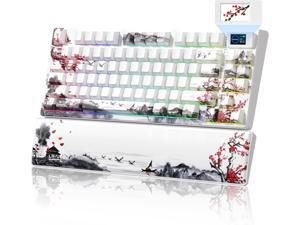
Womier 75% Wireless Mechanical Keyboard with Color Multimedia Screen Gaming Creamy ...
- Model #: 427528896678LUXGENDGANG
- Item #: 9SIVSTVKVD1445
- Return Policy: Yongxian Pan Business Co., Limited Return Policy
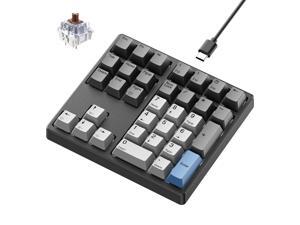
Kisnt Mechanical Number Pad, 34 Key Hot Swappable Numpad with Gateron Switches Wired ...
- Model #: 983703271314
- Item #: 9SIV9F7KGK0340
- Return Policy: Fashion Technology Return Policy
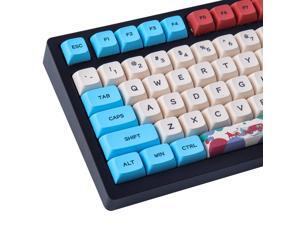
Vszerda PBT Keycaps 130 Keys Circus Keycaps Dye-Sublimation Cute Keycaps XDA Profile ...
- Brand: Hyekit
- Hand Orientation: Ambidextrous
- Dimensions: 3.4036 cm x 15.0114 cm x 36.6014 cm
- Disclaimer: not_applicable
- Material: Polybutylene Terephthalate (PBT)
- Keycaps: Polybutylene Terephthalate (PBT)
- Features: Mechanical Keyboard (ANSI 108/104/87/61, Main 96/84/64/68 layouts), Filco, CM Storm, Poker, Melody, Kira, RS96, KBD75, YMD75, Keycool, GK64, Tada68, SP64, SP75, Ambidextrous, Polybutylene Terephthalate (PBT)
- Package Contents: Hyekit, Mechanical Keyboard (ANSI 108/104/87/61, Main 96/84/64/68 layouts), Filco, CM Storm, Poker, Melody, Kira, RS96, KBD75, YMD75, Keycool, GK64, Tada68, SP64, SP75
- Model #: HGD8H41
- Item #: 9SIVP7BKSN6380
- Return Policy: Jinwen Electronics Return Policy
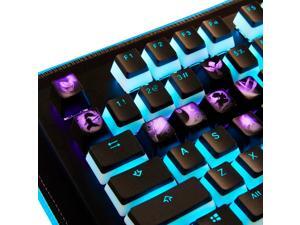
League of Legends Custom Keycaps (Champion Rammus) - Laser Engraved with Each ...
- Model #: R1188R290253747412
- Item #: 9SIVR5HKMJ7923
- Return Policy: TrustBasket Return Policy
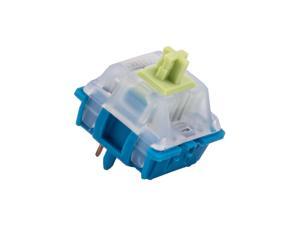
GATERON CM Linear Keyboard Switches, 5 Pin Light Blue 20mm Dual-Stage Spring Factory ...
- Model #: R508R290253740611
- Item #: 9SIVR5HKMJ6320
- Return Policy: TrustBasket Return Policy
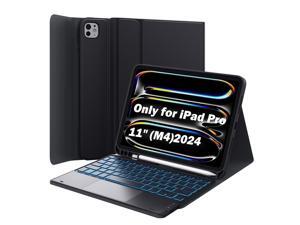
GreenLaw for iPad Pro 11 inch Case with Keyboard(M4) 2024, Detachable Wireless Keyboard ...
- Model #: 9391048820738
- Item #: 9SIVTDYKWD2784
- Return Policy: Voltrix Return Policy
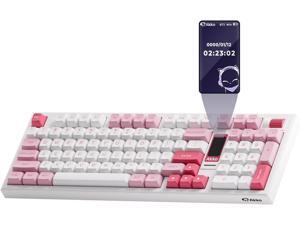
Akko 5098B Wireless Gaming Keyboard with Screen, Prunus Lannesiana Hot-Swappable ...
- Model #: R1122R290253746750
- Item #: 9SIVR5HKMJ7783
- Return Policy: TrustBasket Return Policy
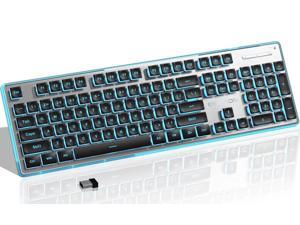
SEUNKWANG EWEADN X7S Wireless Keyboard with Blue Backlit, Metal Panel, Bluetooth/2.4G ...
- Model #: 341302465280
- Item #: 9SIVP88KR24579
- Return Policy: XuanPin Return Policy
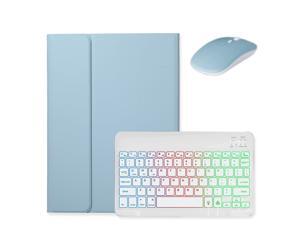
kaidisen Backlit Keyboard for Galaxy Tab S6 Lite 10.4" 2024/2022/2020 Keyboard Case with ...
- Model #: 9391048876964
- Item #: 9SIVTDYKWD2251
- Return Policy: Voltrix Return Policy
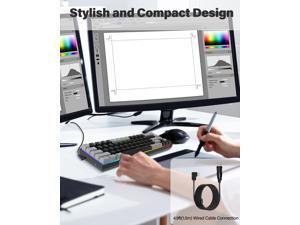
Wired Mechanical Keyboard for Multimedia and Office Work M10 (Z686-1)
- Keyboard Interface: USB Type-C
- Design Style: Modern
- Brand: Lenovo
- Type: Wireless
- Mouse Interface: USB
- Tracking Method: TouchPad
- Operating Time: Wired, false
- Distance: 30 feet
- Model #: 463600877489
- Item #: 9SIVSY8KX30858
- Return Policy: YuShuHuaYiShangHang Return Policy
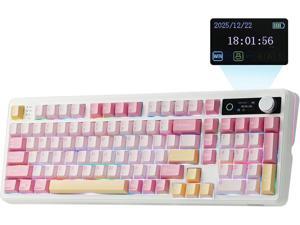
EPOMAKER TH99 PRO 96% Mechanical Keyboard with Screen & Knob, 10000mAh, 2.4Ghz/BT, ...
- Model #: 427528878728LUXGENDGANG
- Item #: 9SIVSTVKVA0737
- Return Policy: Yongxian Pan Business Co., Limited Return Policy
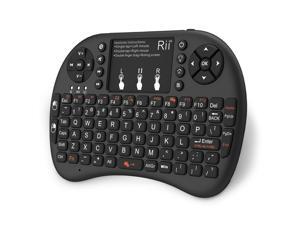
Rii i8+ Mini wireless keyboard 2.4GHz Wireless Keyboard with TouchPad Backlit For Android TV ...
- Model #: I8+
- Item #: 9SIVM7DKH86306
- Return Policy: EnYZME Return Policy
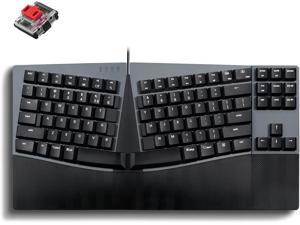
Perixx PERIBOARD-335RD Wired Ergonomic Mechanical Compact Keyboard - Low-Profile ...
- Model #: 427528886570LUXGENDGANG
- Item #: 9SIVSTVKVE8347
- Return Policy: Yongxian Pan Business Co., Limited Return Policy
Computer Keyboard Buying Tips
Introduction
Your staff may sometimes be at their workstations for hours on end, which means that they will need to have ergonomic computer keyboards that are adequate for the tasks that they will be performing. Purchasing keyboards with features that your staff will not utilize is not good use of your budget however, and you should try to find a balance between price and features. Below, NeweggBusiness will outline some considerations so that you can decide if they will be of value to your staff.
Connectivity
Keyboards can be connected to computers in one of two ways, wired or wireless. In terms of cost, wired keyboards can be found at much lower prices than wireless keyboards; however wireless keyboards can be used in situations where using wired keyboards would not be practical. Generally, most desktop workstations for completing general office tasks do not require wireless keyboards except in rare cases.
Wired computer keyboards have several advantages over wireless keyboards, including better responsiveness, not requiring additional software, and no need for batteries. Wireless keyboards on the other hand, decrease cable clutter and can be used with media center computers. If the computer will be used from a distance, a wireless keyboard is better than using a wired keyboard with long extension cables.
In addition to computers, keyboards can also be used with tablets to give them laptop-like functionality. For use with tablets, a keyboard will need Bluetooth® functionality, as tablets typically lack support for USB keyboards. Bluetooth keyboards can also be used with laptops and desktops, but they will need to have support for Bluetooth.
Layout
A standard Windows® compatible QWERTY computer keyboard has a 104-key layout, but there are specialized keyboards with additional keys or altered key placement. For example, a standard full-sized QWERTY keyboard will typically have a number pad to the right side of the keyboard but other layouts may drop the number pad in favor of slimmer dimensions.
Then there are multimedia keyboards and gaming keyboards that have programmable buttons, program-specific keys, and more. A standard Windows QWERTY keyboard is more than sufficient for most office tasks, and specialized keyboards are only needed for workstations that will be used for tasks that require those extra keys and functionality.
Ergonomics
Ergonomics are a very important consideration when selecting keyboards to use with your organization’s computers, as poor ergonomics can result in wrist injuries. To alleviate concerns about ergonomics, keyboard manufacturers have designed and market keyboards with comfortable ergonomics in mind. These keyboards typically have designs that split the QWERTY pattern in half and angle them so that the wrist is not bent when typing. Another approach that manufacturers may take to improve ergonomics is including wrist rests, which are often detachable. Ergonomic keyboards are usually more expensive but can reduce injury, so you may want to consider equipping workstations with them if their users will be typing for very long periods of time.

