


Keyboard - Showing 1873 - 1896 of 6503 Products


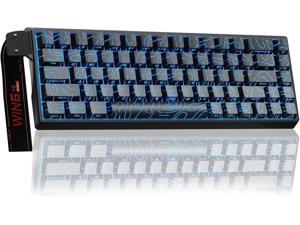
AULA WIN68 HE Mechanical Gaming Keyboard 60%, Hall Effect Magnetic Switch, Fast Trigger ...
- Model #: C5PY-Z0417-98
- Item #: 9SIVSPVKVX1518
- Return Policy: poliothrix0 Return Policy
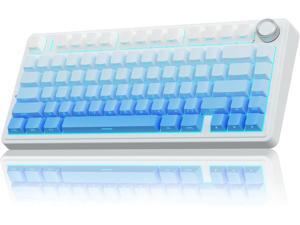
AULA F75 Pro Wireless Mechanical Keyboard,75% Hot Swappable Custom Keyboard,RGB ...
- Model #: C5PY-Z0417-88
- Item #: 9SIVSPVKVX1526
- Return Policy: poliothrix0 Return Policy
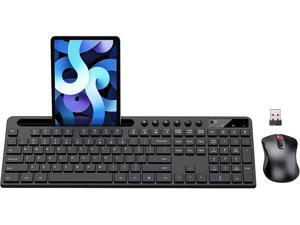
Wireless Keyboard and Mouse Combo, MARVO 2.4G Ergonomic Wireless Computer ...
- Model #: C43K-Z0227-66
- Item #: 9SIVSPVKTV9422
- Return Policy: poliothrix0 Return Policy
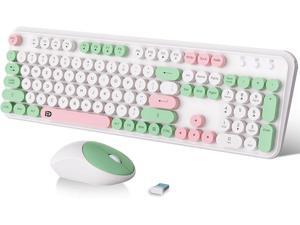
FOPETT 2.4GHz Wireless Keyboard and Mouse Set with Switch Button - Full-Size Keyboard - ...
- Model #: C43K-Z0226-178
- Item #: 9SIVSPVKTV9564
- Return Policy: poliothrix0 Return Policy
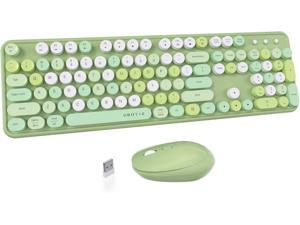
UBOTIE Colorful Computer Wireless Keyboards Mouse Combos, Typewriter Flexible Keys ...
- Model #: C43K-Z0226-47
- Item #: 9SIVSPVKTV9882
- Return Policy: poliothrix0 Return Policy
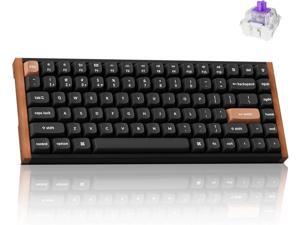
Keychron K2 HE Rapid Trigger Wireless Custom Keyboard with Hall Effect Gateron Double-Rail ...
- Model #: C5PY-Z0417-13
- Item #: 9SIVSPVKVX1935
- Return Policy: poliothrix0 Return Policy
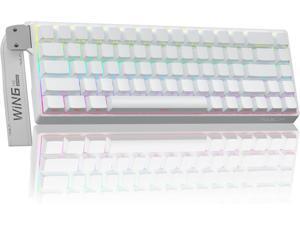
AULA WIN68 HE Mechanical Gaming Keyboard 60%, Hall Effect Magnetic Switch, Fast Trigger ...
- Model #: C5PY-Z0417-100
- Item #: 9SIVSPVKVX1547
- Return Policy: poliothrix0 Return Policy
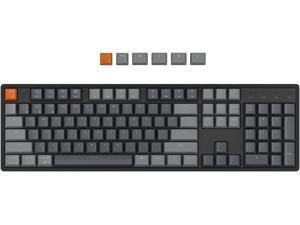
Keychron K10 RGB Full Size Layout Hot-Swappable Mechanical Keyboard for Mac Windows, ...
- Model #: noelspace9382683644216
- Item #: 9SIVM7DKHY1850
- Return Policy: EnYZME Return Policy
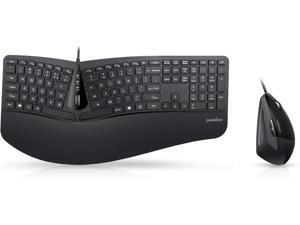
Perixx Periduo-505, Wired USB Ergonomic Split Keyboard and Vertical Mouse Combo with ...
- Model #: BZ59-Z0421-3
- Item #: 9SIVM7DKVW1915
- Return Policy: EnYZME Return Policy
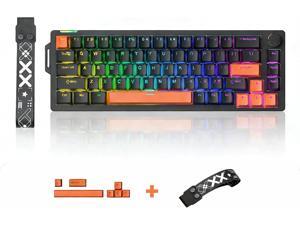
68% Wired Gaming Keyboard with Volume Knob, RGB Backlit, Mechanical Keyboard Gasket ...
- Model #: C5PY-Z0417-152
- Item #: 9SIVSPVKVX1240
- Return Policy: poliothrix0 Return Policy
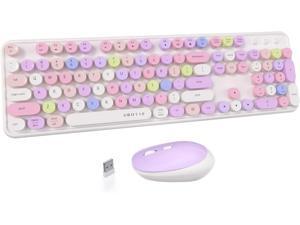
UBOTIE Colorful Computer Wireless Keyboards Mouse Combos, Typewriter Flexible Keys ...
- Model #: C43K-Z0226-123
- Item #: 9SIVSPVKTV9668
- Return Policy: poliothrix0 Return Policy
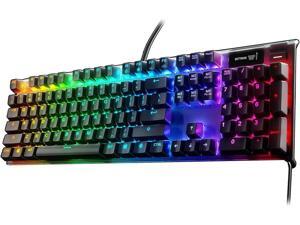
SteelSeries Apex 7 Mechanical Gaming Keyboard - OLED Smart Display - USB Passthrough ...
- Model #: BZ59-1230-Z41
- Item #: 9SIVM7DKR95652
- Return Policy: EnYZME Return Policy
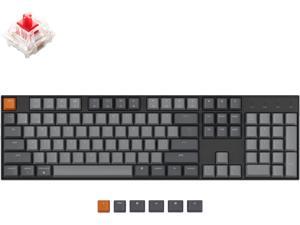
Keychron K10 Full Size 104 Keys Bluetooth Wireless/USB Wired Mechanical Gaming Keyboard ...
- Model #: noelspace9382683645572
- Item #: 9SIVM7DKHY1846
- Return Policy: EnYZME Return Policy
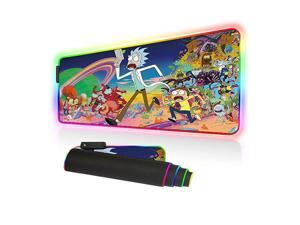
mat RGB Gaming Mouse Pad Large Mouse Mat 315 X 118 Inch Extra LED Extended Mousepad ...
- Model #: RFqSu-B07QLGFG65
- Item #: 9SIVM7DKRD2742
- Return Policy: EnYZME Return Policy
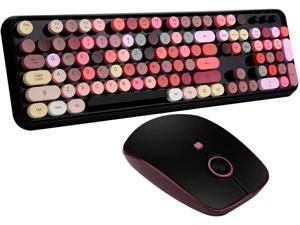
FOPETT Keyboard and Mouse Sets, Wireless, Reliable 2.4 GHz Connectivity for ...
- Model #: C43K-Z0226-177
- Item #: 9SIVSPVKTV9529
- Return Policy: poliothrix0 Return Policy
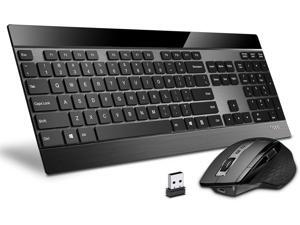
RAPOO Wireless Keyboard and Laser Mouse Combo,Multi Device (Bluetooth 4.0+3.0+2.4G) ...
- Model #: 427528884811LUXGENDGANG
- Item #: 9SIVSTVKVE7670
- Return Policy: Yongxian Pan Business Co., Limited Return Policy
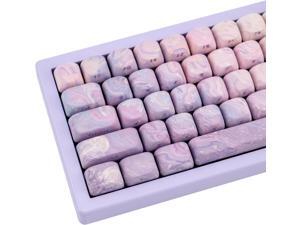
136 Keys Purple MOA Profile Keycap Set, Dye Sub Thick PBT Keycap Round, Custom Side Print ...
- Model #: 427528887416LUXGENDGANG
- Item #: 9SIVSTVKVE8500
- Return Policy: Yongxian Pan Business Co., Limited Return Policy
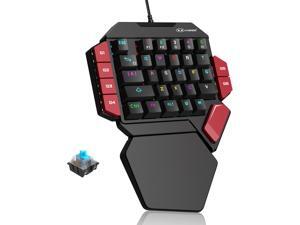
MageGee One Handed Professional Gaming Keyboard, RGB Backlit 35 Keys Mini Wired ...
- Model #: R727252927822412
- Item #: 9SIVT44KVU8600
- Return Policy: meimeiliangshipindian Return Policy
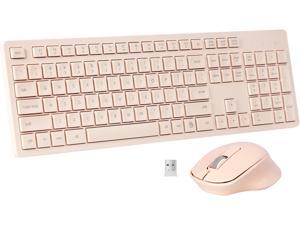
Wireless Keyboard and Mouse Combo, Quiet and Soft 2.4G Full-Size Computer Keyboard and ...
- Model #: 427528889922LUXGENDGANG
- Item #: 9SIVSTVKVD0152
- Return Policy: Yongxian Pan Business Co., Limited Return Policy
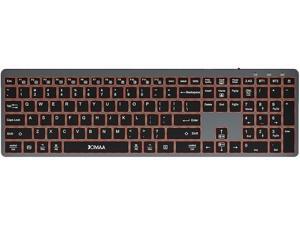
Widely compatible: The folding keyboard and mouse set supports two connection methods: ...
- Model #: C5YJ-H0429-10
- Item #: 9SIVSW2KVZ1497
- Return Policy: QinQinDACANshop Return Policy
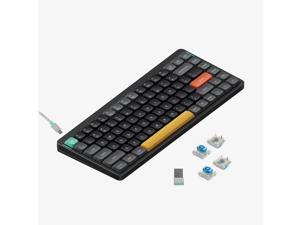
nuphy Air75 V2 Portable 75% Mechanical Keyboard,Wireless Keyboard,Supports ...
- Model #: 427528891062LUXGENDGANG
- Item #: 9SIVSTVKVD0509
- Return Policy: Yongxian Pan Business Co., Limited Return Policy
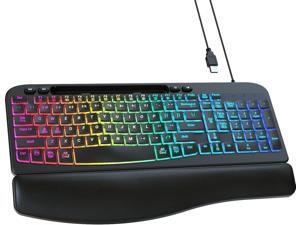
VEILZOR Wired Ergonomic Keyboard, 7-Color Backlit USB Computer Keyboard with Wrist ...
- Model #: 427528897989LUXGENDGANG
- Item #: 9SIVSTVKVD1760
- Return Policy: Yongxian Pan Business Co., Limited Return Policy
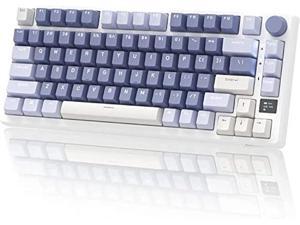
RK ROYAL KLUDGE M75 Mechanical Keyboard 2.4GHz/Bluetooth/USB-C Wired Gaming ...
- Model #: PCMART968662885840
- Item #: 9SIVDVYK5D7972
- Return Policy: PCPLUS Return Policy
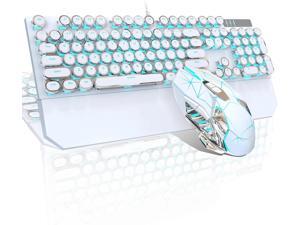
Generic Brand FOR-Typewriter Mechanical Gaming Keyboard and Mouse Combo, RGB ...
- Design Style: Gaming
- Keyboard Color: White
- Brand: Generic
- Type: Wired
- Mouse Included: Yes
- Mouse Color: White
- Mechanical Keyboard: Yes
- Key Switch: Blue Switch
- Model #: 387034861253
- Item #: 9SIVS8XKTY6519
- Return Policy: zijianmaoyigongsi Return Policy
Computer Keyboard Buying Tips
Introduction
Your staff may sometimes be at their workstations for hours on end, which means that they will need to have ergonomic computer keyboards that are adequate for the tasks that they will be performing. Purchasing keyboards with features that your staff will not utilize is not good use of your budget however, and you should try to find a balance between price and features. Below, NeweggBusiness will outline some considerations so that you can decide if they will be of value to your staff.
Connectivity
Keyboards can be connected to computers in one of two ways, wired or wireless. In terms of cost, wired keyboards can be found at much lower prices than wireless keyboards; however wireless keyboards can be used in situations where using wired keyboards would not be practical. Generally, most desktop workstations for completing general office tasks do not require wireless keyboards except in rare cases.
Wired computer keyboards have several advantages over wireless keyboards, including better responsiveness, not requiring additional software, and no need for batteries. Wireless keyboards on the other hand, decrease cable clutter and can be used with media center computers. If the computer will be used from a distance, a wireless keyboard is better than using a wired keyboard with long extension cables.
In addition to computers, keyboards can also be used with tablets to give them laptop-like functionality. For use with tablets, a keyboard will need Bluetooth® functionality, as tablets typically lack support for USB keyboards. Bluetooth keyboards can also be used with laptops and desktops, but they will need to have support for Bluetooth.
Layout
A standard Windows® compatible QWERTY computer keyboard has a 104-key layout, but there are specialized keyboards with additional keys or altered key placement. For example, a standard full-sized QWERTY keyboard will typically have a number pad to the right side of the keyboard but other layouts may drop the number pad in favor of slimmer dimensions.
Then there are multimedia keyboards and gaming keyboards that have programmable buttons, program-specific keys, and more. A standard Windows QWERTY keyboard is more than sufficient for most office tasks, and specialized keyboards are only needed for workstations that will be used for tasks that require those extra keys and functionality.
Ergonomics
Ergonomics are a very important consideration when selecting keyboards to use with your organization’s computers, as poor ergonomics can result in wrist injuries. To alleviate concerns about ergonomics, keyboard manufacturers have designed and market keyboards with comfortable ergonomics in mind. These keyboards typically have designs that split the QWERTY pattern in half and angle them so that the wrist is not bent when typing. Another approach that manufacturers may take to improve ergonomics is including wrist rests, which are often detachable. Ergonomic keyboards are usually more expensive but can reduce injury, so you may want to consider equipping workstations with them if their users will be typing for very long periods of time.

