


Keyboard - Showing 169 - 192 of 5944 Products


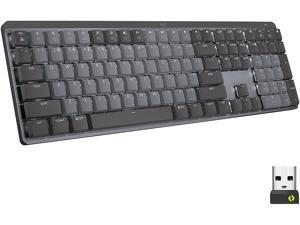

Logitech MX Mechanical Wireless Illuminated Performance Keyboard, Linear Switches, ...
- Keyboard Interface: Bluetooth
- Design Style: Standard
- Keyboard Color: Graphite
- Brand: Logitech
- Name: MX Mechanical
- Type: Bluetooth Wireless
- Dimensions: 17.08" x 5.17" x 1.02"
- Model #: 920-010548
- Item #: 9B-23-126-688
- Return Policy: Standard Return Policy
Logitech MX Mechanical Mini for Mac Wireless Illuminated Keyboard, Low-Profile ...
- Design Style: Mechanical
- Keyboard Color: Space Grey
- Brand: Logitech
- Type: Bluetooth Wireless
- Operating System Supported: Required: Bluetooth Low Energy macOS 10.15 or late iOS 13.4 or late iPadOS 14 or later
- System Requirement: 1 USB Port
- Dimensions: 5.19" x 11.65" x 0.82"
- Model #: 920-010831
- Item #: 9B-23-126-693
- Return Policy: Standard Return Policy
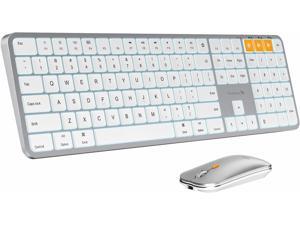
ProtoArc Backlit Bluetooth Keyboard and Mouse for Mac - Multi-Device Wireless Keyboard ...
- Keyboard Interface: Bluetooth
- Keyboard Color: White/Silver
- Brand: Protoarc
- Type: Wireless
- Mouse Included: Yes
- Mouse Interface: Bluetooth
- Mouse Color: Silver
- Model #: CP012798
- Item #: 9B-23-940-003
- Return Policy: Standard Return Policy
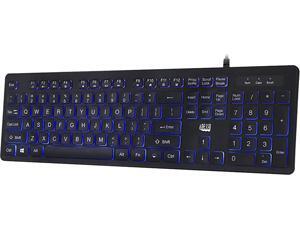
ADESSO AKB-139EB Black 104-key US Layout Normal Keys USB Wired Standard Large Print ...
- Normal Keys: 104-key US Layout
- Operating System Supported: Windows 2000 / XP / Vista / 7 / 8 / 10
- System Requirement: Connectivity Interface: USB
- Dimensions: 1.00" x 18.30" x 7.90"
- Backlit: Blue LED backlight
- Model #: AKB-139EB
- Item #: 9SIV04GJVD1587
- Return Policy: Hot Deals 4 Less Return Policy
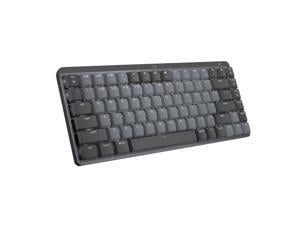
Logitech MX Mechanical Mini Wireless Illuminated Keyboard, Tactile Quiet Switches, Backlit, ...
- Keyboard Interface: Bluetooth
- Design Style: Mechanical
- Keyboard Color: Graphite
- Brand: Logitech
- Name: MX Mini
- Type: Bluetooth Wireless
- Dimensions: 12.30" x 5.17" x 1.02", including keycaps
- Model #: 920-010550
- Item #: 9SIV1WNHXN5178
- Return Policy: TripleNetPricing Return Policy
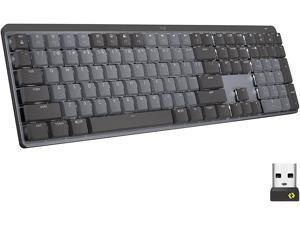
Logitech MX Mechanical Wireless Illuminated Performance Keyboard, Tactile Quiet Switches, ...
- Keyboard Interface: Bluetooth & RF
- Design Style: Standard
- Keyboard Color: Graphite
- Brand: Logitech
- Name: MX Mechanical
- Type: Bluetooth Wireless
- Operating System Supported: Unifying USB Receiver: Windows 10,11 or late macOS 10.15 or late Chrome OS Linux Bluetooth: Windows 10,11 or late macOS 10.15 or late iOS 13.4 or late iPadOS 14 or late Linux Chrome OS Android 5.0 or later
- Model #: 920-010547
- Item #: 9SIVMRNKWT9441
- Return Policy: dnajknwd Return Policy
Logitech MX Mechanical Mini Wireless Illuminated Keyboard, Clicky Switches, Backlit, ...
- Keyboard Interface: Bluetooth
- Design Style: Mechanical
- Keyboard Color: Graphite
- Brand: Logitech
- Name: MX Mini
- Type: Bluetooth Wireless
- Dimensions: 12.30" x 5.17" x 1.02", including keycaps
- Model #: 920-010552
- Item #: 9B-23-126-690
- Return Policy: Standard Return Policy
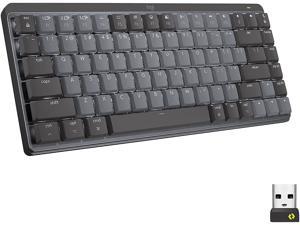
Logitech MX Mechanical Mini Wireless Illuminated Keyboard, Linear Switches, Backlit, ...
- Keyboard Interface: Bluetooth
- Design Style: Mechanical
- Keyboard Color: Graphite
- Brand: Logitech
- Name: MX Mini
- Type: Bluetooth Wireless
- Operating System Supported: Required: Bluetooth Low Energy Windows 10, 11 or later macOS 10.15 or later Chrome OS Linux iOS 13.4 or later iPadOS 14 or later Android 5.0 or later
- Model #: 920-010551
- Item #: 9SIVMRNKWT9443
- Return Policy: dnajknwd Return Policy
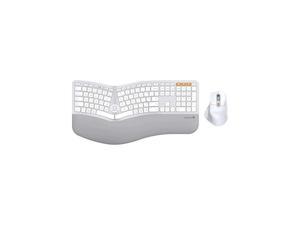
ProtoArc Full Size Wireless Bluetooth Ergo Keyboard Mouse Combo - Split Design, Wrist Rest, ...
- Keyboard Interface: USB
- Design Style: Ergonomic
- Keyboard Color: Silver
- Brand: Protoarc
- Type: Wireless
- Mouse Included: Yes
- Mouse Interface: Bluetooth
- Model #: CP015758
- Item #: 9B-23-940-004
- Return Policy: Standard Return Policy
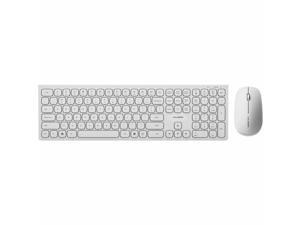
Alogic USB-C Rechargeable Wireless Mouse and Keyboard for Windows - USB Type A Wireless ...
- Power Source: Lithium-ion Rechargeable Battery
- Model #: ASKBT3WCWH
- Item #: 9B-0GA-096M-00012
- Return Policy: Standard Return Policy
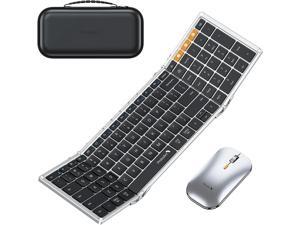
ProtoArc Tri-Fold Bluetooth Keyboard and Mouse Combo - Full-Size Folding for Business ...
- Keyboard Interface: USB
- Keyboard Color: Black/Silver
- Brand: Protoarc
- Type: Wireless
- Mouse Included: Yes
- Mouse Interface: Bluetooth
- Mouse Color: Silver
- Model #: CP015409
- Item #: 9B-23-940-001
- Return Policy: Standard Return Policy
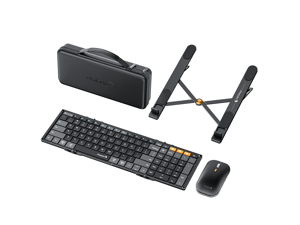
ProtoArc Tri-Fold Wireless Keyboard Mouse Combo with Laptop Stand -portable Bluetooth, ...
- Keyboard Interface: USB
- Keyboard Color: Black
- Brand: Protoarc
- Type: Wireless
- Mouse Included: Yes
- Mouse Interface: Bluetooth
- Mouse Color: Black
- Model #: CP015682
- Item #: 9B-23-940-002
- Return Policy: Standard Return Policy
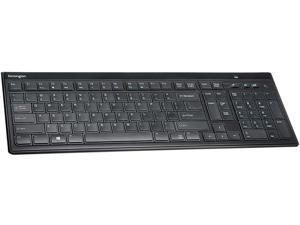
SLIM TYPE WRLS KEYBOARD
- Model #: K72344US
- Item #: 9SIV0F2KGP5435
- Return Policy: TELeasy Return Policy
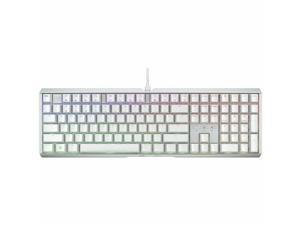
CHERRY MX 3.1 Wired Gaming Keyboard - White aluminum housing, MX2A RED RGB Switch, ...
- Brand: CHERRY
- Model #: G80-3890HJAUS-0
- Item #: 9B-0GA-0047-005B9
- Return Policy: Standard Return Policy
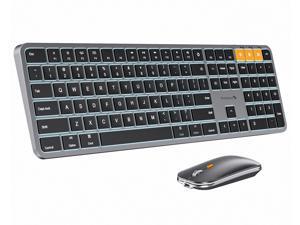
ProtoArc Backlit Bluetooth Keyboard and Mouse for Mac - Multi-Device Wireless Keyboard ...
- Keyboard Interface: Bluetooth
- Keyboard Color: Space Gray
- Brand: Protoarc
- Type: Wireless
- Mouse Included: Yes
- Mouse Interface: Bluetooth
- Hand Orientation: Both Hands
- Model #: CP014528
- Item #: 9B-23-940-005
- Return Policy: Standard Return Policy
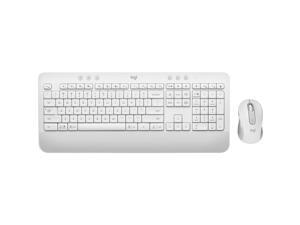
Logitech Signature MK650 Combo for Business Wireless Mouse and Keyboard Off-White ...
- Keyboard Color: White
- Brand: Logitech
- Type: Wireless
- Model #: 920011018
- Item #: 9SIV1DSKEA3562
- Return Policy: NothingButSavings Return Policy
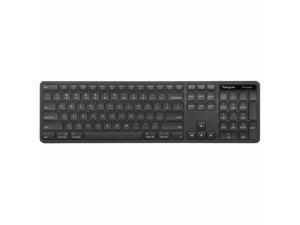
Targus Full-Size Wireless EcoSmart Keyboard AKB873US
- Brand: Targus
- Type: RF Wireless
- Model #: AKB873US
- Item #: 9SIV1DSKAE0548
- Return Policy: NothingButSavings Return Policy

Logitech MX Mechanical Wireless Illuminated Performance Keyboard, Clicky Switches, ...
- Keyboard Interface: Bluetooth
- Design Style: Standard
- Keyboard Color: Graphite
- Brand: Logitech
- Name: MX Mechanical
- Type: Bluetooth Wireless
- Model #: 920-010549
- Item #: 9B-23-126-687
- Return Policy: Standard Return Policy
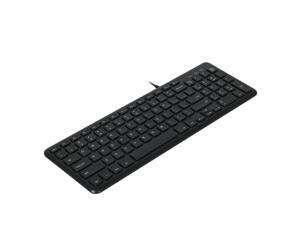
Matias Compact Financial Keyboard for PC Model FK310PCBB
- Model #: FK310PCBB
- Item #: 9B-0GA-000E-000R4
- Return Policy: Standard Return Policy
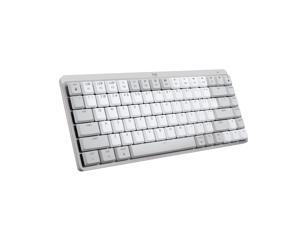
Logitech MX Mechanical Mini for Mac Wireless Illuminated Keyboard, Low-Profile ...
- Design Style: Mechanical
- Keyboard Color: Pale Gray
- Brand: Logitech
- Type: Bluetooth Wireless
- Operating System Supported: Required: Bluetooth Low Energy macOS 10.15 or later iOS 13.4 or later iPadOS 14 or later
- System Requirement: 1 USB Port
- Dimensions: 5.19" x 11.65" x 0.82"
- Model #: 920-010553
- Item #: 9B-23-126-692
- Return Policy: Standard Return Policy
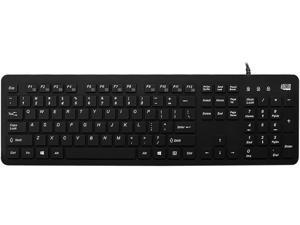
Adesso Antimicrobial Waterproof Desktop Keyboard Keyboard
- Parts: 1 Year
- Model #: AKB-235UB
- Item #: 9SIV1WNJJ16436
- Return Policy: TripleNetPricing Return Policy
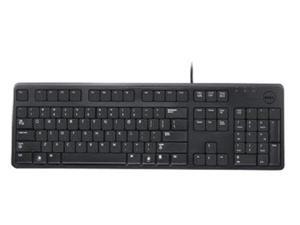

DELL - IMSOURCING DJ454 104KEY USB 469-2457
- Model #: DJ454
- Item #: 9B-0GA-002N-005F3
- Return Policy: Standard Return Policy
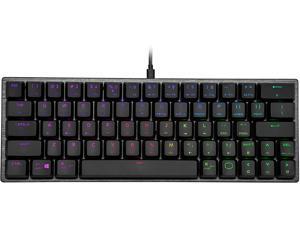

Cooler Master SK620 60% Mechanical Keyboard with Low Profile Brown Switches, New and ...
- Keyboard Interface: USB
- Design Style: Tenkeyless
- Keyboard Color: Gunmetal Gray
- Brand: Cooler Master
- Name: SK620
- Type: Wired
- Model #: SK-620-GKTM1-US
- Item #: 9B-23-129-115
- Return Policy: Standard Return Policy
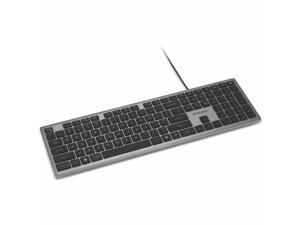
Kensington KB515 EQ Wired Keyboard - Cable Connectivity - Full-size - USB Type A, USB Type C ...
- Keyboard Color: Gray
- Brand: Kensington
- Type: Wired
- Mouse Color: Gray
- Power Source: Wired
- Parts: 3 Year
- Model #: K75410NA
- Item #: 9B-0GA-001J-005Z8
- Return Policy: Standard Return Policy
Computer Keyboard Buying Tips
Introduction
Your staff may sometimes be at their workstations for hours on end, which means that they will need to have ergonomic computer keyboards that are adequate for the tasks that they will be performing. Purchasing keyboards with features that your staff will not utilize is not good use of your budget however, and you should try to find a balance between price and features. Below, NeweggBusiness will outline some considerations so that you can decide if they will be of value to your staff.
Connectivity
Keyboards can be connected to computers in one of two ways, wired or wireless. In terms of cost, wired keyboards can be found at much lower prices than wireless keyboards; however wireless keyboards can be used in situations where using wired keyboards would not be practical. Generally, most desktop workstations for completing general office tasks do not require wireless keyboards except in rare cases.
Wired computer keyboards have several advantages over wireless keyboards, including better responsiveness, not requiring additional software, and no need for batteries. Wireless keyboards on the other hand, decrease cable clutter and can be used with media center computers. If the computer will be used from a distance, a wireless keyboard is better than using a wired keyboard with long extension cables.
In addition to computers, keyboards can also be used with tablets to give them laptop-like functionality. For use with tablets, a keyboard will need Bluetooth® functionality, as tablets typically lack support for USB keyboards. Bluetooth keyboards can also be used with laptops and desktops, but they will need to have support for Bluetooth.
Layout
A standard Windows® compatible QWERTY computer keyboard has a 104-key layout, but there are specialized keyboards with additional keys or altered key placement. For example, a standard full-sized QWERTY keyboard will typically have a number pad to the right side of the keyboard but other layouts may drop the number pad in favor of slimmer dimensions.
Then there are multimedia keyboards and gaming keyboards that have programmable buttons, program-specific keys, and more. A standard Windows QWERTY keyboard is more than sufficient for most office tasks, and specialized keyboards are only needed for workstations that will be used for tasks that require those extra keys and functionality.
Ergonomics
Ergonomics are a very important consideration when selecting keyboards to use with your organization’s computers, as poor ergonomics can result in wrist injuries. To alleviate concerns about ergonomics, keyboard manufacturers have designed and market keyboards with comfortable ergonomics in mind. These keyboards typically have designs that split the QWERTY pattern in half and angle them so that the wrist is not bent when typing. Another approach that manufacturers may take to improve ergonomics is including wrist rests, which are often detachable. Ergonomic keyboards are usually more expensive but can reduce injury, so you may want to consider equipping workstations with them if their users will be typing for very long periods of time.

