


Computer Monitor - Showing 577 - 600 of 2710 Products
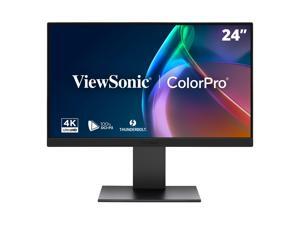
ViewSonic VP2488-4K 24 Inch 4K Mac-Ready Monitor with 100%sRGB, 98% DCI-P3, Pantone ...
- Refresh Rate: 60Hz
- Display Colors: 1.07 Billion
- Brand: ViewSonic
- Model: VP2488-4K
- Cabinet Color: Black
- Screen Size: 24"
- Response Time: 5ms
- LED Backlight: IPS/WLED
- Model #: VP2488-4K
- Item #: 9SIVHNDKJM2293
- Return Policy: ViewSonic Return Policy

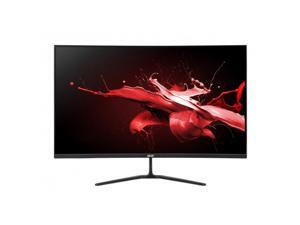

Acer Nitro ED320Q 31.5" Curved Full HD 1500R 1ms 240Hz Widescreen Gaming Monitor - AMD ...
- Cabinet Color: Black
- Model #: UM.JE0AA.201
- Item #: 9SIV009KD51088
- Return Policy: Antonline.com Return Policy
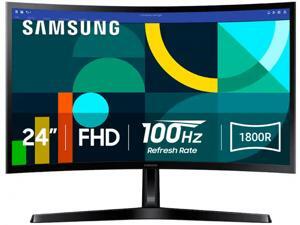

Samsung S3 24" Full HD 100Hz with AMD FreeSync 1800R Curved Computer Monitor for both ...
- Resolution: 1920 x 1080
- Refresh Rate: 100Hz
- Display Colors: 16.7 Million
- Brand: SAMSUNG
- Series: S3
- Cabinet Color: Black
- Screen Size: 24"
- Response Time: 4 ms
- Model #: LS24D368GANXZA
- Item #: 9SIV1DSKEH2856
- Return Policy: NothingButSavings Return Policy
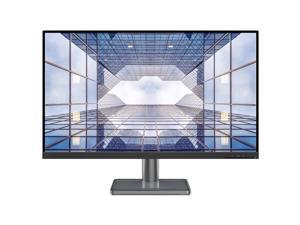

Lenovo L32p-30 31.5-inch IPS 4K 60Hz USB-C Monitor
- Resolution: 3840 x 2160 (4K)
- Refresh Rate: 60Hz
- Display Colors: 1.07 Billion
- Brand: Lenovo
- Series: Lenovo L32p-30
- Cabinet Color: N/A
- Screen Size: 31.5"
- Response Time: 4 ms
- Model #: 66C9UCC1US
- Item #: 9SIV1DSKC74638
- Return Policy: NothingButSavings Return Policy
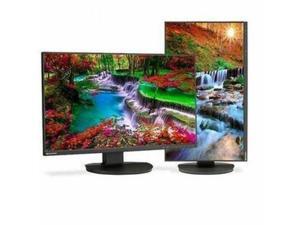
Sharp MultiSync DD-EA271F 27" Class Full HD LED Monitor - 16:9 - Black - 27" Viewable - ...
- Screen Size: 27"
- HDMI: Yes
- Parts: 3 Year
- Model #: DD-EA271F
- Item #: 9SIV009KN23359
- Return Policy: Antonline.com Return Policy
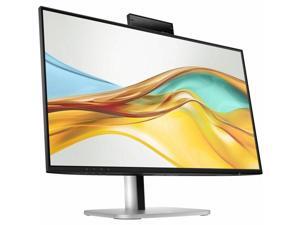

HP 524pm 24" Class Full HD LCD Monitor - 16:9 - 23.8" Viewable - 1920 x 1080
- Model #: 9E0G9UT#ABA
- Item #: 9SIV009KEK7637
- Return Policy: Antonline.com Return Policy
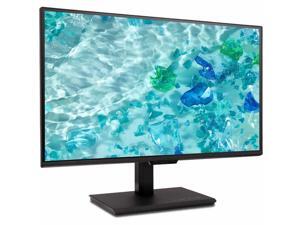
Acer Vero B248Y G 24" Class LCD Monitor 16:9 Black UMQB8AAG02
- Brand: Acer
- Screen Size: 24"
- Model #:
- Item #: 9SIV1DSKFP3867
- Return Policy: NothingButSavings Return Policy
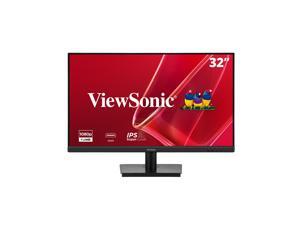
ViewSonic VA3209M 32 Inch IPS Full HD 1080p Monitor with Frameless Design, 75 Hz, Dual ...
- Resolution: 1920 x 1080
- Refresh Rate: 75Hz
- Display Colors: 16.7 Million
- Brand: ViewSonic
- Model: VA3209M
- Cabinet Color: Black
- Screen Size: 32"
- Response Time: 4ms
- Model #: VA3209M
- Item #: 9SIV1DSKAD5502
- Return Policy: NothingButSavings Return Policy
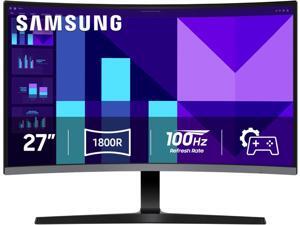
Samsung S3 27 inch Full HD 100Hz with AMD FreeSync 1800R Curved Computer Monitor for ...
- Resolution: 1920 x 1080
- Refresh Rate: 100Hz
- Display Colors: 16.7 Million
- Brand: SAMSUNG
- Series: S3
- Cabinet Color: Black
- Screen Size: 27"
- Response Time: 4 ms
- Model #: LS27D368GANXZA
- Item #: 9SIV1DSKN11067
- Return Policy: NothingButSavings Return Policy
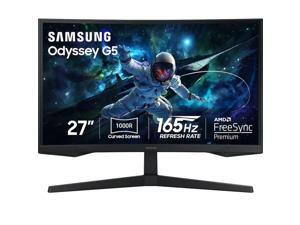
SAMSUNG 27 inch Odyssey G5 QHD 2K 1440P 165Hz with AMD FreeSync Premium 1ms HDR10 ...
- Screen Size: 27"
- Refresh Rate: 165Hz
- Resolution: 2560 x 1440 (2K)
- Response Time: 1 ms
- Display Colors: 16.7 Million
- Panel: VA
- Aspect Ratio: 16:9
- Curved Surface Screen: Curved
- Model #: LS27CG552ENXZA
- Item #: 9SIV1DSKAE3015
- Return Policy: NothingButSavings Return Policy
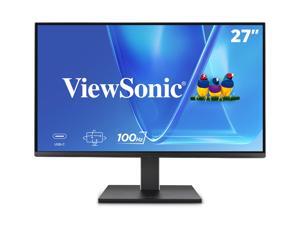
ViewSonic VG2752-2K 27" IPS 1440p Ergonomic Monitor with Tilt, Swivel, Pivot, Height Adjust, ...
- Refresh Rate: 100Hz
- Display Colors: 16.7 Million
- Brand: ViewSonic
- Model: VG2752-2K
- Cabinet Color: Black
- Screen Size: 27"
- Response Time: 5ms
- LED Backlight: IPS/WLED
- Model #: VG2752-2K
- Item #: 9SIVHNDKEH0284
- Return Policy: ViewSonic Return Policy
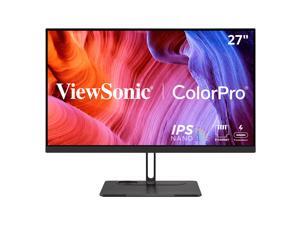
ViewSonic VP2776T-4K 27 Inch 4K UHD IPS Monitor with Advanced Ergonomics, Thunderbolt ...
- Refresh Rate: 60Hz
- Display Colors: 1.07 Billion
- Brand: ViewSonic
- Cabinet Color: Black
- Screen Size: 27"
- Response Time: 5ms
- LED Backlight: IPS/WLED
- Model #: VP2776T-4K
- Item #: 9SIVHNDKCK9700
- Return Policy: ViewSonic Return Policy
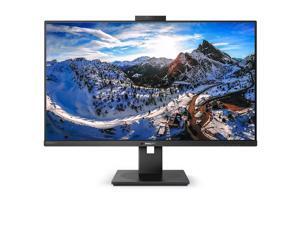
Philips 32" (31.5" Viewable) 4K UHD WLED LCD Monitor - 16:9 - 60 Hz - 32" Class - In-plane ...
- Resolution: 3840 x 2160 (4K)
- Refresh Rate: 60Hz
- Display Colors: 1.07 Billion
- Brand: PHILIPS
- Cabinet Color: Black
- Screen Size: 31.5"
- Response Time: 4 ms (Gray to Gray)
- Widescreen: Yes
- Model #: 329P1H
- Item #: 9SIV1DSKAE2688
- Return Policy: NothingButSavings Return Policy
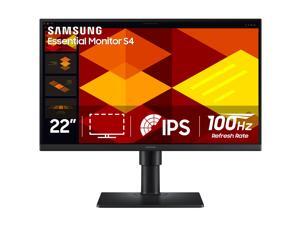
Samsung Essential S4 S22D402GAN 22" Class Full HD LCD Monitor 16:9 Black
- Brand: Samsung Commercial
- Screen Size: 22"
- Model #: LS22D402GANXGO
- Item #: 9SIV009KJB3660
- Return Policy: Antonline.com Return Policy
Acer UT272 27" Class Full HD LED Monitor 16:9 Black
- Brand: Acer
- Screen Size: 27"
- Model #:
- Item #: 9SIV1DSKM80235
- Return Policy: NothingButSavings Return Policy
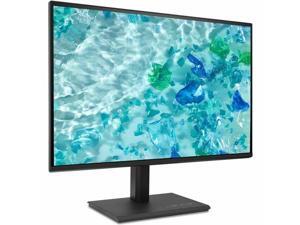
Acer Vero B277 G 27" Class LCD Monitor - 16:9 - Black - 27" Viewable - 250 Nit - 4 ms - Speakers - ...
- Brand: Acer
- Cabinet Color: Black
- Screen Size: 27"
- Response Time: 4 milliseconds
- Widescreen: 16:9
- HDMI: Yes
- Brightness: 856.5
- Glare Screen: Anti-glare
- Model #: UM.HB7AA.G01
- Item #: 9SIV1DSKE82849
- Return Policy: NothingButSavings Return Policy
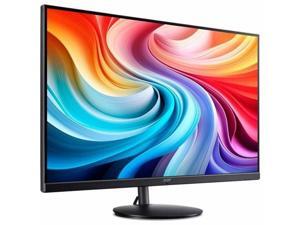
Acer EB321HQU C3 32" Class LED Monitor - 16:9 - Black - 31.5" Viewable - 350 Nit - 1 ms - ...
- Cabinet Color: Black
- HDMI: Yes
- Model #: UM.JE1AA.301
- Item #: 9SIV1DSKE82943
- Return Policy: NothingButSavings Return Policy


LG 43UH5N-M UHD Signage - 43" LCD - In-plane Switching (IPS) Technology - 24 Hours/7 Days ...
- Brand: LG
- Screen Size: 43"
- HDMI: Yes
- Model #: 43UH5N-M
- Item #: 9SIV009KJC8878
- Return Policy: Antonline.com Return Policy
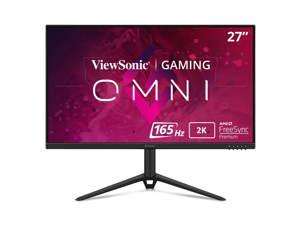
ViewSonic OMNI VX2728J-2K 27 Inch Gaming Monitor QHD 2560 x 1440 (2K) 165Hz 1ms IPS w/ ...
- Screen Size: 27"
- Refresh Rate: 165Hz
- Resolution: 2560 x 1440 (2K)
- Response Time: 2.5ms
- Monitor Pixel Density: 0.233mm
- Display Colors: 10 bit (8 bit + FRC)
- Panel: IPS
- Aspect Ratio: 16:9
- Model #: VX2728J-2K
- Item #: 9SIV009JSY2452
- Return Policy: Antonline.com Return Policy
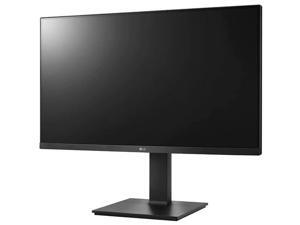
LG 27BP450Y-I 27'' IPS FHD Monitor with Adjustable Stand & Wall Mountable
- Resolution: 1920 x 1080
- Monitor Pixel Density: 0.3114mm
- Display Colors: 16.7 Million
- Brand: LG
- Cabinet Color: Black
- Screen Size: 27"
- Response Time: 5 ms
- Widescreen: Yes
- Model #: 27BP450Y-I
- Item #: 9SIV1DSKAE0323
- Return Policy: NothingButSavings Return Policy
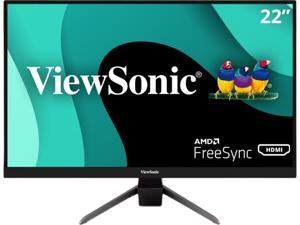
ViewSonic VX2267-MHD 22 Inch 1080p Gaming Monitor with 75Hz, 1ms, Ultra-Thin Bezels, ...
- Screen Size: 22" (21.5" Viewable)
- Refresh Rate: 75Hz
- Resolution: 1920 x 1080
- Response Time: 1 ms (MPRT)
- Display Colors: 16.7 Million
- Panel: MVA
- Aspect Ratio: 16:9
- Curved Surface Screen: Anti-glare
- Model #: VX2267-MHD
- Item #: 9SIVHNDKCK9481
- Return Policy: ViewSonic Return Policy
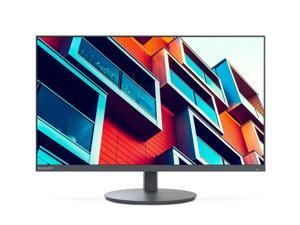
Sharp DD-E224FL 22" FHD Business-Class Desktop Monitor, USB-C (60W) and LAN ...
- Brand: SHARP
- Cabinet Color: Black
- Screen Size: 22
- Response Time: 6 milliseconds
- Widescreen: 16:9
- HDMI: Yes
- Aspect Ratio: 16:9
- Maximum Resolution: 1920 x 1080
- Model #: DD-E224FL
- Item #: 9SIV009KRX4811
- Return Policy: Antonline.com Return Policy
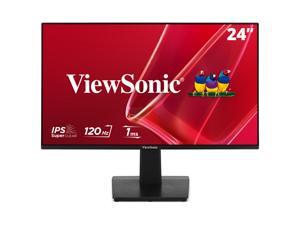
ViewSonic VA2448-MH 24 Inch Full HD 1080p IPS Monitor with 120Hz, Variable Refresh Rate, ...
- Refresh Rate: 120Hz
- Display Colors: 16.7 Million
- Brand: ViewSonic
- Model: VA2448-MH
- Cabinet Color: Black
- Screen Size: 24"
- Response Time: 4ms
- HDMI: 1
- Model #: VA2448-MH
- Item #: 9SIVHNDKMV2412
- Return Policy: ViewSonic Return Policy
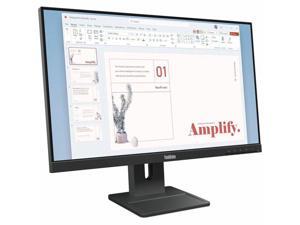
Lenovo ThinkVision E24-40 24" Class Full HD LED Monitor 16:9 Raven Black
- Brand: Lenovo
- Screen Size: 23.8"
- Model #: 198158449960
- Item #: 9SIV04ZKN58806
- Return Policy: IPC Store Return Policy
LCD Monitor Terms Explained
Introduction
Perhaps your organization is finally ready to switch from CRT monitors to LCD monitors or just needs additional computer monitors. Either way, shopping for a new LCD monitor is a process that will require a little bit of research. You will need to learn what certain specifications mean and why they matter to your staff. To expedite the learning process, NeweggBusiness has compiled the most common technical terms that you should know.
Common LCD Monitor Terms
Resolution
It is defined as the amount of pixels a monitor can display and given as a measurement of horizontal by vertical pixels. For example, if a display as a resolution of 1920 × 1080, it means that horizontally it is 1920 pixels long and vertically it is 1080 pixels long. The higher a monitor’s resolution, the more details it can display.
Most new 22” to 27” LCD monitors have 1920 × 1080 resolutions, though some 27” monitors have 2560 × 1440 resolutions. Monitors smaller than 22” often have 1600 × 900 resolutions, which is adequate for most office tasks such as data entry and word processing.
Contrast ratio
Contrast ratio is a measurement of the difference between the lightest and darkest colors that a monitor can display. A higher contrast ratio monitor is capable of producing darker blacks and truer whites. For computer LCD monitors, contrast ratio is given as a ratio, such as 800:1 or 40,000:1.
Backlighting
In your search for a computer LCD monitor, you may see some marketed as being LED monitors, which actually is in reference to the type of backlighting used. The term was originally used to differentiate LCD monitors that used LED backlighting from LCD monitors that used cold-cathode fluorescent lamps (CCFL) backlighting.
Response Time
Defined as the time required for a pixel to change from one color to another and then back again. It is measured in milliseconds (ms), with lower response times being better. The lower a monitor’s response time, the quicker it can update the images displayed on screen.
Viewing Angles
If you have ever looked at a computer LCD monitor from an extreme angle, you may notice that the colors may not look correct. You can see this when you look at a monitor straight on and slowly move to its sides. When you do so, you will eventually notice that the colors shift and the screen darken. A monitor’s viewing angles rating describes how wide of an angle the monitor will display accurate colors. The higher a monitor’s rated viewing angles, the further away from center you can still see colors accurately.
Refresh rate
It is defined as the number of times in a second a monitor refreshes the image it displays. The higher the number, the more often the monitor refreshes the display. It is most relevant when viewing fast-changing content, such as a movie. Most computer LCD monitors have a standard 60 hertz refresh rate while some high-end monitors are marketed as having 120 hertz.
Panel Technology
There are four major types of panel technologies that are used in modern LCD monitors, which NeweggBusiness will describe below.
Twisted nematic (TN)
The most common type of flat panel monitor, a TN display typically has fast response times and lower cost compared to the other panels. Their main disadvantages include narrow viewing angles, low brightness, and poor color accuracy relative to the other three panel technologies. Because color accuracy is not as great as the other three, professionals that require accurate color reproduction should look at other panel technologies.
Vertical Alignment (VA)
Computer screens that utilize VA panel technology have better viewing angles and color accuracy than TN displays but suffer from high response times. They also tend to be more expensive than TN panels.
In-Plane Switching (IPS)
Flat screen monitors that use IPS panels can be some of the most expensive, but they have very wide viewing angles and arguably the best color accuracy. A good choice for professionals that require accurate color reproduction, such as photographers, designers, and artists.
Plane-Line Switching (PLS)
A new panel technology developed and patented by Samsung, it has the wide viewing angles and high color accuracy of an IPS monitor with even higher maximum brightness. PLS monitors are an alternative to IPS monitors, but few companies currently utilize this Samsung-patented panel technology in their computer LCD monitors.

