


Mouse - Showing 1657 - 1680 of 21916 Products


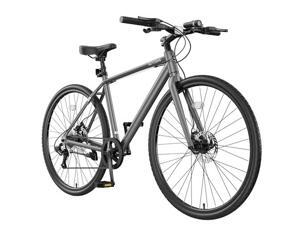
MOONCOOL Hybrid Bike for Men, 700C Aluminum 29LB Ultra-Light 8 Speed Commuter Bike, ...
- Model #: C6TY-H0515-959
- Item #: 9SIVTDWKX69326
- Return Policy: Yerllnikret Return Policy
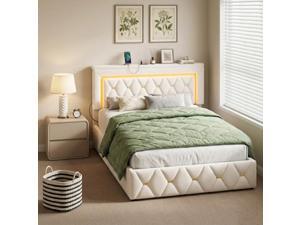
Homkdom Full Bed Frame with 4 Storage Drawers & Adjustable Tall Headboard,Soft Velvet Bed ...
- Model #: C6TY-H0515-375
- Item #: 9SIVTDWKX70716
- Return Policy: Yerllnikret Return Policy
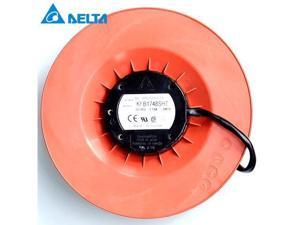
Delta 172*172*69mm KFB1748SHT 17CM 48V 1.74A air volume pressurized wind plate
- Model #: C5JS-Z05143821
- Item #: 9SIVSKVKX73810
- Return Policy: JuWeiWangLuo Return Policy
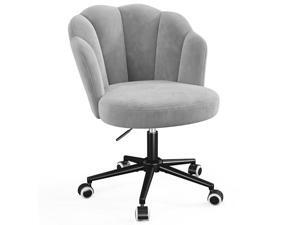
Homkdom Desk Chair with Wheels, Comfy Petal Vanity Chair with Back, Armless & 360° Swivel ...
- Model #: C6TY-H0515-301
- Item #: 9SIVTDWKX71121
- Return Policy: Yerllnikret Return Policy
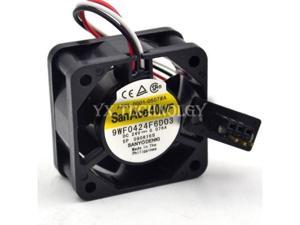
9WF0424F6D03 24V 0.076A 4020 waterproof Fanuc fan 40*40*20mm
- Model #: C5JS-Z05144171
- Item #: 9SIVSKVKX72132
- Return Policy: JuWeiWangLuo Return Policy
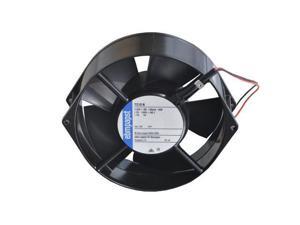
7210N 7210N-70181 7210N-181 Germany ebmpaps brand new original track fan
- Model #: C5JS-Z05144340
- Item #: 9SIVSKVKX71689
- Return Policy: JuWeiWangLuo Return Policy
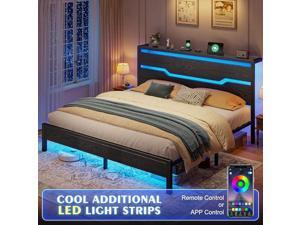
Homkdom King Size Bed Frame with LED Lights & Charging Station, King Bed Frame and ...
- Model #: C6TY-H0515-319
- Item #: 9SIVTDWKX71051
- Return Policy: Yerllnikret Return Policy
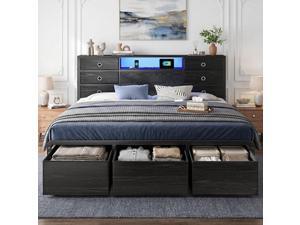
Homkdom King Size Bed Frame with 9 Fabric Drawers Storage, Charging Station & LED Lights, ...
- Model #: C6TY-H0515-288
- Item #: 9SIVTDWKX71334
- Return Policy: Yerllnikret Return Policy
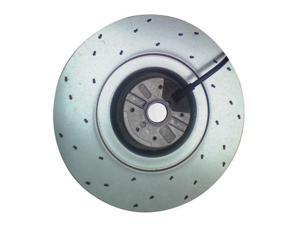
R2E225-AX52-05 brand new original centrifugal fan inverter cooling
- Model #: C5JS-Z05144257
- Item #: 9SIVSKVKX71687
- Return Policy: JuWeiWangLuo Return Policy
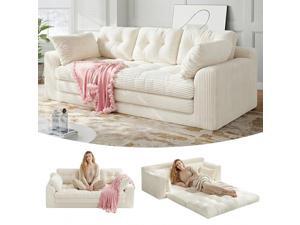
Homkdom 3 Seater Convertible Folding Sofa Bed, Pull Out Sleeper Sofa with Pillows,Foldable ...
- Model #: C6TY-H0515-237
- Item #: 9SIVTDWKX71359
- Return Policy: Yerllnikret Return Policy
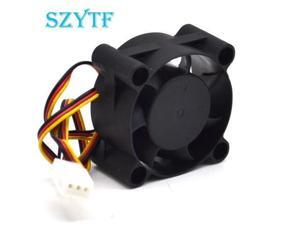
4020HH12B-NF4 DC12V 0.24A double ball 3 wire 40*40*20MM cooling fan 100 pcs/lot
- Model #: C5JS-Z05144206
- Item #: 9SIVSKVKX72020
- Return Policy: JuWeiWangLuo Return Policy
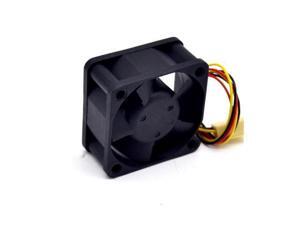
50 pcs \/lot FD124020EB 4020 12V super durable double ball bearing fan 40*40*20mm
- Model #: C5JS-Z05144200
- Item #: 9SIVSKVKX72105
- Return Policy: JuWeiWangLuo Return Policy
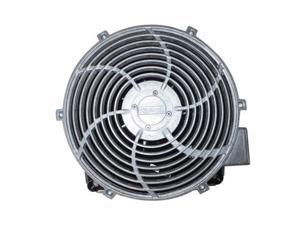
Germany original authentic quality inverter cabinet fan W2D270-EB26-08
- Model #: C5JS-Z05144190
- Item #: 9SIVSKVKX72088
- Return Policy: JuWeiWangLuo Return Policy
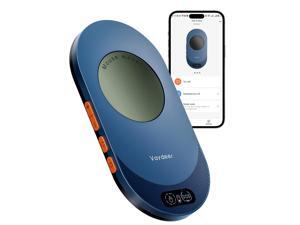
Air 3 Ultra Mouse Mover with APP, Ultra Slim Mouse Jiggler with Timer Function, Undetectable & ...
- Brand: HP
- Name: Air 1, FM9048
- Color: Black
- Scrolling Capability: Touch Scroll
- Hand Orientation: Right Hand
- Power Supply: Wired
- Part Number: Air 1
- Version: 1 PCS
- Model #: 664855586928
- Item #: 9SIVSMTKWV3531
- Return Policy: AnLiOuMaoYi Return Policy
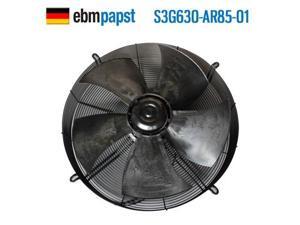
New spot ebmpapst S3G630-AR85-01 380V 970W outer rotor waterproof fan 630MM 970W ...
- Model #: C5JS-Z05144010
- Item #: 9SIVSKVKX73069
- Return Policy: JuWeiWangLuo Return Policy
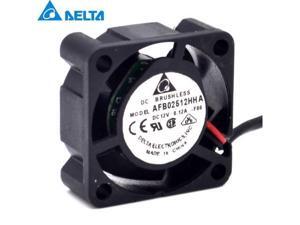
Delta AFB02512HHA 2.5CM 12V 0.12A cooling Fan SUN 370-5126 V240 V210 ...
- Model #: C5JS-Z05144215
- Item #: 9SIVSKVKX72011
- Return Policy: JuWeiWangLuo Return Policy
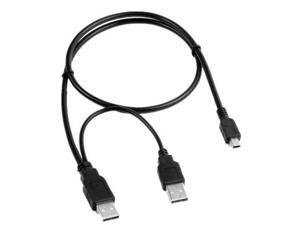
FOR USB male to USB male /mini 5pin male Y PC +Data SYNC Cable Cord For eGo USB 2.0 ...
- Model #: C5KU.0421540
- Item #: 9SIVSMNKVH3845
- Return Policy: nonstop_7 Return Policy
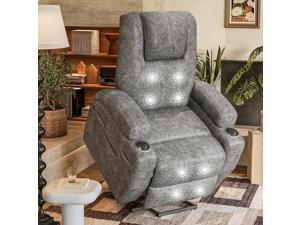
Electric Power Lift Recliner Chair with Massage for Elderly Corduroy Fabric Recliner Single Sofa ...
- Model #: C6TY-H05140814
- Item #: 9SIVTDWKX77697
- Return Policy: Yerllnikret Return Policy
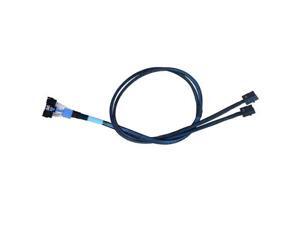
MCIO x8 to 2*MINISAS-HDX4, SFF-TA-1016 74Pin to 2*SFF-8643 36Pin,PCIe Gen4 Mini ...
- Model #: C5KU.0427789
- Item #: 9SIVSMNKVV9797
- Return Policy: nonstop_7 Return Policy
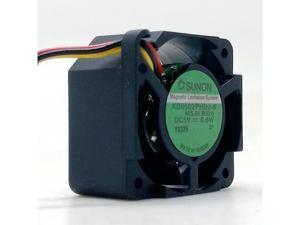
For Sunon KD0502PHB2-8 DC5V 0.6W 25x25x15MM 2.5cm 3Lines Tachometer Signal ...
- Model #: C5KU.0427211
- Item #: 9SIVSMNKVW1149
- Return Policy: nonstop_7 Return Policy
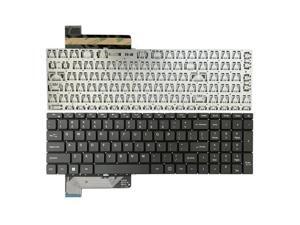
Keyboard for Gateway GWNC31514 GWNC31514-Black color GWNC31514-BL N15CS9 ...
- Model #: C5JS-Z05142745
- Item #: 9SIVSKVKX77691
- Return Policy: JuWeiWangLuo Return Policy
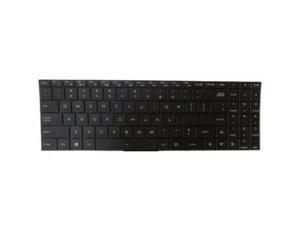
Laptop Keyboard For Tongfang GM7TN8P GM7TN0P English US No Backlit Black
- Model #: C5JS-Z05142869
- Item #: 9SIVSKVKX77383
- Return Policy: JuWeiWangLuo Return Policy
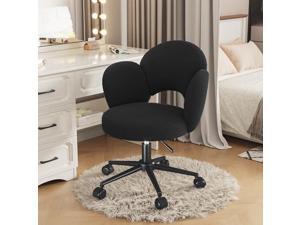
Homkdom Petal Vanity Chair, Black Vanity Chair with Wheels & Lumbar Support, Height ...
- Model #: C6TY-H0515-409
- Item #: 9SIVTDWKX70557
- Return Policy: Yerllnikret Return Policy
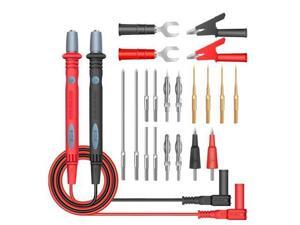
ANENG PT1028 1000V 22In 1 Multi-Function Multimeter Leads Combination Test Cable ...
- Model #: C5KU.0427688
- Item #: 9SIVSMNKVW0092
- Return Policy: nonstop_7 Return Policy
Considerations for Buying Computer Mice
Introduction
Like a keyboard, a computer mouse is an essential device for any workstation, even though touchscreen input is becoming more popular. However, with so many different features and types of mice available, you may be wondering which ones are essential for your staff and which ones are unneeded. Below, NeweggBusiness will go over some common considerations when purchasing computer mice.
Optical Technology
There are two major types of optical technology used in mice today, LED and laser. Neither is better than the other, as they are ideal for different types of users.
LED
An LED mouse usually costs less than a laser mouse, but may have slightly lower dots per inch (DPI) and is not as capable on shiny, black, and transparent surfaces. Sensitivity for an optical mouse typically ranges from 400 to 800 DPI, which is more than adequate for most tasks such as internet browsing, checking e-mail, or data entry.
Laser
One major advantage of a laser mouse is sensitivity, which can reach up to several thousand DPI. Also, laser mice can be used with a wider variety of surfaces than LED mice. So while an LED mouse may struggle with shiny, black, or glass surfaces, a laser mouse has no trouble. However, one downside is that laser mice typically cost more than most LED mice.
Connectivity
There are two types of connectivity for mice, wired and wireless. Users often debate over which type is superior, but to definitely declare that one is superior to the other is a difficult. Similar to the distinction between laser and LED, wired and wireless mice appeal to different types of users.
Wired
Some of the advantages of purchasing wired mice include lower cost, no worries about batteries, and no worries about wireless interference. It is the ideal option for staff that do not travel with their computers or mice in tow. If your staff do not have unused USB ports on their computers, consider equipping them with accessories such as USB hubs or Bluetooth dongles so that they can use Bluetooth mice.
Wireless
Wireless mice can potentially have issues with interference and many use batteries that need to be replaced, but does that make them inferior? Not quite, as they offer more convenience and are better suited for travellers and professionals mired by cable clutter. If you’ve decided to purchase wireless for some of your staff, then you will need to decide between RF mice and Bluetooth® mice.
- Radio frequency (RF) – RF wireless mice require use of USB dongles that are included with the mice. Some users may not like the fact that USB dongles are required, as it uses a USB port and can be lost if not careful.
- Bluetooth – Bluetooth mice do not require USB dongles but will require Bluetooth functionality on the computer. Another advantage of using Bluetooth mice is that they can be used with some tablets. However, some users do report that Bluetooth mice do require a little bit of time to “wakeup” after long periods of inactivity.
Size and Ergonomics
Mice can come in several sizes, with some better for laptop users and others for desktop users. Smaller mice are more convenient, especially if your users will be packing them into messenger bags or laptop cases. Desktop users that don’t expect to move their computers very much will find that larger mice are more than adequate
Alternatives
While most people are familiar with the standard mouse, there are a few alternatives that NeweggBusiness offers. Some are designed for increased ergonomics while others for precision. Here are two of the more common options.
Vertical Mice
These are special types of mice that are used with your hand in a vertical position, similar to how a joystick is held. Some manufacturers assert that using a vertical mouse puts less strain on the wrist and shoulder.
Trackball Mice
Trackball mice track movements of a ball in a socket instead of the entire mouse. The ball can be manipulated by the thumb, fingers, or palm depending on the design of the trackball mouse. Similar to vertical mice, trackball mice manufacturers state that they reduce strain and the likelihood of injury.

