


Mouse - Showing 1657 - 1680 of 62288 Products


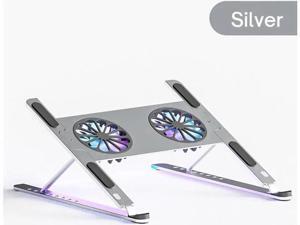
Laptop Tablet Stand with 2 High-speed Cooling Fan, Adjustable Height Laptop Tablet Stand ...
- Model #: C5YJ-S527-3537
- Item #: 9SIVSW2KXU9379
- Return Policy: QinQinDACANshop Return Policy
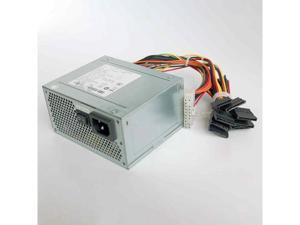
200W for A5201A 200/240V 2A 50/60Hz server power supply
- Model #: C5JS-Z0527-563
- Item #: 9SIVSKVKY59117
- Return Policy: JuWeiWangLuo Return Policy
Flamaker Round Bistro Pub Table 23.6 Inch Height Adjustable 360° Swivel Bar Table Metal ...
- Model #: JC40E-0521-715
- Item #: 9SIVRH8KXG3972
- Return Policy: qianhaimaoyi Return Policy
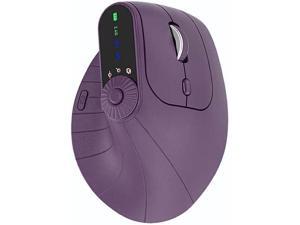
Sakerplus Ergonomic Triple-Connect Wireless Mouse, Vertical Ergonomic Mouse with 4 ...
- Model #: YUMHB0FLJNVHY1
- Item #: 9SIVTAKKW98082
- Return Policy: Byteful Return Policy
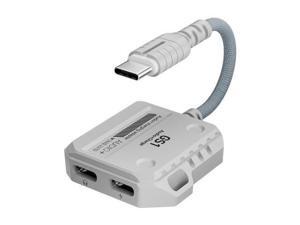
2-in-1 Jack Adapter USB-C to 3.5mm Headphone Jack Adapter Type C to Audio Cable Hi-Res ...
- Model #: LJ12-1284-C731
- Item #: 9SIVTKKKZD2047
- Return Policy: Glovibe shop Return Policy
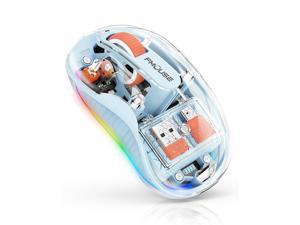
FMOUSE Unique Transparent Wireless Mouse, Dual Bluetooth & 2.4GHz for Multi Device, ...
- Model #: 508922730925
- Item #: 9SIVSAZKWP5342
- Return Policy: FoundationSurge Return Policy
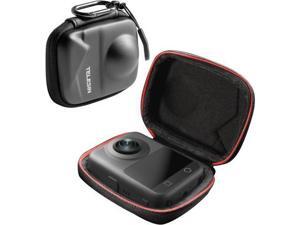
VoltSync Osmo 360 Carry Case Carrying Travel Bag for D-J-I Osmo 360 Portable Small Storage ...
- Model #: C10V-S529-1630
- Item #: 9SIVSDPKXY3516
- Return Policy: DigitalDepot Return Policy
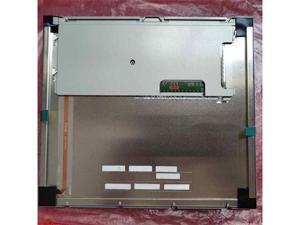
TCG104SVLQJPNN-AN40 10.4 inch 800x600 LCD screen
- Model #: C5JS-Z0529-1443
- Item #: 9SIVSKVKY81292
- Return Policy: JuWeiWangLuo Return Policy
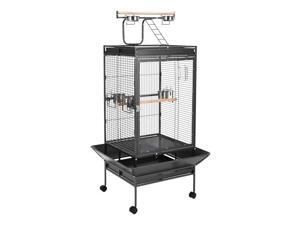
TrailBlaze 65" Heavy-Duty Metal Parrot Cage with Rolling Stand Acrylic Door, Perches, ...
- Model #: JC40E.0519.907
- Item #: 9SIVRH8KXD0674
- Return Policy: qianhaimaoyi Return Policy
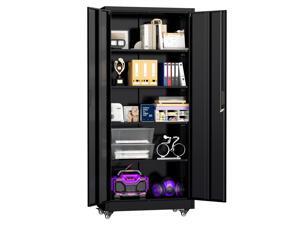
73" Metal Storage Cabinet with Wheels, Lockable Steel Utility Cabinet with 2 Doors and 4 ...
- Model #: C5YM-S528-60
- Item #: 9SIVTN0KYH7006
- Return Policy: Cuicuiqintoy Return Policy

Tribesigns 63'' L Shaped Office Desk with Drawers and Shelves,Large Executive Desk with ...
- Model #: C6TY-H0515-1408
- Item #: 9SIVTDWKX67636
- Return Policy: Yerllnikret Return Policy
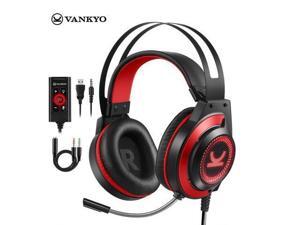
Gaming Headset CM7000 Gaming Headphones with Noise Canceling Mic & Memory Foam Ear ...
- Model #: YC5KU05150805
- Item #: 9SIVSMNKXE9723
- Return Policy: nonstop_7 Return Policy
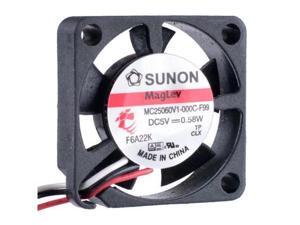
COOLING REVOLUTION MC25060V1-000C-F99 2506 25x25x6mm 25mm 5V 0.58W 3-wire ...
- Model #: C43K-0420-4627
- Item #: 9SIVRKBKW81498
- Return Policy: sunpengshop Return Policy
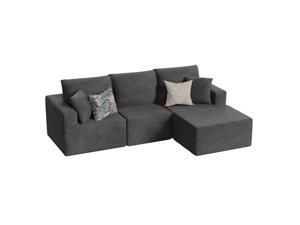
JUMMICO Boneless Couch with Deep Seat and Ottoman, Modular Sectional Sofa with Body ...
- Model #: JC40E-0521-1243
- Item #: 9SIVRH8KXG7333
- Return Policy: qianhaimaoyi Return Policy
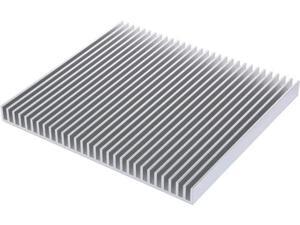
JVFYI 200x220x18mm Large LED Aluminum Heatsink, 30-Fin Cooler Board for High-Power ...
- Model #: C5YJ-S527-1496
- Item #: 9SIVSW2KXS6188
- Return Policy: QinQinDACANshop Return Policy
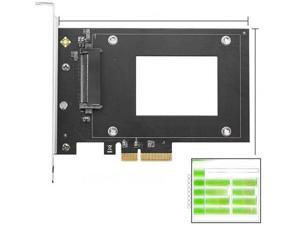
FOR U2 to PCIe 4.0 x4 Expansion Adapter Card PCI Express 4x U.2 SFF-8639 Adapter for 2.5 ...
- Model #: C5YJ-S527-1166
- Item #: 9SIVSW2KY07285
- Return Policy: QinQinDACANshop Return Policy
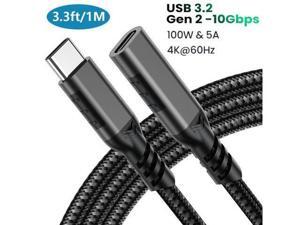
USB C Extension Cable 3.3ft/1M,Nylon Braided USB Type C Extender Cord Male to Female, USB ...
- Model #: C32P.0421619
- Item #: 9SIVPXNKVH2841
- Return Policy: yinyueshengdianzishangwuyouxiangongsi Return Policy
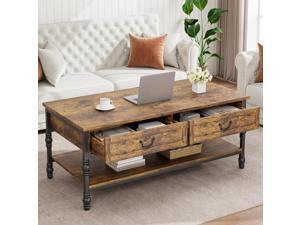
TrailBlaze Coffee Table with Drawers, 41" Large Center Table with Storage Rectangular ...
- Model #: JC40E.0519.668
- Item #: 9SIVRH8KXD1279
- Return Policy: qianhaimaoyi Return Policy
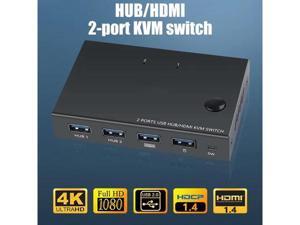
KVM Switch Button Switcher USB Port With Cable Computer Accessory For Monitor Keyboard ...
- Model #: YC5KU05151191
- Item #: 9SIVSMNKXE8226
- Return Policy: nonstop_7 Return Policy
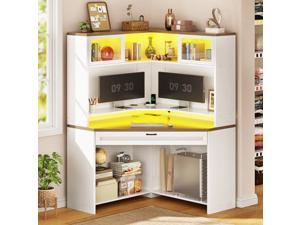
SEDETA 31.5" Corner Desk with Drawers, Small Office Computer Desk with Storage Shelves & ...
- Model #: C6TY-H0515-202
- Item #: 9SIVTDWKX72137
- Return Policy: Yerllnikret Return Policy
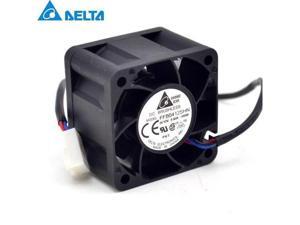
50pcs Original new FFB0412SHN 4cm 4028 0.6A fan speed stall alarm servers for ...
- Model #: C5JS-Z05143777
- Item #: 9SIVSKVKX73961
- Return Policy: JuWeiWangLuo Return Policy
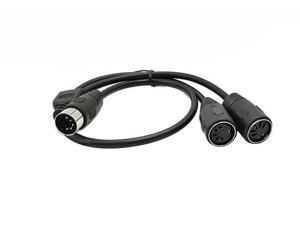
DIN 5-Pin Splitter Y Adapter MIDI Cable, MIDI 5 Pin Male to Dual 2 x DIN-5 Female Extension ...
- Model #: C5K8.0420512
- Item #: 9SIVSM8KVJ1152
- Return Policy: Guohuashangmao Return Policy
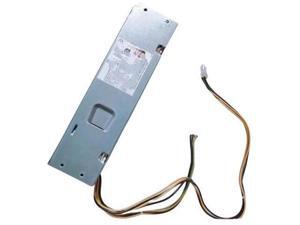
FOR 510S-07ICB V530s-07ICB 180W Power Supply 00PC772 00PC780 SP50H29568 ...
- Model #: C5YJ-S527-1706
- Item #: 9SIVSW2KXS7050
- Return Policy: QinQinDACANshop Return Policy
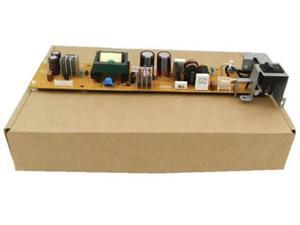
FOR Printer power board for MF 4322 4320 4330 4350 4370 4270 MF4322 MF4320 MF4330 ...
- Model #: C5YJ-S527-1810
- Item #: 9SIVSW2KY06341
- Return Policy: QinQinDACANshop Return Policy
Considerations for Buying Computer Mice
Introduction
Like a keyboard, a computer mouse is an essential device for any workstation, even though touchscreen input is becoming more popular. However, with so many different features and types of mice available, you may be wondering which ones are essential for your staff and which ones are unneeded. Below, NeweggBusiness will go over some common considerations when purchasing computer mice.
Optical Technology
There are two major types of optical technology used in mice today, LED and laser. Neither is better than the other, as they are ideal for different types of users.
LED
An LED mouse usually costs less than a laser mouse, but may have slightly lower dots per inch (DPI) and is not as capable on shiny, black, and transparent surfaces. Sensitivity for an optical mouse typically ranges from 400 to 800 DPI, which is more than adequate for most tasks such as internet browsing, checking e-mail, or data entry.
Laser
One major advantage of a laser mouse is sensitivity, which can reach up to several thousand DPI. Also, laser mice can be used with a wider variety of surfaces than LED mice. So while an LED mouse may struggle with shiny, black, or glass surfaces, a laser mouse has no trouble. However, one downside is that laser mice typically cost more than most LED mice.
Connectivity
There are two types of connectivity for mice, wired and wireless. Users often debate over which type is superior, but to definitely declare that one is superior to the other is a difficult. Similar to the distinction between laser and LED, wired and wireless mice appeal to different types of users.
Wired
Some of the advantages of purchasing wired mice include lower cost, no worries about batteries, and no worries about wireless interference. It is the ideal option for staff that do not travel with their computers or mice in tow. If your staff do not have unused USB ports on their computers, consider equipping them with accessories such as USB hubs or Bluetooth dongles so that they can use Bluetooth mice.
Wireless
Wireless mice can potentially have issues with interference and many use batteries that need to be replaced, but does that make them inferior? Not quite, as they offer more convenience and are better suited for travellers and professionals mired by cable clutter. If you’ve decided to purchase wireless for some of your staff, then you will need to decide between RF mice and Bluetooth® mice.
- Radio frequency (RF) – RF wireless mice require use of USB dongles that are included with the mice. Some users may not like the fact that USB dongles are required, as it uses a USB port and can be lost if not careful.
- Bluetooth – Bluetooth mice do not require USB dongles but will require Bluetooth functionality on the computer. Another advantage of using Bluetooth mice is that they can be used with some tablets. However, some users do report that Bluetooth mice do require a little bit of time to “wakeup” after long periods of inactivity.
Size and Ergonomics
Mice can come in several sizes, with some better for laptop users and others for desktop users. Smaller mice are more convenient, especially if your users will be packing them into messenger bags or laptop cases. Desktop users that don’t expect to move their computers very much will find that larger mice are more than adequate
Alternatives
While most people are familiar with the standard mouse, there are a few alternatives that NeweggBusiness offers. Some are designed for increased ergonomics while others for precision. Here are two of the more common options.
Vertical Mice
These are special types of mice that are used with your hand in a vertical position, similar to how a joystick is held. Some manufacturers assert that using a vertical mouse puts less strain on the wrist and shoulder.
Trackball Mice
Trackball mice track movements of a ball in a socket instead of the entire mouse. The ball can be manipulated by the thumb, fingers, or palm depending on the design of the trackball mouse. Similar to vertical mice, trackball mice manufacturers state that they reduce strain and the likelihood of injury.

