


Mouse - Showing 1753 - 1776 of 62281 Products


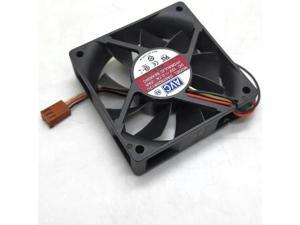
2pcs 70mm Fan For 7020 da07020r12u 12v 3line large air volume speed measuring computer ...
- Model #: C5YJ-S527-831
- Item #: 9SIVSW2KY08273
- Return Policy: QinQinDACANshop Return Policy
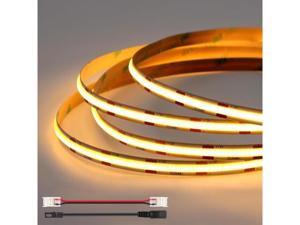
12V 8mm 16.4ft/5m COB LED Strip Lights Warm White 2700K Dimmable LED Tape Light ...
- Model #: YC5KU.265260335
- Item #: 9SIVSMNKXU9966
- Return Policy: nonstop_7 Return Policy
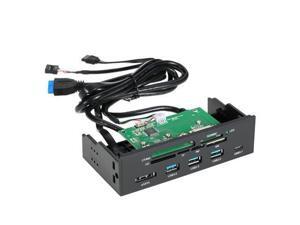
STW 5.25" Internal Card Reader Media Multi-Function Dashboard PC Front Panel Type-C USB ...
- Model #: JC32P-0527-661
- Item #: 9SIVPXNKYE8134
- Return Policy: yinyueshengdianzishangwuyouxiangongsi Return Policy
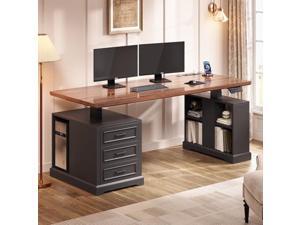
SEDETA Farmhouse Electric Standing Desk, 63" Height Adjustable Computer Desk with 3 ...
- Model #: JC40E.0519.1315
- Item #: 9SIVRH8KXD0153
- Return Policy: qianhaimaoyi Return Policy
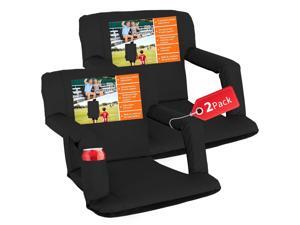
Wide Stadium Seat for Bleachers with Back Support -2 Pack Reclining Adults Camping Stadium ...
- Model #: JC5TJ-0602-760
- Item #: 9SIVSSHKYC5597
- Return Policy: tomorroW3 Return Policy
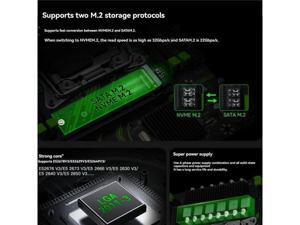
X99 PR9 Motherboard LGA 2011-3 Supports 4X DDR4 RAM Gigabit LAN SATA/NVME M.2 ...
- Model #: JC32P-0527-636
- Item #: 9SIVPXNKYE8121
- Return Policy: yinyueshengdianzishangwuyouxiangongsi Return Policy
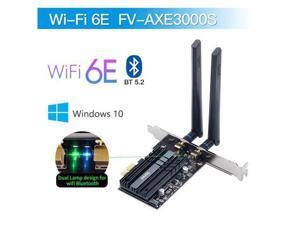
Wi-Fi 6E 5374Mbps AX210 Wireless PCIE Adapter Bluetooth 5.2 wifi Card 2.4G/5G/6G ...
- Model #: C5YM-S520-504
- Item #: 9SIVTMDKYH1445
- Return Policy: Micnoieruntlr Return Policy
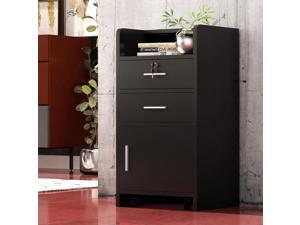
Winado Wall Mount Salon Station, Barber Salon Cabinet with a Storage Cabinet, 2 Drawers and ...
- Model #: JC5TJ-0603-1734
- Item #: 9SIVSSHKYC3725
- Return Policy: tomorroW3 Return Policy
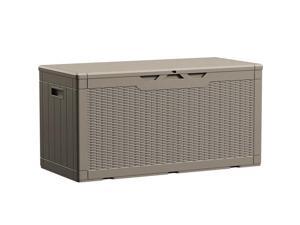
Devoko 100 Gallon Waterproof Large Resin Deck Box Indoor Outdoor Lockable Storage ...
- Model #: C6TY-H05140060
- Item #: 9SIVTDWKWJ9877
- Return Policy: Yerllnikret Return Policy
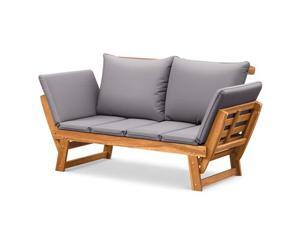
Flamaker Outdoor Couch with Adjustable Armrests, Acacia Wood Patio Loveseat with Soft ...
- Model #: JC40E-0521-1312
- Item #: 9SIVRH8KXG6529
- Return Policy: qianhaimaoyi Return Policy
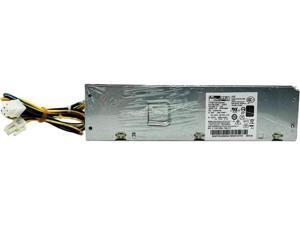
for 5P50V03186 SP50H29606 for 510S M420 700-24AGR PA-1261-7 PCK027 6Pin 260W ...
- Model #: C5YJ-S527-26
- Item #: 9SIVSW2KY09820
- Return Policy: QinQinDACANshop Return Policy
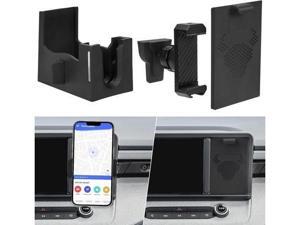
Cubby Phone Mount Cubby Storage Compatible with Ford Maverick 2024 2023 2022 Truck ...
- Model #: YC5KU.265260033
- Item #: 9SIVSMNKXV0443
- Return Policy: nonstop_7 Return Policy
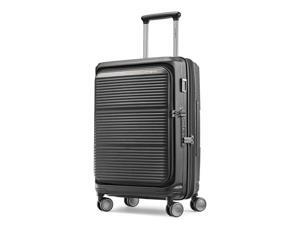
Samsonite Paralux Carry-On Luggage - Innovative Design - Quick Access Front Pocket - Dual ...
- Model #: JC40E.0519.340
- Item #: 9SIVRH8KXC8000
- Return Policy: qianhaimaoyi Return Policy
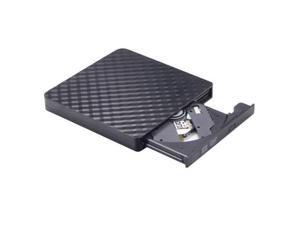
Ultra-Thin USB3.0 DVD RW Optical Disc Drive Burner Portable CD Reader Player for Laptop or ...
- Model #: LJ12-1364-C731
- Item #: 9SIVTKKKZD1571
- Return Policy: Glovibe shop Return Policy
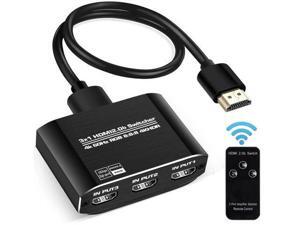
HDMI 2.0b Switch 3 in 1 Out with High Speed 3.9 FT HDMI Cable, 3x1 HDMI Selector Switch with ...
- Model #: C5YJ-S527-2387
- Item #: 9SIVSW2KY04261
- Return Policy: QinQinDACANshop Return Policy
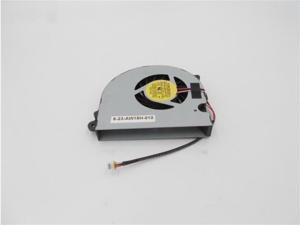
ORIGINA COOLING FAN For Clevo CPU Earth P370 P370EM iRu patriot 805 6-23-AW15H-010 ...
- Model #: C5K8.0427201
- Item #: 9SIVSM8KVW7058
- Return Policy: Guohuashangmao Return Policy
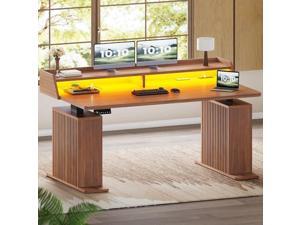
SEDETA Standing Desk with Storage, 55" Fluted Stand Up Desk with Power Outlets and LED ...
- Model #: C6TY-H0515-209
- Item #: 9SIVTDWKX71907
- Return Policy: Yerllnikret Return Policy
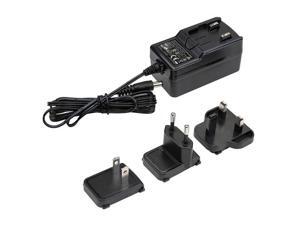
Replacement Charging Cable For Kodak Luma 450 Projector
- Model #: JC40E0521.28
- Item #: 9SIVRH8KXH0857
- Return Policy: qianhaimaoyi Return Policy
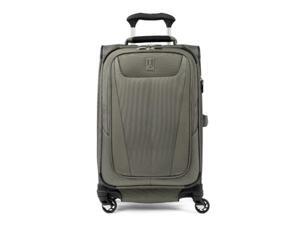
Travelpro Maxlite 5 Softside Expandable Luggage with 4 Spinner Wheels, Lightweight ...
- Model #: JC40E.0519.362
- Item #: 9SIVRH8KXC8411
- Return Policy: qianhaimaoyi Return Policy
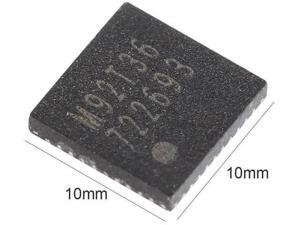
M92T36 Power Management Charging Control IC Chip for Nintendo Switch Game Console ...
- Model #: LC6W1J12-1133
- Item #: 9SIVTF1KZ83249
- Return Policy: Jianxi Trading Co., Ltd. Return Policy
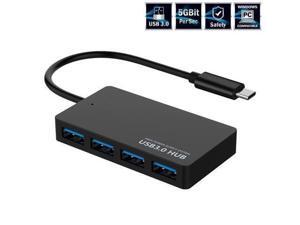
XJYLCPC USB-C Type-C Hub, 4 Port USB 3.0 Hub , Portable Hub for MacBook, Windows, mac OS, ...
- Model #: LC6W1J12-2134
- Item #: 9SIVTF1KZ74472
- Return Policy: Jianxi Trading Co., Ltd. Return Policy
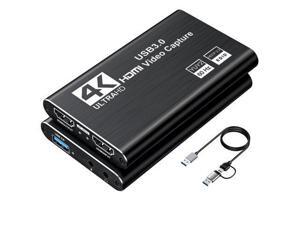
Video Capture Card, Audio Video Capture Card, USB 3.0 Capture Card 4K HDMI Loop-Out, ...
- Model #: C32P.0427127
- Item #: 9SIVPXNKVW2596
- Return Policy: yinyueshengdianzishangwuyouxiangongsi Return Policy
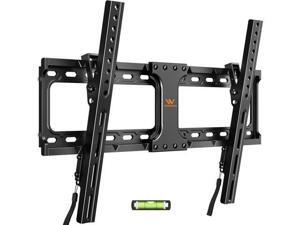
55 65 75 85 inch Tilting TV Wall Mount for 32-90 TVs Low Profile TV Mount Bracket Safe Lock & ...
- Model #: YC5KU.265260524
- Item #: 9SIVSMNKXU9731
- Return Policy: nonstop_7 Return Policy
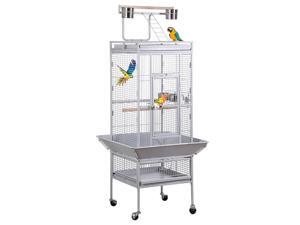
Nova Microdermabrasion 61 Inches Large Bird Cage Play Top Parrot Cockatiel Parakeet ...
- Model #: JC5TJ-0603-1332
- Item #: 9SIVSSHKYC4044
- Return Policy: tomorroW3 Return Policy
Considerations for Buying Computer Mice
Introduction
Like a keyboard, a computer mouse is an essential device for any workstation, even though touchscreen input is becoming more popular. However, with so many different features and types of mice available, you may be wondering which ones are essential for your staff and which ones are unneeded. Below, NeweggBusiness will go over some common considerations when purchasing computer mice.
Optical Technology
There are two major types of optical technology used in mice today, LED and laser. Neither is better than the other, as they are ideal for different types of users.
LED
An LED mouse usually costs less than a laser mouse, but may have slightly lower dots per inch (DPI) and is not as capable on shiny, black, and transparent surfaces. Sensitivity for an optical mouse typically ranges from 400 to 800 DPI, which is more than adequate for most tasks such as internet browsing, checking e-mail, or data entry.
Laser
One major advantage of a laser mouse is sensitivity, which can reach up to several thousand DPI. Also, laser mice can be used with a wider variety of surfaces than LED mice. So while an LED mouse may struggle with shiny, black, or glass surfaces, a laser mouse has no trouble. However, one downside is that laser mice typically cost more than most LED mice.
Connectivity
There are two types of connectivity for mice, wired and wireless. Users often debate over which type is superior, but to definitely declare that one is superior to the other is a difficult. Similar to the distinction between laser and LED, wired and wireless mice appeal to different types of users.
Wired
Some of the advantages of purchasing wired mice include lower cost, no worries about batteries, and no worries about wireless interference. It is the ideal option for staff that do not travel with their computers or mice in tow. If your staff do not have unused USB ports on their computers, consider equipping them with accessories such as USB hubs or Bluetooth dongles so that they can use Bluetooth mice.
Wireless
Wireless mice can potentially have issues with interference and many use batteries that need to be replaced, but does that make them inferior? Not quite, as they offer more convenience and are better suited for travellers and professionals mired by cable clutter. If you’ve decided to purchase wireless for some of your staff, then you will need to decide between RF mice and Bluetooth® mice.
- Radio frequency (RF) – RF wireless mice require use of USB dongles that are included with the mice. Some users may not like the fact that USB dongles are required, as it uses a USB port and can be lost if not careful.
- Bluetooth – Bluetooth mice do not require USB dongles but will require Bluetooth functionality on the computer. Another advantage of using Bluetooth mice is that they can be used with some tablets. However, some users do report that Bluetooth mice do require a little bit of time to “wakeup” after long periods of inactivity.
Size and Ergonomics
Mice can come in several sizes, with some better for laptop users and others for desktop users. Smaller mice are more convenient, especially if your users will be packing them into messenger bags or laptop cases. Desktop users that don’t expect to move their computers very much will find that larger mice are more than adequate
Alternatives
While most people are familiar with the standard mouse, there are a few alternatives that NeweggBusiness offers. Some are designed for increased ergonomics while others for precision. Here are two of the more common options.
Vertical Mice
These are special types of mice that are used with your hand in a vertical position, similar to how a joystick is held. Some manufacturers assert that using a vertical mouse puts less strain on the wrist and shoulder.
Trackball Mice
Trackball mice track movements of a ball in a socket instead of the entire mouse. The ball can be manipulated by the thumb, fingers, or palm depending on the design of the trackball mouse. Similar to vertical mice, trackball mice manufacturers state that they reduce strain and the likelihood of injury.

