


Mouse - Showing 1945 - 1968 of 62285 Products


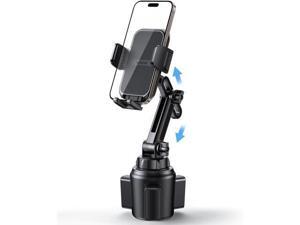
Cup Phone Holders for Your Car - [Thick Cases Friendly] Universal Adjustable Cell Phone Car ...
- Model #: YC5KU.265280905
- Item #: 9SIVSMNKXV9168
- Return Policy: nonstop_7 Return Policy
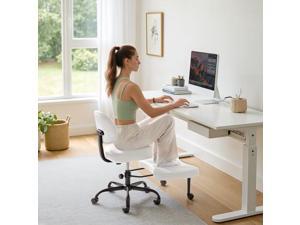
Furmax Ergonomic Criss Cross Legged Office Chair with Wheels, 360°Swivel Adjustable ...
- Model #: JC40E-0521-1013
- Item #: 9SIVRH8KXG8542
- Return Policy: qianhaimaoyi Return Policy
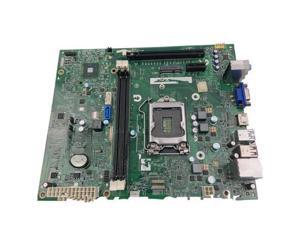
FOR 3647 Main Board SFF DIH81R H81 2YRK5 DP/N: 02YRK5
- Model #: C5JS-Z05221032
- Item #: 9SIVSKVKXR2771
- Return Policy: JuWeiWangLuo Return Policy
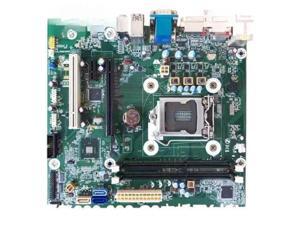
FOR 280 288 PRO G1 G2 MT Main Board 1150 1151 G1G2 FX-ISL-1
- Model #: C5JS-Z05221123
- Item #: 9SIVSKVKXR2547
- Return Policy: JuWeiWangLuo Return Policy

Tribesigns 63-Inch Long Console Table, 2-Tier Entryway Table Sofa Table with Storage, ...
- Model #: C6TY-H0515-1674
- Item #: 9SIVTDWKX66401
- Return Policy: Yerllnikret Return Policy
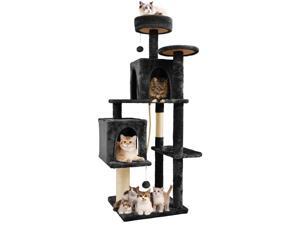
58.5inch Large Cat Tree Tower Condo for Indoor Cats, Soft Plush Multi-Level Climbing Tree ...
- Model #: JC5TJ-0603-1134
- Item #: 9SIVSSHKYC4258
- Return Policy: tomorroW3 Return Policy

Slsy Adult Mountain Tricycle, 7 Speed Three Wheel Bike, 24/26 Inch Adults Trikes for Seniors ...
- Model #: C6TY-H0515-1064
- Item #: 9SIVTDWKX69101
- Return Policy: Yerllnikret Return Policy
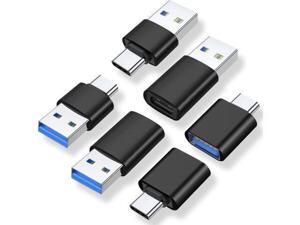
A USB C Adapter (6 Pack), USB A Male to USB C Male, USB 3.0 Male to USB C Female, USB Type-C ...
- Model #: JC75J-0605-61
- Item #: 9SIVTNBKYB5203
- Return Policy: Stoerllyer Return Policy
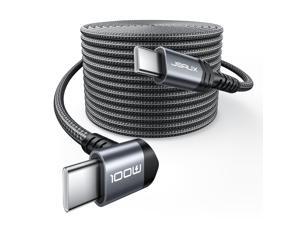
USB C to USB C Cable 2-Pack 10FT, 100W Right Angle Fast Charging for iPhone 17/iPhone ...
- Model #: C10V-S528-467
- Item #: 9SIVSDPKXW4761
- Return Policy: DigitalDepot Return Policy
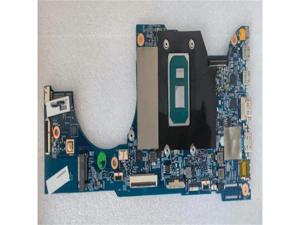
SP513-54 313-51N 19771 203022-1M Main Board N19Q7 W3
- Model #: C5JS-Z0528-981
- Item #: 9SIVSKVKY76823
- Return Policy: JuWeiWangLuo Return Policy
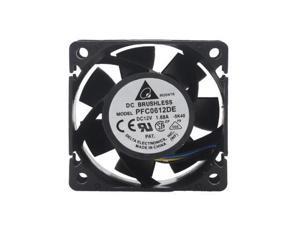
pfc0612de 60X60X38 mm cooling fan 60mm pwm cooler 6cm 13500RPM For Delta 6038 12V ...
- Model #: C5KU.0427468
- Item #: 9SIVSMNKVW0474
- Return Policy: nonstop_7 Return Policy
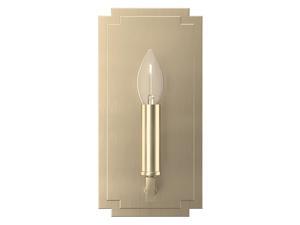
Hunter - Zoanne 1-light Alturas Gold, Small Sconce Light, Dimmable, Modern Style, for ...
- Model #: JC5TJ-0602-149
- Item #: 9SIVSSHKY57150
- Return Policy: tomorroW3 Return Policy
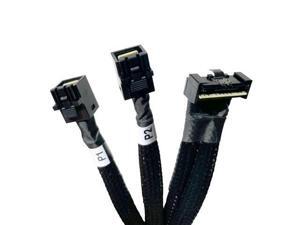
DiliVing 8X to 2* 4X,- 74pin to 2*- 36pin Cable 80cm(Suitable for DELL Server H750/755)
- Model #: C5KU.0427012
- Item #: 9SIVSMNKVW1799
- Return Policy: nonstop_7 Return Policy
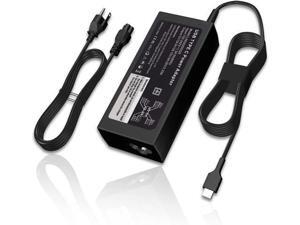
NACKEEY 65W USB C Laptop Charger fit for Lenovo IdeaPad Flex 5 3 CB 5-15 5-15ARE05 ...
- Model #: C75J*OYJ*G1*0610-724
- Item #: 9SIVTNBKYW6761
- Return Policy: Stoerllyer Return Policy
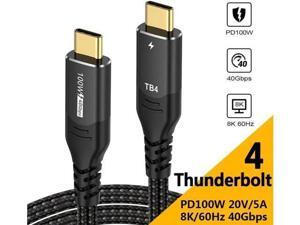
Vszerda USB4.0 Thunderbolt 4 Cable 40Gbps TB4 USB Type C Cable Supports PD 100W/ ...
- Model #: JC75J-0608-686
- Item #: 9SIVTNBKYS5608
- Return Policy: Stoerllyer Return Policy
Ecocleanpath 64GB Digital Voice Recorder with Password, MP3 Player & Voice Activation - Black
- Model #: WC5K805200162
- Item #: 9SIVSM8KXE1817
- Return Policy: Guohuashangmao Return Policy

Tribesigns C Shaped End Table, Round Wood Side Table, Mid-Century Modern Style, Heavy ...
- Model #: C6TY-H0515-1245
- Item #: 9SIVTDWKX68216
- Return Policy: Yerllnikret Return Policy
COSTWAY Electric Fireplace TV Stand for TVs Up to 65 Inches with LED Lights, Remote Controls, ...
- Model #: JC5TJ-0603-712
- Item #: 9SIVSSHKYC4402
- Return Policy: tomorroW3 Return Policy
Furmax Electric Standing Desk, 45 x 24 Inches Sit Stand up Desk, Sit Stand Height Adjustable ...
- Model #: C6TY-H05140254
- Item #: 9SIVTDWKX82467
- Return Policy: Yerllnikret Return Policy
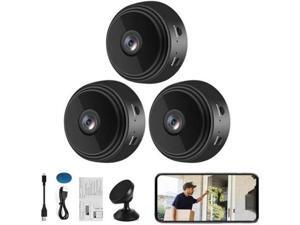
Yaumany Mini Wireless Cameras, 1080P HD WiFi Small Video Cam with Motion Detection, ...
- Model #: C5KU.0427428
- Item #: 9SIVSMNKVW0615
- Return Policy: nonstop_7 Return Policy
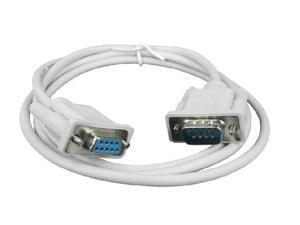
1.5M Serial RS232 9-Pin Male To Female DB9 9-Pin PC Converter Extension Cable
- Model #: C32P.0420315
- Item #: 9SIVPXNKVJ1029
- Return Policy: yinyueshengdianzishangwuyouxiangongsi Return Policy
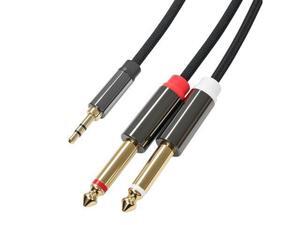
3.5mm to Dual 1/4 Cable 1/8 TRS to Dual 1/4 TS Stereo Audio Cord Gold-Plated Braided ...
- Model #: YC5KU.265261743
- Item #: 9SIVSMNKXU3879
- Return Policy: nonstop_7 Return Policy
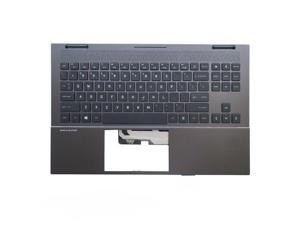
for OMEN 15-EN 15-EK Palmrest Upper Cover Case Colorful Backlit M00667-001
- Model #: C5JS-Z05180215
- Item #: 9SIVSKVKXP0923
- Return Policy: JuWeiWangLuo Return Policy
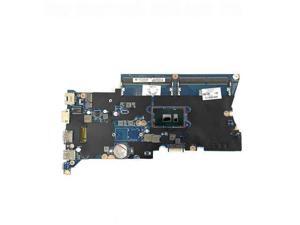
For 430 440 G4 laptop motherboard with SR2ZW i3-7100U 905792-001 905792-501 ...
- Model #: C5JS-Z05220662
- Item #: 9SIVSKVKXR3347
- Return Policy: JuWeiWangLuo Return Policy
Considerations for Buying Computer Mice
Introduction
Like a keyboard, a computer mouse is an essential device for any workstation, even though touchscreen input is becoming more popular. However, with so many different features and types of mice available, you may be wondering which ones are essential for your staff and which ones are unneeded. Below, NeweggBusiness will go over some common considerations when purchasing computer mice.
Optical Technology
There are two major types of optical technology used in mice today, LED and laser. Neither is better than the other, as they are ideal for different types of users.
LED
An LED mouse usually costs less than a laser mouse, but may have slightly lower dots per inch (DPI) and is not as capable on shiny, black, and transparent surfaces. Sensitivity for an optical mouse typically ranges from 400 to 800 DPI, which is more than adequate for most tasks such as internet browsing, checking e-mail, or data entry.
Laser
One major advantage of a laser mouse is sensitivity, which can reach up to several thousand DPI. Also, laser mice can be used with a wider variety of surfaces than LED mice. So while an LED mouse may struggle with shiny, black, or glass surfaces, a laser mouse has no trouble. However, one downside is that laser mice typically cost more than most LED mice.
Connectivity
There are two types of connectivity for mice, wired and wireless. Users often debate over which type is superior, but to definitely declare that one is superior to the other is a difficult. Similar to the distinction between laser and LED, wired and wireless mice appeal to different types of users.
Wired
Some of the advantages of purchasing wired mice include lower cost, no worries about batteries, and no worries about wireless interference. It is the ideal option for staff that do not travel with their computers or mice in tow. If your staff do not have unused USB ports on their computers, consider equipping them with accessories such as USB hubs or Bluetooth dongles so that they can use Bluetooth mice.
Wireless
Wireless mice can potentially have issues with interference and many use batteries that need to be replaced, but does that make them inferior? Not quite, as they offer more convenience and are better suited for travellers and professionals mired by cable clutter. If you’ve decided to purchase wireless for some of your staff, then you will need to decide between RF mice and Bluetooth® mice.
- Radio frequency (RF) – RF wireless mice require use of USB dongles that are included with the mice. Some users may not like the fact that USB dongles are required, as it uses a USB port and can be lost if not careful.
- Bluetooth – Bluetooth mice do not require USB dongles but will require Bluetooth functionality on the computer. Another advantage of using Bluetooth mice is that they can be used with some tablets. However, some users do report that Bluetooth mice do require a little bit of time to “wakeup” after long periods of inactivity.
Size and Ergonomics
Mice can come in several sizes, with some better for laptop users and others for desktop users. Smaller mice are more convenient, especially if your users will be packing them into messenger bags or laptop cases. Desktop users that don’t expect to move their computers very much will find that larger mice are more than adequate
Alternatives
While most people are familiar with the standard mouse, there are a few alternatives that NeweggBusiness offers. Some are designed for increased ergonomics while others for precision. Here are two of the more common options.
Vertical Mice
These are special types of mice that are used with your hand in a vertical position, similar to how a joystick is held. Some manufacturers assert that using a vertical mouse puts less strain on the wrist and shoulder.
Trackball Mice
Trackball mice track movements of a ball in a socket instead of the entire mouse. The ball can be manipulated by the thumb, fingers, or palm depending on the design of the trackball mouse. Similar to vertical mice, trackball mice manufacturers state that they reduce strain and the likelihood of injury.

