


Mouse - Showing 1993 - 2016 of 62287 Products


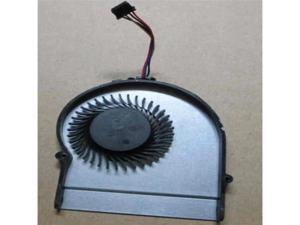
FOR Cooling Fan For FANL300EUA FN0560-SP084P2AL 5V Cooling Fan
- Model #: C5YJ-S527-1183
- Item #: 9SIVSW2KY07300
- Return Policy: QinQinDACANshop Return Policy
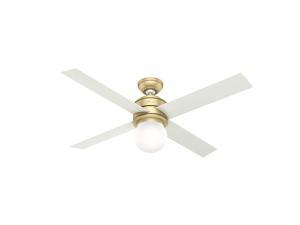
Hunter 52 inch Indoor Ceiling Fan with LED Light - Ceiling Fan for Bedroom, Living Room, or ...
- Model #: JC5TJ-0602-611
- Item #: 9SIVSSHKYC5643
- Return Policy: tomorroW3 Return Policy
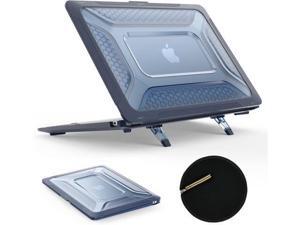
VoltSync Case for MacBook Pro 14 inch, Shock-Absorbing Protection with Folding Stand ...
- Model #: C10V-S529-1157
- Item #: 9SIVSDPKXY1989
- Return Policy: DigitalDepot Return Policy
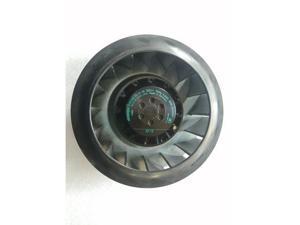
Original ebmpapst Germany R2D180-AL10-18 230V AC Centrifugal Fan Backward-Curved ...
- Model #: C5JS-Z05143748
- Item #: 9SIVSKVKX73955
- Return Policy: JuWeiWangLuo Return Policy
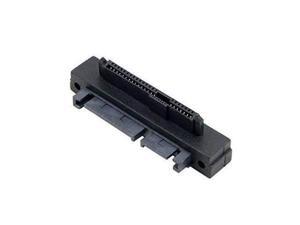
SAS to SATA Adapter SFF-8482 29Pin SAS Hard Disk Drive to Motherboard SATA 22Pin 90 ...
- Model #: JC40E0514299
- Item #: 9SIVRH8KXE4178
- Return Policy: qianhaimaoyi Return Policy
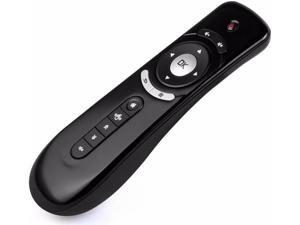
Aomoproing Mini Fly Air Mouse with Gyroscope T2 AF106 2.4G Wireless 3D Android Remote ...
- Model #: oo-970
- Item #: 9SIVN51KJY0043
- Return Policy: fanlihui2025 Return Policy
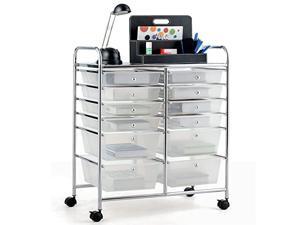
COSTWAY 12-Drawer Rolling Storage Cart, Moveable Art Craft Organizer W/Lockable ...
- Model #: JC40E-0521-2442
- Item #: 9SIVRH8KXG1112
- Return Policy: qianhaimaoyi Return Policy
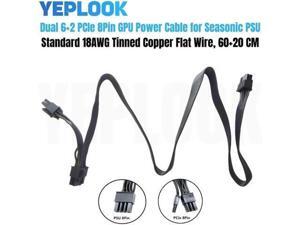
PCIe Dual 8Pin 6+2Pin GPU Power Cable for Seasonic FOCUS PLUS GOLD, Platinum, PX, GX, ...
- Model #: JC75J-0608-816
- Item #: 9SIVTNBKYU5146
- Return Policy: Stoerllyer Return Policy
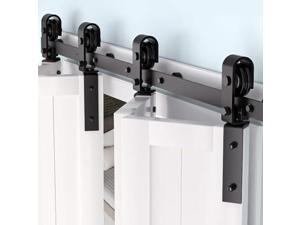
52" Barn Door Track Sliding Kit, Side Mounted Black Roller, Smoothly and Quietly, Easy Install, ...
- Model #: JC40E.0519.510
- Item #: 9SIVRH8KXD1419
- Return Policy: qianhaimaoyi Return Policy
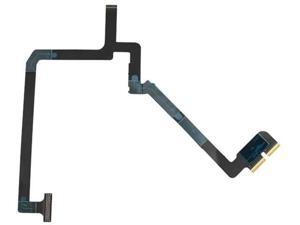
FOR 4Pro Gimbal Soft Cable 4pro Gimbal Cable Signal Cable Multifunctional Repair ...
- Model #: C5YJ-S527-715
- Item #: 9SIVSW2KXS4857
- Return Policy: QinQinDACANshop Return Policy
SUNON GM2404PKVX-A 4020 1.7W 24V inverter fan cooling fan 10pcs\/lot
- Model #: C5JS-Z05143830
- Item #: 9SIVSKVKX73605
- Return Policy: JuWeiWangLuo Return Policy
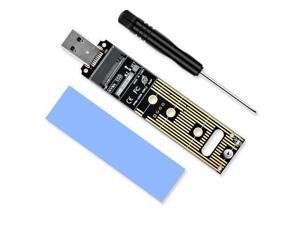
Vszerda NVME to USB Adapter USB 3.1 Gen 2 to M.2 NVMe SSD Converter Adapter 10Gbps PCIe ...
- Model #: JC75J-0608-239
- Item #: 9SIVTNBKYM7827
- Return Policy: Stoerllyer Return Policy
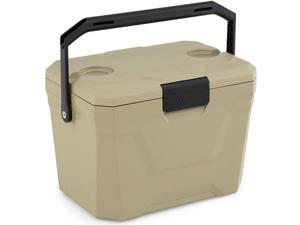
COSTWAY Insulated Portable Cooler, Hard Shell Ice Chest w/ 2 Cup Holders, Bottle Opener, ...
- Model #: JC5TJ-0603-261
- Item #: 9SIVSSHKYC5112
- Return Policy: tomorroW3 Return Policy
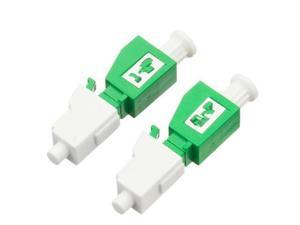
FOR 5PCS LC APC 5dBm female to male fiber optic Attenuator 5db female male Fiber Optic ...
- Model #: JC40E.0518881
- Item #: 9SIVRH8KXC6449
- Return Policy: qianhaimaoyi Return Policy
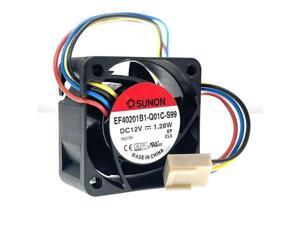
FOR 2pcs Mute 40mm 4cm 12V PWM Computer Case Cooling Fan,EF40201B1-Q01C-S99 for ...
- Model #: C5KU.0420823
- Item #: 9SIVSMNKVH6958
- Return Policy: nonstop_7 Return Policy
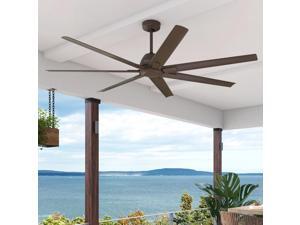
Hunter 72 inch Indoor/Outdoor Ceiling Fan and Wall Control, Downtown Bronze Ceiling Fan, 6 ...
- Model #: JC5TJ-0602-498
- Item #: 9SIVSSHKY58664
- Return Policy: tomorroW3 Return Policy

Compatible with iPhone 16 Case 6.1 Slim Liquid Silicone 3 Layers Full Covered Soft Gel Rubber ...
- Model #: C75J*OYJ*G1*0611-1036
- Item #: 9SIVTNBKYX2103
- Return Policy: Stoerllyer Return Policy
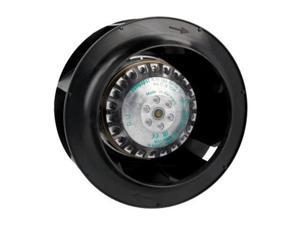
Germany ebmpapst R2E133-BH66-14 230V 25W air purification 133mm centrifugal fan
- Model #: C5JS-Z05143333
- Item #: 9SIVSKVKX76090
- Return Policy: JuWeiWangLuo Return Policy
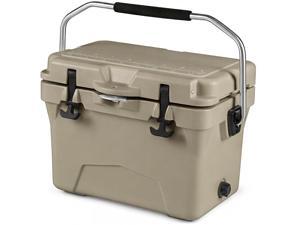
COSTWAY Portable Insulated Hard Cooler Keeps Ice Up to 6 Days, Heavy-Duty Outdoor Ice ...
- Model #: JC5TJ-0603-1080
- Item #: 9SIVSSHKY69023
- Return Policy: tomorroW3 Return Policy
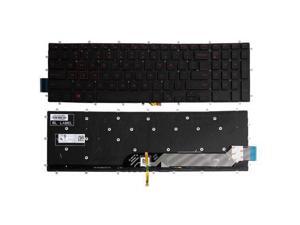
replacement keyboard for Dell PK131QP1B00 NSK-EC1BC 01 03R0JR US with Backlit Red ...
- Model #: C5JS-Z05140679
- Item #: 9SIVSKVKX82267
- Return Policy: JuWeiWangLuo Return Policy
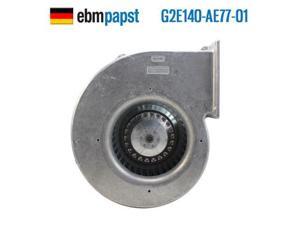
G2E140-AE77-01 G2E140-NF33-07 230V 105/115W original coolerair cooling centrigual fan
- Model #: C5JS-Z05144258
- Item #: 9SIVSKVKX71870
- Return Policy: JuWeiWangLuo Return Policy
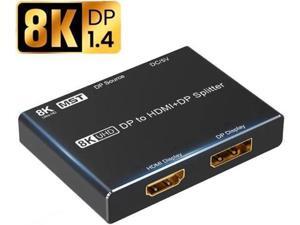
Ultra HD 8K DP To HDMI DP Splitter 8K@30Hz 4K@120Hz 1080p@240hz HDMI 2.1 3D HDR 4K 8K ...
- Model #: C5YJ-S527-2756
- Item #: 9SIVSW2KY03001
- Return Policy: QinQinDACANshop Return Policy
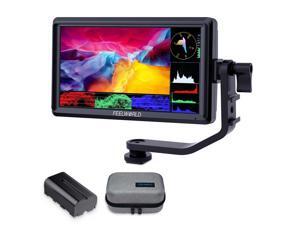
FEELWORLD S55 V3 6 Inch 500nit On Camera DSLR Field Monitor 4K HDMI Input Output 3D LUT ...
- Model #: YC5TJ-DFD-JUN6.0340
- Item #: 9SIVSSHKZ24700
- Return Policy: tomorroW3 Return Policy
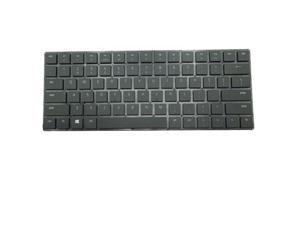
US Keyboard For BlaDE 15 Advanced 2019 RZ09-0301 RZ09-03017 RZ09-03018
- Model #: C5JS-Z05141772
- Item #: 9SIVSKVKX78754
- Return Policy: JuWeiWangLuo Return Policy
Considerations for Buying Computer Mice
Introduction
Like a keyboard, a computer mouse is an essential device for any workstation, even though touchscreen input is becoming more popular. However, with so many different features and types of mice available, you may be wondering which ones are essential for your staff and which ones are unneeded. Below, NeweggBusiness will go over some common considerations when purchasing computer mice.
Optical Technology
There are two major types of optical technology used in mice today, LED and laser. Neither is better than the other, as they are ideal for different types of users.
LED
An LED mouse usually costs less than a laser mouse, but may have slightly lower dots per inch (DPI) and is not as capable on shiny, black, and transparent surfaces. Sensitivity for an optical mouse typically ranges from 400 to 800 DPI, which is more than adequate for most tasks such as internet browsing, checking e-mail, or data entry.
Laser
One major advantage of a laser mouse is sensitivity, which can reach up to several thousand DPI. Also, laser mice can be used with a wider variety of surfaces than LED mice. So while an LED mouse may struggle with shiny, black, or glass surfaces, a laser mouse has no trouble. However, one downside is that laser mice typically cost more than most LED mice.
Connectivity
There are two types of connectivity for mice, wired and wireless. Users often debate over which type is superior, but to definitely declare that one is superior to the other is a difficult. Similar to the distinction between laser and LED, wired and wireless mice appeal to different types of users.
Wired
Some of the advantages of purchasing wired mice include lower cost, no worries about batteries, and no worries about wireless interference. It is the ideal option for staff that do not travel with their computers or mice in tow. If your staff do not have unused USB ports on their computers, consider equipping them with accessories such as USB hubs or Bluetooth dongles so that they can use Bluetooth mice.
Wireless
Wireless mice can potentially have issues with interference and many use batteries that need to be replaced, but does that make them inferior? Not quite, as they offer more convenience and are better suited for travellers and professionals mired by cable clutter. If you’ve decided to purchase wireless for some of your staff, then you will need to decide between RF mice and Bluetooth® mice.
- Radio frequency (RF) – RF wireless mice require use of USB dongles that are included with the mice. Some users may not like the fact that USB dongles are required, as it uses a USB port and can be lost if not careful.
- Bluetooth – Bluetooth mice do not require USB dongles but will require Bluetooth functionality on the computer. Another advantage of using Bluetooth mice is that they can be used with some tablets. However, some users do report that Bluetooth mice do require a little bit of time to “wakeup” after long periods of inactivity.
Size and Ergonomics
Mice can come in several sizes, with some better for laptop users and others for desktop users. Smaller mice are more convenient, especially if your users will be packing them into messenger bags or laptop cases. Desktop users that don’t expect to move their computers very much will find that larger mice are more than adequate
Alternatives
While most people are familiar with the standard mouse, there are a few alternatives that NeweggBusiness offers. Some are designed for increased ergonomics while others for precision. Here are two of the more common options.
Vertical Mice
These are special types of mice that are used with your hand in a vertical position, similar to how a joystick is held. Some manufacturers assert that using a vertical mouse puts less strain on the wrist and shoulder.
Trackball Mice
Trackball mice track movements of a ball in a socket instead of the entire mouse. The ball can be manipulated by the thumb, fingers, or palm depending on the design of the trackball mouse. Similar to vertical mice, trackball mice manufacturers state that they reduce strain and the likelihood of injury.

