


Mouse - Showing 2089 - 2112 of 62284 Products


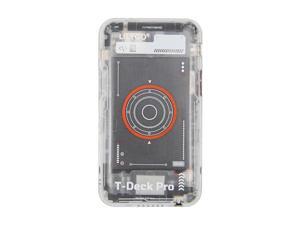
LILYGO T-Deck Pro SX1262 LoRa 915Mhz GPS Wireless Module TTGO Development Board ...
- Model #: C2AG-C-05150043
- Item #: 9SIVRKBKYS3787
- Return Policy: sunpengshop Return Policy
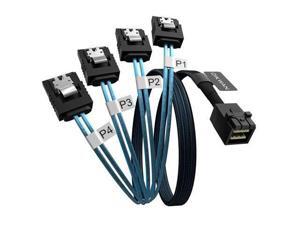
Internal HD Mini SAS to 4XSATA Cable,1.6ft SFF-8643 Host to 4X SATA Target Cable ...
- Model #: JC40E-051513
- Item #: 9SIVRH8KXE4059
- Return Policy: qianhaimaoyi Return Policy

GRUSIGN 78 Inch Convertible Sofa Bed, 5-in-1 Futon Sofa Bed Pull Out Couch, Boneless Couch ...
- Model #: JC40E.0520.1526
- Item #: 9SIVRH8KXE1780
- Return Policy: qianhaimaoyi Return Policy

ROWHY 148'' Sectional Cloud Couch with 2 Ottomans, Oversized 4 Seat Sleeper Sofa with 2 ...
- Model #: JC40E.0520.1495
- Item #: 9SIVRH8KXE1486
- Return Policy: qianhaimaoyi Return Policy
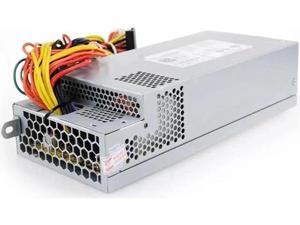
220W Power Supply for D-ELL-Vostro 270s 3647 660S D06S EL1200-05w PS-5221-08 S6600 ...
- Model #: C5YJ-S527-3417
- Item #: 9SIVSW2KXU9210
- Return Policy: QinQinDACANshop Return Policy

COSTWAY 3PCS Patio Furniture Set, PE Rattan Wicker Sofa w/Washable Cushion and Coffee ...
- Model #: JC40E-0521-2303
- Item #: 9SIVRH8KXG1409
- Return Policy: qianhaimaoyi Return Policy
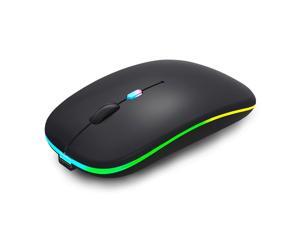
SOEWIOU Wireless Bluetooth Mouse Rechargeable Laptop Mice with LED Lights Silent Slim ...
- Brand: SOEWIOU
- Name: Wireless Bluetooth Mouse
- Color: Black
- Buttons: 4
- Tracking Method: Optical
- Hand Orientation: Ambidextrous
- Resolution (DPI): 1600 dots_per_inch
- Operating Time: 240 hours
- Model #: usdgfu-1688
- Item #: 9SIVSAHKSS8067
- Return Policy: XINBINMAOYIKEJI Return Policy
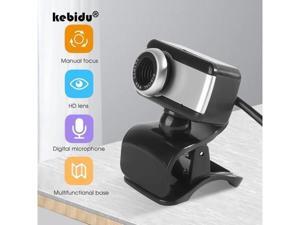
5 million pixels autofocus webcam hd 1080p/720P built-in webcam high-end microphone ...
- Model #: YC5KU05200179
- Item #: 9SIVSMNKXE6447
- Return Policy: nonstop_7 Return Policy
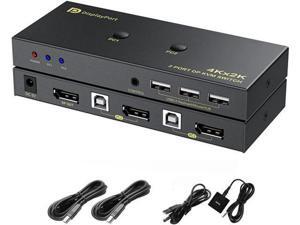
2 Port DisplayPort KVM Switch with USB 2.0 Ports, DP 1.2 4K @60Hz Display Port KVM Switcher Box ...
- Model #: JC75J-0609-670
- Item #: 9SIVTNBKYU3914
- Return Policy: Stoerllyer Return Policy

ROWHY 78'' Sectional 2 Seat Cloud Loveseat with 2 Throw Pillows, Modern Corduroy Love Seat, ...
- Model #: JC40E.0520.1491
- Item #: 9SIVRH8KXE1485
- Return Policy: qianhaimaoyi Return Policy
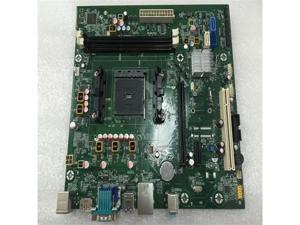
FOR 285 Pro G1 G2 MT FM2 + Main Board 848426-001 833606-001
- Model #: C5JS-Z0520-1321
- Item #: 9SIVSKVKXP3822
- Return Policy: JuWeiWangLuo Return Policy

Kismile Dual Boiler Espresso Machine with Grinder, 20 Bar Espresso Maker with Milk Steamer & ...
- Model #: JC40E.0520.636
- Item #: 9SIVRH8KXC6560
- Return Policy: qianhaimaoyi Return Policy
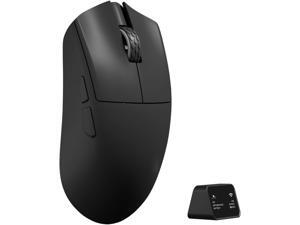
Darmoshark M3XSPRO Mini Wireless Gaming Mouse,Tri-Mode 8K/USB-C/Bluetooth,Up to ...
- Model #: YUMHB0F241YBTM
- Item #: 9SIVTAKKW97870
- Return Policy: Byteful Return Policy
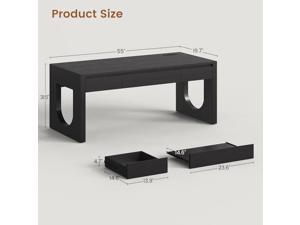
SEDETA 55" Executive Desk with 3 Drawers, Modern Office Desk with Drawers, Wood Computer ...
- Model #: JC40E.0519.1447
- Item #: 9SIVRH8KXC9602
- Return Policy: qianhaimaoyi Return Policy
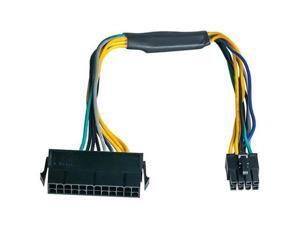
For 24 Pin to 8 Pin ATX PSU Power Adapter Cable for 3020 7020 9020 Precision T1700 ...
- Model #: C43K-0420-2731
- Item #: 9SIVRKBKW84680
- Return Policy: sunpengshop Return Policy
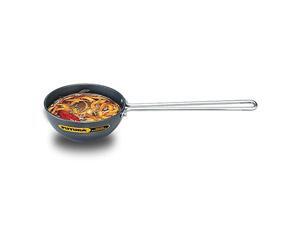
FUTURA Anodised Heating Pan, 4.72 IN, Black
- Model #: JC40E0521.113
- Item #: 9SIVRH8KXH0599
- Return Policy: qianhaimaoyi Return Policy
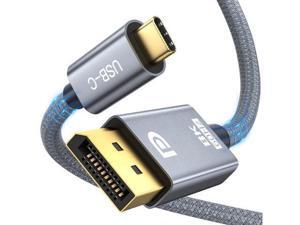
USB C to Displayport 1.4 Cable Support 8K@60Hz, 4K@144Hz, 32.4Gbps Type C to DP Cord ...
- Model #: C32P.0420642
- Item #: 9SIVPXNKVH8999
- Return Policy: yinyueshengdianzishangwuyouxiangongsi Return Policy
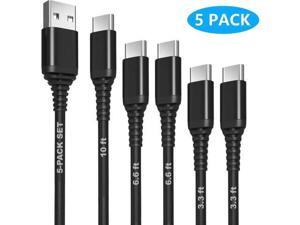
[5 PACK] USB C Cable 3ft/3ft/6ft/6ft/10ft, QC 3.0 3.1A 60W Fast Charging Type C to USB A ...
- Model #: C5KU.0420206
- Item #: 9SIVSMNKVH9828
- Return Policy: nonstop_7 Return Policy
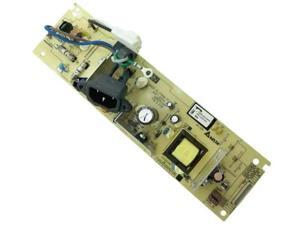
FOR Power Board For L2710 L2750 L2510 L2551 L2512 L2530 L2532 L2535 L2537 L2550 ...
- Model #: C5YJ-S527-1902
- Item #: 9SIVSW2KXS7033
- Return Policy: QinQinDACANshop Return Policy
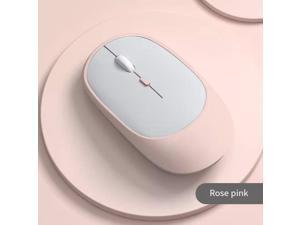
Rechargeable Dual Mode Wireless Mouse Bluetooth + 2.4G Silent Click, Multi-Color Options ...
- Model #: C43K-Z0331-41
- Item #: 9SIVRKBKUP1199
- Return Policy: sunpengshop Return Policy
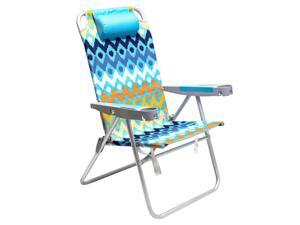
SunnyFeel Tall Beach Chair for Adults with Armrest Cup Holder - Extra Wide 28" 5-Position ...
- Model #: JC5TJ-0603-1918
- Item #: 9SIVSSHKYC3562
- Return Policy: tomorroW3 Return Policy
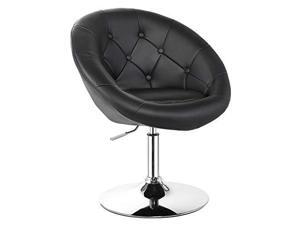
COSTWAY Vanity Chair, Contemporary Height Adjustable Makeup Chair with Chrome Frame, ...
- Model #: JC40E-0521-3242
- Item #: 9SIVRH8KXF8726
- Return Policy: qianhaimaoyi Return Policy

Winado Swamp Cooler, 2353CFM Evaporative Air Cooler with 8-Gal Tank, 1H Timer, 90° ...
- Model #: JC5TJ-0603-1740
- Item #: 9SIVSSHKY75490
- Return Policy: tomorroW3 Return Policy
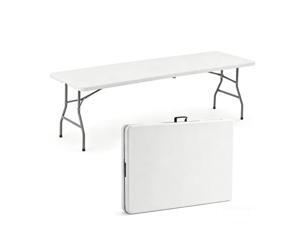
6 FT Heavy Duty Folding Table, Portable Plastic Table with Steel Legs & Carry Handle, ...
- Model #: VRH8J.051852
- Item #: 9SIVRH8KX79142
- Return Policy: qianhaimaoyi Return Policy
Considerations for Buying Computer Mice
Introduction
Like a keyboard, a computer mouse is an essential device for any workstation, even though touchscreen input is becoming more popular. However, with so many different features and types of mice available, you may be wondering which ones are essential for your staff and which ones are unneeded. Below, NeweggBusiness will go over some common considerations when purchasing computer mice.
Optical Technology
There are two major types of optical technology used in mice today, LED and laser. Neither is better than the other, as they are ideal for different types of users.
LED
An LED mouse usually costs less than a laser mouse, but may have slightly lower dots per inch (DPI) and is not as capable on shiny, black, and transparent surfaces. Sensitivity for an optical mouse typically ranges from 400 to 800 DPI, which is more than adequate for most tasks such as internet browsing, checking e-mail, or data entry.
Laser
One major advantage of a laser mouse is sensitivity, which can reach up to several thousand DPI. Also, laser mice can be used with a wider variety of surfaces than LED mice. So while an LED mouse may struggle with shiny, black, or glass surfaces, a laser mouse has no trouble. However, one downside is that laser mice typically cost more than most LED mice.
Connectivity
There are two types of connectivity for mice, wired and wireless. Users often debate over which type is superior, but to definitely declare that one is superior to the other is a difficult. Similar to the distinction between laser and LED, wired and wireless mice appeal to different types of users.
Wired
Some of the advantages of purchasing wired mice include lower cost, no worries about batteries, and no worries about wireless interference. It is the ideal option for staff that do not travel with their computers or mice in tow. If your staff do not have unused USB ports on their computers, consider equipping them with accessories such as USB hubs or Bluetooth dongles so that they can use Bluetooth mice.
Wireless
Wireless mice can potentially have issues with interference and many use batteries that need to be replaced, but does that make them inferior? Not quite, as they offer more convenience and are better suited for travellers and professionals mired by cable clutter. If you’ve decided to purchase wireless for some of your staff, then you will need to decide between RF mice and Bluetooth® mice.
- Radio frequency (RF) – RF wireless mice require use of USB dongles that are included with the mice. Some users may not like the fact that USB dongles are required, as it uses a USB port and can be lost if not careful.
- Bluetooth – Bluetooth mice do not require USB dongles but will require Bluetooth functionality on the computer. Another advantage of using Bluetooth mice is that they can be used with some tablets. However, some users do report that Bluetooth mice do require a little bit of time to “wakeup” after long periods of inactivity.
Size and Ergonomics
Mice can come in several sizes, with some better for laptop users and others for desktop users. Smaller mice are more convenient, especially if your users will be packing them into messenger bags or laptop cases. Desktop users that don’t expect to move their computers very much will find that larger mice are more than adequate
Alternatives
While most people are familiar with the standard mouse, there are a few alternatives that NeweggBusiness offers. Some are designed for increased ergonomics while others for precision. Here are two of the more common options.
Vertical Mice
These are special types of mice that are used with your hand in a vertical position, similar to how a joystick is held. Some manufacturers assert that using a vertical mouse puts less strain on the wrist and shoulder.
Trackball Mice
Trackball mice track movements of a ball in a socket instead of the entire mouse. The ball can be manipulated by the thumb, fingers, or palm depending on the design of the trackball mouse. Similar to vertical mice, trackball mice manufacturers state that they reduce strain and the likelihood of injury.

