


Mouse - Showing 2161 - 2184 of 62284 Products


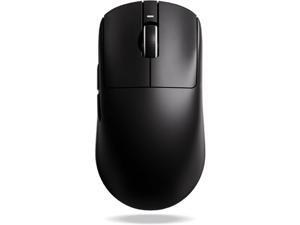
ATK VXE Dragonfly R1 Wireless Gaming Mouse, 45g, PAW3395, 26000 DPI, Tri-Mode ...
- Model #: YUMHB0FGDJ55VH
- Item #: 9SIVTAKKW99560
- Return Policy: Byteful Return Policy
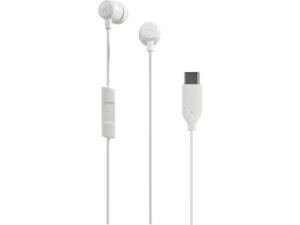
Jib USB-C Wired Earbuds with Noise Isolating Fit in-Line Microphone Call and Track Control for ...
- Model #: YC5KU.265280440
- Item #: 9SIVSMNKXV7214
- Return Policy: nonstop_7 Return Policy
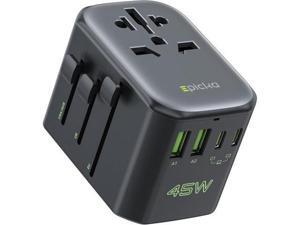
Pulse 45W International Power Adapter Universal Travel Adapter with PD Fast Charging 5-Port ...
- Model #: YC5KU.265261389
- Item #: 9SIVSMNKXU7899
- Return Policy: nonstop_7 Return Policy
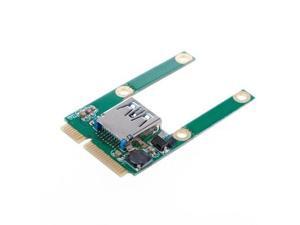
FOR Mini pcie to USB 3.0 adapter converter USB3.0 to mini pci e PCIE Express Card no
- Model #: C43K-0420-4453
- Item #: 9SIVRKBKW81674
- Return Policy: sunpengshop Return Policy
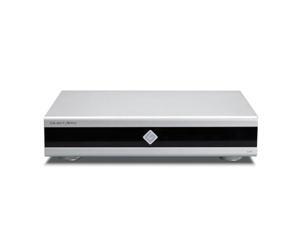
Gustard U26 USB Digital Interface DDC, DSD2048 PCM1.536MHz OCXO K2 Audio Interface, ...
- Model #: C5JS-Z0520-49
- Item #: 9SIVSKVKXR1809
- Return Policy: JuWeiWangLuo Return Policy
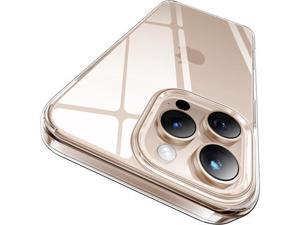
for iPhone 16 Pro Max Case Crystal Clear [Never Yellow Technology] [12FT Military-Grade ...
- Model #: C75J*OYJ*G1*0611-0922
- Item #: 9SIVTNBKYX2044
- Return Policy: Stoerllyer Return Policy
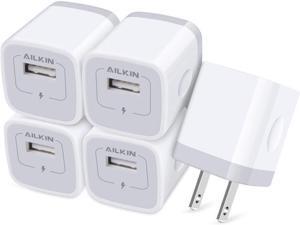
USB Charger Wall Plug [5Pack-1Port] Fast Charging Outlet AC Power Adapter Block Cube for ...
- Model #: YC5KU.265280001
- Item #: 9SIVSMNKXV4300
- Return Policy: nonstop_7 Return Policy
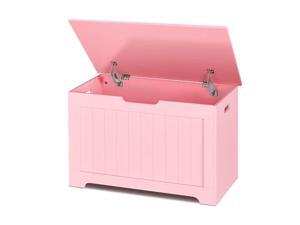
SUPER DEAL Storage Chest, 30 inches Chest Box Organizer with 2 Safety Hinges, Wooden ...
- Model #: JC40E-0527-748
- Item #: 9SIVRH8KXU2093
- Return Policy: qianhaimaoyi Return Policy
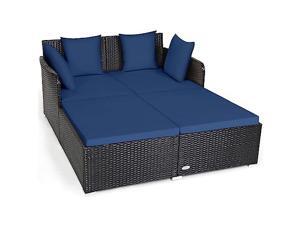
COSTWAY Outdoor Patio Rattan Daybed, Sponge Cushioned Loveseat Sofa with 4 Pillows, ...
- Model #: JC40E-0521-3089
- Item #: 9SIVRH8KXF9164
- Return Policy: qianhaimaoyi Return Policy
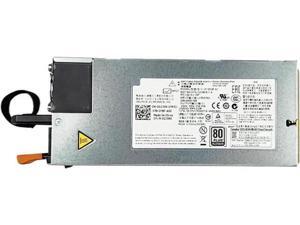
D1200E-S1 for C6320 C6220 12V 114A 1400W Server Power Supply DPS-1200MB A 0GJJRR ...
- Model #: C5YJ-S527-3324
- Item #: 9SIVSW2KY00697
- Return Policy: QinQinDACANshop Return Policy
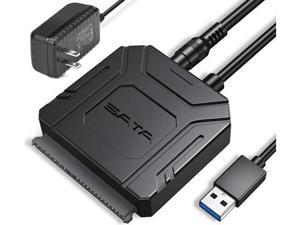
SATA III to USB 3.0 Adapter, USB to SATA Adapter Cable for 2.5"/3.5" HDD/SSD SATA I/II/III ...
- Model #: C43K-0420-742
- Item #: 9SIVSRKKW73109
- Return Policy: SongFengQiaoMaoYiShangDian Return Policy
Applicable to X14 R1 air outlet baffle 046D0T
- Model #: C5JS-Z05221094
- Item #: 9SIVSKVKXR2248
- Return Policy: JuWeiWangLuo Return Policy
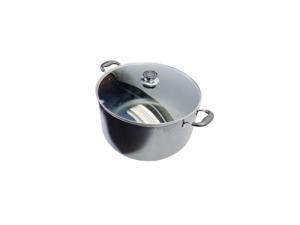
30 QT Non-Stick Dutch Oven Stockpot Pasta Cooking Pot, Glass Lid Double Handles
- Model #: JC40E-0533.622
- Item #: 9SIVRH8KY11385
- Return Policy: qianhaimaoyi Return Policy
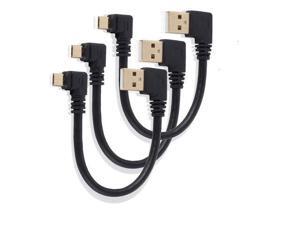
Right Angle Micro USB Cable, Micro USB 6 Inches Cord Short Micro USB Cable, USB Male to Micro ...
- Model #: JC40E.0518867
- Item #: 9SIVRH8KX97857
- Return Policy: qianhaimaoyi Return Policy
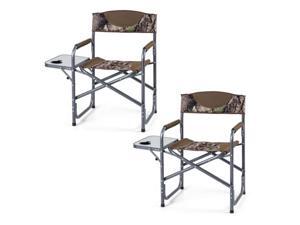
COSTWAY Folding Camping Chair, Lightweight Portable Directors Chair w/Side Table & Cup ...
- Model #: JC40E-0521-2311
- Item #: 9SIVRH8KXG1405
- Return Policy: qianhaimaoyi Return Policy
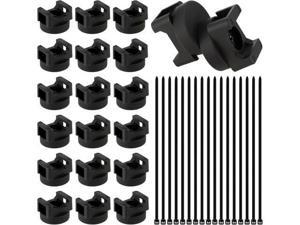
Magnetic Cable Clips Zip Tie Mount Base, Include 20 Pcs 20mm Magnetic Wire Cable Holders ...
- Model #: B3EW.0427523
- Item #: 9SIVTKAKYF2645
- Return Policy: Fenlliker Return Policy
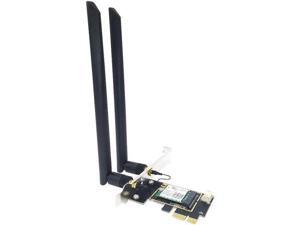
Desktop Wi-Fi 6 Intel AX210 PCIe WiFi Adapter Bluetooth 5.2 2974Mbps 802.11ax ...
- Model #: C5YJ-S527-1692
- Item #: 9SIVSW2KXS6980
- Return Policy: QinQinDACANshop Return Policy
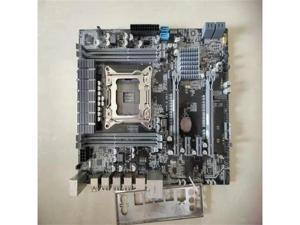
E5 VER 3.2S1 support 2011 series processor DDR3 memory
- Model #: C5JS-Z05221270
- Item #: 9SIVSKVKXR1941
- Return Policy: JuWeiWangLuo Return Policy
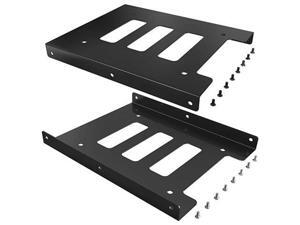
SSD Mounting Bracket 2 Pack 25 to 35 Inch SSD HDD Holder Metal Mounting Adapter Bracket ...
- Model #: JC75J-0605-25
- Item #: 9SIVTNBKYE5056
- Return Policy: Stoerllyer Return Policy
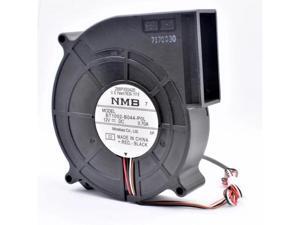
BT1002-B044-P0L 100x105x25mm 100mm blower fan DC12V 0.70A 4 lines Turbocharged ...
- Model #: C43K-0420-1271
- Item #: 9SIVRKBKW89269
- Return Policy: sunpengshop Return Policy
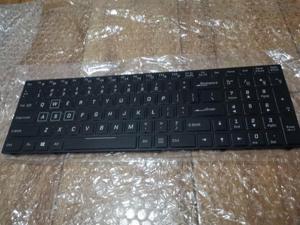
RGB CVM15F23USJ4309 Keyboard For CLEVO N850 N857HJ 6-80-N85H0 Color ...
- Model #: C5JS-Z05141575
- Item #: 9SIVSKVKX79337
- Return Policy: JuWeiWangLuo Return Policy
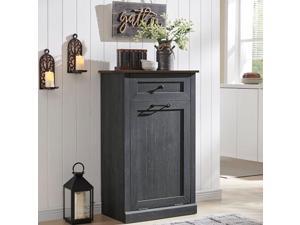
IFGET Tilt Out Hidden Garbage Bin, Dog Proof Laundry Hamper with Barn Door, 10 Gallon Can ...
- Model #: JC40E-0521-1791
- Item #: 9SIVRH8KXG3075
- Return Policy: qianhaimaoyi Return Policy
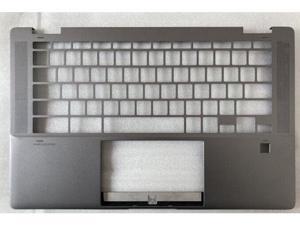
replacement keyboard for HP Chromebook X360 14C-CC C cover bezel
- Model #: C5JS-Z05141728
- Item #: 9SIVSKVKX78789
- Return Policy: JuWeiWangLuo Return Policy
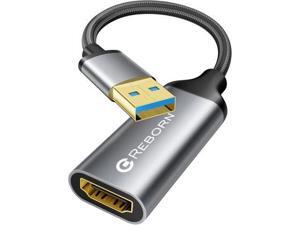
USB to HDMI Adapter 1080P@60Hz USB 3.0 Male to HDMI Female Multi-Display Cable ...
- Model #: C75J*OYJ*G1*0611-0484
- Item #: 9SIVTNBKYX1406
- Return Policy: Stoerllyer Return Policy
Considerations for Buying Computer Mice
Introduction
Like a keyboard, a computer mouse is an essential device for any workstation, even though touchscreen input is becoming more popular. However, with so many different features and types of mice available, you may be wondering which ones are essential for your staff and which ones are unneeded. Below, NeweggBusiness will go over some common considerations when purchasing computer mice.
Optical Technology
There are two major types of optical technology used in mice today, LED and laser. Neither is better than the other, as they are ideal for different types of users.
LED
An LED mouse usually costs less than a laser mouse, but may have slightly lower dots per inch (DPI) and is not as capable on shiny, black, and transparent surfaces. Sensitivity for an optical mouse typically ranges from 400 to 800 DPI, which is more than adequate for most tasks such as internet browsing, checking e-mail, or data entry.
Laser
One major advantage of a laser mouse is sensitivity, which can reach up to several thousand DPI. Also, laser mice can be used with a wider variety of surfaces than LED mice. So while an LED mouse may struggle with shiny, black, or glass surfaces, a laser mouse has no trouble. However, one downside is that laser mice typically cost more than most LED mice.
Connectivity
There are two types of connectivity for mice, wired and wireless. Users often debate over which type is superior, but to definitely declare that one is superior to the other is a difficult. Similar to the distinction between laser and LED, wired and wireless mice appeal to different types of users.
Wired
Some of the advantages of purchasing wired mice include lower cost, no worries about batteries, and no worries about wireless interference. It is the ideal option for staff that do not travel with their computers or mice in tow. If your staff do not have unused USB ports on their computers, consider equipping them with accessories such as USB hubs or Bluetooth dongles so that they can use Bluetooth mice.
Wireless
Wireless mice can potentially have issues with interference and many use batteries that need to be replaced, but does that make them inferior? Not quite, as they offer more convenience and are better suited for travellers and professionals mired by cable clutter. If you’ve decided to purchase wireless for some of your staff, then you will need to decide between RF mice and Bluetooth® mice.
- Radio frequency (RF) – RF wireless mice require use of USB dongles that are included with the mice. Some users may not like the fact that USB dongles are required, as it uses a USB port and can be lost if not careful.
- Bluetooth – Bluetooth mice do not require USB dongles but will require Bluetooth functionality on the computer. Another advantage of using Bluetooth mice is that they can be used with some tablets. However, some users do report that Bluetooth mice do require a little bit of time to “wakeup” after long periods of inactivity.
Size and Ergonomics
Mice can come in several sizes, with some better for laptop users and others for desktop users. Smaller mice are more convenient, especially if your users will be packing them into messenger bags or laptop cases. Desktop users that don’t expect to move their computers very much will find that larger mice are more than adequate
Alternatives
While most people are familiar with the standard mouse, there are a few alternatives that NeweggBusiness offers. Some are designed for increased ergonomics while others for precision. Here are two of the more common options.
Vertical Mice
These are special types of mice that are used with your hand in a vertical position, similar to how a joystick is held. Some manufacturers assert that using a vertical mouse puts less strain on the wrist and shoulder.
Trackball Mice
Trackball mice track movements of a ball in a socket instead of the entire mouse. The ball can be manipulated by the thumb, fingers, or palm depending on the design of the trackball mouse. Similar to vertical mice, trackball mice manufacturers state that they reduce strain and the likelihood of injury.

