


Server Barebones - Showing 313 - 336 of 686 Products


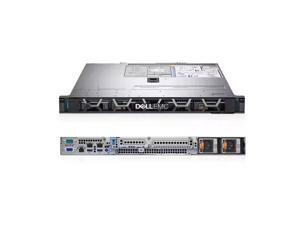

Dell R570 (12 x 3.5 - inch) barebone, no CPU, no internal components, no disks, no cards, no ...
- Brand: Dell
- Series: PowerEdge R570
- CPU Type: Rack
- CPU Socket: LGA 3647
- Model #: R57020260202S54
- Item #: 9SIVRG2KT28247
- Return Policy: Hebei XG Technology Return Policy
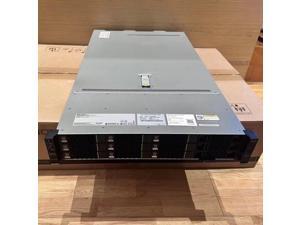
xFusion - 2288HV5 Server, 8 * 3.5 - inch drive bays, integrated dual - Gigabit and dual - 10 - ...
- Brand: Inspur
- Series: 2U Rack Server
- CPU Type: Intel Xeon Scalable
- CPU Socket: Rack
- Model #: 2288HV6520260213S114
- Item #: 9SIVRG2KT28341
- Return Policy: Hebei XG Technology Return Policy
2.5 inch USB 3.0 SATA HDD SSD Hard Drive Enclosure 5Gbps 2T External Case for 2.5 inch SATA ...
- Model #: HT-ID444-1584613
- Item #: 9SIVM7DKRK7449
- Return Policy: EnYZME Return Policy
2.5inch SATA3.0 Hard Drive Enclosure 5Gbps SATA to Micro USB HDD SSD Case External Hard ...
- Model #: HT-ID444-1618503
- Item #: 9SIVM7DKRK7406
- Return Policy: EnYZME Return Policy
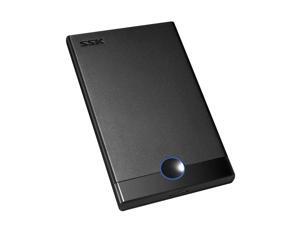
SHE090 2.5" USB3.0 to SATA HDD SSD External Hard Drive Enclosure 450mb/s Hard Disk Case ...
- Model #: HT-ID444-1836686
- Item #: 9SIVM7DKRK7420
- Return Policy: EnYZME Return Policy
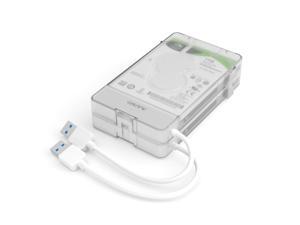
2.5" Hard Drive Enclosure Dual-bay USB 3.0 to SATA External Hard Drive Disk Case for ...
- Model #: HT-ID444-1912194
- Item #: 9SIVM7DKRK7422
- Return Policy: EnYZME Return Policy

Hard Drive Bracket 3.5'' to 2.5'' SSD Caddy HDD Bay Bracket 8cm Fan Bay Converter Hard Drive ...
- Model #: HT-ID444-1646113
- Item #: 9SIVPVGKMH7850
- Return Policy: ShenZhenYanXinWuLiuYouXianGongSi Return Policy
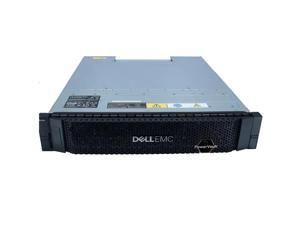
Dell ME4084 (3.5 - inch / 84 - bay) barebone, dual - control, dual - power supply, rails, FC
- Brand: Dell
- Series: PowerEdge ME4084
- CPU Type: None (Storage device, no CPU included)
- CPU Socket: None (Storage device, no CPU socket)
- Model #: ME408420260204S71
- Item #: 9SIVRG2KT28315
- Return Policy: Hebei XG Technology Return Policy
Refurbished: HP ProLiant BL460c G6 Blade Server - 1 x Xeon - 2.13GHz (507783-B21)
- Model #: 507783-B21
- Item #: 9SIV2GPFFE5575
- Return Policy: ITS Distribution Return Policy


Refurbished: Gaming Notebooks
- Material: Metal
- Model #: 652066-B21
- Item #: 9SIV1JD9BR2566
- Return Policy: Avanti Data Products Return Policy
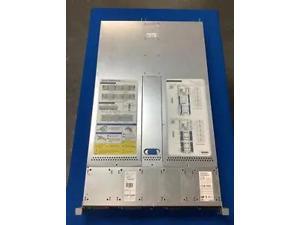

Refurbished: Intel H2216XXKR2 2U, 4Node Server BAREBONE Chassis w/ 2x 1600W PSU 2x ...
- Model #: H2216XXXKR
- Item #: 9SIV1JDKC68179
- Return Policy: Avanti Data Products Return Policy
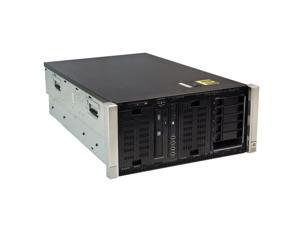
Refurbished: HP ML350p Gen8 Hot Plug 6 LFF CTO Rack CHASSIS 652064-B21
- Material: Metal
- Model #: 652064-B21
- Item #: 9SIV1JD9BR2599
- Return Policy: Avanti Data Products Return Policy
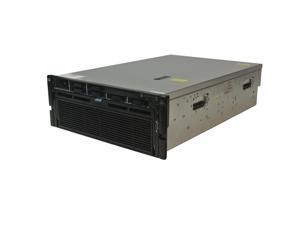
Refurbished: HPE 590480-B21 ProLiant Barebone System - 4U Rack-mountable - Socket ...
- Rack Height: 4U
- CPU Features: None included; Up to four (4) AMD Opteron® 6300 series, 6200 series or 6100 series processor
- MAX Processors: 4
- Memory Features: None included; 48 DIMM slots, 1.5TB Maximum (48 x 32GB Quad Rank x4 @1333)
- Storage Controller: HP Smart Array P410i Controller/Zero Memory
- Media Drives: None included; Optional DVD-ROM or DVD-RW
- Ethernet Controller: HP NC375i Quad Port 1GbE Multifunction NIC; optional Dual Port 10GbE upgrade
- Expansion Slots: Five standard PCI-express slots
- Model #: 590480-B21
- Item #: 9SIV1JDJWV0144
- Return Policy: Avanti Data Products Return Policy
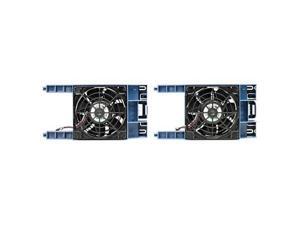
Refurbished: HPE P48820-B21 ProLiant DL380/DL560 Gen11 2U High Performance Fan Kit
- Model #: P48820-B21
- Item #: 9SIV1JDKC60396
- Return Policy: Avanti Data Products Return Policy
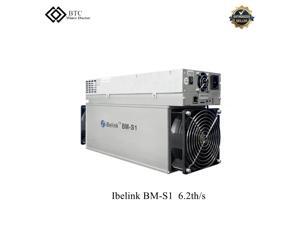
Refurbished: Ibelink Bm S1 2250W Sc Coins 6.2th/S New Miner High Profits for SC Coin Mining
- Model #: s16.2refurbish
- Item #: 9SIVMNFKKS3938
- Return Policy: haoyuzeshang Return Policy
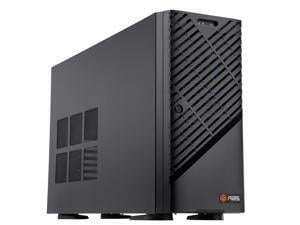

ABS Zaurion Duo Aqua Tower GPU Workstation / Desktop Computer PC - Intel Xeon W7-2495X ...
- Brand: ABS
- Series: Zaurion Duo Aqua
- Part Number: ZAW7-2495X-RP6000MQ
- Workload: Workstation
- Type: Tower
- AI Features: AI Development: Accelerate AI development and inference workloads, and build agentic AI applications. Data Science: Accelerate your data pipelines. HPC: Accelerate scientific breakthroughs with enhanced accuracy. AI-Driven Rendering and Graphics: Deliver stunningly realistic designs and simulations with speed and precision. Video Content and Streaming: Boost performance for live media and video pipelines. Game Development: Drive new possibilities for game development with AI.
- CPU Type: Intel Xeon W7-2495X
- # of Processors Installed: 1
- Model #: ZAW7-2495X-RP6000MQ
- Item #: 9B-59-991-009
- Return Policy: Manufacturer Only Return Policy
ABS Zaurion Aqua Tower GPU Workstation / Desktop Computer PC - Intel Xeon W7-2495X - ...
- Brand: ABS
- Series: Zaurion Aqua
- Part Number: ZAW7-2495X-RP6000
- Workload: Workstation
- Type: Tower
- AI Features: AI Development: Accelerate AI development and inference workloads, and build agentic AI applications. Data Science: Accelerate your data pipelines. HPC: Accelerate scientific breakthroughs with enhanced accuracy. AI-Driven Rendering and Graphics: Deliver stunningly realistic designs and simulations with speed and precision. Video Content and Streaming: Boost performance for live media and video pipelines. Game Development: Drive new possibilities for game development with AI.
- CPU Type: Intel Xeon W7-2495X
- # of Processors Installed: 1
- Model #: ZAW7-2495X-RP6000
- Item #: 9B-59-991-005
- Return Policy: Manufacturer Only Return Policy
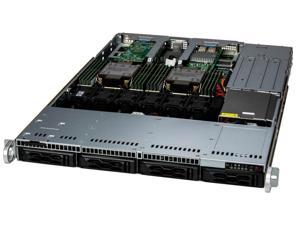

Supermicro SYS-611C-TN4R 1U DP CloudDC with 4 hot-swap 3.5" NVMe/SAS/SATA bays and 2 ...
- Model #: SYS-611C-TN4R
- Item #: 9B-16-139-569
- Return Policy: Manufacturer Only Return Policy
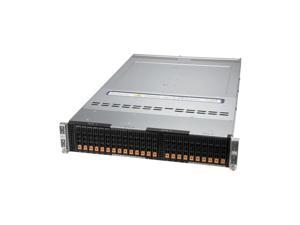
SUPERMICRO SYS-220BT-HNC8R 2U Rackmount Server Barebone, Complete System Only ! ...
- Brand: SUPERMICRO
- Form Factor: 2U Rackmount
- Workload: AI/ML/HPC
- CPU Type: 3rd Gen Intel Xeon Scalable processors
- CPU Socket: LGA 4189
- Installed CPU: No CPU Installed
- Max Processors: 2
- North Bridge: Intel C621A
- Model #: SYS-220BT-HNC8R
- Item #: 9B-16-139-368
- Return Policy: Manufacturer Only Return Policy
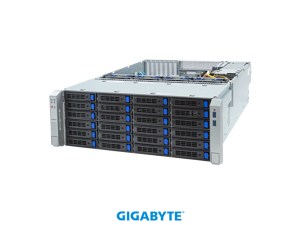

GIGABYTE S453-S70-AAV1 Storage Server - 5th/4th Gen Intel® Xeon® Scalable - 4U DP ...
- Brand: GIGABYTE
- Form Factor: 4U Rackmount
- Workload: General Purpose Server
- CPU Type: Supports 4th/5th Intel Xeon Scalable Processors
- CPU Socket: LGA 4677
- Installed CPU: No CPU Installed
- Max Processors: 2
- CPU Features: Dual processor, TDP up to 270W
- Model #: S453-S70-AAV1
- Item #: 9B-16-202-293
- Return Policy: Manufacturer Only Return Policy
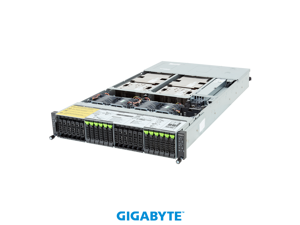
GIGABYTE H223-V10-AAW1 HPC/AI Arm Server - NVIDIA GH200 Grace Hopper Superchip - 2U ...
- Model #: H233-V10-AAW1
- Item #: 9B-16-202-220
- Return Policy: Manufacturer Only Return Policy
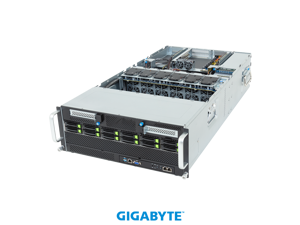
GIGABYTE G494-ZB4-AAP2 HPC/AI Server - AMD EPYC™ 9005/9004 - 4U DP NVIDIA OVX™ 8 x ...
- Model #: G494-ZB4-AAP2
- Item #: 9B-16-202-253
- Return Policy: Manufacturer Only Return Policy
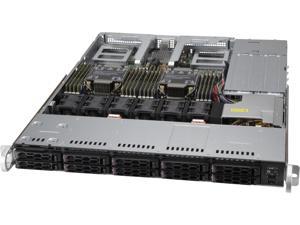
SUPERMICRO SuperServer SYS-120C-TN10R 1U Rackmount Server Barebone, Complete ...
- Brand: SUPERMICRO
- Series: SuperServer
- Form Factor: 1U Rackmount
- Workload: General Purpose Server
- CPU Type: Intel Xeon
- CPU Socket: LGA 4189
- Installed CPU: No CPU Installed
- Max Processors: 2
- Model #: SYS-120C-TN10R
- Item #: 9B-16-139-357
- Return Policy: Manufacturer Only Return Policy
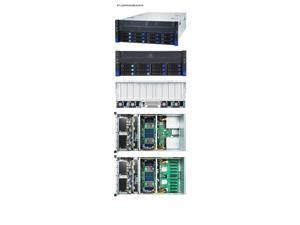
Tyan B7129F83AV8E4HR-N-HE 4U2S 10 GPU HPC Sever barebone w/ 12 LFF + opt. 10 SFF bays
- Workload: AI/ML/HPC
- Model #: B7129F83AV8E4HR-N-HE
- Item #: 9B-16-152-227
- Return Policy: Manufacturer Only Return Policy
What are Barebones Server Systems?
Introduction
Barebones server systems are server kits that only include the motherboard, case, and power supply. The processor, memory, hard drives, and other components have to be purchased separately. While it is more labor intensive to manually assemble a server, barebones server systems do have advantages over purchasing a customized server from a major manufacturer.
System Components
With barebones server systems, you already have the motherboard, chassis, and power supply. The components that you need to purchase separately are the processor, memory, and hard drives among other others. Caution should be exercised when purchasing those components however, as there are differences between consumer-grade and server-grade components.
CPU
Compared to a desktop processor, a server processor will run cooler, use less power, and have other small differences that allow them to run for longer periods of time. Performance-wise, desktop and server processors are relatively similar.
Memory
Memory for servers typically support a technology known as error correction code (ECC). It is a feature that allows the memory to perform self-checks for errors without requiring action from the user or processor. ECC is important for servers, where data corruption cannot be tolerated.
Hard Drives
Because servers are designed to provide services and data for networked computers, the storage drives for that data are very important. For use with barebones server systems, enterprise-grade hard drives are recommended. And to lower the chances of losing data, the hard drive should be set up in a redundant array of independent disks (RAID) configuration.
What Type of Barebones Server System can I Get?
There are two types of barebone server kits, tower and rack-mounted. A barebones tower kit resembles a desktop computer while a rack-mounted server looks quite different and is installed inside a rack-mount server chassis.
They use the same hardware and the major differences are the case and motherboard. If the server will be your organization’s first, then a tower server kit is ideal. For larger organizations, rack-mounted servers will be more advantageous as they have better cable management and are more space-efficient.
Should I Assemble a Barebones Server System or Order a Customized Server?
With a barebones server kit, you can potentially have the server up and running in a much shorter amount of time than if you ordered a customized system from a manufacturer. The time it takes for a manufacturer to process an order depends on two factors. The first is the availability of the components you request, and second is the time required to assemble those components.
Also, you have much more control over the components used when you assemble the server in-house. For example, when ordering a customized server, you can dictate the size and speed of the hard drives but you usually cannot choose a specific model. With barebones server systems, you have the flexibility to choose components from whatever manufacturer you wish.

